













官方供應商
我們作為官方授權經銷商,直接提供超過200家開發廠家所發行超過1000個的產品授權給您。
請參閱我們所有的品牌。
ComponentSource and LightningChart have had a successful three year partnership focused on delivering high-quality software solutions to the global developer community. This long-standing cooperation demonstrates a shared commitment to providing developers with tools that simplify and elevate the development process.
LightningChart is renowned for its leading charting libraries including LightningChart .NET, LightningChart JS, and LightningChart JS Trader, which are designed for developers who need ultra-high performance and precision in their data visualization projects. Its advanced rendering technology allows seamless handling of massive data sets, offering a comprehensive suite of 2D and 3D charts, maps, and graphs. LightningChart is trusted across industries like finance, engineering, and healthcare for creating real-time dashboards and scientific visualizations that handle the most demanding performance requirements.
ComponentSource, a leading distributor of software components and development tools, has played an important role in expanding the reach of LightningChart's products. Through this partnership, ComponentSource has helped make the LightningChart range accessible to a broader audience of developers.
The cooperation between ComponentSource and LightningChart has had a long-term, beneficial influence on the developer community, making complex charting tools more accessible and simple to implement. As we celebrate this three year anniversary, we look forward to the our shared future providing developers worldwide with dependable, creative software components that improve their applications.
Learn more about LightningChart.
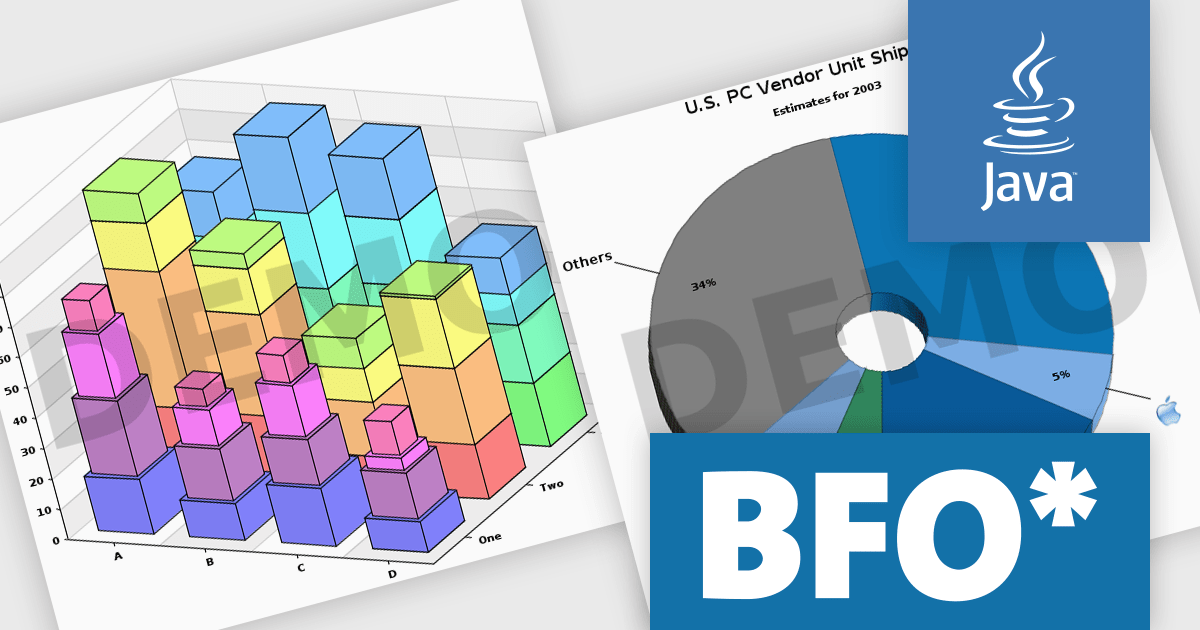
The Big Faceless Graph Library enables the creation of top-tier graphs and charts in Java. Powered by a robust 3D engine, it can generate 2D or shaded 3D pie charts, line graphs, area charts, and bar graphs from any perspective. These visuals can be exported to formats such as PNG, Flash, PDF, or SVG, delivering fast and impressive results.
The full 3D engine with an adjustable light source creates visually stunning and realistic graphs. Dynamic lighting allows users to fine-tune illumination, enhancing depth perception and clarity, making complex data easier to grasp. With control over shadows, highlights, and textures, the feature offers lifelike data representation. Customizable lighting emphasizes key details, making presentations more engaging and professional. Ideal for technical reports, financial visuals, or research, this advanced 3D engine delivers unmatched realism, helping your data stand out.
Big Faceless Graph Library is licensed per server, and is available as a perpetual license. We can supply Internal, External and OEM licenses. See our Big Faceless Graph Library licensing page for full details.
For more information, visit our Big Faceless Graph Library product page.
Devart SSIS Data Flow Components for Shopify, SurveyMonkey, and Zendesk are powerful tools designed to facilitate seamless integration between these popular cloud-based platforms and Microsoft SQL Server Integration Services (SSIS). These components provide developers and data analysts with a user-friendly interface to extract, transform, and load data between SSIS packages and the specified cloud applications.
By leveraging these components, users can automate data transfer processes, synchronize information across systems, and streamline data analysis workflows. This enables businesses to make data-driven decisions, improve operational efficiency, and gain valuable insights from their cloud-based data. Common use cases include migrating data between systems, consolidating data from multiple sources, and building custom data pipelines for analytics.
The Devart SSIS Data Flow Components are licensed per developer or per server and are available as an Annual or Perpetual License with a 12 month support and maintenance subscription. See our SSIS Data Flow Components licensing pages for Shopify, SurveyMonkey, and Zendesk.
For more information about the SSIS Data Flow Components visit our product pages:

Syncfusion Essential Studio ASP.NET Core, available as part of Syncfusion Essential Studio Enterprise, empowers developers with a comprehensive suite of over 80 enterprise-grade UI components specifically designed for building modern and highly functional web applications. Leveraging the latest advancements in ASP.NET Core, it offers exceptional performance and scalability, streamlining development by eliminating the need for extensive custom coding. From data visualization tools like interactive charts and grids to sophisticated navigation elements and responsive layouts, Essential Studio equips developers with the building blocks to create rich user experiences, improve application efficiency, and accelerate time-to-market.
The Syncfusion Essential Studio ASP.NET Core 2024 Volume 3 release introduces the File Manager range selection component which enables users to select multiple files or folders by simply dragging the mouse pointer over them, similar to the functionality in Windows File Explorer. This feature enhances productivity by providing an intuitive, familiar drag-to-select method that offers precise control over bulk file operations, speeding up workflows and improving file management efficiency.
To see a full list of what's new in 2024 Volume 3, see our release notes.
Syncfusion Essential Studio ASP.NET Core is available as part of Syncfusion Essential Studio Enterprise which is licensed per developer starting with a Team License of up to five developers. It is available as a 12 Month Timed Subscription License which includes support and maintenance. See our Syncfusion Essential Studio Enterprise licensing page for full details.
Learn more on our Syncfusion Essential Studio ASP.NET Core product page.
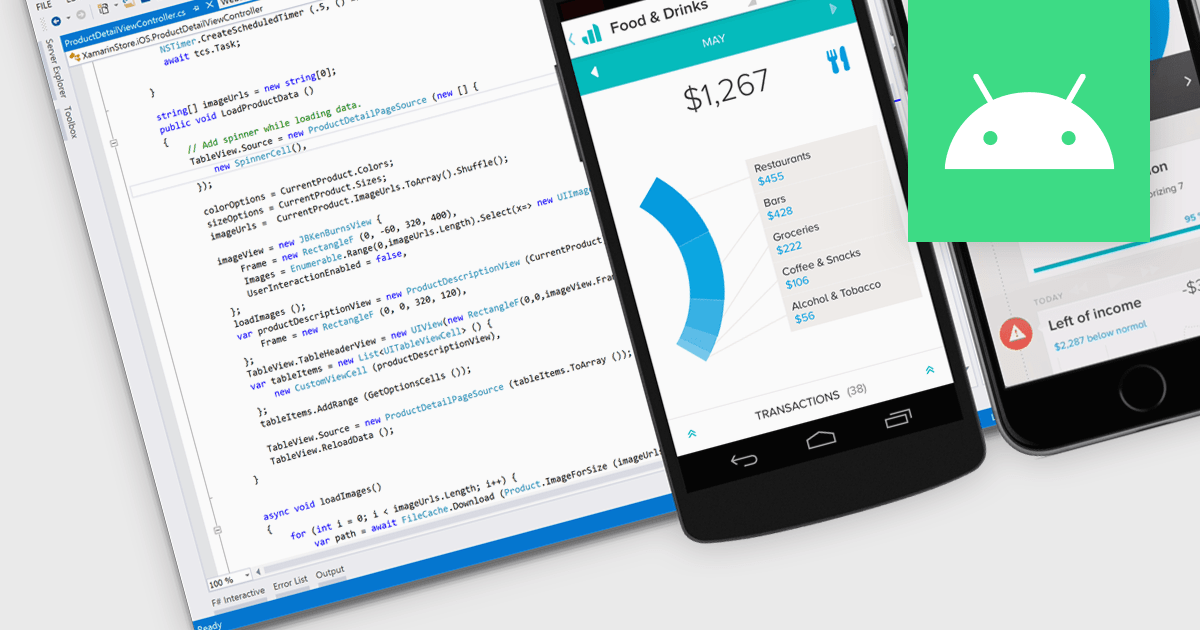
Android deployment is the process of building, packaging, and installing an Android application directly onto a device or emulator from the development environment. This involves compiling the code, generating the necessary APK or AAB files, and automatically transferring the app to the target for testing or release. Using an IDE simplifies and accelerates this process by integrating development, testing, and debugging tools in one environment. The key benefits for software developers include streamlined workflows, reduced deployment times, and efficient iteration, which lead to faster testing and validation of features during the development cycle.
Several Integrated Development Environments (IDEs) offer Android deployment including:
For an in-depth analysis of features and price, visit our comparison of IDEs.
聯繫電話: (888) 850 9911
傳真: +1 770 250 6199


