













官方供應商
我們作為官方授權經銷商,直接提供超過200家開發廠家所發行超過1000個的產品授權給您。
請參閱我們所有的品牌。
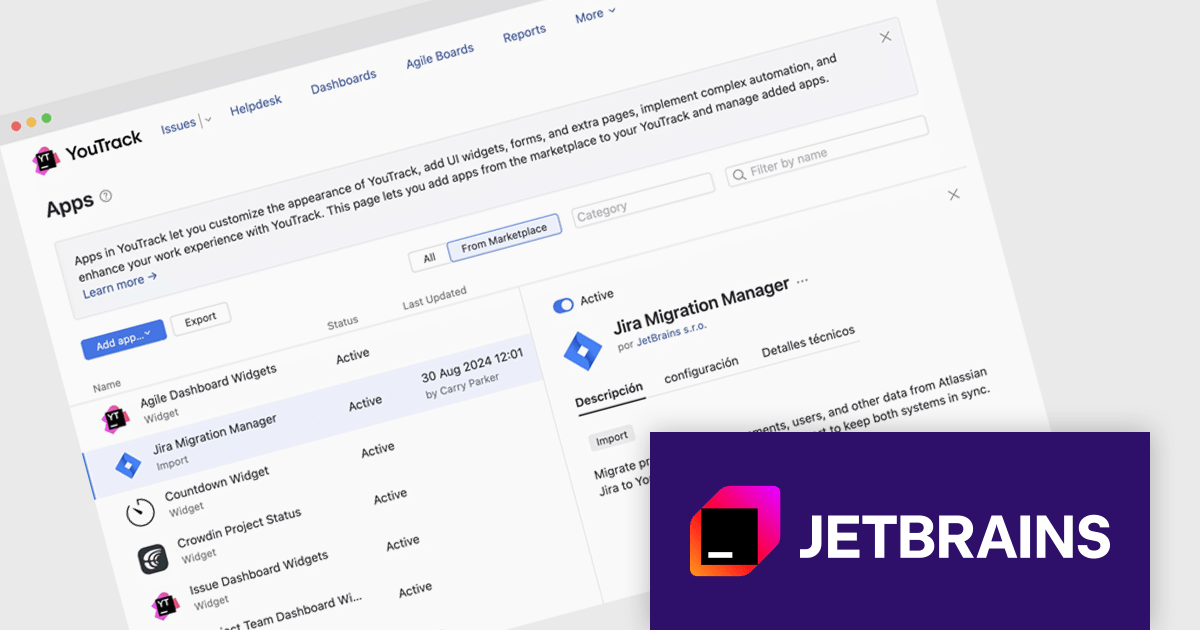
JetBrains YouTrack is a versatile project management and collaboration tool designed for both software development and non-technical teams. Powered by a robust and flexible issue tracking core, YouTrack provides comprehensive features for managing tasks, projects, and workflows of any size. Its intuitive interface fosters efficient collaboration and communication, while agile boards and reporting tools offer real-time visibility and control. Available in both cloud and on-premises options, YouTrack scales effortlessly to accommodate small startups and large enterprises alike, making it a powerful solution for teams seeking to streamline their work and boost productivity.
The YouTrack 2024.3 release now allows you to extend its functionality with a variety of apps, enabling the addition of new features, tools, and integrations beyond the standard offering. These apps let teams customize YouTrack to fit their specific needs, enhancing project management, reporting, automation, and integration with other software. If YouTrack is missing a feature you need, you can now consider building an app to extend its functionality.
To see a full list of what's new in version 2024.3, see our release notes.
YouTrack Server (installed on your server) is licensed per server and per user, as a Perpetual license with 1 year of free updates and technical support. YouTrack Cloud (hosted in the cloud by JetBrains) is licensed per user as an Annual license with free updates and technical support. See our YouTrack licensing page for full details.
For more information, visit our YouTrack product page.
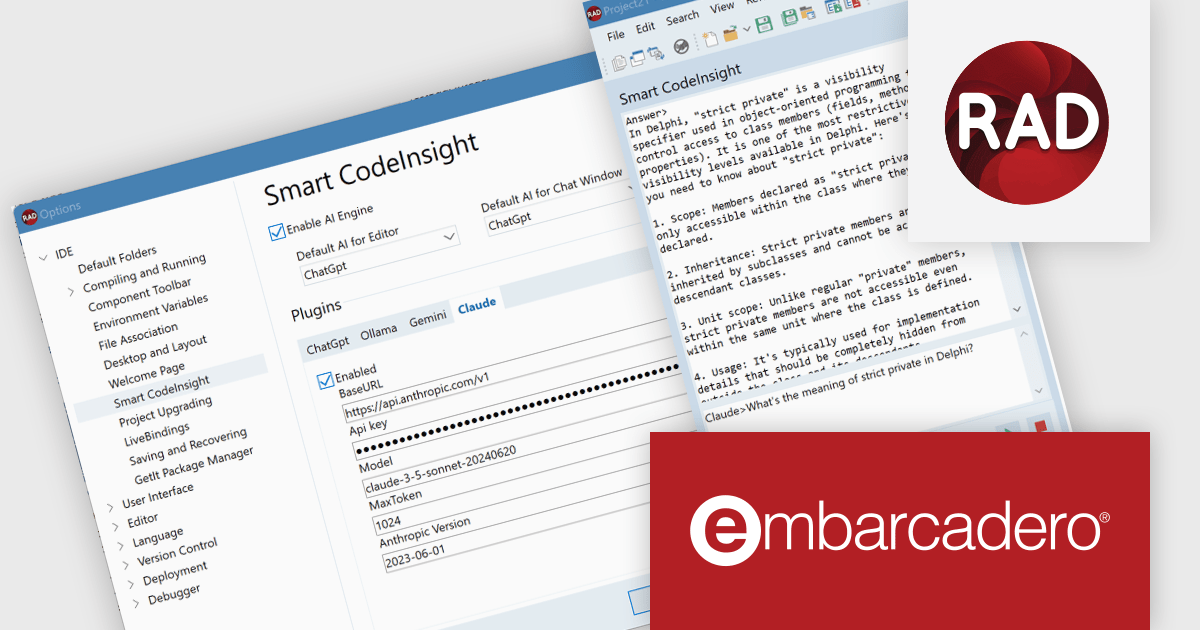
RAD Studio by Embarcadero is a integrated development environment (IDE) used to build applications for various platforms. It allows programmers to create native apps for Windows, macOS, mobile devices (Android and iOS), and more using C++ or Delphi. RAD Studio is known for its rapid application development features and is targeted towards professional developers building data-rich and visually appealing applications.
The RAD Studio 12.2 release revolutionizes coding with its new Smart CodeInsight feature, powered by advanced AI-driven technology. Recognizing the growing trend and improving quality of AI language models in coding, RAD Studio now introduces a versatile open architecture for AI plugins. This cutting-edge update provides seamless integration with a range of leading AI solutions: OpenAI, Google Gemini, and Anthropic Claude (online) plus Ollama (offline). By incorporating these AI tools, RAD Studio enhances coding efficiency and accuracy, offering developers a more intelligent and responsive coding environment. This innovative feature aims to streamline the development process, boost productivity, and bring the future of coding right to your fingertips.
To see a full list of what's new in version 12.2 Athens, see our release notes.
RAD Studio is licensed per Named, Network Named or Concurrent user and is available as a Perpetual License with an Update Subscription that includes support and free upgrades for 1 Year. See our RAD Studio licensing page for full details.
RAD Studio is available to buy in the following products:
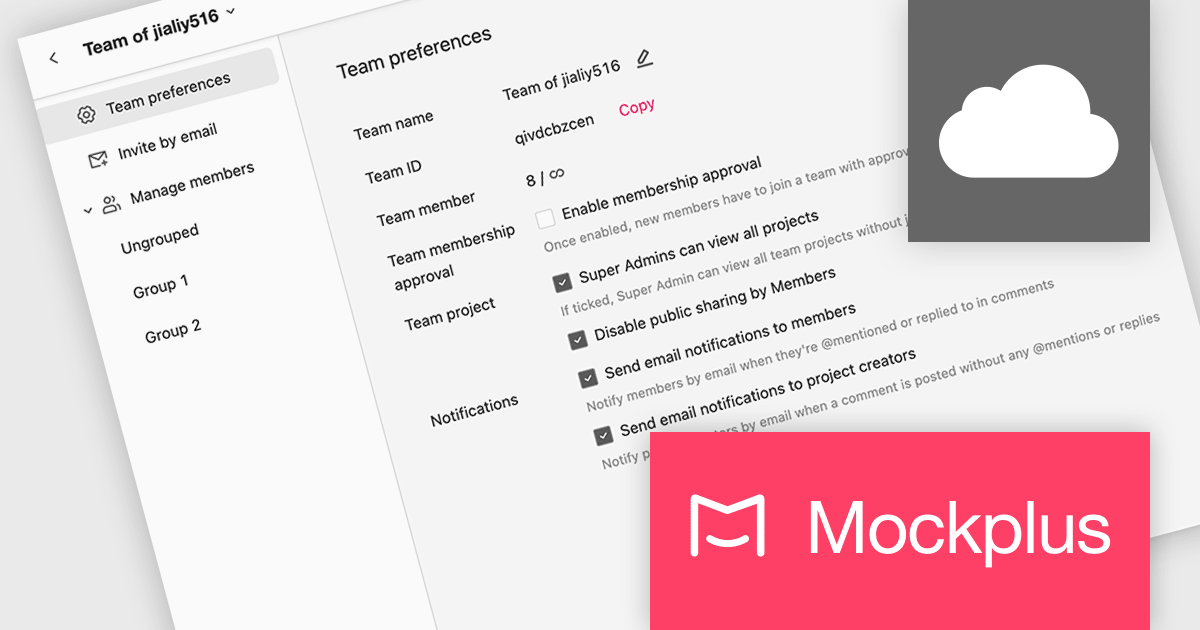
Mockplus Cloud streamlines the design collaboration and hand-off process, empowering product design teams to work seamlessly, centralize designs, and deliver high-converting products with greater efficiency. It keeps every team member informed and streamlines the entire design-to-development workflow, fostering enhanced collaboration and accelerating product delivery.
The latest Mockplus Cloud release adds new email notifications and settings for design file comments. Team members can now receive email notifications when they are @mentioned or replied to in a design file comment, allowing them to easily stay up to date with the latest news.
To see a full list of what's new in September 2024, see our release notes.
Mockplus Cloud is licensed per user and is available as an Annual License. See our Mockplus Cloud licensing page for full details.
Learn more on our Mockplus Cloud product page.
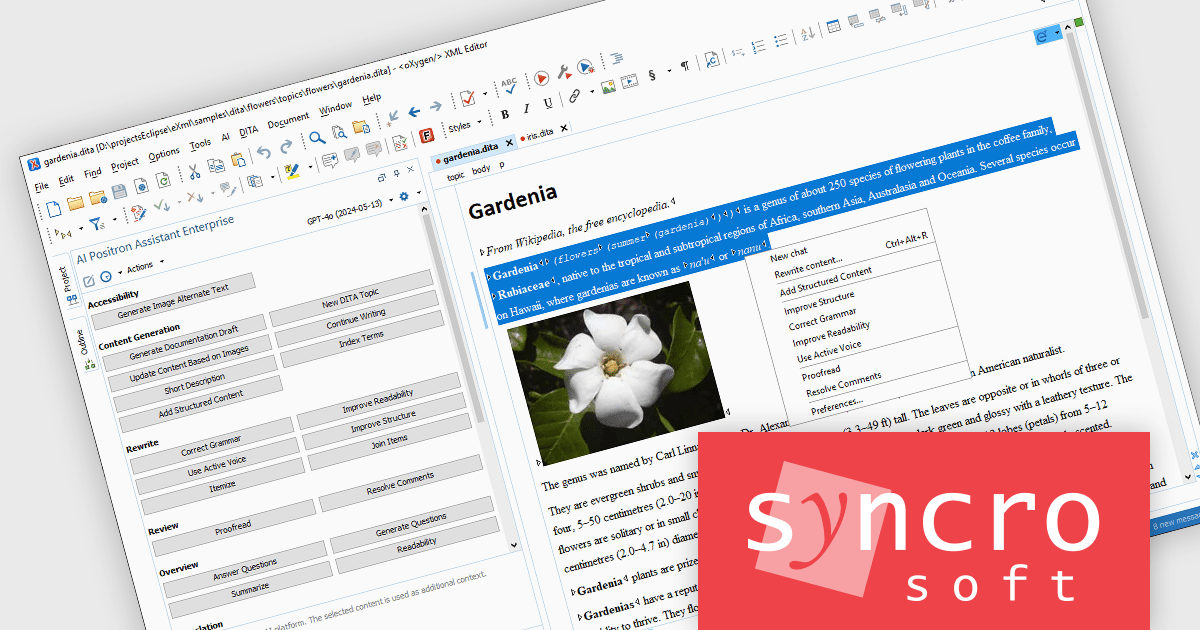
The Oxygen AI Positron Assistant Enterprise Plug-in is an Artificial Intelligence powered extension for the Oxygen XML editing suite designed specifically for technical writers. It leverages OpenAI, Microsoft Azure OpenAI Service, or Anthropic Claude to automate repetitive tasks, improve content structure and flow, and generate draft text based on user prompts. The plugin integrates seamlessly within the Oxygen environment, offering visual comparisons of suggested changes and allowing developers to control the creative process through ongoing prompts and revisions.
The Oxygen AI Positron Assistant Enterprise V3.0 release provides a convenient way to access AI-powered features for creating and improving document structure and content within the Author visual editing mode. The new drop-down widget in the top-right corner of the editor offers quick and efficient access to various AI actions, enhancing the document editing experience and streamlining workflows.
To see a full list of what's new in V3.0, see our release notes.
Oxygen AI Positron Assistant Enterprise is licensed per Named user and is available as a Timed License with support and maintenance subscription. See our Oxygen AI Positron Assistant Enterprise licensing page for full details.
Learn more on our Oxygen AI Positron Assistant Enterprise product page.
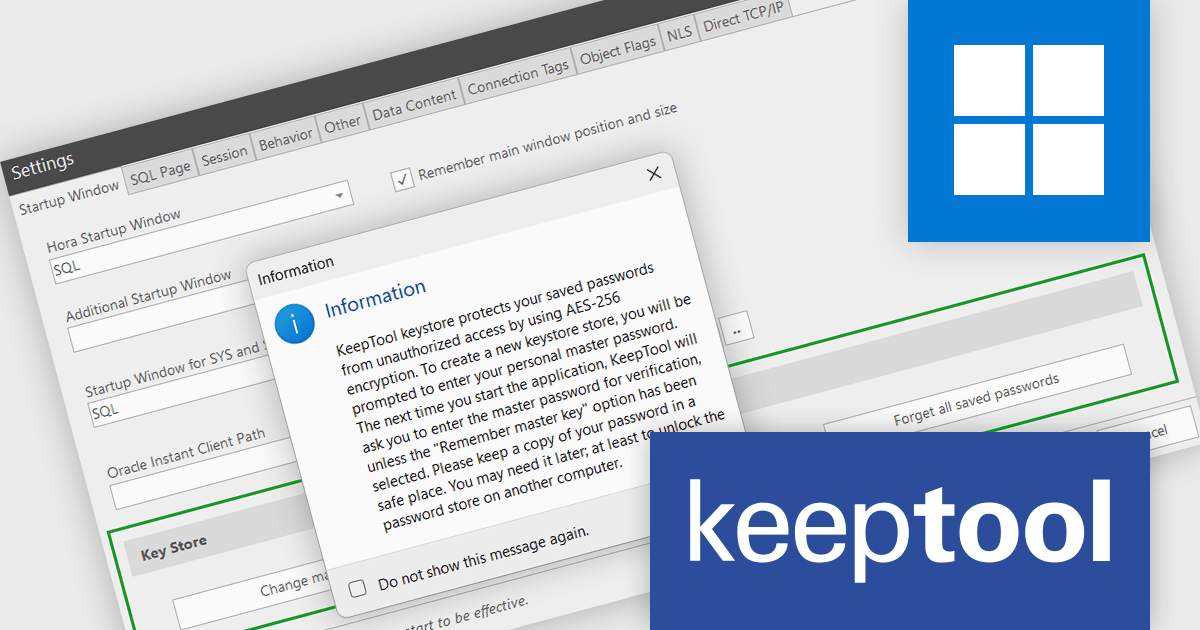
KeepTool is a comprehensive software suite designed to enhance database management and development for Oracle databases. It offers a range of tools, including a database browser, SQL editor, PL/SQL debugger, ER diagrammer, and database comparison utility. These tools empower database administrators, developers, and end-users to efficiently navigate, analyze, and modify database structures, write and execute SQL queries, debug PL/SQL code, and manage database changes. KeepTool's intuitive interface and powerful features streamline database tasks, improving productivity and reducing errors.
The KeepTool 16.2.0 release adds AES-256 encryption support, enabling you to protect your stored database connection passwords from unauthorized access and potential data breaches. This is particularly valuable for organizations handling sensitive data such as financial records, personal information, or intellectual property.
To see a full list of what's new in 16.2.0, see our release notes.
KeepTool is licensed on a perpetual basis and is available as a workstation or network license. A workstation license is bound to your computer and a network license is bound to a license server within your network. See our KeepTool licensing page for full details.
KeepTool is available in the following editions:
聯繫電話: (888) 850 9911
傳真: +1 770 250 6199


