













官方供應商
我們作為官方授權經銷商,直接提供超過200家開發廠家所發行超過1000個的產品授權給您。
請參閱我們所有的品牌。
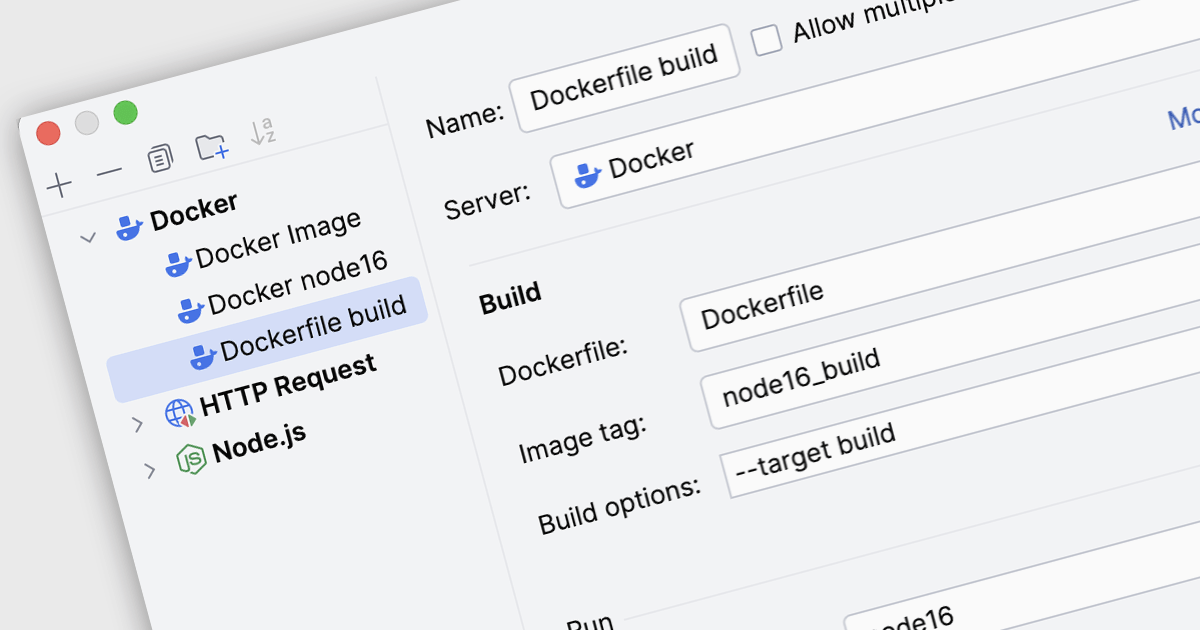
Docker deployment in Integrated Development Environments (IDEs) refers to the capability to build, configure, and run applications inside Docker containers directly from the development workspace. Through built-in Docker integration, developers can package an application together with its required libraries, runtime, and operating system dependencies into a container image, then deploy and execute that container on local or remote Docker hosts. This approach allows developers to test and run applications in consistent, reproducible environments that mirror production systems, reducing configuration differences between development, testing, and deployment stages while simplifying container management tasks such as building images, running containers, and updating services.
Several IDEs offer support for Docker deployment including:
For an in-depth analysis of features and price, visit our comparison of Integrated Development Environments (IDEs).
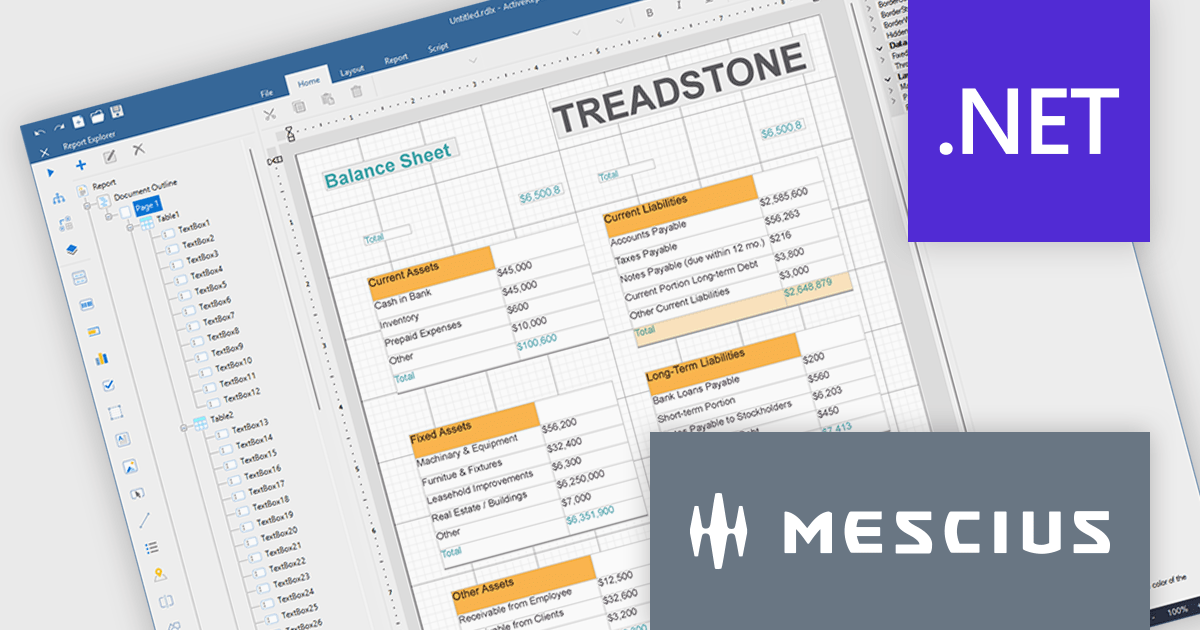
ActiveReports.NET helps you deliver beautiful reports with intuitive Visual Studio integrated report designers and rich controls. ActiveReports provides code-based cross-platform reporting, easy-to-use designers, and a flexible API. MESCIUS recently released ActiveReports.NET v20, which includes the powerful AI Image to report feature.
In this blog post, MESCIUS Product Manager Alec Gall presents a detailed walkthrough for creating a report from an image in the Designer. Steps include:
Read the full blog to learn how to turn screenshots, scans, and even photographs of reports into editable .NET RDL reports.
ActiveReports.NET is licensed per developer. Dependent on geographic location it is available as either an Annual (Timed) Subscription License or as a Perpetual Developer License which comes with 1 year of software updates and support. Each developer requires a license to design, develop, or maintain applications. The Annual Subscription License must be renewed each year to continue to work with the software. Published applications are royalty free and do not expire. Optional pipeline licenses available for CI/CD build servers. See our ActiveReports.NET licensing page for full details.
Learn more on our ActiveReports.NET product page.
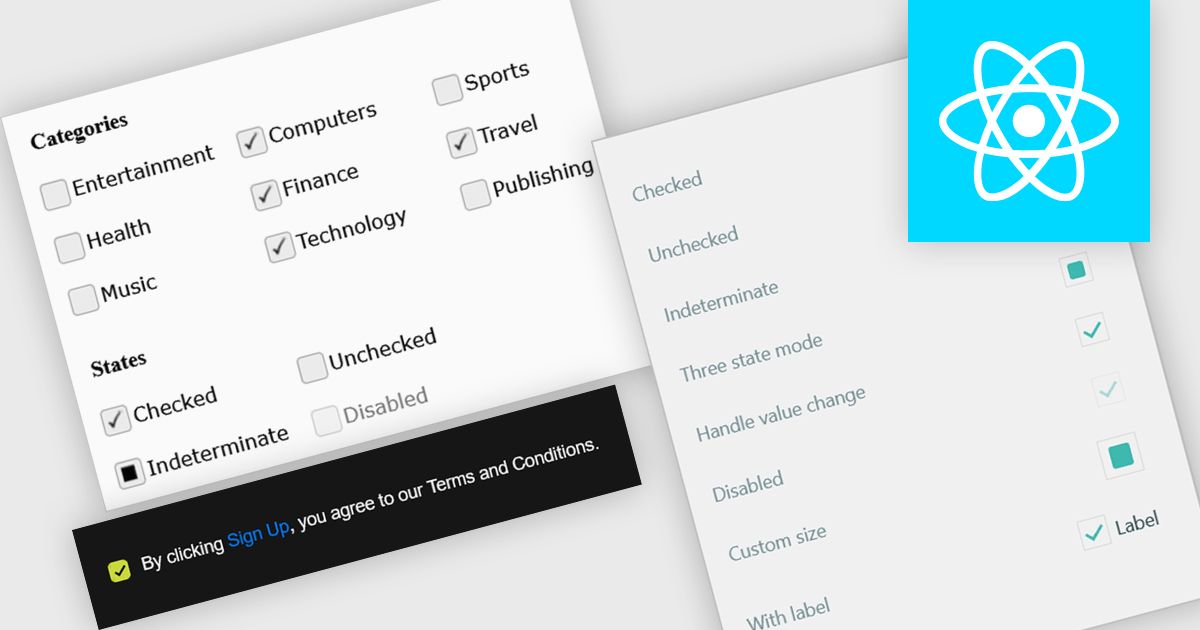
A check box is a user interface element that represents a Boolean field, allowing users to toggle between two states such as true and false directly within a form or data grid. It provides a clear and efficient way to edit logical values without requiring manual text input, reducing the risk of invalid entries and improving data consistency. For software developers, integrating check boxes into data-bound controls simplifies validation logic, and ensures that binary options are presented in a predictable and accessible format across applications.
Several React data editor collections provide check box editing capabilities including:
For an in-depth analysis of features and price, visit our comparison of React Data Editor components.
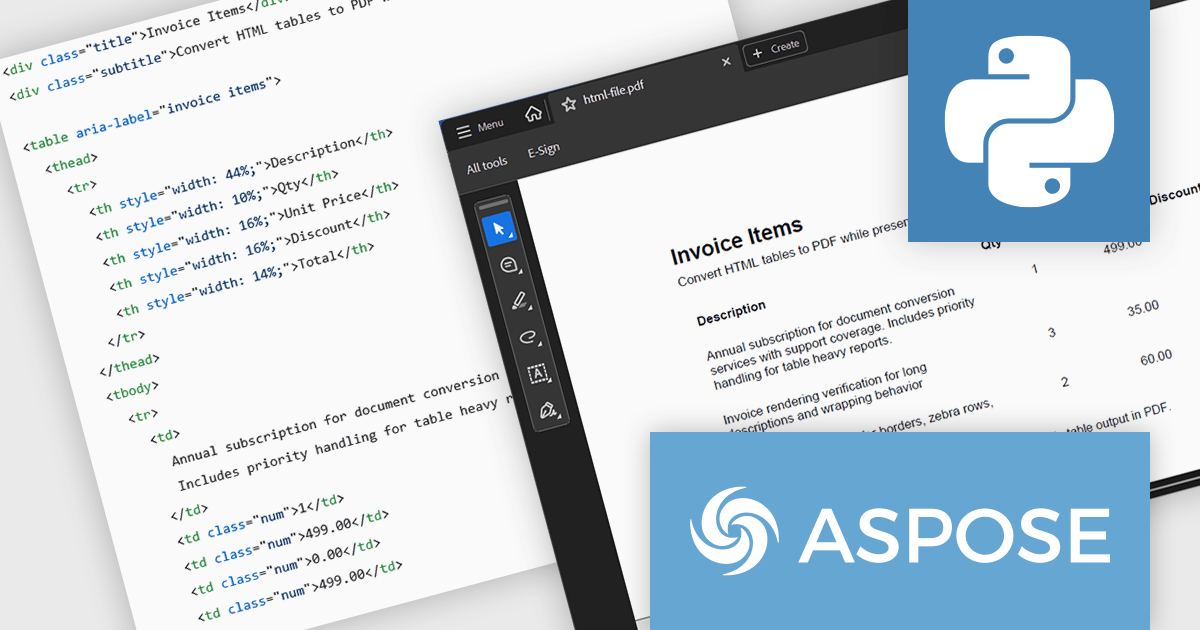
Aspose.HTML for Python via .NET is an advanced API for HTML processing that allows for a wide range of management and manipulation tasks in cross-platform applications. The API can create, modify, extract data, convert, and render HTML documents without the need for external software. It supports popular file formats such as EPUB, MHTML, XML, SVG, and Markdown and can render to PDF, DOCX, XPS, and Image file formats.
In this blog post, Aspose provides a step-by-step guide to convert HTML tables to PDF with Aspose.HTML in Python via .NET while preserving table layout and styling. You will start with a clean table template, then add custom CSS, custom page size, footer text, and page numbers for report grade PDFs. Steps include:
Detailed code is included, along with a guide to troubleshoot common table issues.
Read the full blog to learn how to convert HTML tables into clean, well-formatted PDF documents.
Aspose.HTML for Python via .NET is offered as Developer Small Business, Developer OEM, Developer SDK, Site Small Business, Site OEM, and Site SDK licenses catering to a range of business needs. Licenses are perpetual, and include 1 year of support and maintenance. Subscription renewals are also available. See our Aspose.HTML for Python via .NET licensing page for full details.
Aspose.HTML for Python via .NET is available in the following products:
Flyway extends DevOps practices to databases, significantly speeding up how quickly software can be released and improving the overall quality of the code. By offering features like version control for database schemas and enabling continuous delivery pipelines for database changes, Flyway helps individuals, teams, and organizations to improve their existing software delivery through the automation of database development tasks. This integration ensures that database changes are managed with the same rigor and efficiency as application code, leading to faster, more reliable, and less error-prone software deployments.
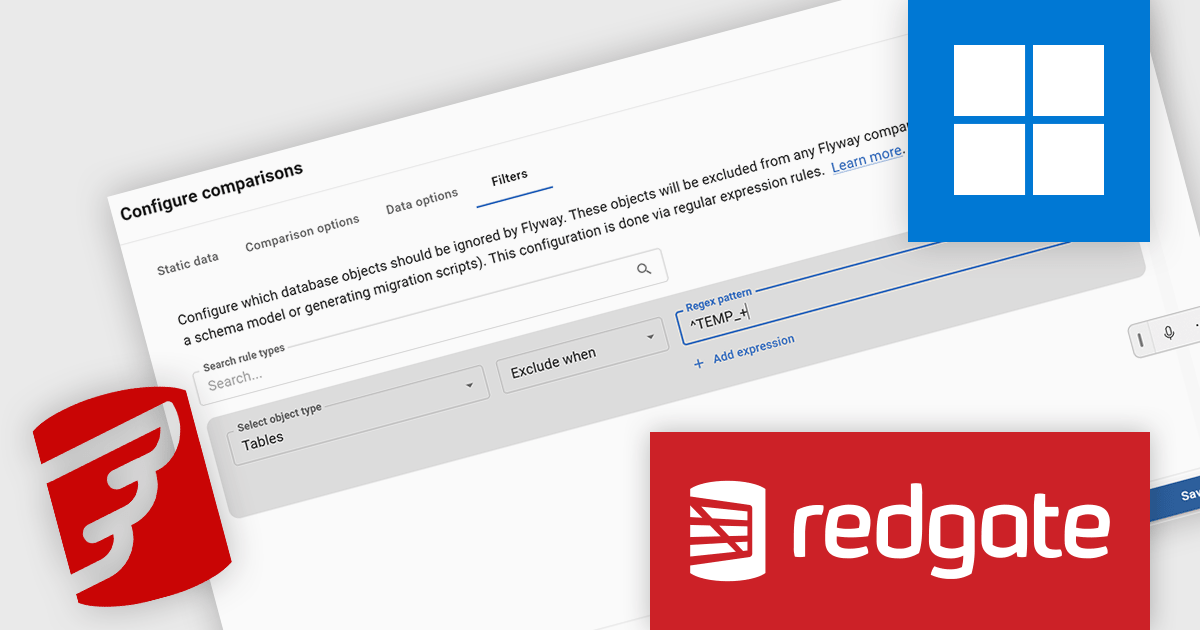
Redgate Flyway now includes a dedicated Oracle Filter UI that simplifies configuring which database objects are included in version control. Oracle schemas often contain thousands of objects, making manual filter file editing time-consuming and prone to mistakes. The new interface allows developers to configure and adjust schema filters visually during project setup or from the Schema Model page, making the filtering process more discoverable and easier to manage. By allowing teams to exclude unnecessary objects, the feature helps keep version control repositories focused on relevant database assets and can improve performance when working with large Oracle schemas.
Flyway is licensed per server on an annual subscription basis. See our Flyway licensing page for full details.
For more information, visit our Redgate Flyway product page.
聯繫電話: (888) 850 9911
傳真: +1 770 250 6199


