













官方供應商
我們作為官方授權經銷商,直接提供超過200家開發廠家所發行超過1000個的產品授權給您。
請參閱我們所有的品牌。
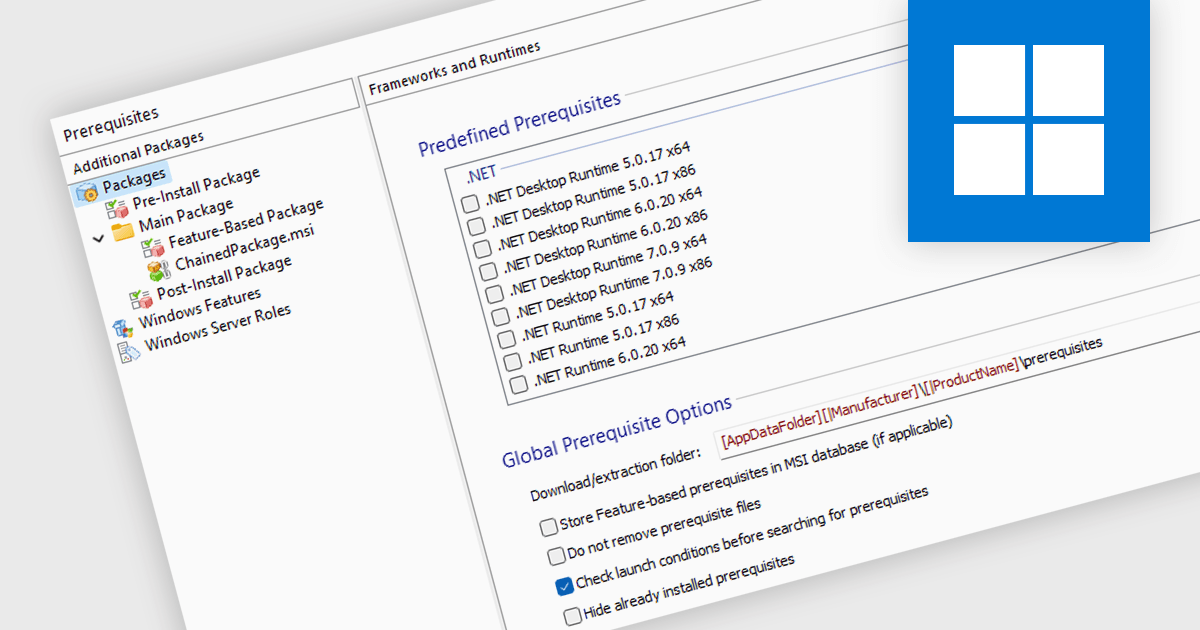
Prerequisite management refers to the functionality within an installation tool that automates the verification and installation of software dependencies required for a successful primary software deployment. This streamlines the installation process, reduces the risk of errors caused by missing dependencies, and ensures a consistent environment for the target software to run.
Several Installation Tools provide prerequisite management features, including:
For an in-depth analysis of features and price, visit our comparison of Installation Tools.
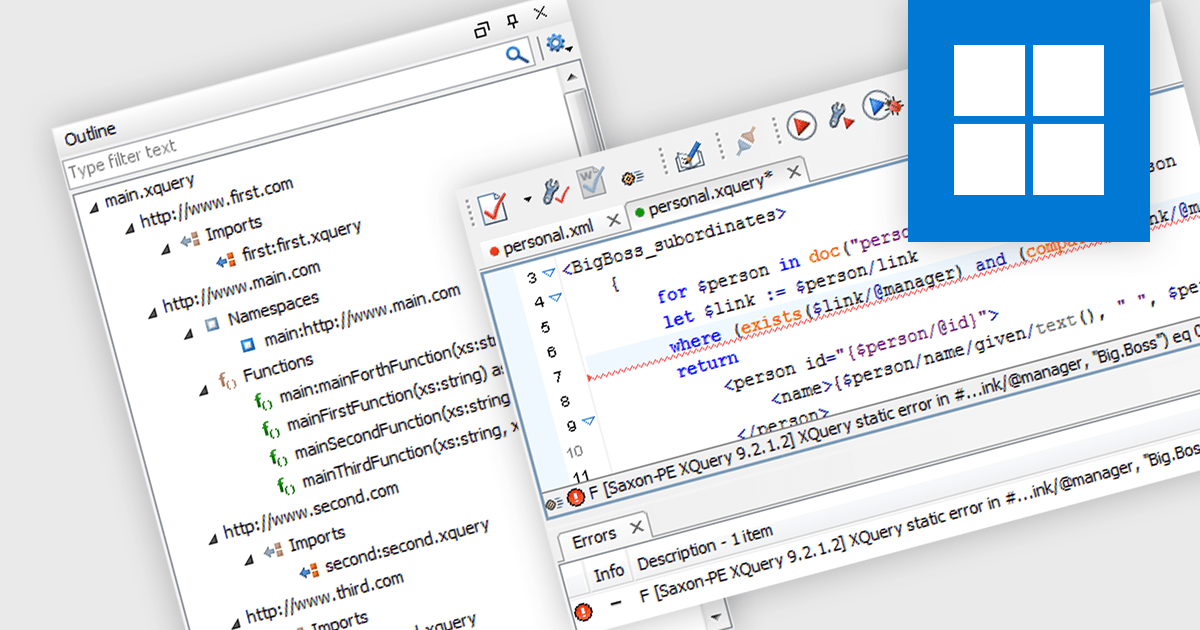
XQuery support allows software developers to write queries specifically designed for extracting and manipulating data within XML documents. This enables developers to efficiently target and retrieve relevant information from complex XML structures, simplifying data access and transformation tasks within their applications.
Several structured document tools offer XQuery support including:
For an in-depth analysis of features and price, visit our comparison of Structured Document Tools.

TX Text Control .NET Server for ASP.NET is a server-side component that equips developers with a powerful word processing engine for web applications. It integrates seamlessly with ASP.NET, ASP.NET Core, popular frameworks like Angular and React, and JavaScript, allowing you to build dynamic document editing and generation features directly within your web applications. This empowers you to create documents on the fly using data from various sources, edit existing documents in the browser, and handle functionalities like PDF processing and form filling, all on the server-side.
In this blog post, Text Control's Bjoern Meyer shows you how to use the Document Viewer in your Angular application to allow your users to open a PDF document, enter their data into the form fields, and save the document. Features include:
Read the full blog to get started handling form field data in your Angular apps.
TX Text Control .NET Server for ASP.NET is licensed per Developer and includes Run-time licensing for up to 5 Servers. Licensing is perpetual, and include a 1-year subscription. See our TX Text Control .NET Server for ASP.NET licensing page for more details.
Learn more about TX Text Control .NET Server for ASP.NET.

.NET spreadsheet controls with built-in pivot table functionality empower developers to seamlessly integrate robust data analysis into their applications. This feature allows users to effortlessly rearrange and aggregate large datasets, gaining insights through customizable views without modifying the original data. Pivot tables streamline decision-making by simplifying complex tasks like sorting, filtering, and visualizing information, ultimately enhancing the usability and effectiveness of these spreadsheet applications.
Several .NET Spreadsheet controls support pivot tables including:
For an in-depth analysis of features and price, visit our comparison of .NET Spreadsheet Controls.
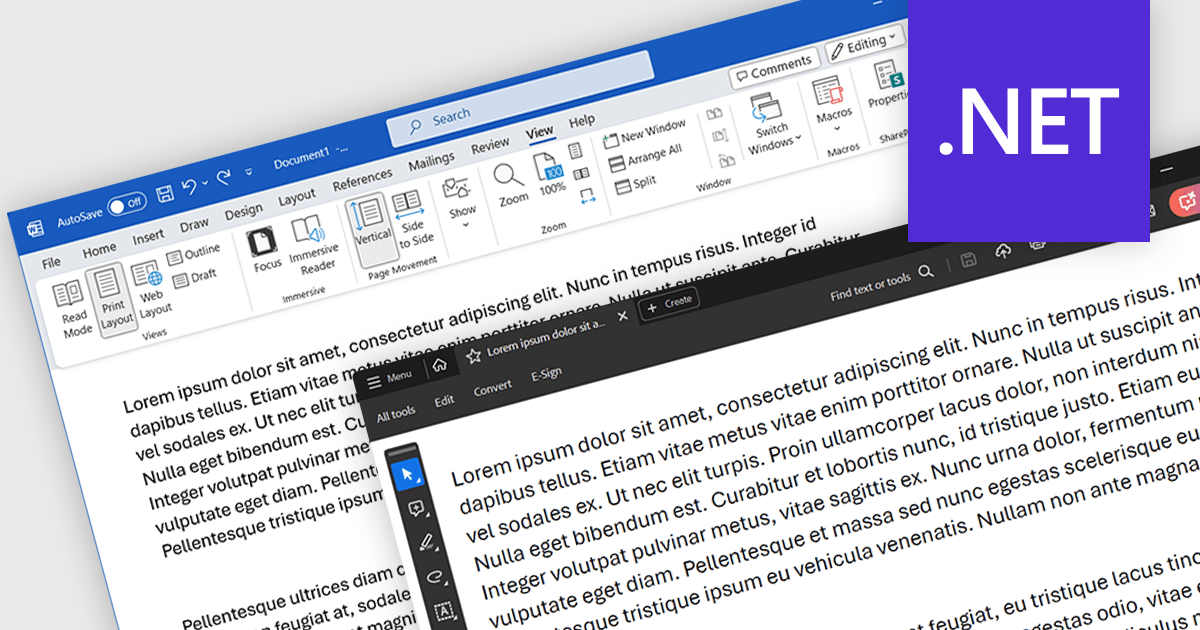
Word to PDF functionality within a PDF component refers to the ability to convert Microsoft Word documents (.docx) into Portable Document Format (PDF) files directly within your software application. This embedded conversion capability offers developers several advantages. It streamlines the document handling process by eliminating the need for external tools or libraries. It also ensures compatibility, as the conversion occurs entirely within your program. This can be particularly useful for applications where users interact with both Word documents and PDFs.
Several .NET PDF components allow you to convert Word files to PDF including:
For an in-depth analysis of features and price, visit our comparison of .NET PDF components.
聯繫電話: (888) 850 9911
傳真: +1 770 250 6199


