













官方供應商
我們作為官方授權經銷商,直接提供超過200家開發廠家所發行超過1000個的產品授權給您。
請參閱我們所有的品牌。
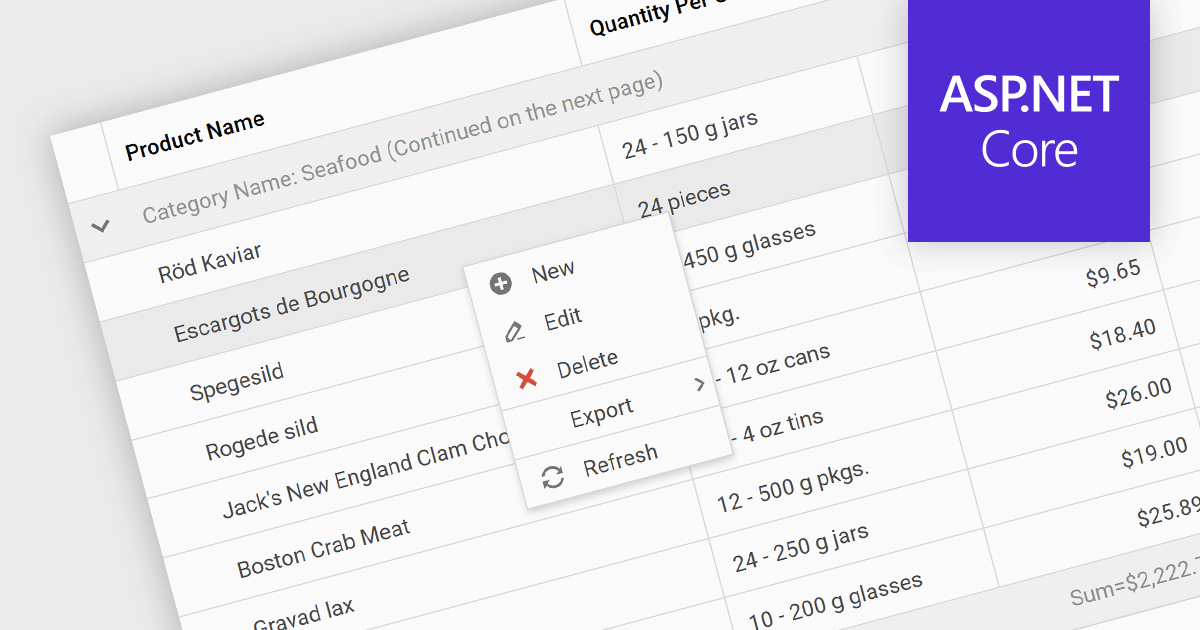
Context menus in grids are user-activated dropdown menus that appear when the users right-clicks a cell. They provide quick access to relevant actions for the selected data, like copying cells, editing rows, or performing custom operations specific to the grid's content. This functionality enhances user experience by offering contextual options without having to navigate away from the grid.
Several ASP.NET Core Grid controls offer context menus including:
For an in-depth analysis of features and price, visit our ASP.NET Core Grid controls comparison.

ComponentSource, the world’s largest reseller of software components and development tools, is proud to celebrate the five year anniversary of its partnership with Advanced Installer (from Caphyon).
Advanced Installer is a leading provider of software development tools, specializing in the creation of MSI/MSIX packages and repackaging solutions. Its flagship product, Advanced Installer is available as Professional, Enterprise and Architect editions. It offers a comprehensive platform for authoring installation packages, catering to a wide spectrum of users, from novice developers to experienced system administrators. With its user-friendly interface and robust features, Advanced Installer simplifies the complex process of software deployment, enabling developers to create professional-grade installers efficiently and effectively.
By leveraging ComponentSource's global network and unparalleled expertise in software distribution, Advanced Installer has achieved an expanding customer base. The thriving partnership has consistently delivered innovative and reliable software products that meet the needs of developers and businesses around the world.
Learn more about Advanced Installer by Caphyon.
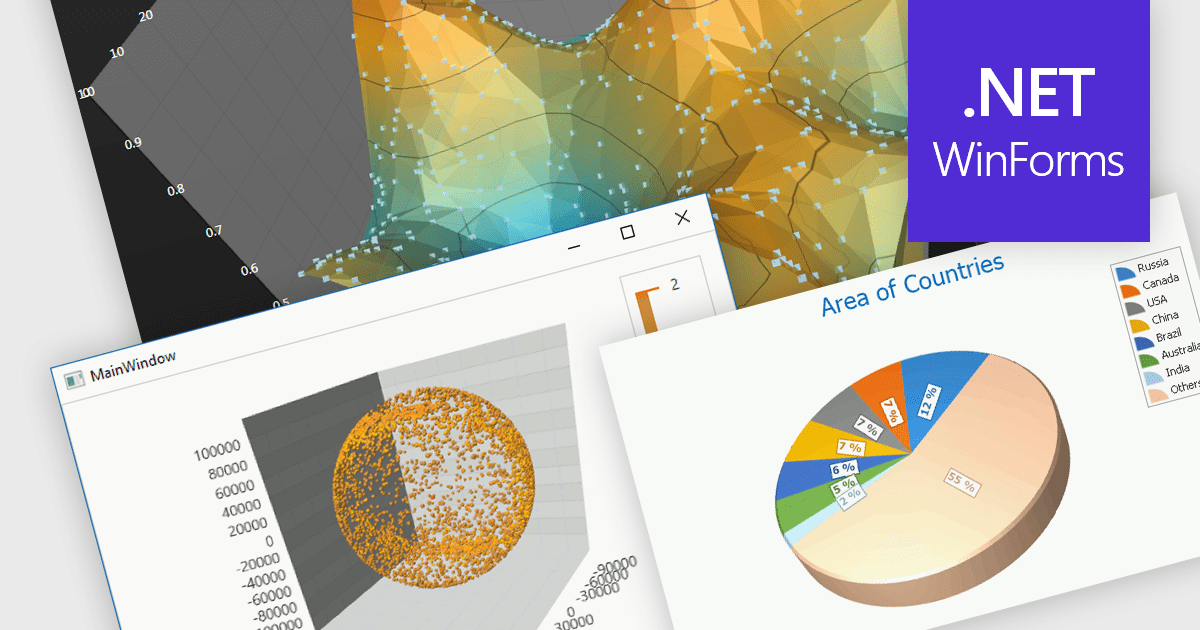
3D charts excel at showcasing complex datasets with three variables. By adding depth, they allow viewers to grasp intricate relationships between these variables that might be difficult to decipher in a flat, 2D format. This enhanced visualization can reveal patterns and trends that would otherwise remain hidden, leading to a deeper understanding of the data.
Several WinForms Chart controls offer 3D charts including:
For an in-depth analysis of features and price, visit our WinForms Chart controls comparison.
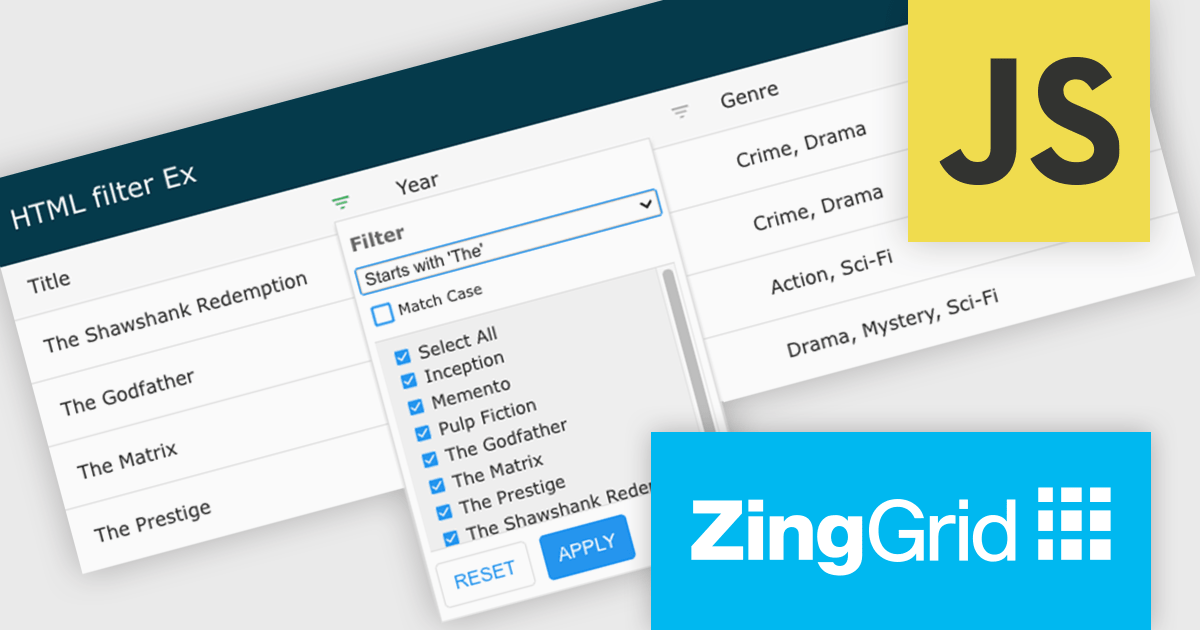
ZingGrid is a JavaScript library that simplifies the creation of interactive data tables and grids within web applications. Utilizing modern web components and focusing on performance and responsiveness, ZingGrid allows developers to implement features like searching, filtering, pagination, and in-line editing with minimal coding. This empowers efficient data visualization and manipulation for users, making it a valuable tool for web development.
Version 1.7.0 adds a rich set of filter conditions, including "contains," "notContains," "equal," "beginsWith," "endsWith," and many more, to pinpoint exactly the information you need. It also empowers you to create custom conditions, ensuring your filtering capabilities perfectly match your data and use case.
To see a full list of what's new in version 1.7.0, see our release notes.
ZingGrid is available as either a Single-Domain Website or Multi-Domain SaaS license. See our ZingGrid licensing page for full details.
For more information, visit our ZingGrid product page.
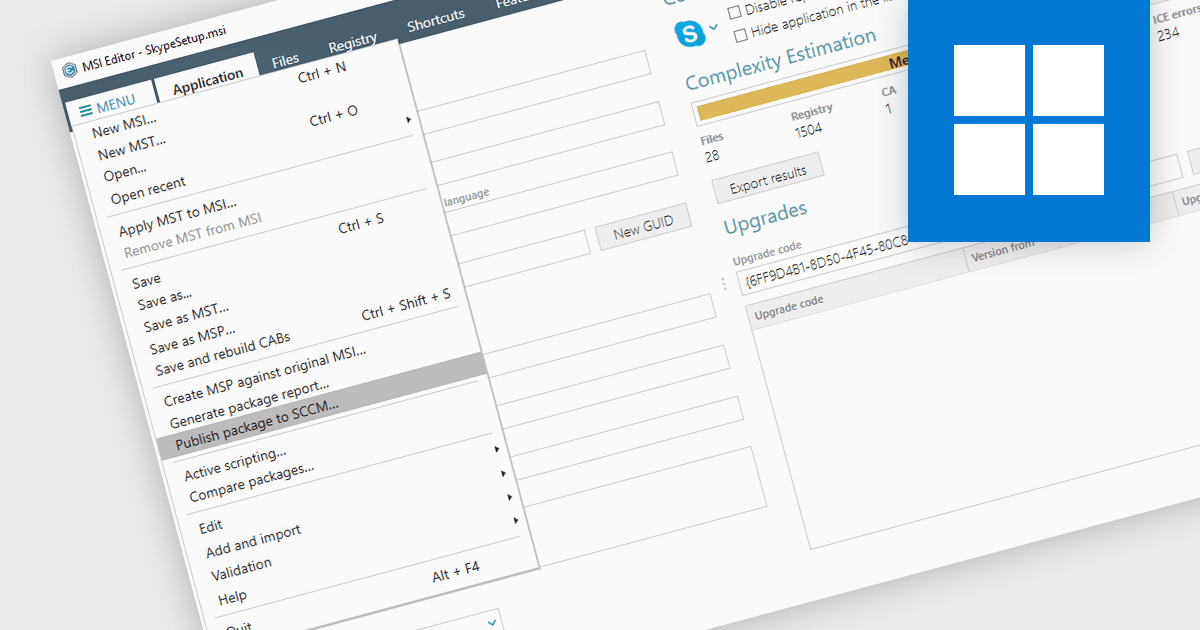
Publishing MSI packages to Microsoft System Center Configuration Manager (SCCM) enables centralized software deployment and administration across a network. SCCM can automate the packaging process by using the MSI installer's built-in features or integrating third-party solutions. This streamlines application distribution, reduces administrative overhead, and ensures consistency in software installations for all devices managed by SCCM.
Several installation tools allow you to publish MSI packages to SCCM, including:
For an in-depth analysis of features and price, visit our comparison of installation tools.
聯繫電話: (888) 850 9911
傳真: +1 770 250 6199


