













官方供應商
我們作為官方授權經銷商,直接提供超過200家開發廠家所發行超過1000個的產品授權給您。
請參閱我們所有的品牌。
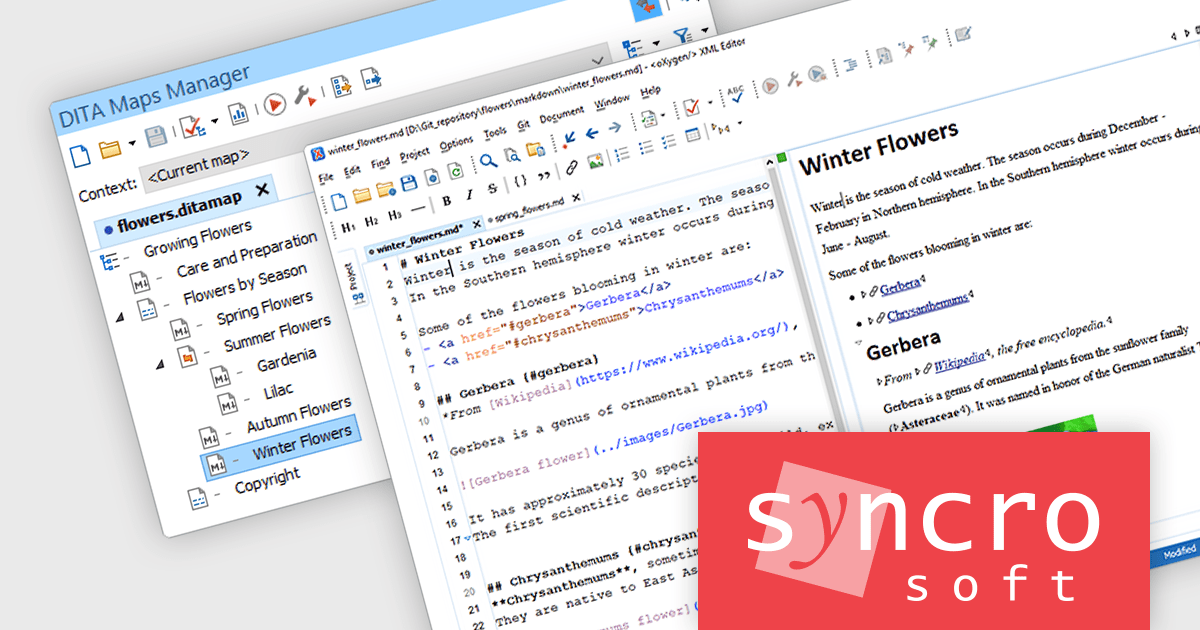
Oxygen XML Editor is a cross-platform XML editor that provides a comprehensive suite of tools for XML authoring and development. It is designed for users of all levels of experience, and includes support for all aspects of XML development, including editing, validating, generating output, debugging, and managing XML projects. Its wide feature set includes XML schema editing, graphical XML document browser, syntax highlighting, context-aware code completion, and powerful search and replace functionality.
The Oxygen XML Editor 26.1 release streamlines the workflow for content authors who utilize Markdown. Pasting Markdown content (a widely used plain text formatting language) into DITA, DocBook, TEI, or XHTML documents in Author mode could previously result in formatting inconsistencies. This new smart paste functionality automatically converts pasted Markdown into the target document's format, mirroring its behavior with web pages and Microsoft Word documents. By automating this conversion, Oxygen XML Editor eliminates the need for manual reformatting after each Markdown paste, saving authors significant time and effort.
To see a full list of what's new in version 26.1, see our release notes.
Oxygen XML Editor is licensed per Named or Floating user and is available as a Timed or Perpetual License with support and maintenance subscription. See our Oxygen XML Editor licensing page for full details.
Oxygen XML Editor is available in the following products:

Devart's ODBC Driver for Firebird acts as a bridge, allowing ODBC-compliant reporting, analytics, and data integration (ETL) tools to connect seamlessly with Firebird databases. This high-performance driver offers secure access to live Firebird data on Windows, macOS, and Linux environments. It ensures smooth interaction by fully supporting standard ODBC functions and data types, along with features like bulk updates and advanced data conversion for efficient data manipulation.
Version 3.6.0 adds support for Firebird 5, ensuring seamless connectivity between your ODBC-compliant applications and the latest Firebird database version. This allows you to leverage potential performance improvements and security features offered by Firebird 5 without needing to update your applications or drivers separately.
To see a full list of what's new in 3.6.0, see our release notes.
Devart ODBC Driver for Firebird is licensed per developer and is available as an Annual or Perpetual License with a 12 month support and maintenance subscription. See our Devart ODBC Driver for Firebird licensing page for full details.
Devart ODBC Driver for Firebird is available in the following products:
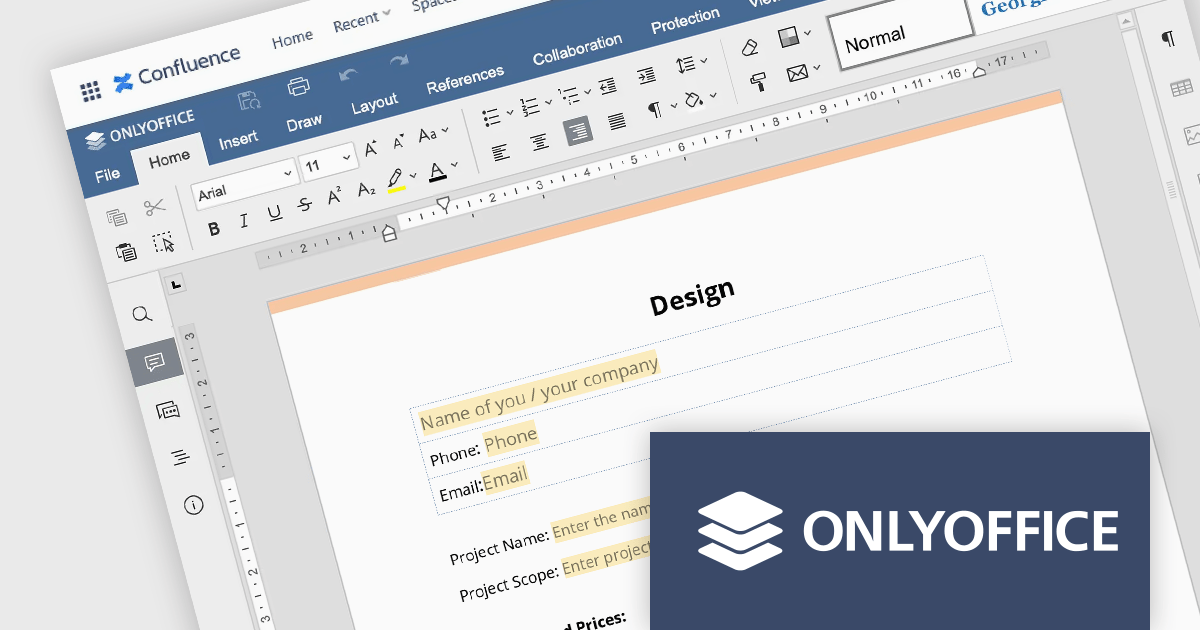
ONLYOFFICE Docs Enterprise Edition with Confluence Connector combines an online document editor with a seamless integration for Confluence, a centralized platform for project management and collaboration. This allows teams to create, view, edit, and collaborate on spreadsheets, presentations, and text files online, directly within Confluence, boosting efficiency and eliminating the need for file switching.
The ONLYOFFICE Confluence Connector v5.0.0 release (available as part of ONLYOFFICE Docs Enterprise Edition with Confluence Connector v8.0.1) adds functionality allowing you to create complex PDF forms with interactive fields and fill them out online, directly within your Confluence platform. This ability empowers teams to design and distribute easily fillable PDF forms seamlessly within Confluence, collecting valuable data from their users and fostering a more collaborative and productive work environment.
To see a full list of what's new in ONLYOFFICE Docs Enterprise Edition v8.0.1 with Confluence Connector 5.0.0, see our release notes.
ONLYOFFICE Docs Enterprise Edition with Confluence Connector is licensed per server and is available as an annual license with 1 year of support and updates, or as a perpetual license with 3 years of support and updates. See our ONLYOFFICE Confluence connector licensing page for full details.
For more information, see our ONLYOFFICE Confluence Connector product page.

CSS editing in a Structured Document Tool allows users to edit Cascading Style Sheets directly within an integrated environment designed for structured documents such as XML or HTML. CSS is a cornerstone technology used in web development to define the presentation and layout of HTML documents. CSS works by associating styling rules with HTML elements, selectors, classes, or IDs, allowing for granular control over how each element is displayed. It separates the content of a webpage from its visual presentation, enabling developers to control aspects such as fonts, colors, spacing, and positioning. Allowing developers to seamlessly manipulate CSS properties alongside document content facilitates quicker iterations, easier debugging, and ensures consistency in design across various documents or components, ultimately leading to more robust and maintainable codebases.
Several Structured Document Tools offer CSS editing including:
For an in-depth analysis of features and price, visit our comparison of Structured Document Tools.
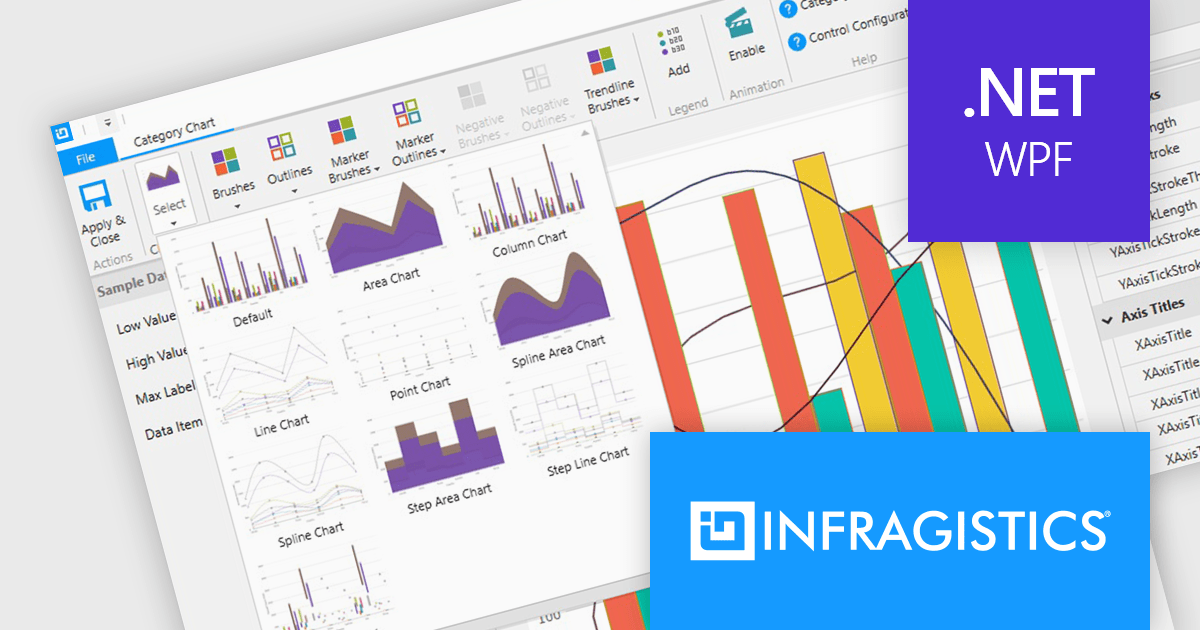
Infragistics Professional includes 100+ beautifully styled, high-performance grids, charts, & other UI controls, plus time-saving productivity tools for developers. In addition to controls for Angular, React, jQuery, Web Components, Blazor, ASP.NET MVC, ASP.NET Core, Windows Forms, and Xamarin, it also includes the powerful Infragistics Ultimate UI for WPF which encompasses a wide range of fast, touch-friendly WPF controls designed to help you bring modern, engaging apps for desktop and touch-screen devices.
Infragistics Professional empowers you to create informative and visually appealing data visualizations within your WPF applications. Its chart component library offers a vast selection of chart types, from bar and line charts to pie and scatter charts, ensuring you can effectively communicate your data insights. This functionality goes beyond aesthetics, featuring intelligent data binding, customizable styles, and interactive elements like callouts and crosshair lines for a truly comprehensive charting experience.
Infragistics Professional is licensed per developer and is available as a Perpetual License with a 1, 2 or 3 year support and maintenance subscription. See our Infragistics Professional licensing page for full details.
The Infragistics WPF Chart Components are available in the following products:
聯繫電話: (888) 850 9911
傳真: +1 770 250 6199


