Remote Desktop Manager macOS Edition 2023.3.6.3
Released: Nov 1, 2023
macOS Edition 2023.3.6.3 中的更新
特性
- Database upgrade is required.
- Deprecated - Removed support for Legacy Security.
- Deprecated - Removed support for MySQL Data Source.
- Added Hudu password manager.
- Added a migrator for custom images to system images.
- Added support for Network Scan.
- Added "Hide expired entries", "Hide disabled entries" and "Hide archived entries" settings that are synced with DVLS and Hub.
- Added "Limit mouse event polling rate" option for RDP sessions.
- Added "Risky events" security setting to restrict usage of entry events.
- Added a clear distinction between regular and global vault entries.
- Added a Settings menu item to the Menu Bar icon menu and the Dock menu.
- Added a settings to toggle Search Everywhere in Add Entry.
- Added an IT Asset owner history.
- Added clear distinction between regular and global vault in popup buttons.
- Added current user to the application footer.
- Added embedded web based security management panels in DVLS.
- Added IT asset owner history.
- Added IT asset types.
- Added the option to create and manage Website entries with password management license.
- Added OTP support on PAM account.
- Added the ability to assign PAM Checkout pending approval in DVLS.
- Added readonly mode when there is a major version mismatch.
- Added support for 1Password service accounts.
- Added support for linked hosts in temporary access requests.
- Added support for offline validation of new licenses.
- Added support for PAM vault access request handling.
- Added support for requesting limited vault access in Hub data source.
- Added support for revoking temporary access.
- Added support for selecting roles when requesting access in Hub data source.
- Added support for choosing between multiple checkout requests on an entry.
- Added support for opening web based report with DVLS.
- Added support for sending approval request to all approvers.
- Added System Images permissions in Grant Access in System Permissions.
- You can now prevent update if there is a major version mismatch with data source server.
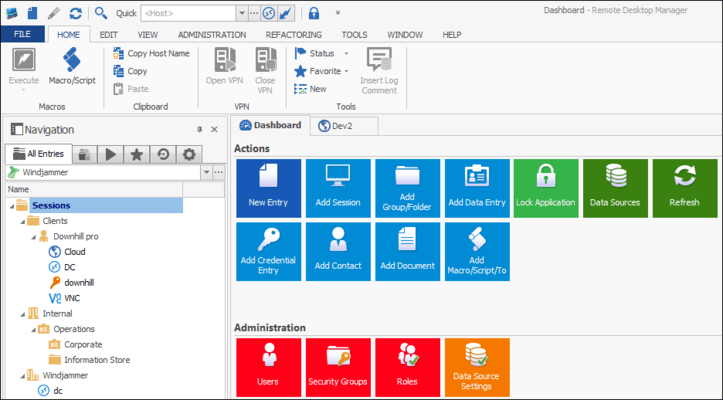
- Updated the look of the Ribbon UI.
修補程式
- Always accept fingerprint in SSH is now similar to Windows and will transfer properly.
- Fixed "Requires TouchID authentication" being hidden.
- Fixed "Select next tab" and "Select previous tab" shortcuts not working in Sonoma by changing the default shortcuts.
- Fixed "Service type" dropdown menu in documentation tab not saving.
- Fixed an issue where Keeper session would timeout and ask for a refresh.
- Fixed an issue where openVPN couldn't be set on a terminal session.
- Fixed an issue where Risky events prompt would appear two times.
- Fixed Cisco Anyconnect not working.
- Fixed CyberArk entries using Privilege Cloud not working.
- Fixed dashboard header favorite button improperly indicating favorite status.
- Fixed default image appearing twice in Image picker.
- Fixed entry tree not refreshing properly after the app initial onboarding.
- Fixed error when trying to add or edit a User Group.
- Fixed frequent occurrence of "Exception - Unable to connect to Devolutions account.".
- Fixed Group Templates missing from the "Add from Template" menu list.
- Fixed Open embedded SFTP and SCP session not working with embedded credentials.
- Fixed possibility to create empty Owner in Asset entry owner history.
- Fixed possible hangs with Cyberark SAML.
- Fixed some Screen Sizing mode settings not saving in RDP Settings Override.
- Fixed the disable user Vault not working properly.
- Fixed the IT Asset "view contact" section being not read-only.
- Fixed unregistered admins seeing the Vaults/Users/User Groups management sections.
- Fixed Variables are not resolved in recent section.