Data Editors 新聞

將圖像編輯功能整合到 .NET 應用程式中

2月 28, 2025
圖像編輯器讓使用者在沒有外部軟體的情況下載入、修改和匯出圖像,從而簡化了圖像操作和處理任務。

Image editors are user interface (UI) controls that can be embedded in applications, enabling users to load, edit, and save images seamlessly. They typically support a range of operations, including cropping, zooming, resizing, rotating, filtering, and exporting. Ideal for applications that require built-in image manipulation, such as content management systems or design tools, image editors allow users to modify images without relying on external software. By integrating these capabilities, developers can enhance their application's functionality and provide a more versatile user experience.

Several .NET data editor collections provide an image editor, including:

For an in-depth analysis of features and price, visit our .NET data editors comparison.

Compare .NET Data Editors

用 .NET 輸入控制項提高資料準確性

2月 21, 2025
文本、數位和布爾资料編輯器透過簡化资料輸入和驗證,幫助開發人員構建精確、使用者友好的應用程式。

.NET Data Editor components provide a versatile set of tools for handling text, numeric, and Boolean data input within applications. These components enable developers to create user-friendly interfaces that accommodate various data entry needs, from simple text input to structured numeric formats and binary (true/false) selections. By integrating these editors, applications can ensure accuracy, enhance user experience, and streamline data validation. Whether used in forms, reports, or interactive dashboards, these components are essential for building efficient and responsive applications.

Common text, numeric and boolean data editor .NET controls include:

  • Text Box - allows users to enter and edit plain text with optional validation, formatting, and character restrictions.
  • Button Editor - combines a text input field with an embedded button, enabling additional actions like opening dialogs or executing commands.
  • Dropdown Calculator - integrates a numeric input field with a built-in calculator, allowing users to perform calculations directly within the editor.
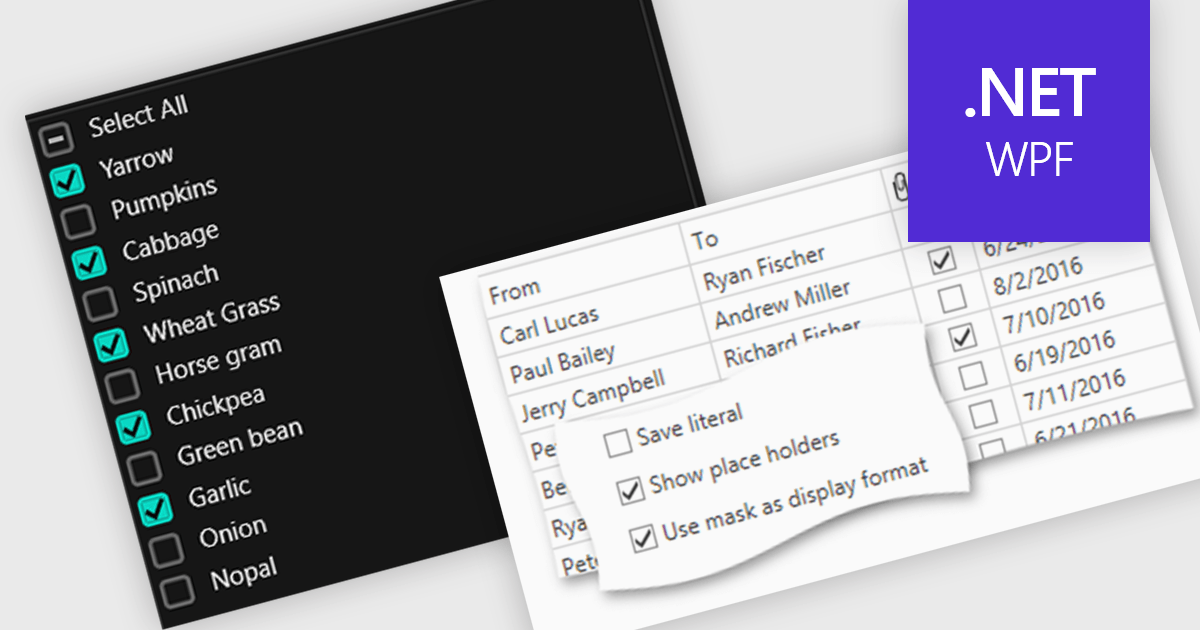
  • Checkbox - provides a simple Boolean selection, enabling users to toggle between checked (true) and unchecked (false) states.
  • Numeric Spin - offers numeric input with increment and decrement controls, ensuring precision and range validation.
  • Radio Group - presents a set of mutually exclusive options, allowing users to select a single choice from predefined values.
  • RTF Editor - enables users to input and format rich text with support for fonts, colors, alignment, and embedded media.
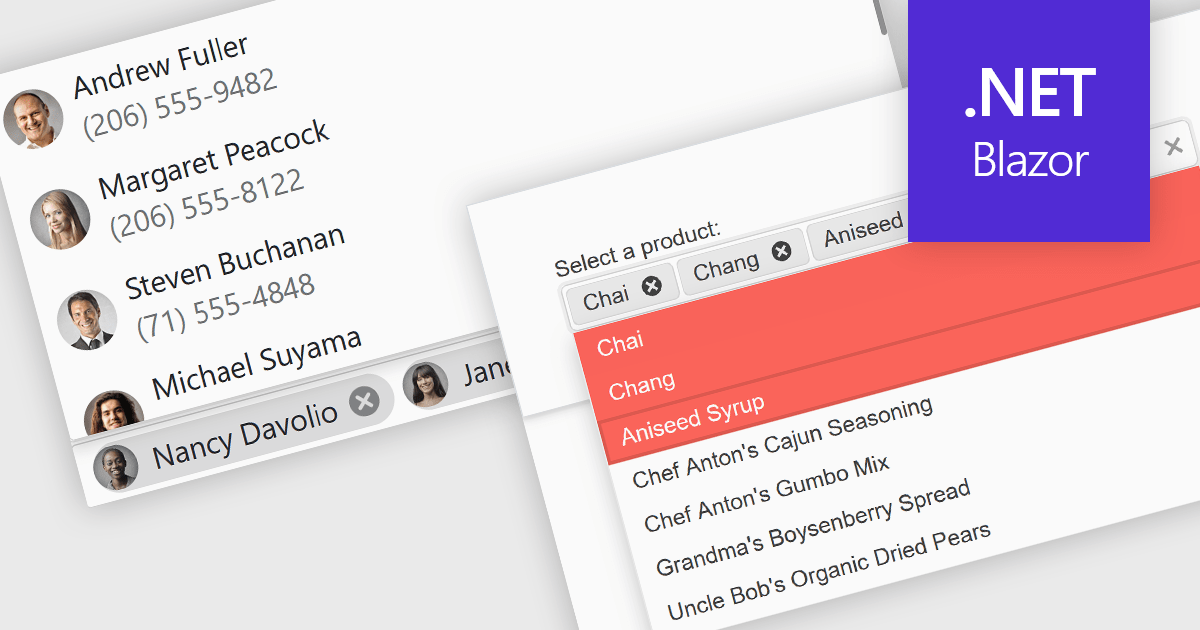
  • Token Box - allows users to input multiple distinct values as tokens, commonly used for tagging or multi-selection fields.
  • Toggle Switch - provides a modern, intuitive way to switch between two states, often used for enabling or disabling settings.
  • Masked Input Text Box - enforces specific input formats using predefined masks, ensuring consistent and error-free data entry.

For an in-depth analysis of features and price, visit our .NET Data Editors comparison.

Explore .NET Text, Numeric and Boolean Editors

用多語言資料編輯器擴大覆蓋範圍

2月 12, 2025
用適應多種語言工作流程的當地語系化資料編輯器增強使用者體驗、可訪問性和全球協作。

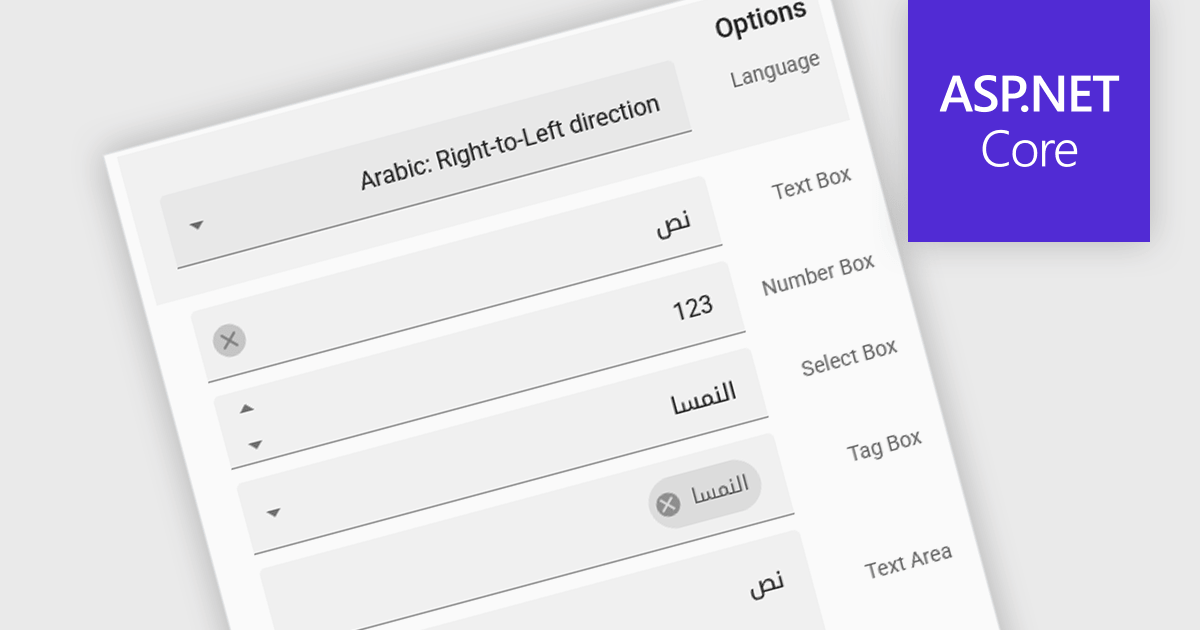
Localization is the process of adapting the user interface and data formatting to support multiple languages and regional conventions. This ensures users can interact with the editor in their preferred language while maintaining accuracy in date, number, and currency formats. It enhances usability, improves accessibility for global teams, ensures compliance with regional standards, and minimizes errors caused by inconsistent formatting. By enabling seamless multilingual collaboration, localization helps developers create inclusive, globally scalable applications that provide a consistent user experience across diverse markets.

Several React data editor collections offer localization support including:

  • DevExtreme Complete Data Editors by DevExpress lets you build localized, region-aware data entry interfaces with automatic language adaptation.
  • KendoReact Data Editors by Telerik provides built-in localization, ensuring culturally aware input fields for an intuitive multilingual experience.
  • SmartClient Data Editors by Isomorphic Software facilitates customizable localization, adapting UI elements, input validation, and data formats to meet diverse requirements.
  • Syncfusion Essential Studio Enterprise enables localization in data editors, supporting multiple languages, number formats, and date customizations for global applications.

For an in-depth analysis of features and price, visit our React data editors comparison:

Compare React Data Editors

用精度控制項優化數值輸入

1月 27, 2025
數位旋轉控制項提供了一種調整值的直觀方法,從而使表單、表格和儀錶板更加使用者友好和高效。

Numeric Spin data editor controls are intended for the efficient and precise input of numerical values. By combining an edit box with up/down spin buttons, users may either type to input directly or utilize the spin buttons to increase or decrease the value. This method promotes faster and less error-prone data entry than manual typing, particularly for large quantities or recurrent value revisions. Many spin editors include built-in validation, range limitations, data type selection, and formatting choices, which further improve data accuracy.

Several Vue.js data editor collections contain numeric spin components including:

For an in-depth analysis of features and price, visit our Vue.js data editors comparison.

Compare Vue.js Data Editors

使用靈活的 JavaScript UI 元件輸入資料

1月 21, 2025
JavaScript 資料編輯器元件透過下拉式功能表和基於清單的 UI 元素增強了應用程式,提供直觀的資料登錄體驗。

Dropdowns and list-based data editors in JavaScript are versatile UI components that offer flexibility and control to both users and developers. They facilitate the selection of options, with a structured way to display and interact with predefined data sets. These editors enhance the user experience by allowing streamlined input, offering features like single or multiple selection, visual representation with images, and checkbox integration. They are widely used in web applications for tasks such as form filling, filtering data, or setting configuration options.

Common dropdowns and list-based data editors include:

  • Listboxes display a scrollable list of items where users can select one or multiple entries, ideal for showcasing a larger set of options.
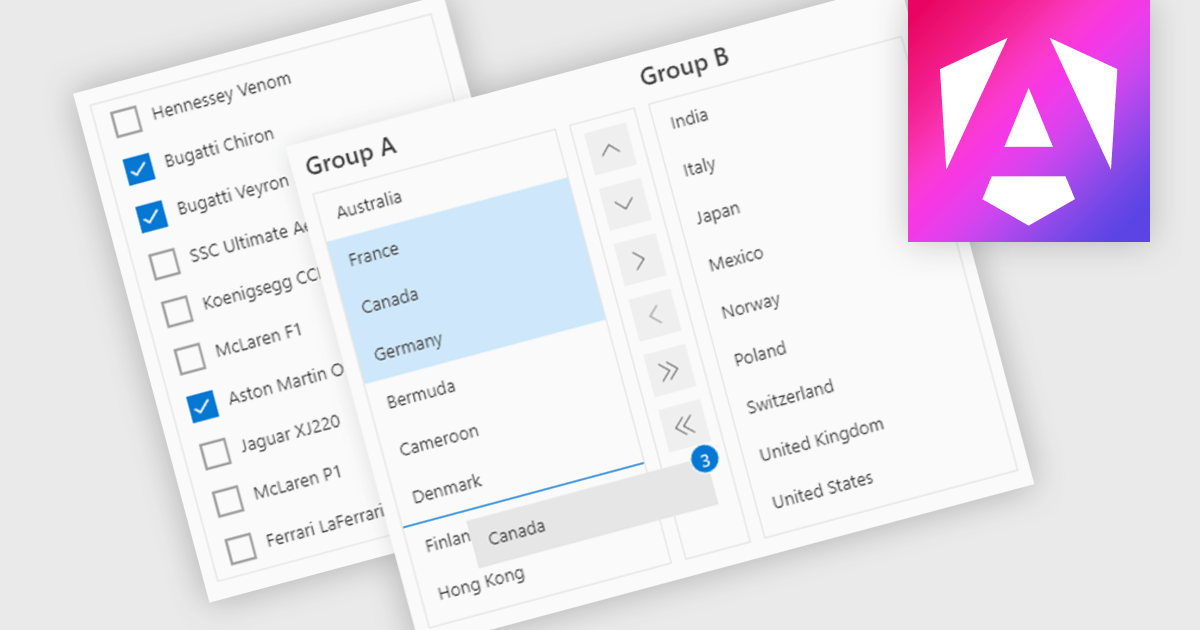
  • Checked Listboxes provide a listbox in which each item can be checked or unchecked, for intuitive multi-selection while maintaining a compact layout.
  • Image Listboxes incorporate images with each entry in a scrollable list of options, offering a rich visual selection experience for users.
  • Comboboxes combine a text box with a drop-down panel, allowing users to select from a predefined list of options or input custom values directly.
  • Checked Comboboxes extend standard comboboxes by integrating checkboxes for selecting multiple options, often used in multi-select scenarios.
  • Image Comboboxes enhance the regular combobox with graphical elements by including images alongside text options, improving visual clarity and appeal.

For an in-depth analysis of features and price, visit our JavaScript data editors comparison.

Explore JavaScript Dropdowns and Lists