SSH keys using the OpenSSH format are now supported.
October 16, 2019
New Version
Features
Users can now associate Glo cards with pull requests created from within the GitKraken Git Client. When creating a new pull request, simply search for the Glo card you wish to associate. The pull request description will then be updated to include a link to said card. Better yet, if you’ve set up the GitHub pull request integration, you can trigger an automatic change to progress your card to a new column the moment your PR status changes.
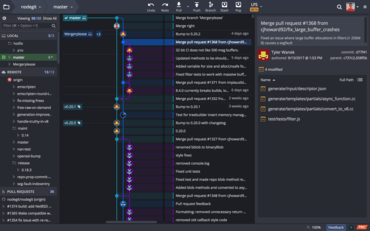
Users can now control the max number of commits that display in your graph. Navigate to Preferences > General and set a value for Max Commits in Graph. You will also see an option to Show All Commits in Graph.
Users can now resize the text field to amend commit messages, and the Update Message and Cancel Amend buttons are now closer to the text field.
SSH keys using the OpenSSH format are now supported.