








Official Supplier
As official and authorized distributors, we supply you with legitimate licenses directly from 200+ software publishers.
See all our Brands.
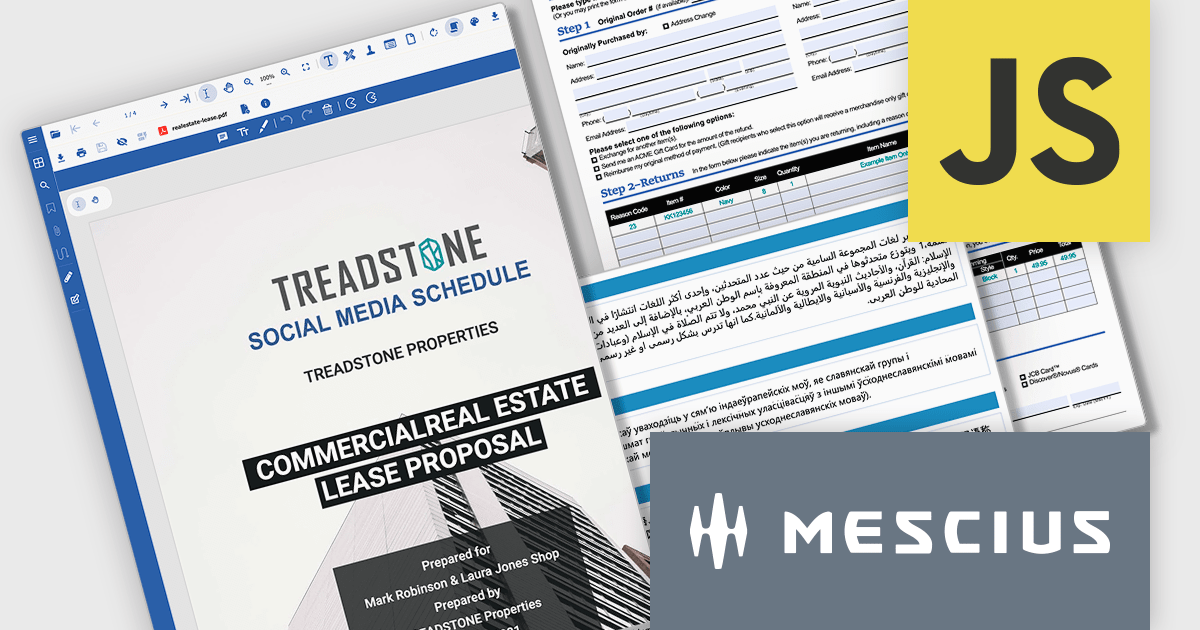
Document Solutions for PDF JS (DsPdfJS) is a powerful PDF library for JavaScript and TypeScript that provides a rich set of APIs for fast, memory-efficient PDF and image processing in modern web and server-side environments. It is powered by WebAssembly (Wasm) and runs in browsers and JavaScript runtimes such as Node.js, Deno, and Bun. Its core object model follows the PDF specification, providing programmatic access to PDF elements such as document properties, pages, fonts, annotations, forms, and more.
In this blog post, MESCIUS Product Manager Hunter Haaf demonstrates its broad set of PDF features, including:
Detailed sample code is included that outlines the many capabilities and there is even a downloadable sample application.
Read the complete blog and get started generating and exporting PDF, SVG, and PNG files directly in your browser applications.
Document Solutions for PDF JS is licensed per developer and is available in several license options for differing distribution needs. Team licenses are also available for multiple developers within the same organization. See our Document Solutions for PDF JS licensing page for full details.
Learn more on our Document Solutions for PDF JS product page.
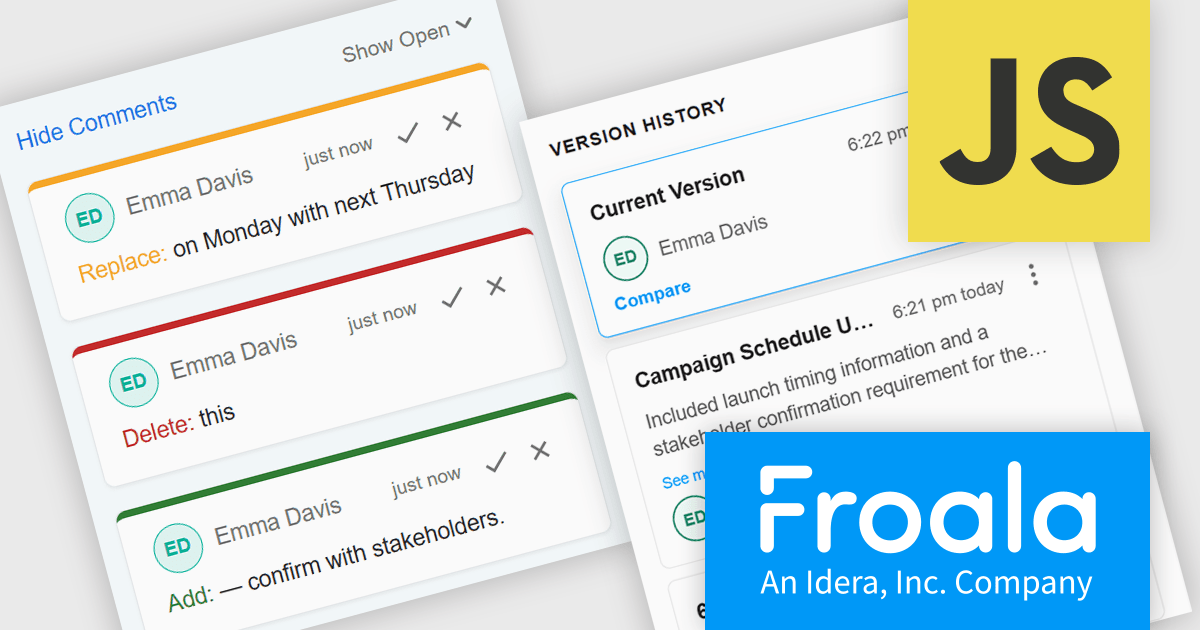
Froala Editor is a lightweight, modern WYSIWYG (What You See Is What You Get) rich text editor designed for web applications, offering a clean interface, fast performance, and extensive customization options. Built with a focus on usability and developer flexibility, it provides a wide range of formatting tools, media management capabilities, and advanced features such as inline editing, collaborative functionality, and mobile responsiveness. Its modular architecture, robust API, and broad framework integrations make it suitable for embedding into enterprise-level platforms as well as smaller applications requiring a polished content-editing experience.
The Froala Editor v5.3.0 update introduces a collaborative plugin that enables multiple users to edit the same document in real time while providing inline comments, tracked changes, and integrated version control within a single workflow. This allows developers to build collaborative editing experiences without relying on separate tools for reviewing or managing revisions. By keeping content creation, feedback, approvals, and document history together, the plugin simplifies implementation, reduces editing conflicts, and helps teams produce and review content more efficiently.
To see a full list of what's new in v5.3.0, see our release notes.
Froala Editor is licensed per product and domain. It is available as an annual or perpetual license with version upgrades and support. See our Froala Editor licensing page for full details.
For more information, visit our Froala Editor product page.
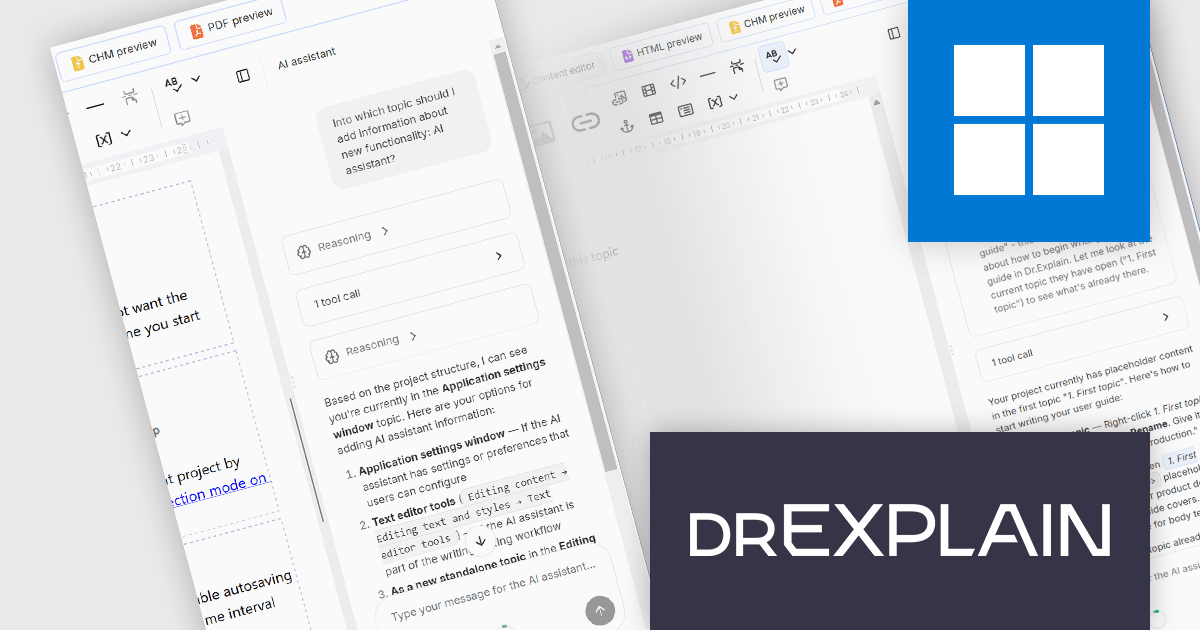
Dr.Explain by Indigo Byte Systems is a sophisticated software documentation tool designed to streamline the creation of detailed help files, user guides, online manuals, and technical documentation. It captures screenshots from a live software application or web site and allows you to directly embed explanations and instructions, reducing the time and effort required to produce high-quality, context-sensitive user guides. With robust features for editing and organizing content, Dr.Explain supports various output formats, including HTML, CHM, RTF, and PDF, ensuring compatibility with different platforms and user needs. This tool enhances productivity by streamlining the documentation process, enabling developers to produce professional and user-friendly documentation efficiently.
The Dr.Explain v7.2 update introduces an AI assistant that helps software developers and technical writers produce documentation more efficiently by generating new content, rewriting or summarizing existing topics, searching across an entire documentation project, and using the project's existing content as context to produce more relevant responses. Through a Bring Your Own Key (BYOK) approach with OpenAI-compatible providers, including cloud services and local deployments such as Ollama, teams can choose the language model that best fits their workflow while sending requests directly to their selected provider.
To see a full list of what's new in v7.2, see our release notes.
Dr.Explain is licensed per user-PC schema and is available as an annual license with Premium maintenance and free updates, or as a perpetual license with only Basic maintenance and minor updates. See our Dr.Explain licensing page for full details.
For more information, see our Dr.Explain product page.

ComponentSource and Bunifu Technologies are proud to celebrate five years of partnership, working together to provide developers with modern UI components and productivity tools for .NET application development. Since becoming an authorized distributor in 2021, ComponentSource has helped make Bunifu's range of UI controls, charting components, and developer tools more accessible to customers around the world.
A flagship product in the range is the Bunifu Ultimate Bundle, a comprehensive collection of lightweight UI controls, charts, grids, forms, navigation components, and data visualization tools that helps developers create modern, responsive Windows applications more efficiently while reducing development time.
Over the past five years, this collaboration has strengthened ComponentSource's portfolio with high-quality .NET UI development tools, giving customers greater choice when building professional desktop applications. By combining Bunifu Technologies' innovative products with ComponentSource's worldwide eCommerce platform, licensing expertise, and multilingual sales and support services, developers across the globe can easily evaluate, purchase, and deploy Bunifu solutions.
Learn more about Bunifu Technologies.
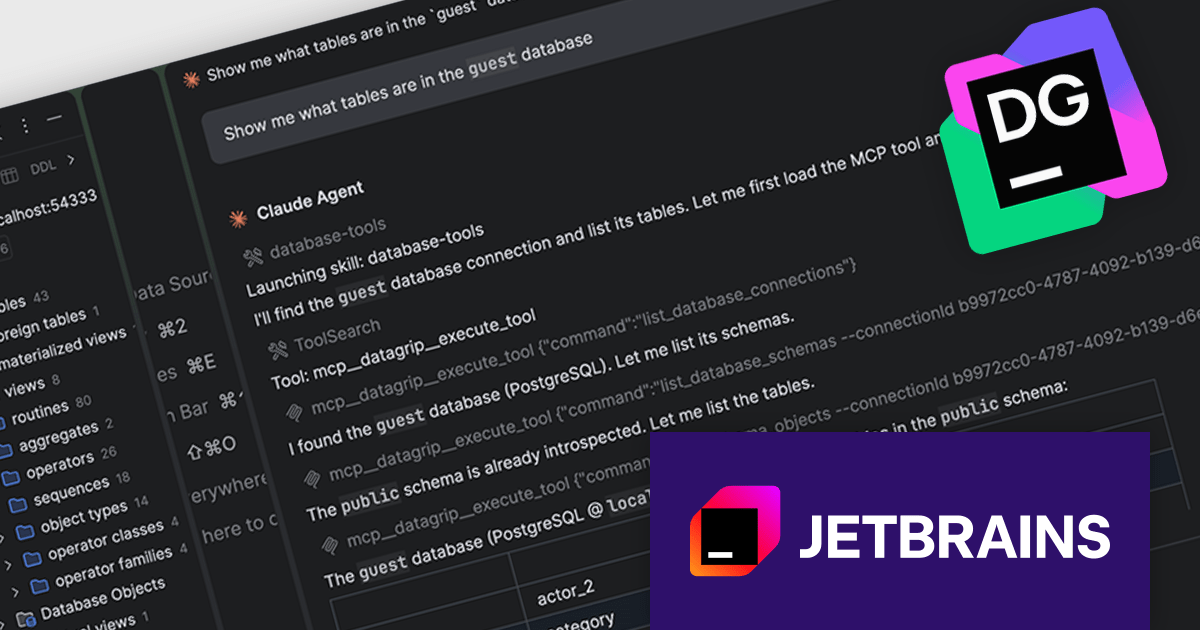
DataGrip is a multi-engine database environment that supports MySQL, PostgreSQL, Microsoft SQL Server, Oracle, Sybase, DB2, SQLite, HyperSQL, Apache Derby and H2. It includes an editor that provides intelligent coding assistance such as auto-completion, analysis and navigation. It also features a query console for running and profiling queries.
The DataGrip 2026.2 update introduces three AI agent skills designed to improve database workflows: database-connection-management, database-text-to-sql, and database-tools. Together, these reusable procedures guide agents through complex tasks using existing DataGrip capabilities and Model Context Protocol (MCP) tools, helping produce more accurate results with lower token consumption. Agents can create and repair database connections, convert natural language into SQL based on live database metadata rather than assumptions, explore schemas, inspect database objects, execute queries where permitted, and retrieve results efficiently by loading only the data needed into context.
To see a full list of what's new in version 2026.2, see our release notes.
DataGrip is licensed per user, and is available as a commercial annual subscription license. We can supply new subscriptions, subscription renewals, lapsed renewals, and additional user licenses. See our DataGrip licensing page for full details.
DataGrip is available to buy in the following products:





Tel: (888) 850 9911
Fax: +1 770 250 6199


