













官方供應商
我們作為官方授權經銷商,直接提供超過200家開發廠家所發行超過1000個的產品授權給您。
請參閱我們所有的品牌。
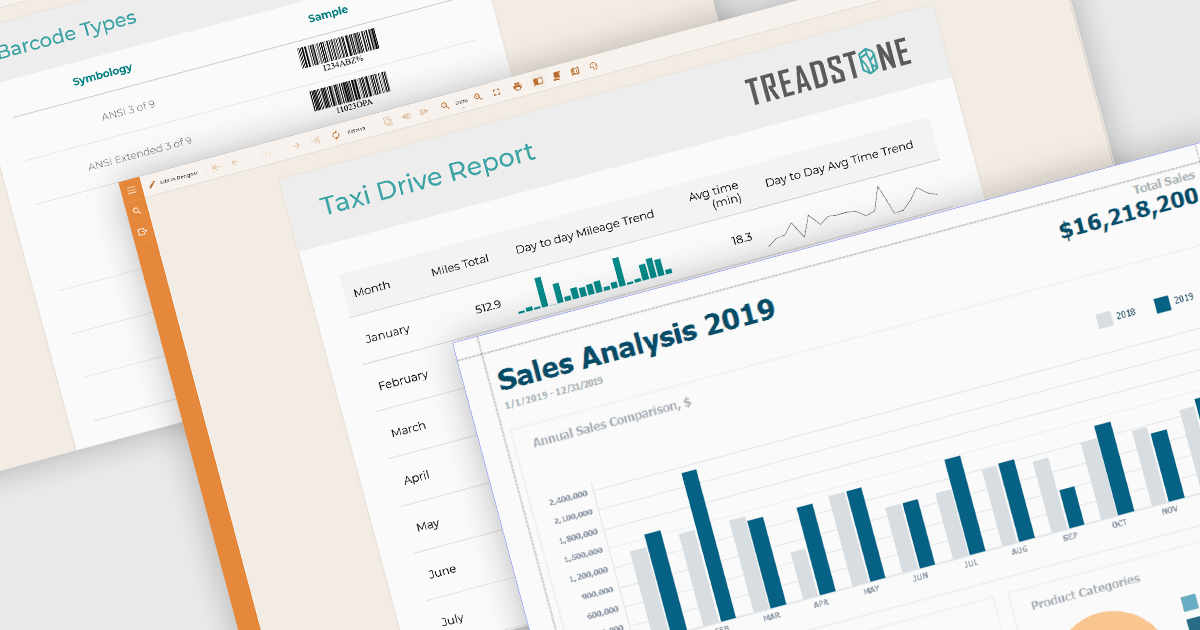
Data visualization plays a central role in reporting components by translating complex datasets into visual formats that are easier to understand and analyze. These tools help users identify patterns, monitor performance, and communicate key information at a glance. By integrating visuals directly into reports, organizations can enhance readability, support data-driven storytelling, and improve overall user engagement.
Common features include:
For an in-depth analysis of features and price, visit our Angular reporting components comparison.
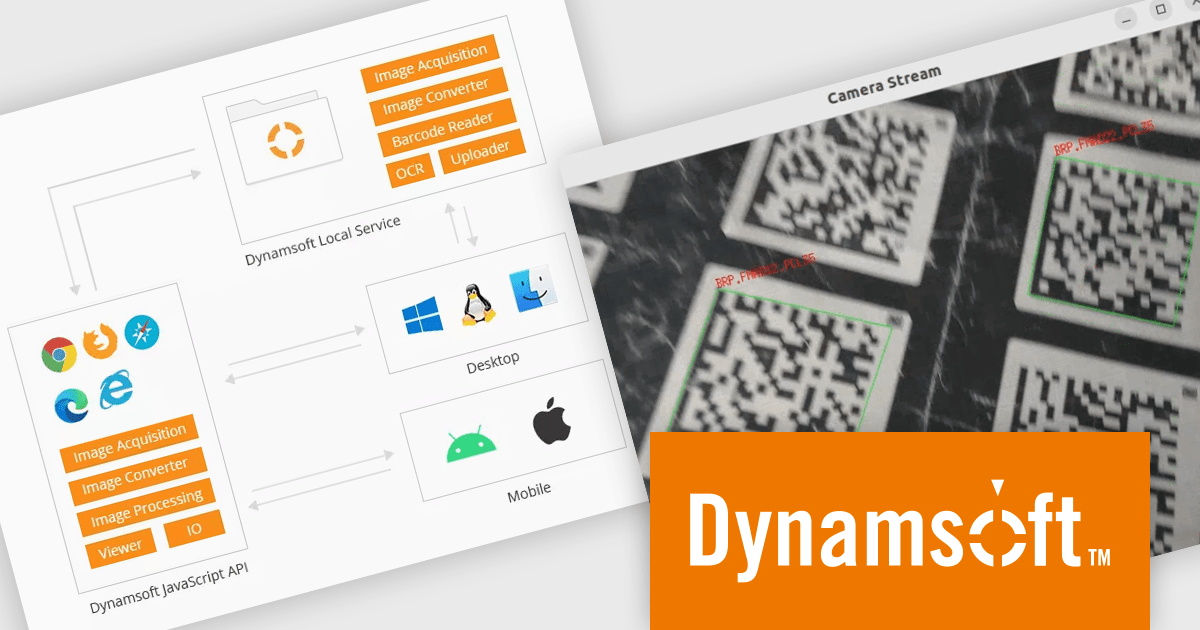
Dynamic Web TWAIN by Dynamsoft is a Software Development Kit (SDK) that simplifies adding document scanning capabilities to your web applications. It offers cross-platform and cross-browser compatibility, allowing users to scan directly from various scanners and webcams using popular browsers like Chrome and Firefox. With just a few lines of JavaScript code, you can integrate powerful scanning features into your web applications, streamlining document management workflows.
The Dynamsoft Dynamic Web TWAIN v19 update enhances its Barcode Reader Add-On by introducing support for macOS and Linux. This expansion enables barcode reading within scanning applications on platforms that were previously unsupported. By allowing developers to maintain a single codebase for barcode functionality across multiple desktop environments, it increases development efficiency and offers greater flexibility for users who prefer macOS or Linux.
To see a full list of what's new in version 19.0, see our release notes.
Dynamic Web TWAIN is licensed per Client Device and is available as an Annual license. See our Dynamic Web TWAIN licensing page for full details.
For more information, visit our Dynamic Web TWAIN product page.
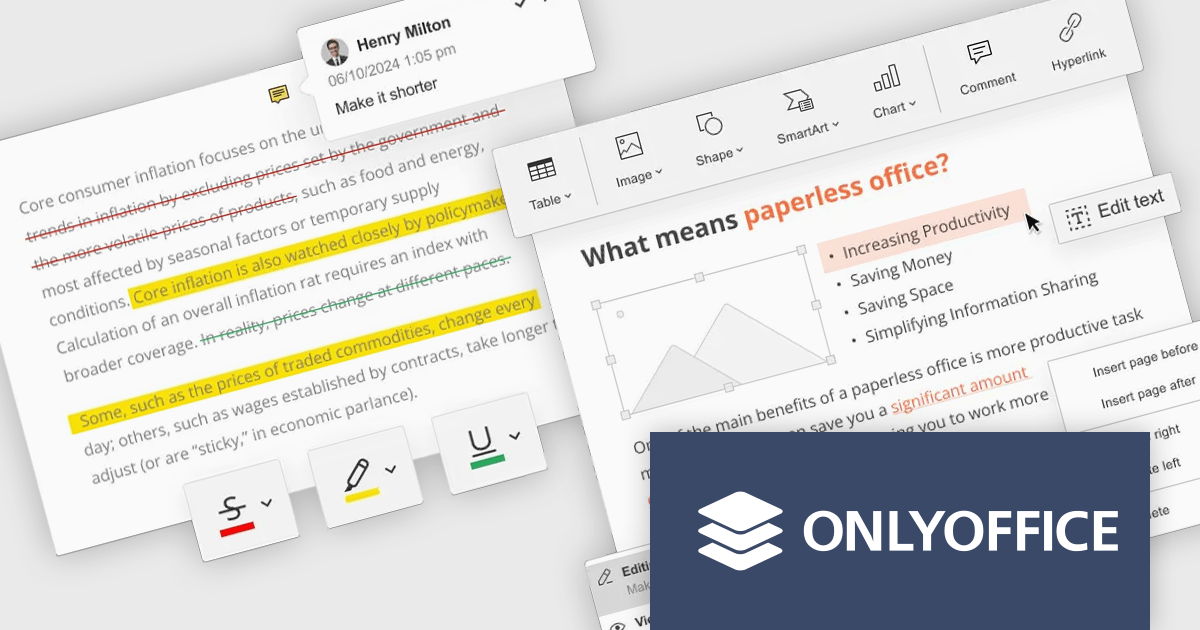
ONLYOFFICE Docs Enterprise Edition with Nuxeo Connector integrates online editing for Word, Excel, and PowerPoint directly within Nuxeo. Users can collaboratively create, edit, and co-author documents in real-time, utilizing ONLYOFFICE's formatting tools and broad format support, including OOXML. This in-browser editing and collaboration enhances productivity, streamlines workflows, and allows for potential re-branding and customization.
The ONLYOFFICE Docs Enterprise Edition with Nuxeo Connector v3.0 update introduces a fully functional PDF editor within the Nuxeo platform. This integration allows users to directly create, modify, and collaboratively author PDF documents, eliminating the need for external applications. Developers can leverage this expanded document handling capability within their Nuxeo-based solutions, offering end-users a more cohesive content management experience with features such as text editing, page manipulation, object insertion, annotation, and co-authoring functionalities.. This provides opportunities for custom workflow implementations and better development of applications focused on documents within Nuxeo.
To see a full list of what's new in v8.3.2 (3.0.0), see our release notes.
ONLYOFFICE Docs Enterprise Edition with Nuxeo Connector is licensed by the number of simultaneous document connections and is available as an annual license with 1 year support and upgrades. See our ONLYOFFICE Docs Enterprise Edition with Nuxeo Connector licensing page for full details.
For more information, see our ONLYOFFICE Docs Enterprise Edition with Nuxeo Connector product page.
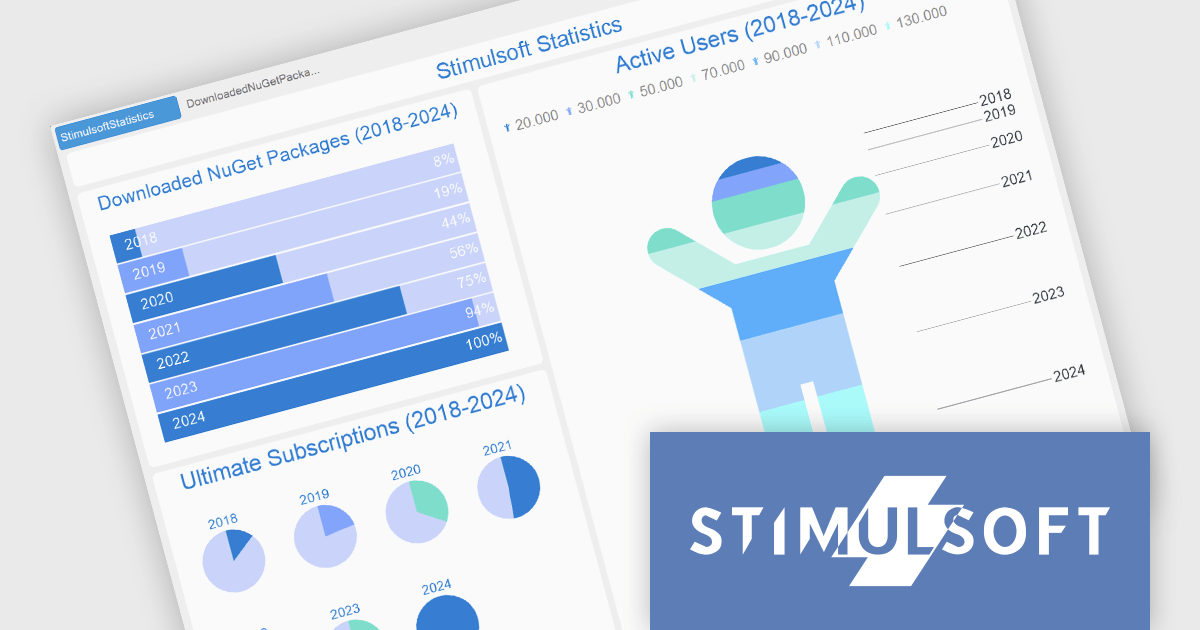
Stimulsoft Dashboards.PYTHON is a data visualization tool specifically designed for building interactive dashboards within Python applications. It combines a client-side JavaScript engine for data processing with a designer component to craft dashboards and a viewer for displaying them. This empowers developers to create clear and informative visual representations of data directly within their Python projects.
The Stimulsoft Dashboards.PYTHON 2025.2.1 update introduces support for interactive actions in the Progress element, allowing developers to enhance dashboard functionality with user-triggered events such as showing tooltips, opening hyperlinks, and navigating to other dashboards. These interactions can be easily configured within the element interaction editor, making it simpler to create more intuitive and informative user experiences without additional coding. This update enables greater flexibility in presenting and accessing related data, streamlining how users interact with progress indicators in real time.
To see a full list of what's new in 2025.2.1, see our release notes.
Stimulsoft Dashboards.PYTHON is licensed per developer and is available as a perpetual license with 1 year support and maintenance. See our Stimulsoft Dashboards.PYTHON licensing page for full details.
Stimulsoft Dashboards.PYTHON is available individually or as part of Stimulsoft Ultimate.
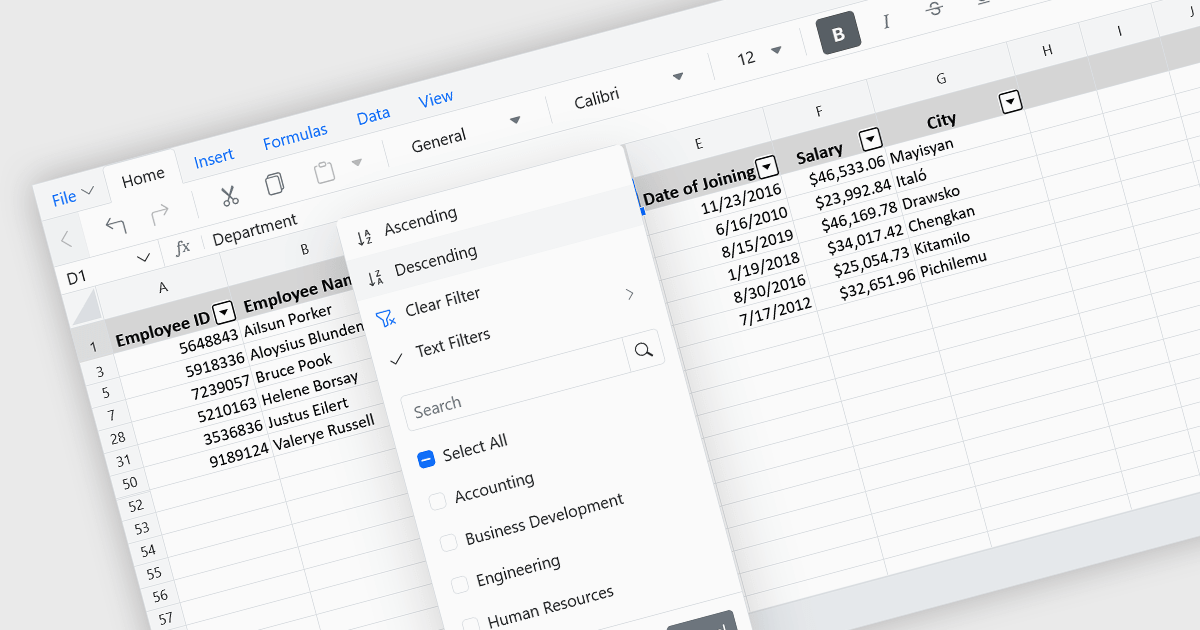
Data sorting in a spreadsheet control is a fundamental feature that enables users to rearrange data within a grid or table based on specific criteria, typically ascending or descending alphabetically or by numerical value. Sorting will usually be performed on single or multiple columns and is often integrated with other data manipulation tools like filtering, grouping, and searching. By sorting data, users can quickly locate and analyze information, identify patterns, and ensure consistency across records. Especially useful in large datasets, it improves the readability of the information and makes it more organized in preparation for decision-making, reporting, and data validation. This capability facilitates efficient data analysis, and supports better user interaction by allowing datasets to be viewed in meaningful sequences.
Several Vue.js spreadsheet controls allow you to sort data, including:
For an in-depth analysis of features and price, visit our comparison of Vue.js spreadsheet controls.
聯繫電話: (888) 850 9911
傳真: +1 770 250 6199


