













官方供應商
我們作為官方授權經銷商,直接提供超過200家開發廠家所發行超過1000個的產品授權給您。
請參閱我們所有的品牌。
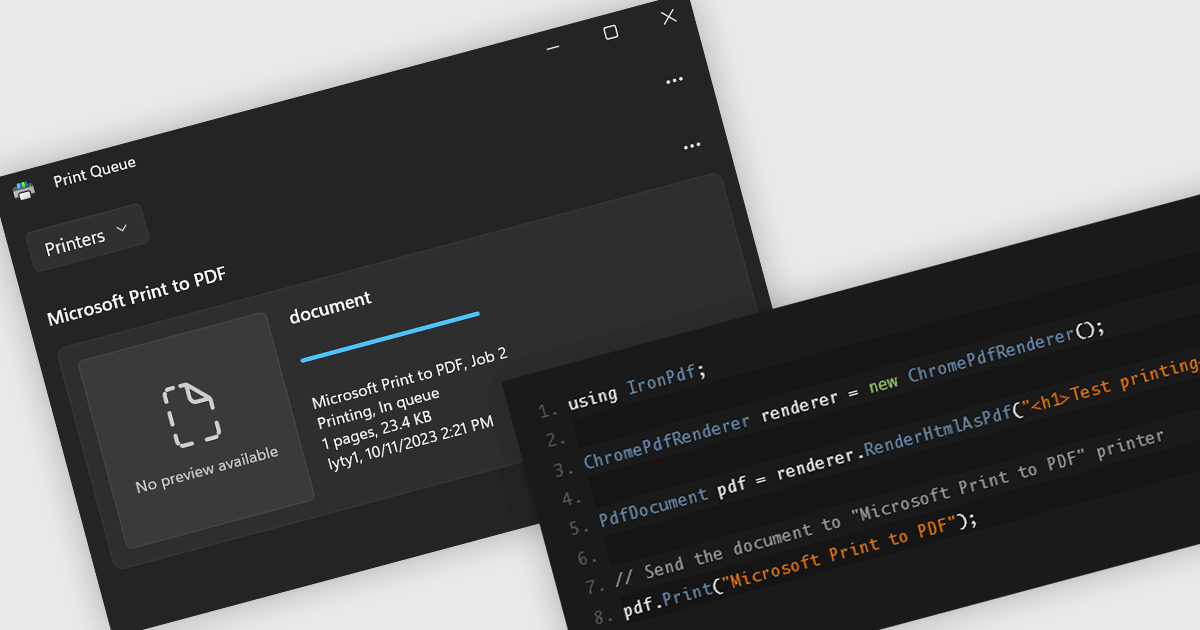
Printing support in a PDF component enables applications to send PDF documents directly to a printer or print preview interface without requiring user intervention or external tools. This functionality is especially useful in enterprise or reporting systems where automated or on-demand printing of invoices, forms, or reports is needed. By handling layout, pagination, and resolution scaling internally, it ensures consistent output across different devices and operating systems. For developers, it simplifies integration into processes that require reliable hard copies, reducing the need for custom print handling code or third-party dependencies.
Several .NET PDF components include support for printing, including:
For an in-depth analysis of features and price, visit our comparison of .NET PDF components.
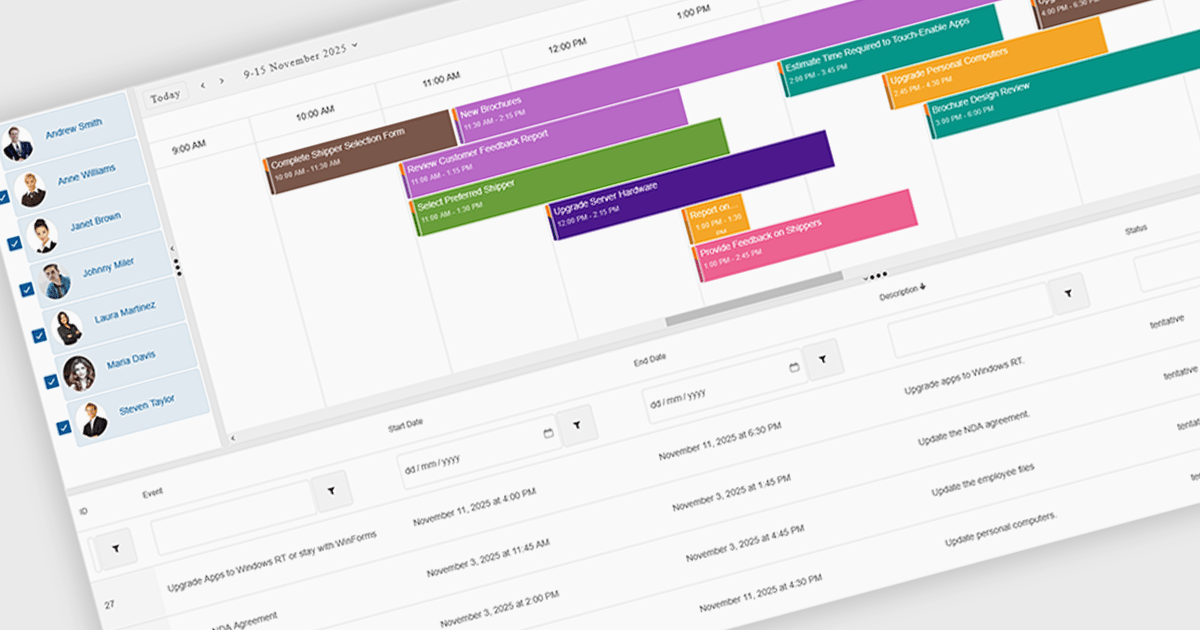
Scheduling components in UI suites provide a visual, interactive way to manage time-based data, with features such as multi-view calendars, drag-and-drop editing, recurrence rules, and group scheduling to simplify planning. They let organizations display daily, weekly, monthly, or timeline views, compare team availability, and tailor the interface to match branding or workflows. Integrated with backend data sources, scheduling components improve clarity, reduce conflicts, and save time across use cases like meeting booking, project management, staff coordination, and customer appointments.
Several .NET Blazor User Interface suites offer scheduling controls including:
For an in-depth analysis of features and price, visit our .NET Blazor UI suites comparison.
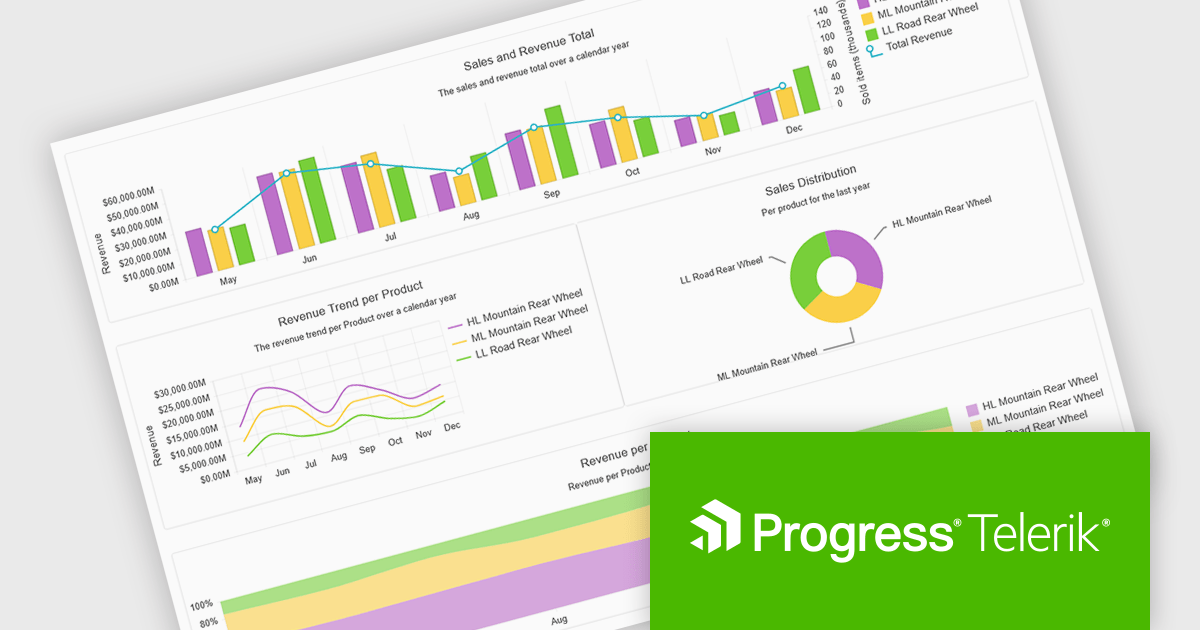
Progress Telerik is a leading provider of UI components, reporting software, and developer productivity tools. Its core Telerik UI product range provides a comprehensive set of libraries for building modern, high-performance and feature-rich applications. These suites are meticulously designed to integrate with .NET and facilitate rapid development across such platforms as ASP.NET Core/MVC/AJAX, Blazor, .NET MAUI, WPF, and WinForms.
Telerik’s .NET 10 support delivers full compatibility with .NET 10 across its .NET UI and developer tooling suites, meaning developers can immediately target the latest runtime and framework improvements. The commitment spans web, desktop and cross-platform stacks, including Blazor, ASP.NET Core, MAUI, WinForms and WPF, enabling teams to upgrade with confidence and leverage performance, security and tooling advancements baked into .NET 10.
Support for .NET 10 is available across the Telerik .NET product range:
Telerik DevCraft is licensed per developer and has two licensing models: an annual Subscription License and a Perpetual License. The Subscription license provides access to the latest product updates, technical support, and exclusive benefits for a flat annual fee, and must be renewed to continue using the software. The Perpetual license is a one-time purchase granting access to the current released version and includes a one-year subscription for product updates and technical support. After this initial period, users can choose to renew the subscription element to continue receiving updates and support; otherwise, they may continue using the installed version available during their active subscription term but will forgo future updates and support. See our Telerik DevCraft Ultimate licensing page for full details.
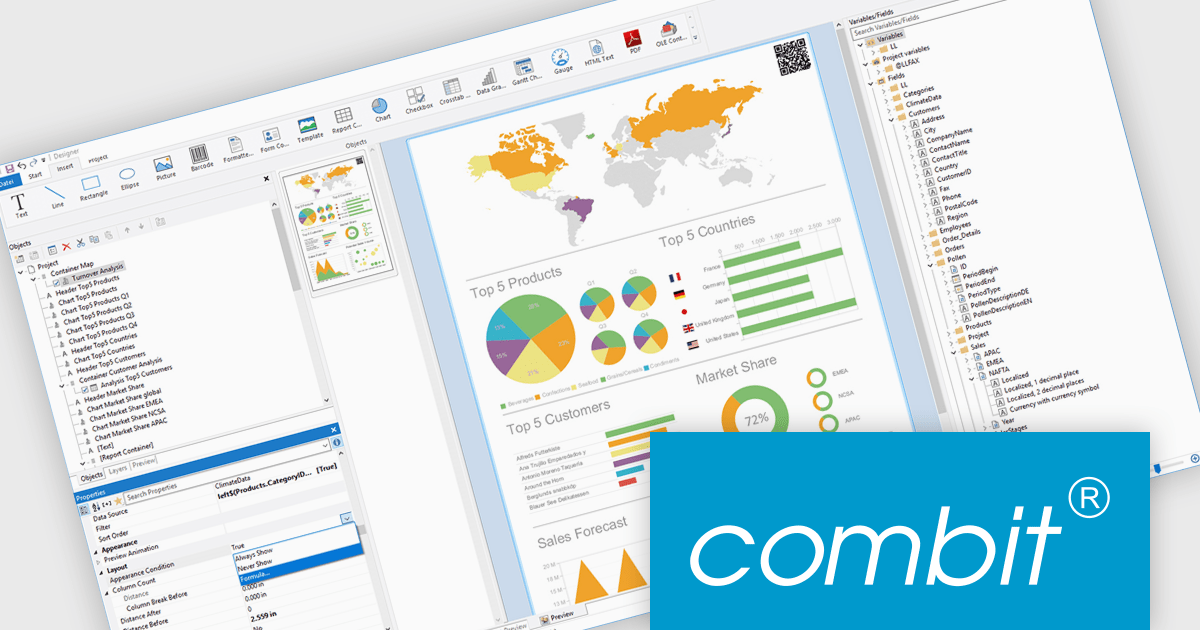
List & Label by combit is a software development toolkit that helps developers to integrate comprehensive reporting functionalities into their desktop, web, and cloud applications. It offers features such as data binding, complex data visualization, and a user-friendly report designer, along with printing, exporting, and previewing capabilities. List & Label operates independently of programming languages and data sources, providing developers with the flexibility to design and deliver informative reports within their development environment.
combit adds .NET 10 support to ensure developers can adopt the newest framework without compatibility concerns, allowing existing reporting logic, data integrations, and application code to run reliably on a modern, secure, and high-performance platform. This update helps teams optimize their upgrade path, maintain a consistent technology stack, and build applications that remain maintainable and future-ready as the .NET ecosystem evolves.
List & Label is licensed per developer and is available as a Perpetual License with a 12 month support and maintenance subscription. See our List & Label licensing page for full details.
List & Label is available in the following products:
Rebex is a trusted provider of high-quality components and libraries designed to streamline the development of secure, efficient, and reliable software applications. Its product line focuses on enabling developers to integrate essential networking, file transfer, and cryptographic functionalities with ease. Key offerings include libraries for secure file transfer protocols like SFTP (SSH File Transfer Protocol) and FTPS (File Transfer Protocol Secure), email handling via SMTP (Simple Mail Transfer Protocol), IMAP (Internet Message Access Protocol), and POP3 (Post Office Protocol), as well as powerful cryptographic tools for securing data. These tools are designed for .NET developers, emphasizing ease of integration, robust security standards, and high performance, making Rebex a valuable resource for building modern software solutions.
The latest Rebex release introduces support for .NET 10, delivering a new set of binaries designed to run across a wide range of platforms. This includes Windows, Linux, macOS, as well as Android and Apple mobile ecosystems. With this update, developers targeting .NET 10 can confidently deploy Rebex components across both desktop and mobile systems, including iOS, iPadOS, and tvOS. This positions Rebex to fully support cross-platform development on the latest .NET framework.
Support for .NET 10 is available across the Rebex .NET product range:
Rebex products are licensed per developer. All new licenses include a 1 year support contract which includes priority support and all software updates during the support period. Support contract renewals are also available. See our Rebex licensing page for full details.
聯繫電話: (888) 850 9911
傳真: +1 770 250 6199


