Group Data into Manageable Segments
JavaScript grids with grouping (summary) features allow users to gain insights into data without having to examine every individual row.
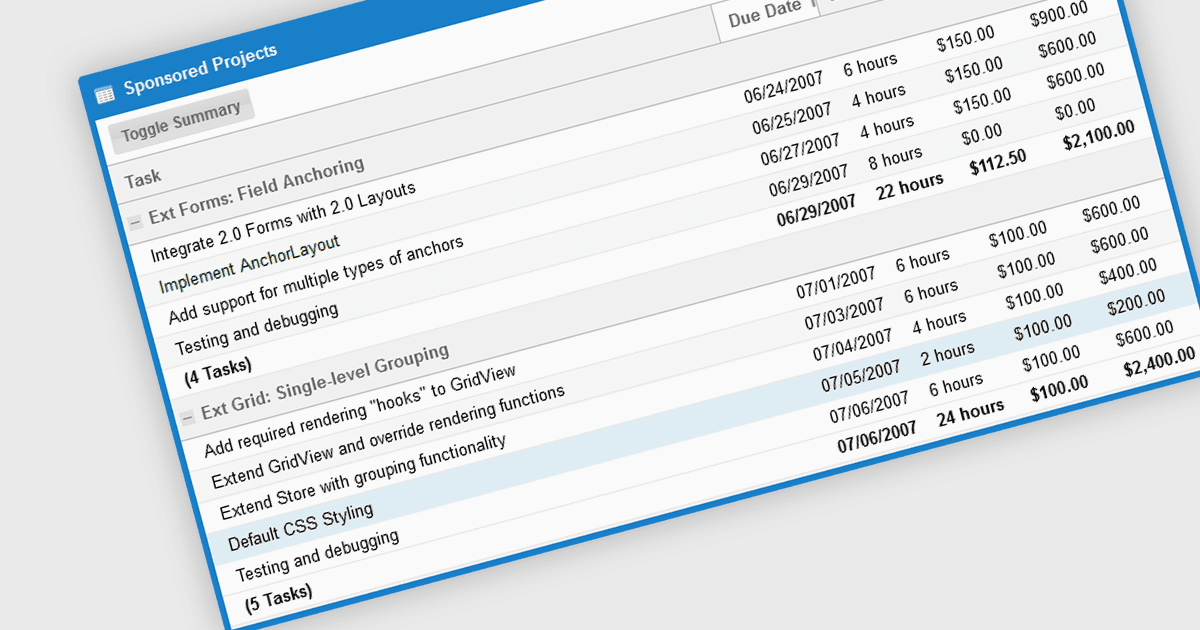
The grouping/summary feature in grid controls enables users to categorize and analyze data effectively by grouping rows based on specific criteria. This functionality allows for the aggregation of data within each group, providing valuable summaries such as totals, averages, counts, and more. By organizing information in a more structured manner, users can gain deeper insights into trends, patterns, and outliers within their data. This feature is particularly useful for large datasets, financial reporting, and data analysis tasks that require a high level of customization and flexibility.
Several JavaScript Grid controls offer grouping / summary support including:
- KendoReact Data Grid (part of KendoReact by Telerik) allows you to create hierarchical data structures by grouping rows and displaying summary information for each group.
- Wijmo FlexGrid (part of Wijmo by MESCIUS) allows you to group data by one or more properties and calculate summary statistics.
- Sencha Ext JS Grid (part of Sencha Ext JS) facilitates grouping of data based on multiple criteria and provides customizable summary calculations.
- Ignite UI Angular Grid (part of Infragistics Ignite UI) lets you group data by column and display summary statistics for each group, including totals, averages, and counts.
For an in-depth analysis of features and price, visit our comparison of JavaScript grid controls.