Ensure Accessibility and Data Clarity for All Users
Comply with WCAG standards and deliver clear, accessible information through intuitive JavaScript charts.
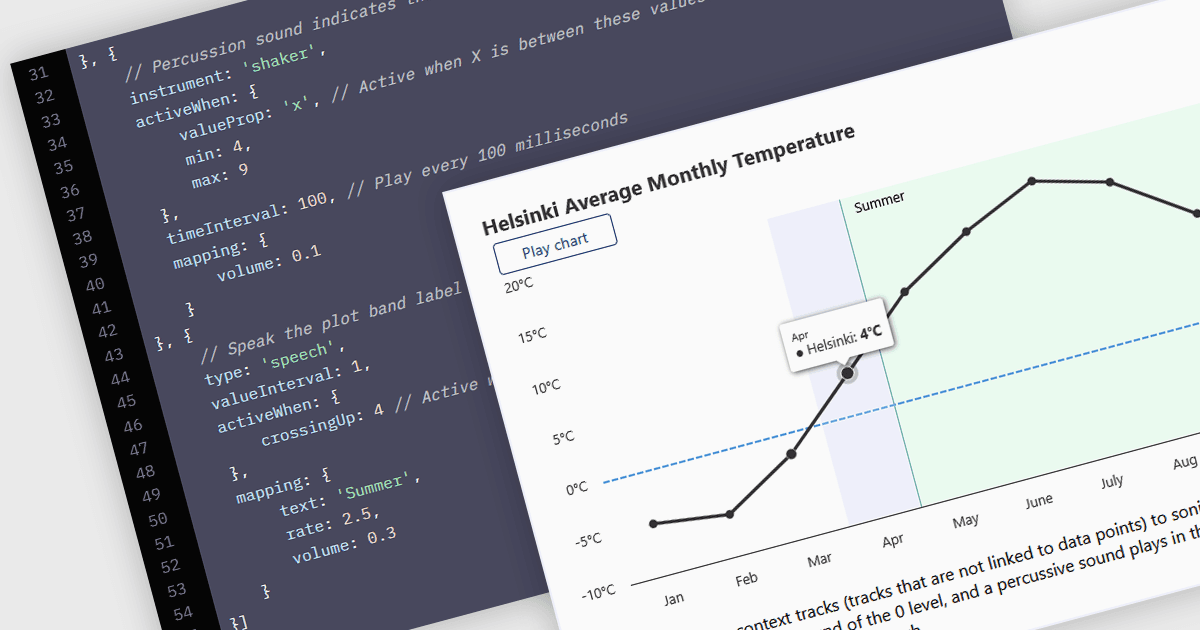
WCAG (Web Content Accessibility Guidelines) compliance in JavaScript charts ensures that visual data representations are accessible to all users, including those with disabilities. This involves implementing features such as semantic markup for assistive technologies, keyboard navigation support, high-contrast color schemes for users with visual impairments, and descriptive alternative text for charts and data points. Additionally, it may include providing data tables or summaries as textual alternatives and ensuring that interactive elements are operable without reliance on a mouse. Achieving WCAG 2.0 compliance enhances usability, meets legal accessibility standards, and promotes inclusive user experiences across web applications.
Several JavaScript chart controls offer WCAG compliance including:
- Highcharts by Highsoft includes an accessibility module with keyboard navigation, screen reader compatibility, high-contrast themes, and support for voice input and sonification.
- DevExtreme Chart (part of DevExtreme Complete by DevExpress) provides features like keyboard navigation, screen reader support, and high-contrast themes.
- Kendo UI for Angular Chart (part of Kendo UI by Telerik) incorporates features such as keyboard navigation, semantic HTML output, and screen reader compatibility.
- amCharts 5: Charts library includes keyboard navigation, high-contrast display modes, and text-based data alternatives to enhance accessibility.
For an in-depth analysis of features and price, visit our comparison of JavaScript Chart Controls.