Visualize Geographic Trends with Map Charts
Transform data with vibrant map charts that make it easy to compare values, reveal regional patterns, and uncover actionable insights.
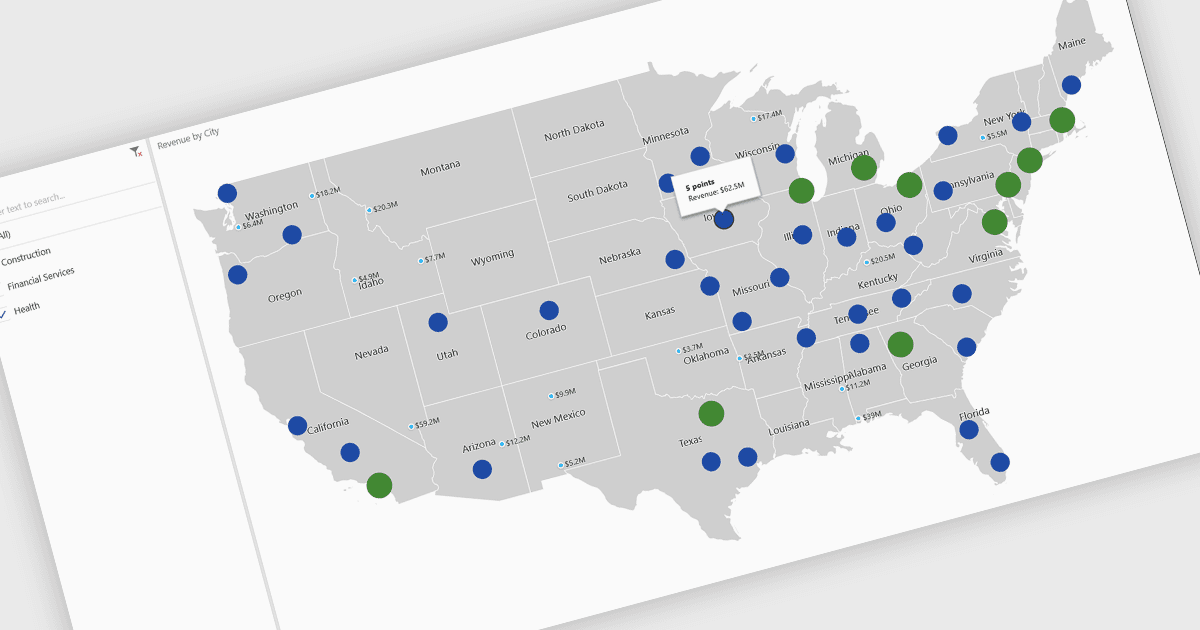
A map chart is a visual representation of data that displays values across geographic regions using colors, shading, or markers, making complex information easier to interpret. By placing data in a spatial context, map charts help users quickly identify regional patterns, trends, and outliers that might be overlooked in traditional tables or graphs. They are particularly useful for comparing values across countries, states, or counties, enabling clearer insights into geographically distributed data. Common use cases include illustrating population density, highlighting election results, analyzing sales performance by region, and presenting economic indicators. The key benefits of map charts include their ability to simplify complex datasets, provide intuitive comparisons, and support data-driven decision-making by visually connecting numbers with real-world locations.
Several .NET Core chart controls offer map charts including:
- DevExpress WinForms Chart (part of DevExpress WinForms) lets you visualize geographic data with customizable map charts, enabling precise regional comparisons.
- ComponentOne Charts for WinForms (part of ComponentOne Studio WinForms by MESCIUS) allows you to transform spatial datasets into interactive map charts.
- Telerik WPF Chart (part of Telerik UI for WPF) facilitates powerful geographic storytelling through map charts, helping users reveal trends and explore regional performance.
- Infragistics WPF Charts (part of Infragistics Ultimate UI for WPF) enables you to analyze data contextually with map charts, combining intuitive design and clear visualization.
For an in-depth analysis of features and price, visit our .NET Core chart controls comparison.