Visualize Data with Interactive Diagrams
Turn complex structures like org charts and workflows into clear, dynamic visuals that are easy to update and understand.
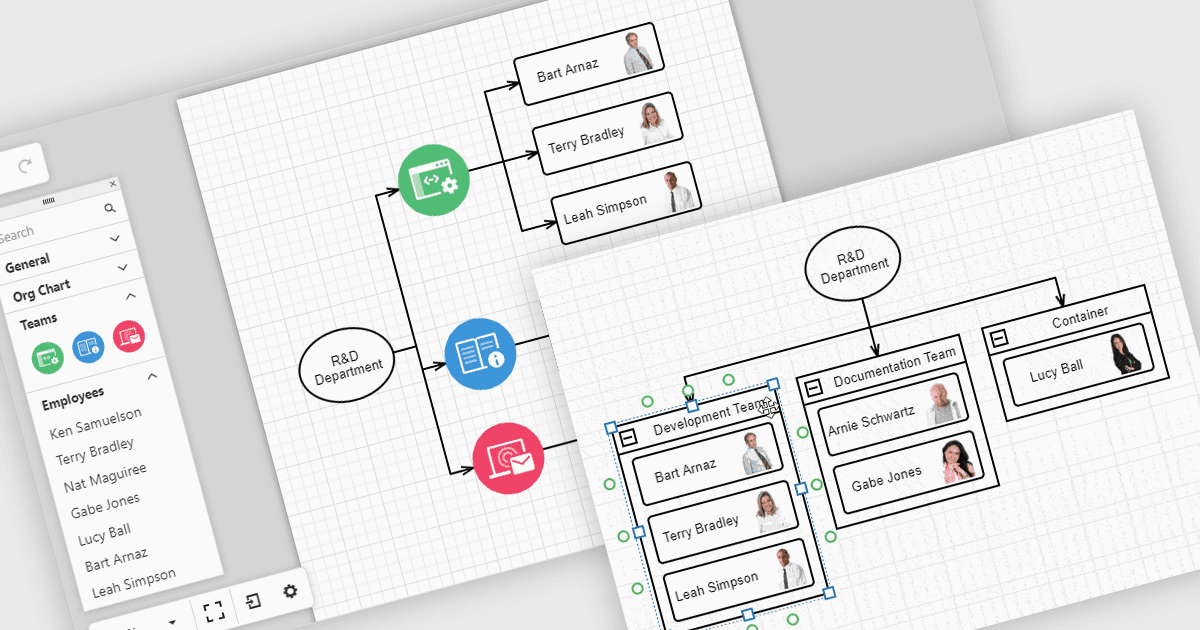
Diagrams in UI toolkits help turn complex data into easy-to-understand visuals that teams can interact with. For example, organizational charts show company structures and reporting lines in a layout that can be updated automatically from HR data. These charts can be expanded, collapsed, or reorganized with drag-and-drop tools, making it easier to understand team relationships and keep information up to date. Diagrams can also be used for workflows, decision trees, and network maps, giving teams a clear, flexible way to present and manage information.
Several React UI suites offer diagram controls including:
- DevExtreme Complete by DevExpress lets you build interactive diagrams, including organizational charts, process flows, and network structures, with responsive layouts.
- SmartClient by Isomorphic Software facilitates advanced diagramming, supporting hierarchical org charts, decision trees, and workflow visualizations.
- Syncfusion Essential Studio Enterprise allows you to create rich diagrams with data binding, automatic layouts, and interactive editing for diverse enterprise applications.
For an in-depth analysis of features and price, visit our React UI suite comparison.