








Official Supplier
As official and authorized distributors, we supply you with legitimate licenses directly from 200+ software publishers.
See all our Brands.
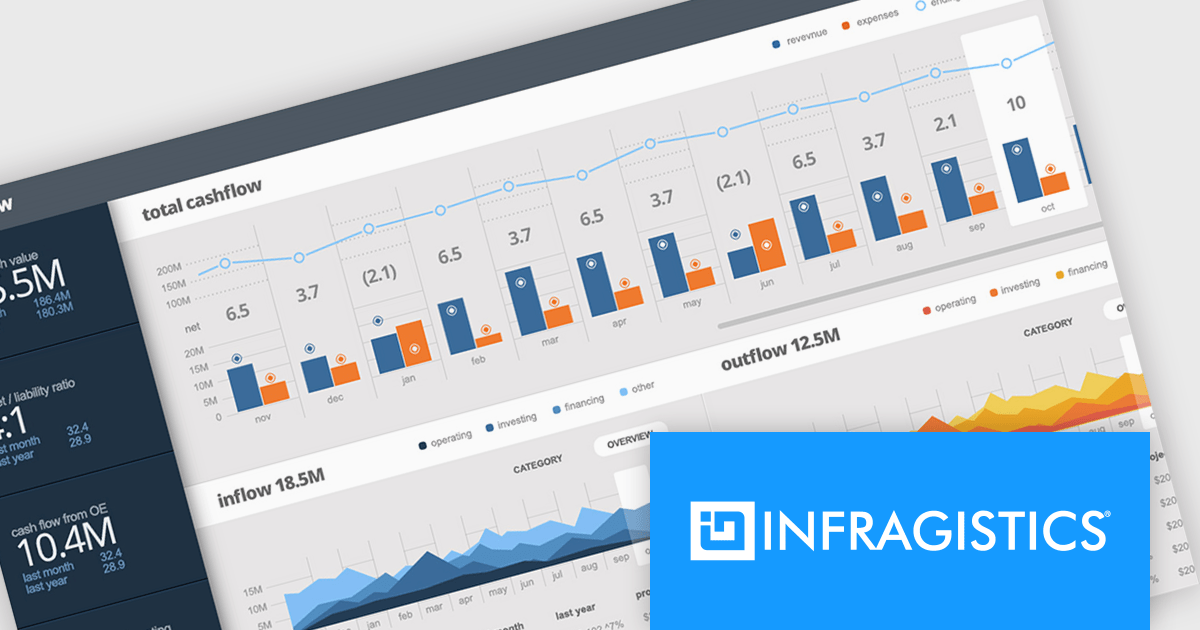
Infragistics Ultimate UI for Windows Forms is a comprehensive suite of over 100 pre-built UI controls and components designed to accelerate Windows Forms application development. It offers a rich feature set including grids, charts, dashboards, reports, and Microsoft Office-style UI elements, enabling developers to create visually appealing, high-performing, and touch-enabled applications with minimal coding effort.
The Infragistics Ultimate UI for Windows Forms 24.1 release introduces a powerful new feature for the UltraDataChart: Data Legend and Data Tooltip Grouping. This innovative enhancement allows users to effectively categorize and organize large datasets by grouping related series together. When multiple series share the same group text, they are visually clustered together within both the data legend and tooltips, providing a clear and intuitive representation of the data. This feature significantly improves data comprehension and analysis, making it easier for users to extract meaningful insights from complex datasets.
To see a full list of what's new in 24.1, see our release notes for Infragistics Ultimate UI for Windows Forms.
Infragistics Ultimate UI for Windows Forms is licensed per developer and is available as a perpetual license with 1, 2 or 3 year support and maintenance subscription. See our Infragistics Ultimate UI for Windows Forms licensing page for full details.
Infragistics Ultimate UI for Windows Forms is available to buy in the following products:
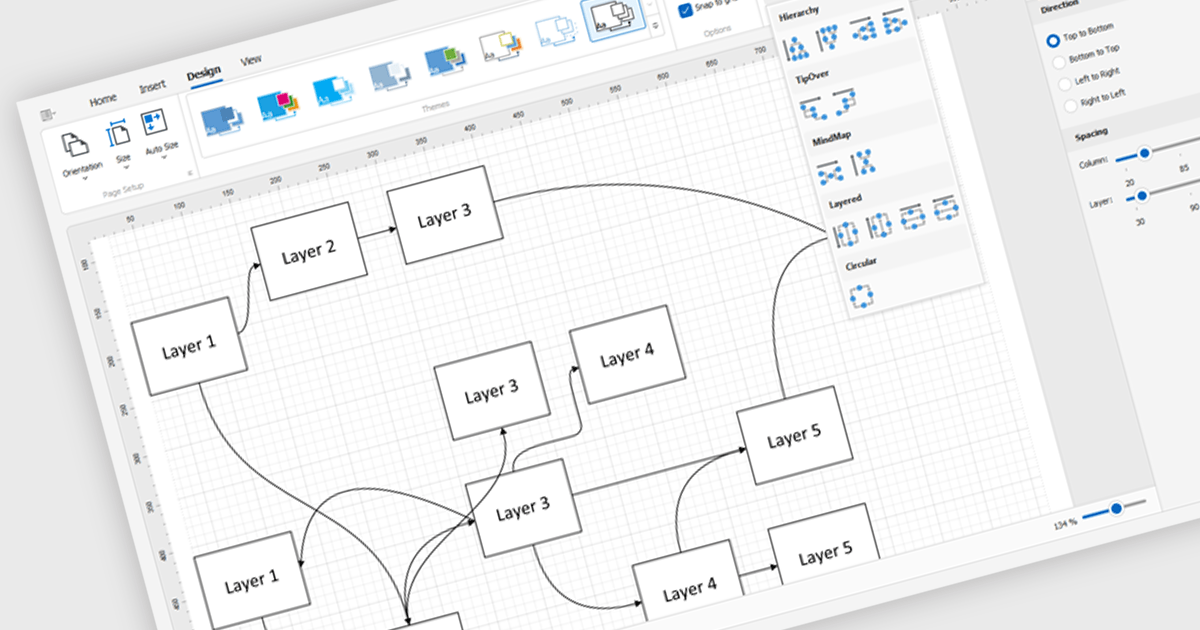
Diagram controls provide pre-built graphical elements for constructing various diagrams, flowcharts, and organizational charts within applications. These components accelerate development by offering customizable shapes, connectors, layouts, and interaction features, enabling developers to rapidly create visually appealing and interactive diagrams without extensive manual coding, thereby enhancing user experience and application functionality.
Many .NET WinForms UI Suite collections contain diagram controls including:
For an in-depth analysis of features and price, visit our comparison of .NET WinForms UI Suites.
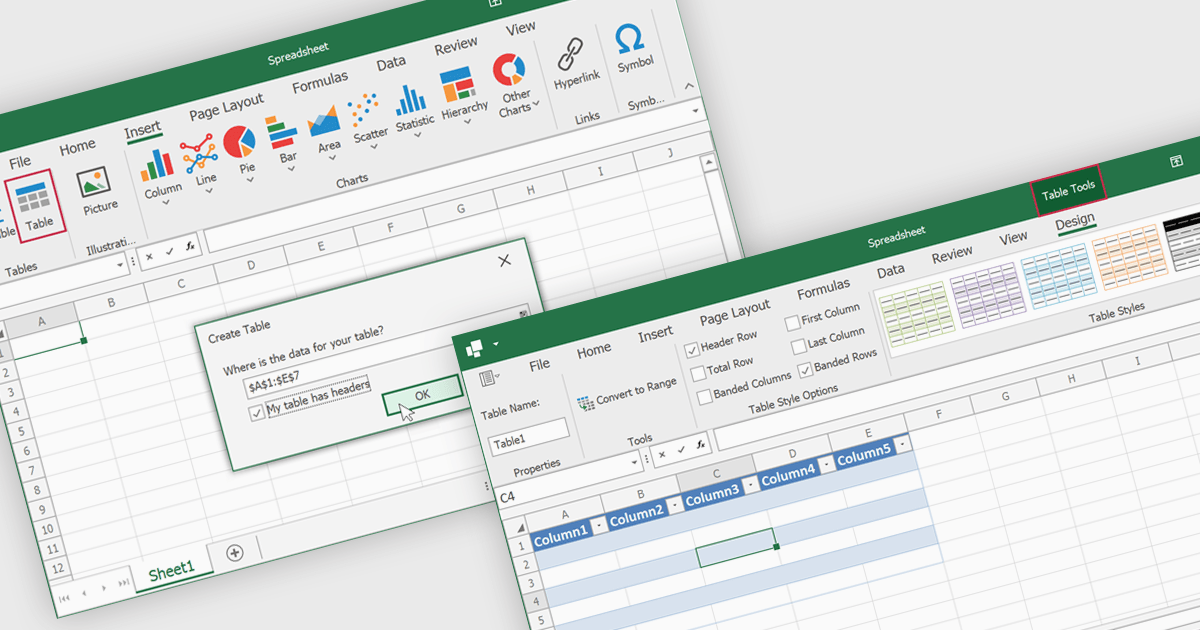
Spreadsheet tables are organized groups of data in a spreadsheet, often with a header row and a range of cells containing related information. They make data management easier by grouping related information, improving how it looks and how easy it is to use. You can use functions and formulas on entire tables to automate calculations and reduce manual work. Tables often let you filter and sort data based on specific criteria, making analysis and reporting easier. Common uses include financial analysis, inventory management, project tracking, and customer databases.
Several WinForms spreadsheet controls offer table support including:
For an in-depth analysis of features and price, visit our WinForms spreadsheet controls comparison.
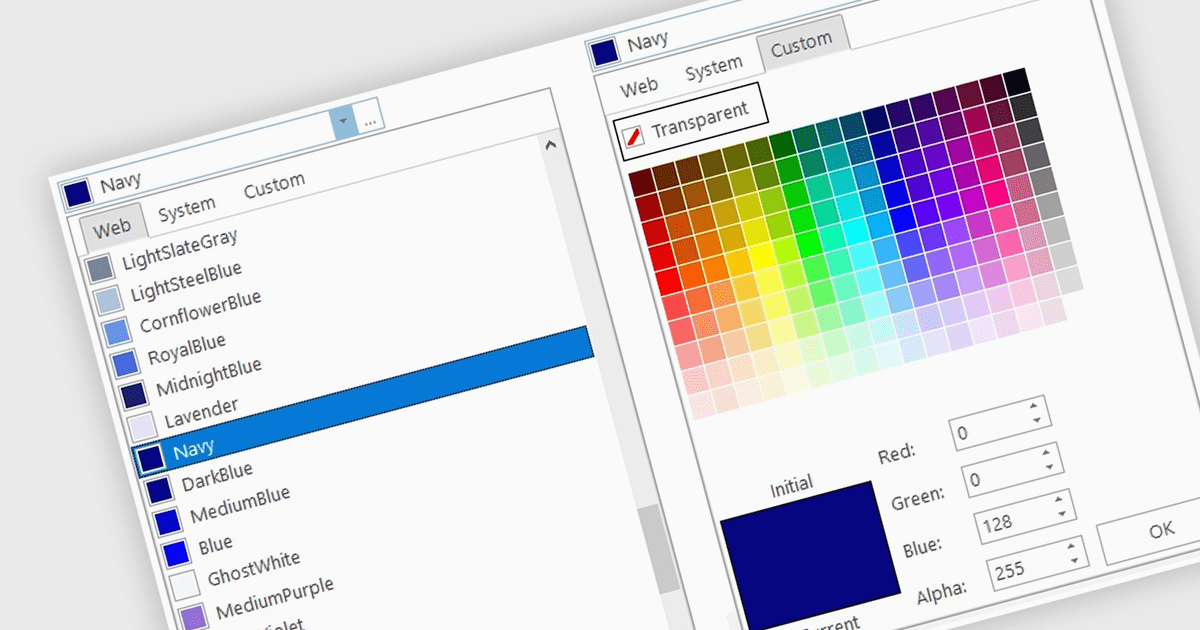
A color picker is user interface component that typically presents a visual spectrum or palette from which users can choose colors, input specific color values like RGB or HEX codes, or use sliders to adjust hue, saturation, and brightness. By enabling users to select and apply colors to various elements, such as text, backgrounds, or data visualizations, this type of data editor enhances the precision and efficiency of color selection and greatly improves the user experience.
Several WinForms data editors can provide you with a color picker, including:
For an in-depth analysis of features and price, visit our WinForms data editors comparison.
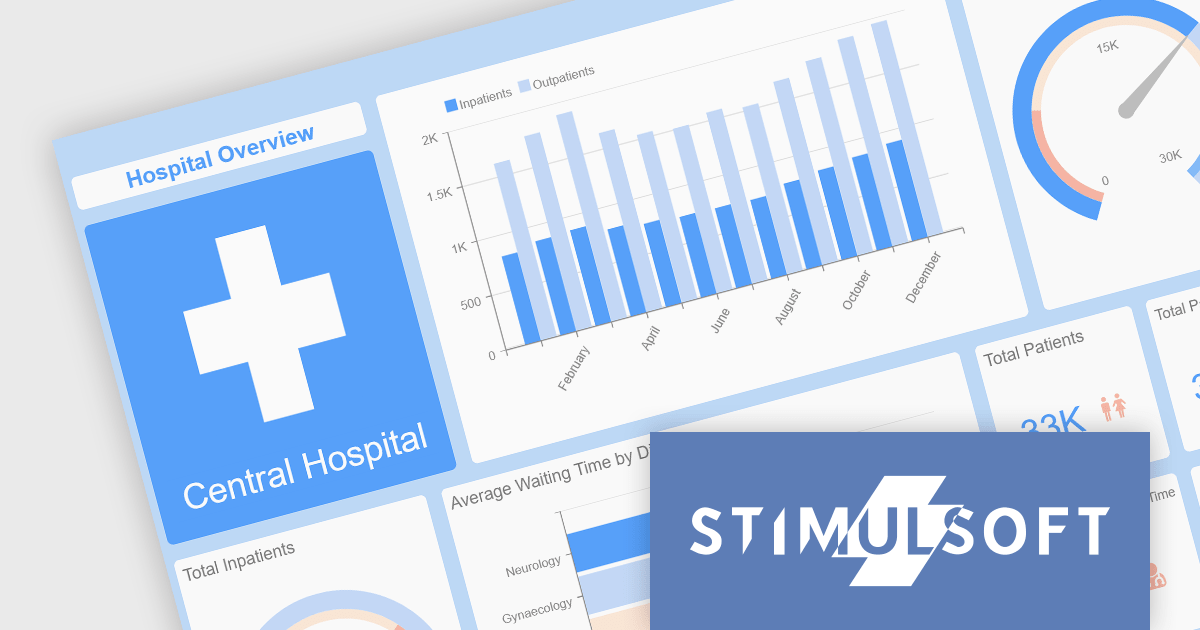
Stimulsoft offers a comprehensive suite of tools for creating interactive data visualizations. Stimulsoft Dashboards excels at crafting engaging dashboards for web and desktop applications, while Stimulsoft BI Designer provides a powerful platform for designing both reports and dashboards. Developers can seamlessly integrate these tools into their projects using platform-specific components or a centralized cloud designer, supporting .NET, JavaScript, PHP, and more. With rich data analysis capabilities, extensive customization options, and pre-built templates, Stimulsoft empowers you to transform complex data into clear, actionable insights for any audience.
The 2024.3.3 release adds a new Scale Mode option when exporting dashboards. This feature enables users to precisely adjust dashboard elements to fit specific output formats, maintain aspect ratios, or optimize for print or digital media.
To see a full list of what's new in 2024.3.3, see our release notes for Ultimate, BI Designer, Dashboards.WEB, and Dashboards.WIN.
Stimulsoft Ultimate is licensed per developer and is available as a Perpetual license with 1 year support and maintenance. See our Stimulsoft Ultimate licensing page for full details.
This update is available in the following products:





Tel: (888) 850 9911
Fax: +1 770 250 6199


