








Official Supplier
As official and authorized distributors, we supply you with legitimate licenses directly from 200+ software publishers.
See all our Brands.
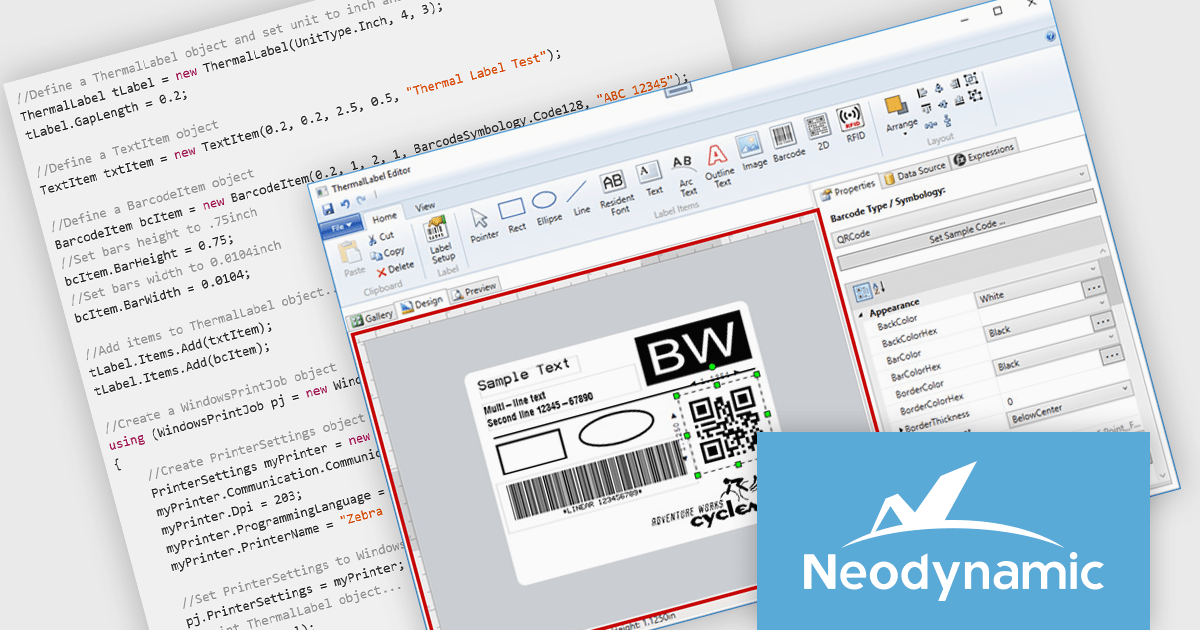
Neodynamic ThermalLabel SDK for .NET is a powerful library that enables developers to create and print barcode labels in .NET applications with precision and flexibility. Supporting a wide range of thermal printers, it offers advanced layout capabilities, data binding, and dynamic content generation using C# or VB.NET. With compatibility for industry-standard barcode symbologies, vector graphics, and RFID encoding, it is well-suited for applications in retail, logistics, healthcare, and manufacturing. Its support for printer languages like ZPL and EPL ensures seamless integration with various devices, optimizing performance while minimizing resource usage. By automating high-quality label printing for tasks such as inventory management, shipping, and compliance labeling, the SDK provides businesses with a scalable and efficient solution.
The Neodynamic ThermalLabel SDK for .NET 14.0 release introduces the new "OverflowSplit" sizing option for TextItem objects. This feature enables developers to automatically divide extensive text content across multiple labels, ensuring that lengthy information is seamlessly managed without requiring manual adjustments. This is particularly beneficial for applications requiring the printing of variable data that may exceed the space of a single label, such as detailed product descriptions or serialized data.
To see a full list of what's new in 14.0, see our release notes.
Neodynamic ThermalLabel SDK for .NET is licensed per developer and per server/client side deployment. Licenses are perpetual and include free updates and priority support for 1 year. See our Neodynamic ThermalLabel SDK for .NET licensing page for full details.
Learn more on our Neodynamic ThermalLabel SDK for .NET product page.
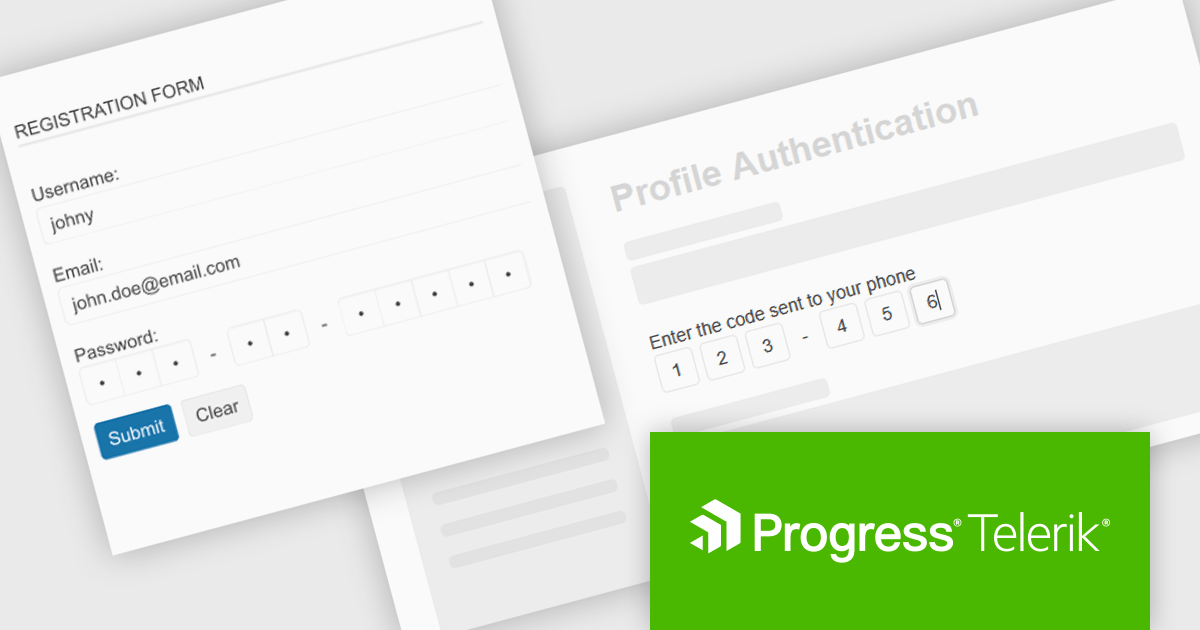
Telerik UI for ASP.NET MVC is a feature-rich UI library that enables developers to build modern, high-performance web applications with a seamless user experience. It offers a wide range of customizable components, including data grids, charts, forms, and interactive UI elements, optimized for server-side rendering and responsive design. With built-in themes, localization, and advanced data binding, it streamlines development while ensuring security and accessibility. Ideal for enterprise applications and data-driven solutions, it enhances productivity and delivers a polished, scalable UI.
The Telerik UI for ASP.NET MVC 2025 Q1 update introduces a new OTP (One-Time Password) UI control, providing a structured and secure way to handle authentication workflows. This component simplifies the implementation of temporary password input, ensuring compliance with modern security standards while enhancing user experience. It offers built-in validation, intuitive input handling, and seamless integration with existing authentication systems, allowing developers to strengthen app security with minimal effort. Fully customizable and responsive, the OTP control ensures consistent behavior across devices and browsers, making it a reliable addition to any ASP.NET MVC application.
To see a full list of what's new in 2025 Q1 (2025.1.211), see our release notes.
Telerik UI for ASP.NET MVC is licensed per developer and has two licensing models: an annual Subscription License and a Perpetual License. The Subscription license provides access to the latest product updates, technical support, and exclusive benefits for a flat annual fee, and must be renewed to continue using the software. The Perpetual license is a one-time purchase granting access to the current released version and includes a one-year subscription for product updates and technical support. After this initial period, users can choose to renew the subscription element to continue receiving updates and support; otherwise, they may continue using the installed version available during their active subscription term but will forgo future updates and support. See our Telerik UI for ASP.NET MVC licensing page for full details.
Telerik UI for ASP.NET MVC is available to buy individually or as part of the following products:
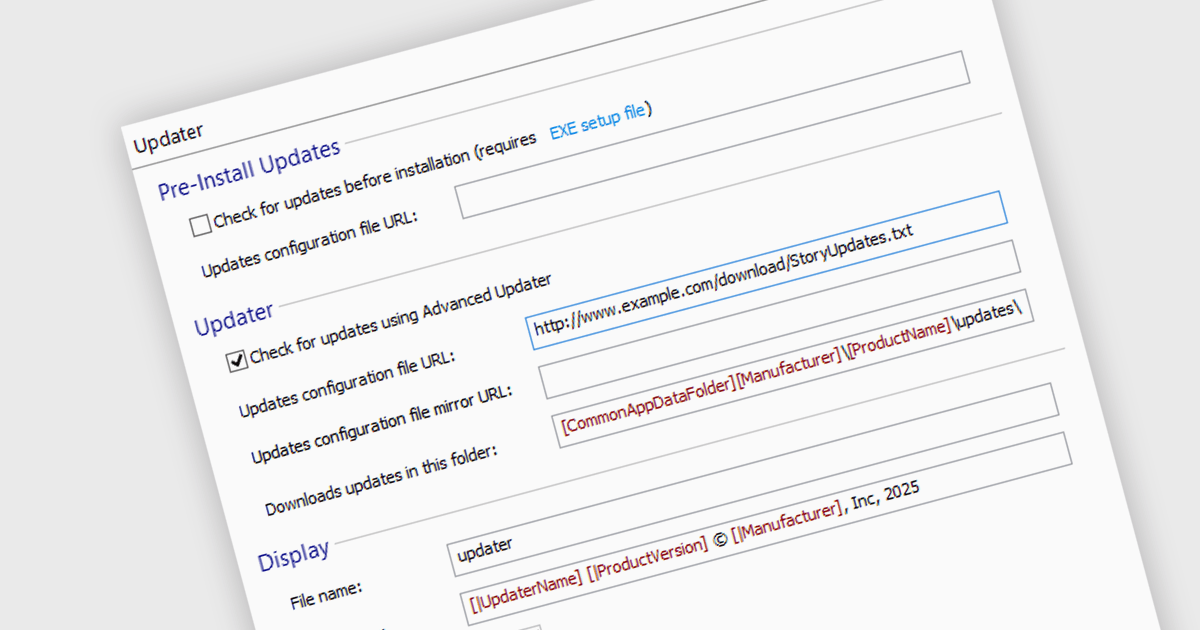
Automatic update / patching functionality allows software to download and apply updates without user intervention. This keeps applications secure, stable, and up to date by quickly addressing vulnerabilities, improving performance, and adding new features. For developers, it simplifies maintenance by reducing manual patching, minimizing downtime, and ensuring consistency across deployments. By automating updates, software stays aligned with evolving security requirements and compatibility standards, improving reliability and user experience while lowering operational overhead.
Several installation tools offer the ability to automatically install updates or patches including:
For an in-depth analysis of features and price, visit our comparison of installation tools.
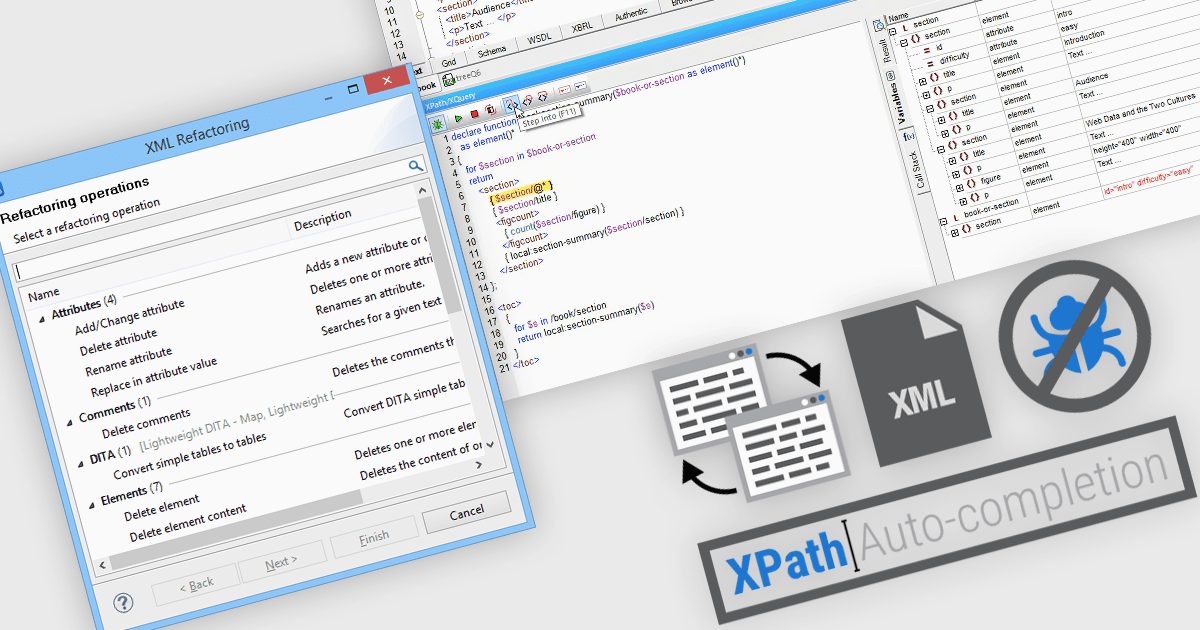
Structured document tools play a crucial role in managing data-intensive applications, web services, and enterprise systems. For developers, data analysts, and database administrators, efficient XML (Extensible Markup Language) handling is essential. These tools streamline document management by enabling users to open, view, and refactor XML files while also providing intelligent features like auto-completion for XPath expression debugging. With this functionality, users can seamlessly navigate XML structures and extract relevant data using XPath, a powerful query language designed for XML document processing.
Common features include:
For an in-depth analysis of features and price, visit our structured document tools comparison.
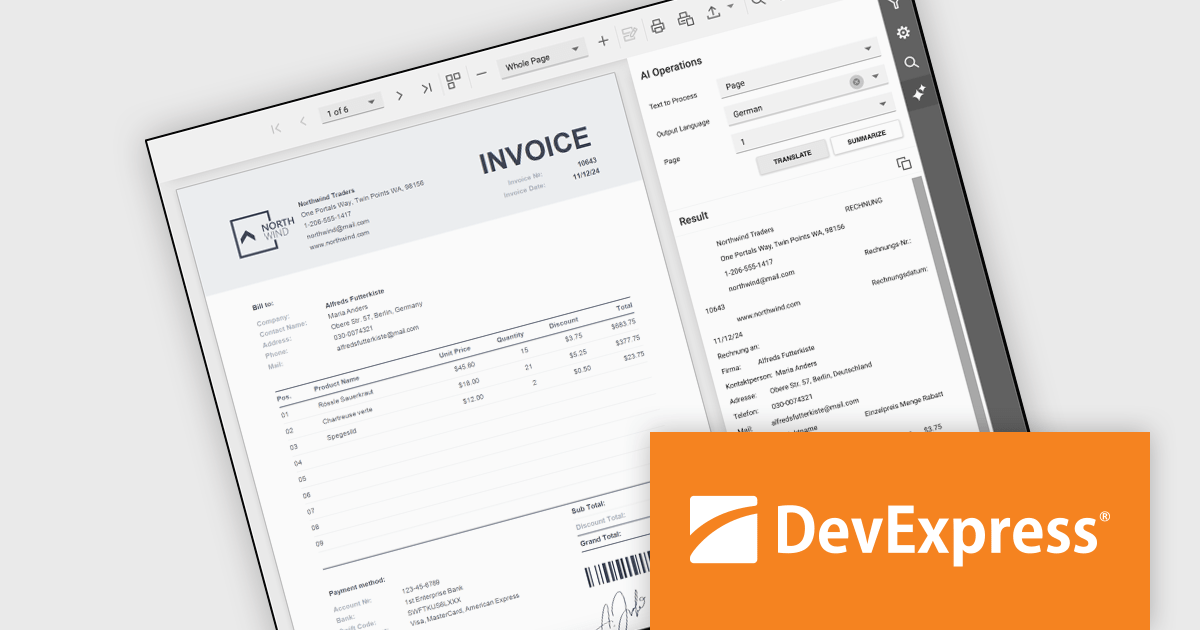
DevExpress Reporting is a comprehensive suite of reporting tools that empowers developers to create visually stunning and highly customizable reports for various applications. With its rich feature set, including data binding, layout design, printing, and exporting capabilities, DevExpress Reporting enables the efficient creation of reports that meet the most demanding business requirements.
The DevExpress .NET Reporting v24.2 update introduces AI-powered Summarize and Translate features designed to enhance report usability and accessibility. These features allow developers to integrate functionality that enables users to quickly extract key insights from reports using generative AI summaries and translate report content, pages, or selected sections into multiple languages with ease. By streamlining the process of understanding complex data and eliminating language barriers, this update helps developers deliver more user-friendly, globally accessible reporting solutions across all supported platforms.
To see a full list of what's new in version 24.2, see our release notes.
DevExpress Reporting is licensed per developer and is available as a Perpetual License with a 12 month support and maintenance subscription. See our DevExpress Reporting licensing page for full details.
DevExpress Reporting is available to buy in the following products:





Tel: (888) 850 9911
Fax: +1 770 250 6199


