








Official Supplier
As official and authorized distributors, we supply you with legitimate licenses directly from 200+ software publishers.
See all our Brands.
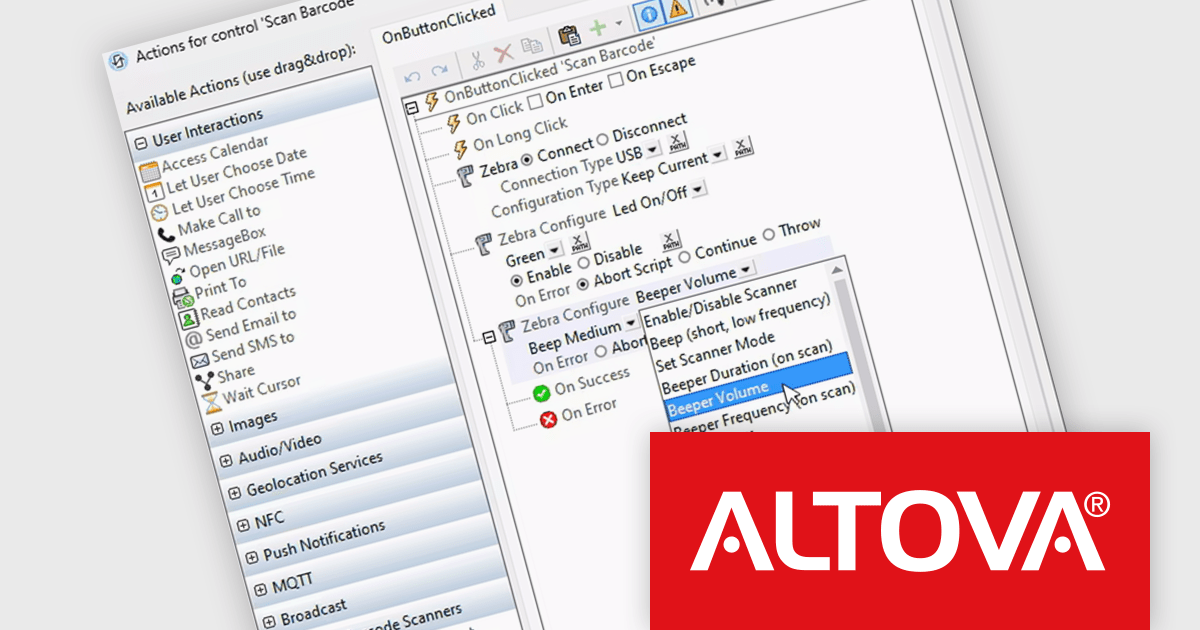
Altova MobileTogether is a rapid app development platform that empowers anyone, regardless of coding experience, to build sophisticated data-driven apps for all mobile and desktop platforms. With its visual UI design, drag-and-drop functionality, and powerful Action Tree programming language, MobileTogether streamlines the development process, enabling you to create custom database apps, integrate with backend systems, and deploy secure solutions swiftly and cost-effectively.
The MobileTogether 10.0 release now supports handheld scanners, expanding its barcode and QR code scanning capabilities beyond device cameras. Popular models like Zebra, Zebra Mobile Computer and Datalogic Mobile Computer are supported, allowing for seamless data storage and processing. Developers can also simulate scanner usage with sample data during testing, ensuring functionality before deployment. This update enhances MobileTogether's flexibility for industries like retail and logistics, where handheld scanners are widely used.
To see a full list of what's new in version 10.0, see our release notes.
MobileTogether is licensed per server core as an annual subscription. See our MobileTogether licensing page for full details.
For more information, visit our MobileTogether product page.
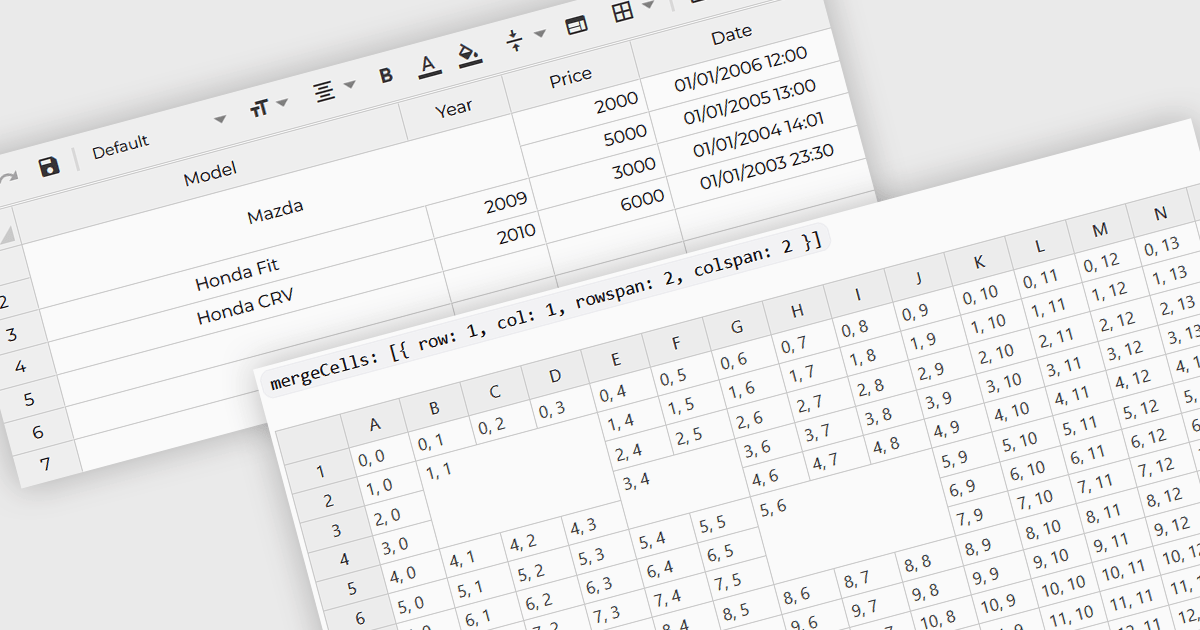
Cell merging refers to a grid component's ability to combine adjacent cells, either horizontally or vertically, to create a single unified cell. This is often used to display related data more efficiently by avoiding redundancy and improving the visual organization of complex datasets. For software developers, the benefit of cell merging lies in enhancing readability and clarity when representing hierarchical or grouped information. By merging cells, developers can present data in a more structured way, reducing clutter and allowing users to focus on key information without the distraction of repeated values.
Several Angular grid controls offer support for merging cells including:
For an in-depth analysis of features and price, visit our Angular grid controls comparison.
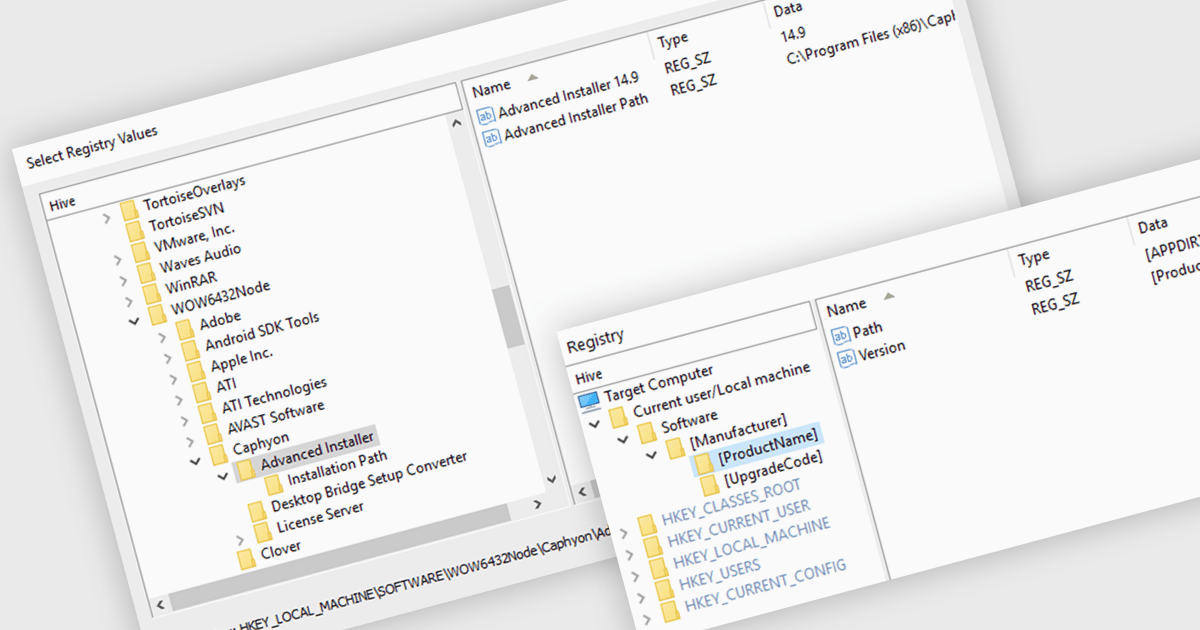
A registry editor is designed to modify and manage the Windows Registry, a central database that stores critical system settings and information. It allows developers to define exactly how their software will interact with the system, including where files will be stored, which registry keys will be accessed, and what services will be started. This granular control ensures that the installation process is smooth and reliable, minimizing potential conflicts and errors. Additionally, the registry editor can be used to create custom configurations, allowing developers to adapt their software to specific user needs or environments.
Several installation tools offer registry editor functionality including:
For an in-depth analysis of features and price, visit our comparison of installation tools.
Nevron Chart for SSRS is a robust charting tool for SQL Server Reporting Services, offering a variety of chart types such as bar, line, pie, and advanced options like financial and gauge charts. It enables users to create highly customizable, data-driven visuals integrated with their reports. Key features include multiple axes, customizable legends, and dynamic data grouping. Nevron Chart is ideal for organizations looking to enhance their reports with clear, actionable data visualizations, making it a valuable tool for data analysis and decision-making.
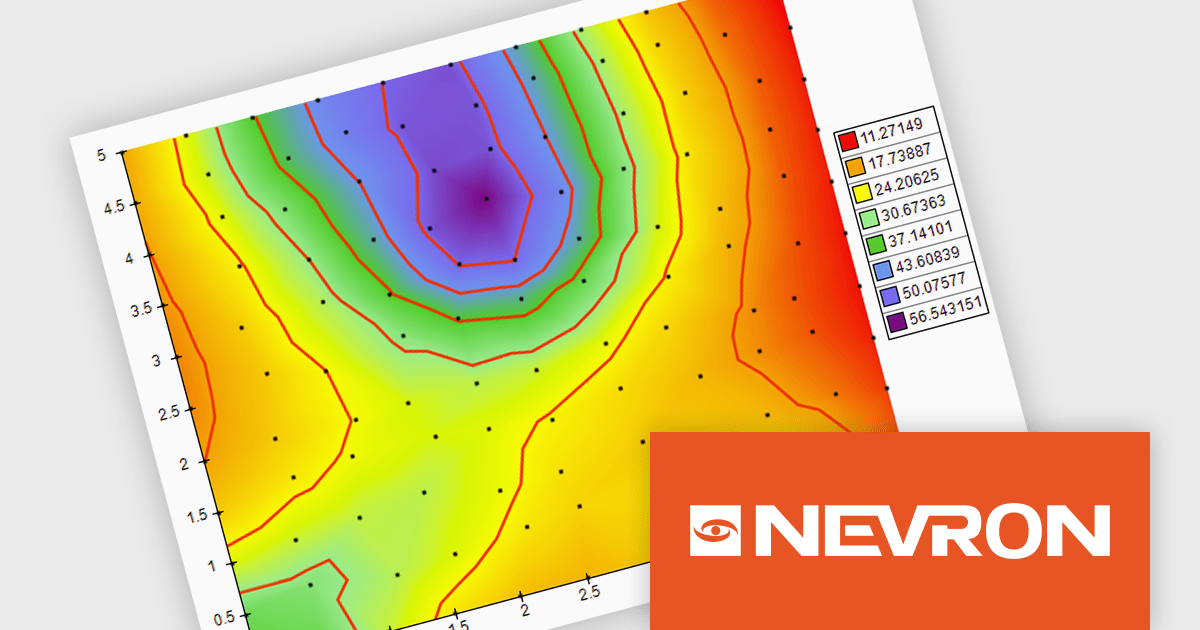
The Nevron Chart for SSRS 2024.1 release adds new Triangulated HeatMap that enables intuitive visualization of complex data by transforming X, Y, and Z coordinates into a smooth, color-interpolated heatmap. It automatically generates a Delaunay triangular network for optimal data representation and adds isolines to highlight equal elevation points, making it ideal for analyzing patterns in multi-dimensional datasets. This feature streamlines complex data analysis, offering faster insights and precise visualizations for informed decision-making.
To see a full list of what's new in 2024.1, see our release notes.
Nevron Chart for SSRS is licensed per developer and is available as a perpetual license with 1 year support and maintenance. See our Nevron Chart for SSRS licensing page for full details.
Nevron Chart for SSRS is available in the following products:
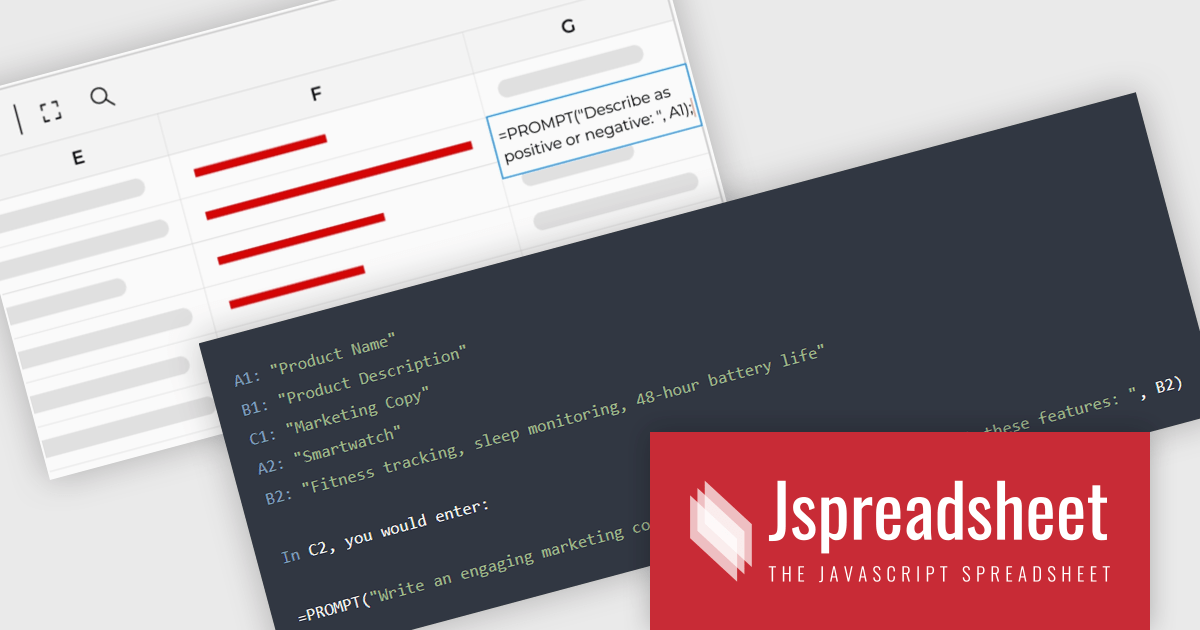
Jspreadsheet Pro is a flexible JavaScript-based spreadsheet solution that enables developers to create customizable, feature-rich data grids for web applications. It offers advanced formulas, data validation, and API integrations. Ideal for tasks like financial modeling, inventory management, and project tracking, it helps businesses efficiently manage and analyze data. Its backend server integration supports real-time data processing, enhancing workflows and boosting productivity across various industries.
Jspreadsheet Pro seamlessly incorporates ChatGPT API into data grids. This integration facilitates automated content generation, efficient response management, and comprehensive data analysis. For full functionality it requires the Jspreadsheet Server extension which enables front-end queries to communicate with the API via your back-end, delivering real-time data and insights to users.
Jspreadsheet Pro is licensed as an Annual or a Perpetual License with support and maintenance. We can supply any Jspreadsheet Pro license including new licenses, maintenance renewals, and upgrade licenses. See our Jspreadsheet Pro for full details.
For more information, visit our Jspreadsheet Pro product page.





Tel: (888) 850 9911
Fax: +1 770 250 6199


