








Official Supplier
As official and authorized distributors, we supply you with legitimate licenses directly from 200+ software publishers.
See all our Brands.
Devart's ODBC Drivers provide high-performance connectivity to various databases and cloud services. They ensure broad compatibility with existing tools, offer advanced features like stored procedures and secure data encryption, and optimize data processing efficiency. This empowers developers to seamlessly work with live data across Windows, macOS, and Linux environments without requiring additional software installations or vendor libraries, streamlining data access and integration.
Devart expands its ODBC Driver suite with seamless connectivity to Microsoft Excel, and the Smartsheet and Zoho Billing Cloud services. Now you can effortlessly integrate these valuable data sources into any ODBC-compliant application or programming language, streamlining data access and analysis for maximized efficiency.
The ODBC Drivers are licensed per developer and is available as an Annual or Perpetual License with a 12 month support and maintenance subscription. See our ODBC Driver licensing pages for Microsoft Excel, Smartsheet, and Zoho Billing.
For more information about the ODBC Drivers visit our product pages:
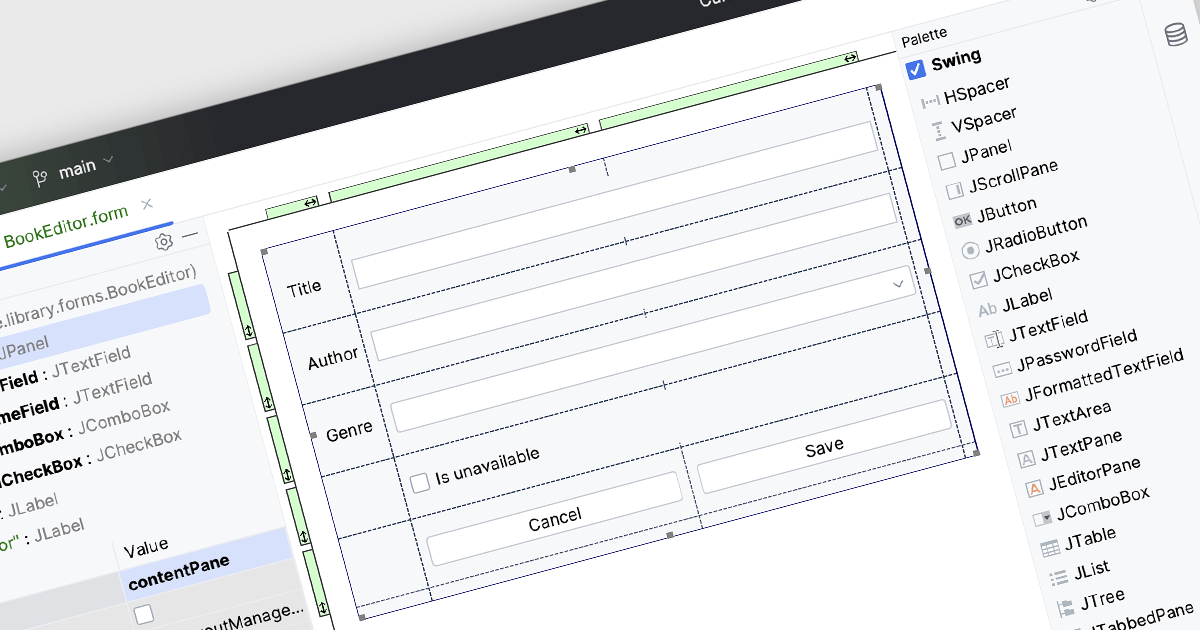
Integrated Development Environments (IDEs) with visual editing allow developers to manipulate and arrange graphical elements and code components using a user-friendly, often drag-and-drop, interface. This capability enhances the development process by providing real-time visual feedback, reducing the need to manually write extensive code for UI layouts and other visual elements. The benefits include increased efficiency, as developers can quickly iterate and refine designs, improved accuracy through immediate visual validation of changes, and a more intuitive development experience that bridges the gap between design and implementation, ultimately leading to faster project completion and higher quality software products.
Several IDEs offer visual editing including:
For an in-depth analysis of features and price, visit our comparison of IDEs.
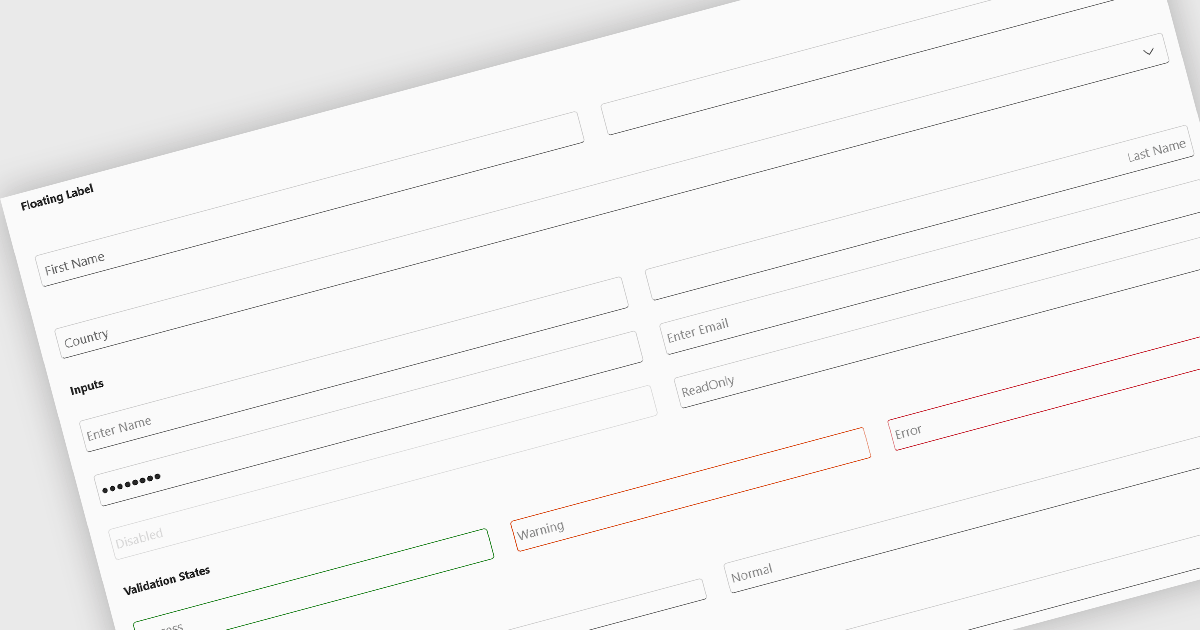
Text box components, also known as text fields, are essential elements allowing users to input and edit text within a user interface. They play a crucial role in forms and dialogs by facilitating data entry, improving user experience through clear labeling and validation, and ultimately enabling users to interact and provide information to the system.
Several Blazor data editor collections offer text box components including:
For an in-depth analysis of features and price, visit our Blazor data editors comparison.
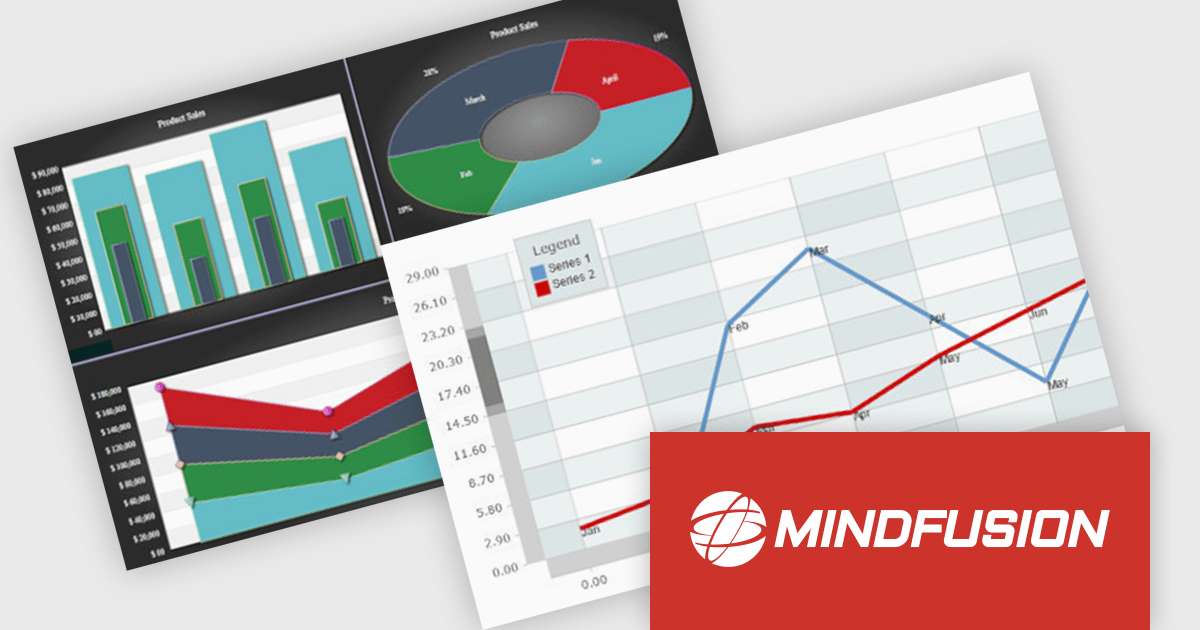
MindFusion.Charting for .NET MAUI is a comprehensive charting library designed specifically for developing data visualizations within .NET MAUI applications. This powerful toolkit empowers developers to create a wide range of chart types, including 2D and 3D charts and intuitive dashboards. The library offers a high degree of customization, allowing developers to tailor the appearance and behavior of charts to perfectly match their application's needs.
Developers can boost their productivity with MindFusion.Charting for .NET MAUI, which simplifies the creation of informative data visualizations. This translates to improved user experiences within applications, as users can gain valuable insights by exploring data through clear and engaging charts. The library's versatility caters to various use cases, making it suitable for applications in business intelligence, scientific analysis, and any scenario where data visualization plays a crucial role.
MindFusion.Charting for .NET MAUI is licensed per developer and is available as a perpetual license with 1 year subscription and support. See our MindFusion.Charting for .NET MAUI licensing page for full details.
For more information, visit our MindFusion.Charting for .NET MAUI product page.
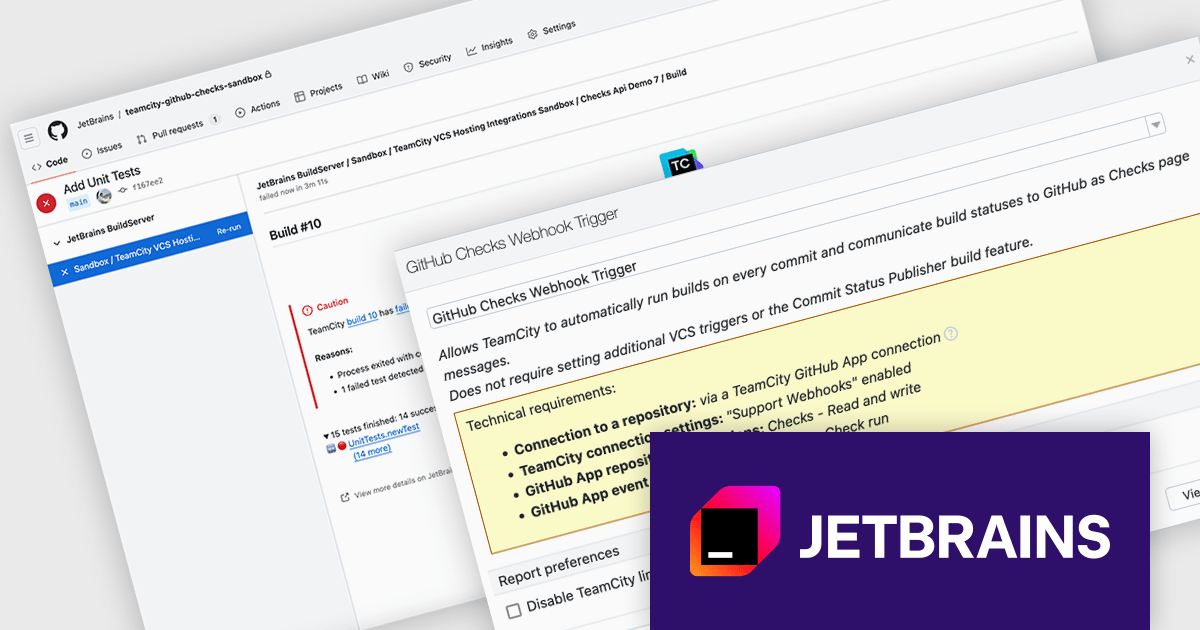
TeamCity by JetBrains is a continuous integration (CI) server that streamlines your software development workflow. It automates builds and tests upon code commits, allowing you to identify and fix integration issues early in the development cycle. TeamCity offers a user-friendly interface for configuration and integrates with popular IDEs, promoting efficient collaboration and improved code quality.
Version 2024.07 adds a new GitHub Checks webhook trigger that enhances your development workflow by establishing a direct link between your Git commits and CI builds. When you push a commit to GitHub, TeamCity will automatically queue a build thanks to the webhook. This eliminates the need for manual intervention and ensures immediate feedback. TeamCity will also publish the build status and details directly as GitHub checks, providing clear visibility into the build process. This streamlines communication and aids in faster troubleshooting.
To see a full list of what's new in version 2024.07, see our TeamCity Cloud release notes or TeamCity On-Premises release notes.
TeamCity Cloud is licensed per committer, and is available as a commercial annual license. See our TeamCity Cloud licensing page for full details.
TeamCity On-Premises is licensed per server and per build agent, and is available as a commercial perpetual license. See our TeamCity On-Premises licensing page for full details.
For more information, visit our TeamCity On-Premises or TeamCity Cloud product pages.





Tel: (888) 850 9911
Fax: +1 770 250 6199


