








Official Supplier
As official and authorized distributors, we supply you with legitimate licenses directly from 200+ software publishers.
See all our Brands.
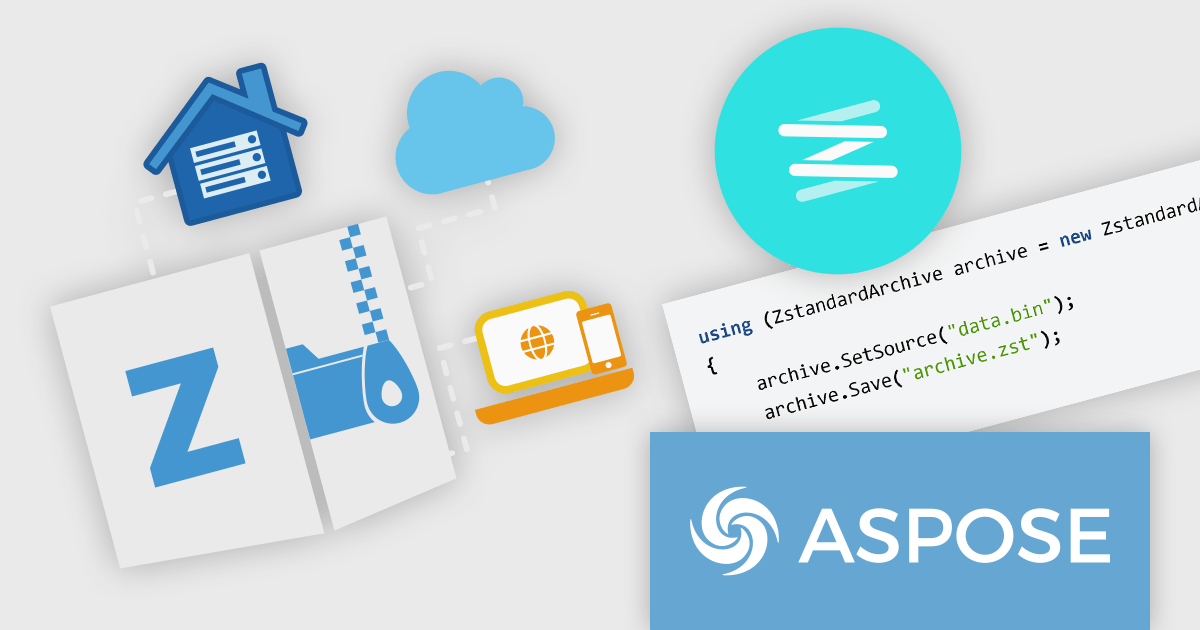
Aspose.ZIP offers comprehensive ZIP archive management capabilities for developers and users alike. This versatile solution empowers you to create, encrypt, extract, and manipulate ZIP archives with granular control, eliminating the complexities of underlying compression formats. Aspose.ZIP streamlines your workflow and ensures efficient ZIP archive interaction. It gives you the power to compress files and folders, unzip archives, encrypt them for security, and even convert them to other archive formats like RAR or 7Z.
The Aspose.ZIP for .NET and Aspose.ZIP for Python via .NET 24.3 releases add Zstandard archive support. Zstandard (Zstd) is a fast lossless data compression algorithm designed by Facebook, with the aim to balance compression speed with efficiency. It offers comparable compression to older algorithms like DEFLATE (used in ZIP) but boasts faster decompression and supports various compression levels for a fine-tuned approach. Zstandard is open-source and available in multiple implementations, making it a versatile and popular choice for real-time data compression tasks. The addition of Zstandard support enables developers to create smaller archives faster, improving efficiency in data storage and transmission.
To see a full list of what's new in Aspose.ZIP version 24.3, see our .NET and Python via .NET release notes.
Aspose.ZIP is offered as Developer Small Business, Developer OEM, Site Small Business, and Site OEM licenses catering to a range of business needs. Licenses are perpetual, and include 1 year of support and maintenance. Subscription renewals are also available. See our Aspose.ZIP licensing pages for .NET and Python via .NET for full details.
Aspose.ZIP for .NET is available to buy in the following products: Aspose.ZIP for .NET, Aspose.ZIP Product Family, Aspose.Total for .NET, Aspose.Total Product Family, Conholdate.Total for .NET, and Conholdate.Total Product Family.
Aspose.ZIP for Python via .NET is available to buy in the following products: Aspose.ZIP for Python via .NET, Aspose.ZIP Product Family, Aspose.Total for Python via .NET, and Aspose.Total Product Family.
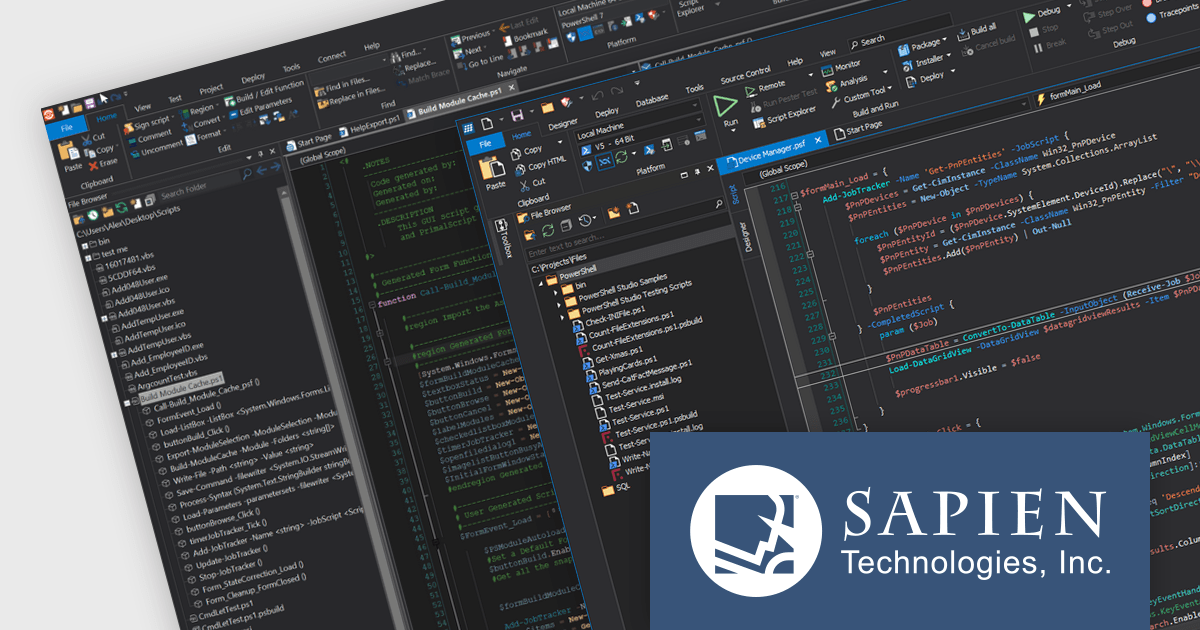
The SAPIEN DevOps Suite by SAPIEN Technologies is a comprehensive set of tools designed to enhance the productivity of software developers, particularly those engaged with PowerShell scripting and Windows automation. This suite includes advanced editing, debugging, and packaging features that streamline script development and management processes. It integrates robust version control systems and provides extensive platform support, making it versatile for a range of scripting tasks. The suite also features deployment capabilities that facilitate the distribution and installation of applications across diverse environments, helping developers manage the lifecycle of their software projects from inception to deployment.
The latest release of SAPIEN DevOps Suite with PrimalScript 2024 8.1.203 and PowerShell Studio 2024 5.8.241 offers benefits specifically for users working with the latest versions of PowerShell (7.2.19, 7.3.12 and 7.4.2). This improves compatibility and stability and can reduce errors and unexpected behavior when scripting for these PowerShell versions.
To see a full list of what's new, see the following release notes:
SAPIEN DevOps Suite is licensed per user and includes 1 year of product updates and support. Annual Premium Support is available and provides 1 Year of access to SAPIEN Technologies direct technical support ticketing system and a guaranteed response within 24 hours. The premium support package must be purchased at the same time as the initial software purchase, subscription renewal, or upgrade, and can be renewed on an annual basis. See our SAPIEN DevOps Suite licensing page for full details.
For more information visit our product pages:

DevExpress .NET MAUI is a UI component library specifically designed to enhance the development of native mobile applications for iOS and Android using .NET MAUI and C#. It offers a rich set of pre-built controls like data grids, charts, schedulers, and various data editors, allowing developers to focus on application logic and deliver feature-rich mobile experiences with a faster development cycle.
In this blog post, DevExpress' Anthony Sameishchev shows you how to add HTML editing to your mobile development strategy by utilizing the DevExpress .NET MAUI HTML Edit Control, thus enabling you to address a variety of usage scenarios, including:
Comprehensive documentation and an accompanying video tutorial provide clear guidance throughout the process.
Read the complete blog and unlock the capabilities of the DevExpress .NET MAUI Edit Control.
DevExpress .NET MAUI is included as part of DevExpress Universal which is licensed per developer and is available as a Perpetual License with a 12 month support and maintenance subscription. See our DevExpress Universal licensing page for full details.
For more information, visit our DevExpress .NET MAUI product page.

ONLYOFFICE Docs Enterprise Edition with ownCloud Connector combines an online document editor with seamless integration for ownCloud, a real-time content collaboration platform. This allows teams to create, view, edit, and collaborate on spreadsheets, presentations, and text files directly within ownCloud, boosting efficiency and eliminating the need for file switching.
The ONLYOFFICE ownCloud Connector v9.1.1 release (available as part of ONLYOFFICE Docs Enterprise Edition with ownCloud Connector v8.0.1) introduces the ability to specify which users can access certain protected ranges, enhancing the granularity of permissions management within documents. By allowing administrators to define access at a more detailed level, it ensures that only designated users can view or modify specific parts of a document. This not only bolsters security by minimizing the risk of unauthorized access but also aids in compliance with stringent data protection standards. For developers, it simplifies the task of integrating advanced security measures into applications, providing a robust framework for managing document access in a collaborative setting.
To see a full list of what's new in ONLYOFFICE Docs Enterprise Edition v8.0.1 with ownCloud Connector v9.1.1, see our release notes.
ONLYOFFICE Docs Enterprise Edition with ownCloud Connector is licensed per server and is available as an annual license with 1 year of support and updates, or as a perpetual license with 3 years of support and updates. See our ONLYOFFICE ownCloud connector licensing page for full details.
For more information, see our ONLYOFFICE ownCloud connector product page.
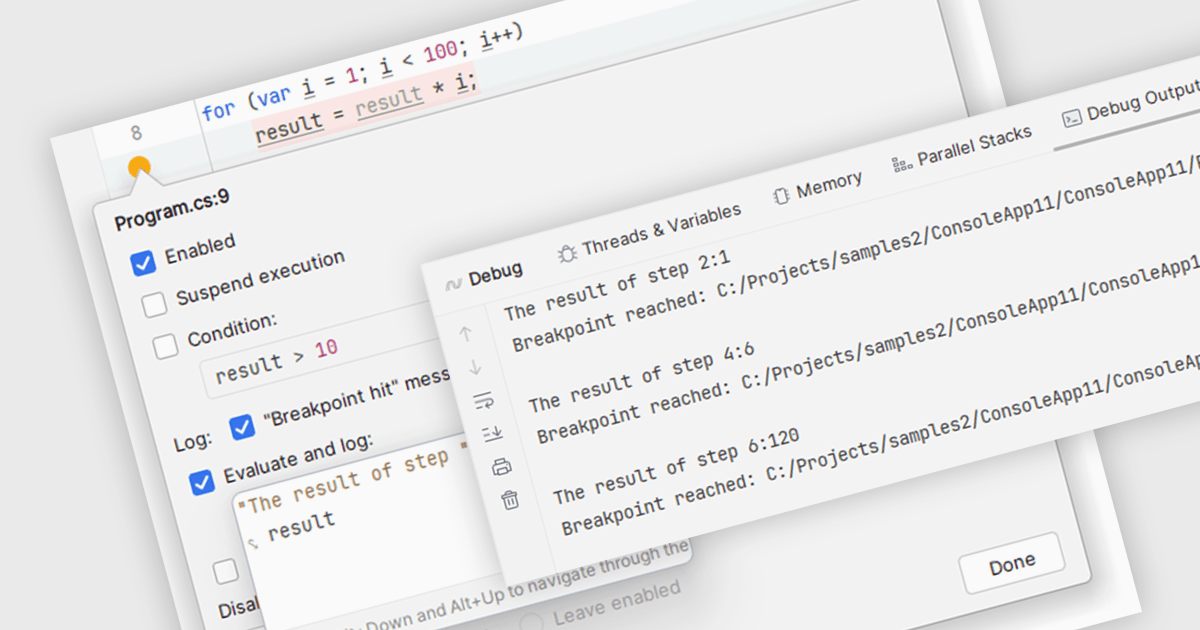
Breakpoints are strategically placed markers within your code that act as pause points during execution. When the program reaches a breakpoint, the IDE halts execution, allowing you to inspect the program's state at that specific moment. This enables you to examine variable values, analyze the call stack, and step through the code line by line. By offering this controlled environment for inspection, breakpoints become a vital tool for debugging and understanding the behavior of your software.
Several integrated development environments (IDEs) support breakpoints, including:
For an in-depth analysis of features and price, visit our comparison of IDEs.





Tel: (888) 850 9911
Fax: +1 770 250 6199


