








Official Supplier
As official and authorized distributors, we supply you with legitimate licenses directly from 200+ software publishers.
See all our Brands.
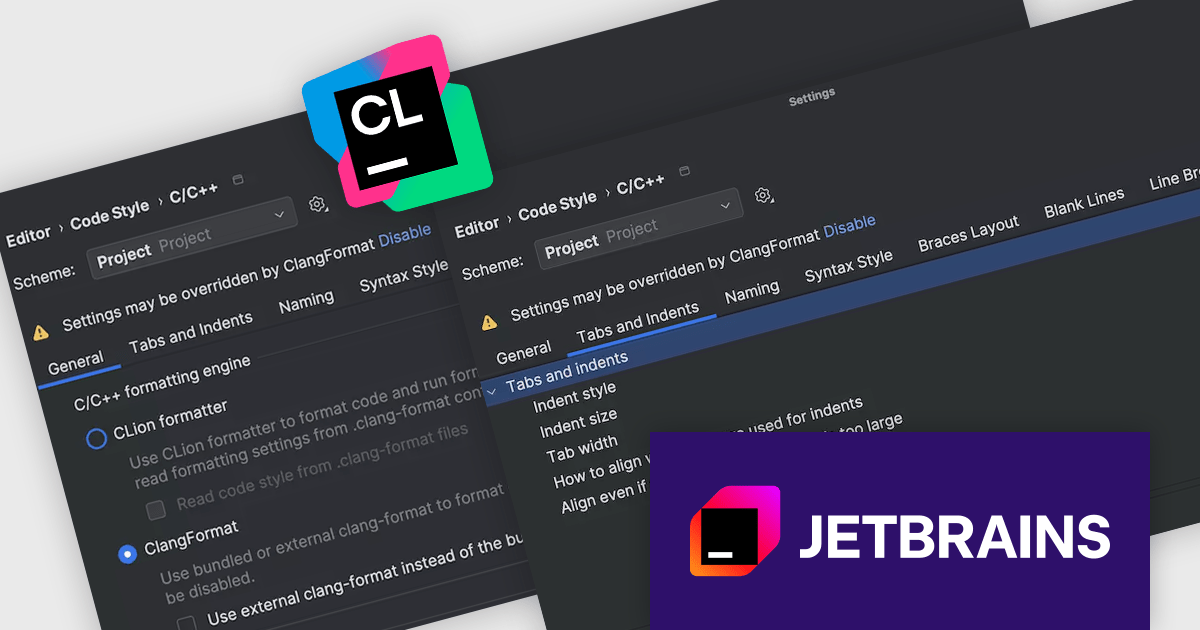
CLion, by JetBrains, is a robust Integrated Development Environment (IDE) tailored for C and C++ development, with support for other languages like Python, Kotlin, and Rust via plugins. Designed for software developers and embedded engineers, it streamlines coding with features like intelligent code completion, real-time analysis, and an advanced debugger. CLion integrates seamlessly with tools like CMake, version control systems, and remote development setups, making it ideal for cross-platform and performance-critical projects. By automating repetitive tasks and enhancing code quality, it helps developers focus on innovation and problem-solving.
The JetBrains CLion 2025.2 update improves the handling of code formatting for C and C++ projects by making it more consistent and easier to manage. The behavior of indentation in the editor, information shown in the status bar, and formatter settings are now better aligned, so developers can more clearly see how formatting rules are applied. A new status bar widget also offers quick access to other formatting tools, helping reduce the need to switch between settings. These changes aim to make it simpler to maintain a consistent code style across different parts of a project.
To see a full list of what's new in version 2025.2, see our release notes.
CLion is licensed per user as a commercial annual subscription. We can supply New Subscriptions, Subscription Renewals, Lapsed Subscription Renewals, and Additional Developer Licenses. See our CLion licensing page for full details.
CLion is available to buy individually or as part of JetBrains All Products Pack.
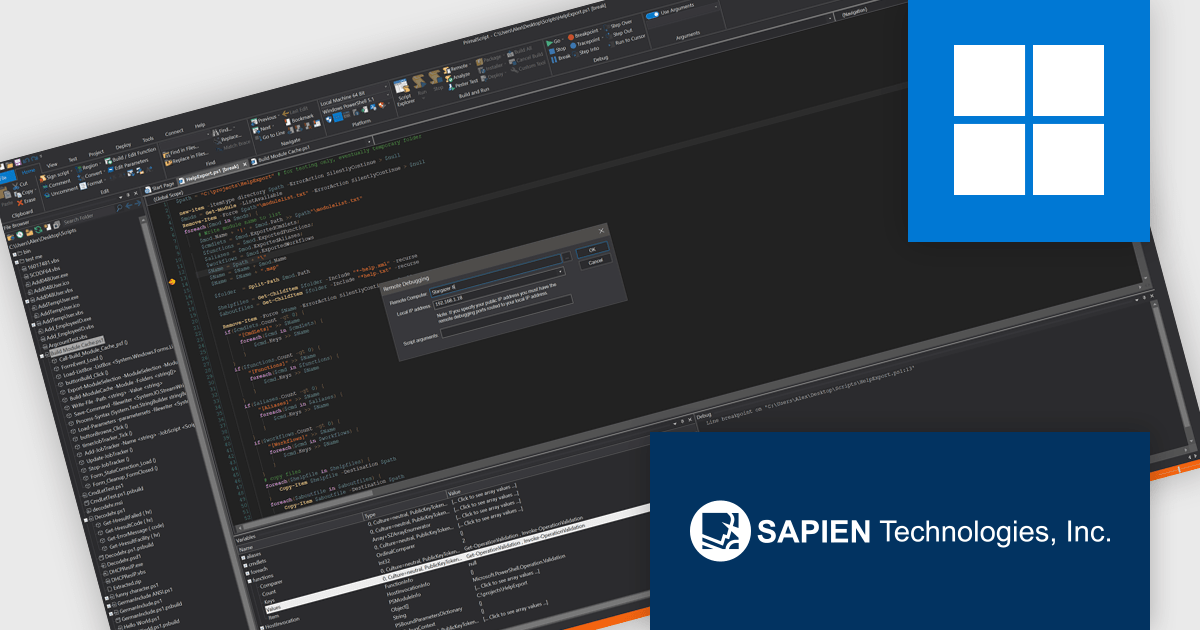
PrimalScript by SAPIEN Technologies is a comprehensive integrated development environment (IDE) designed for scripting and automation tasks. Offering a powerful platform for various scripting languages, PrimalScript improves the development process by providing robust editing, debugging, and deployment tools. Its user-friendly interface caters to both novice and experienced developers, fostering efficient script creation. With features like script packagers and advanced debugging capabilities, PrimalScript empowers users to enhance productivity in tasks ranging from small automation scripts to complex software development projects.
PrimalScript provides a robust remote debugger that allows developers to debug scripts across networks with the same level of control as local debugging. It supports breakpoints, variable inspection, and call stack visibility in real time, enabling accurate issue diagnosis in complex or distributed environments. By allowing direct debugging on remote machines, servers, or virtual environments, it eliminates the need to replicate conditions locally or transfer scripts between systems. This functionality enhances the debugging process, reduces downtime, and improves the reliability of script deployment in multi-system infrastructures.
PrimalScript is licensed per user and includes 1 year of product updates and support. Annual Premium Support is available and provides 1 Year of access to SAPIEN Technologies direct technical support ticketing system and a guaranteed response within 24 hours. The premium support package must be purchased at the same time as the initial software purchase, subscription renewal, or upgrade, and can be renewed on an annual basis. See our PrimalScript licensing page for full details.
For more information, visit our PrimalScript product page.
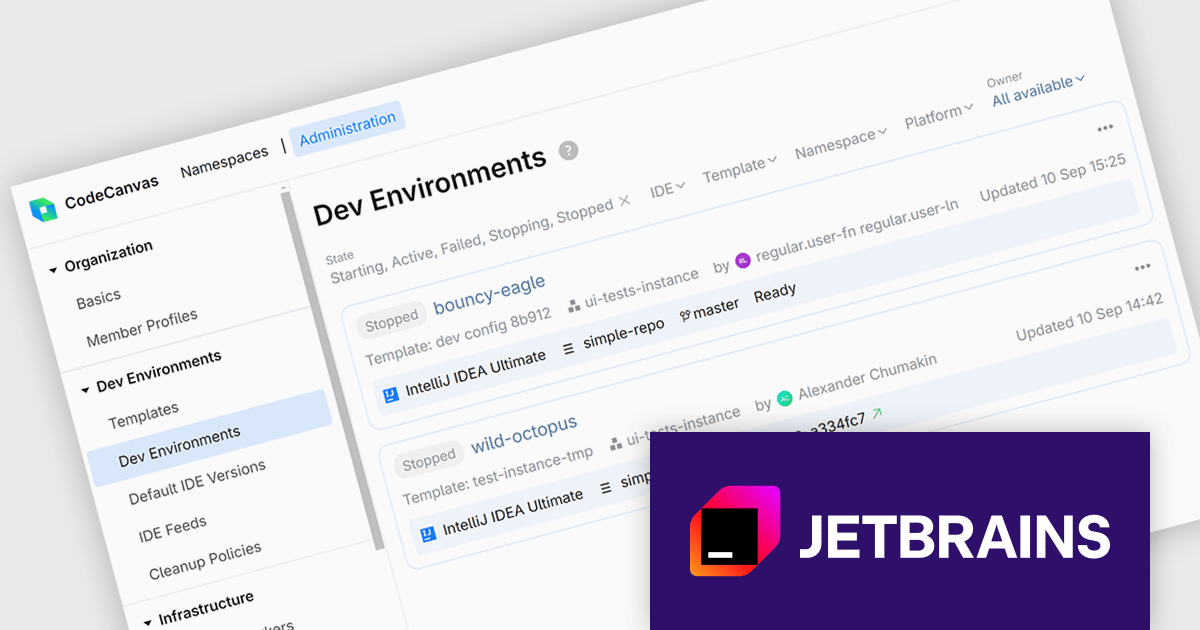
CodeCanvas is JetBrains’ answer to the growing need for scalable, cloud-based development setups that don’t compromise on control or tooling preferences. As a cloud development environment (CDE) orchestrator, it allows teams to spin up consistent and fully configured development environments using their favorite JetBrains IDEs - all within their own infrastructure. This setup significantly reduces the overhead of environment mismatches and local setup time, making it easier for developers to start writing code immediately, no matter where they’re working from.
For development teams managing large or distributed projects, CodeCanvas offers a practical path to improving development speed and reliability. It ensures every developer gets access to the same tools, configurations, and system resources from day one, reducing time spent on debugging environment issues. Since everything runs in the cloud - yet remains under your control - it’s also easier to enforce security standards, manage updates, and scale resources to fit your needs. CodeCanvas is particularly well-suited for teams looking to standardize their tooling without giving up the IDEs they’re already comfortable with.
CodeCanvas is available as an annual subscription license. It uses a floating license model governed by Daily Active Users (DAU). Any user can access CodeCanvas as long as the number of users active on any single day does not exceed the total licenses purchased. The license pool resets every 24 hours, enabling different team members to rotate access. See our CodeCanvas licensing page for full details.
For more information, see our CodeCanvas product page.
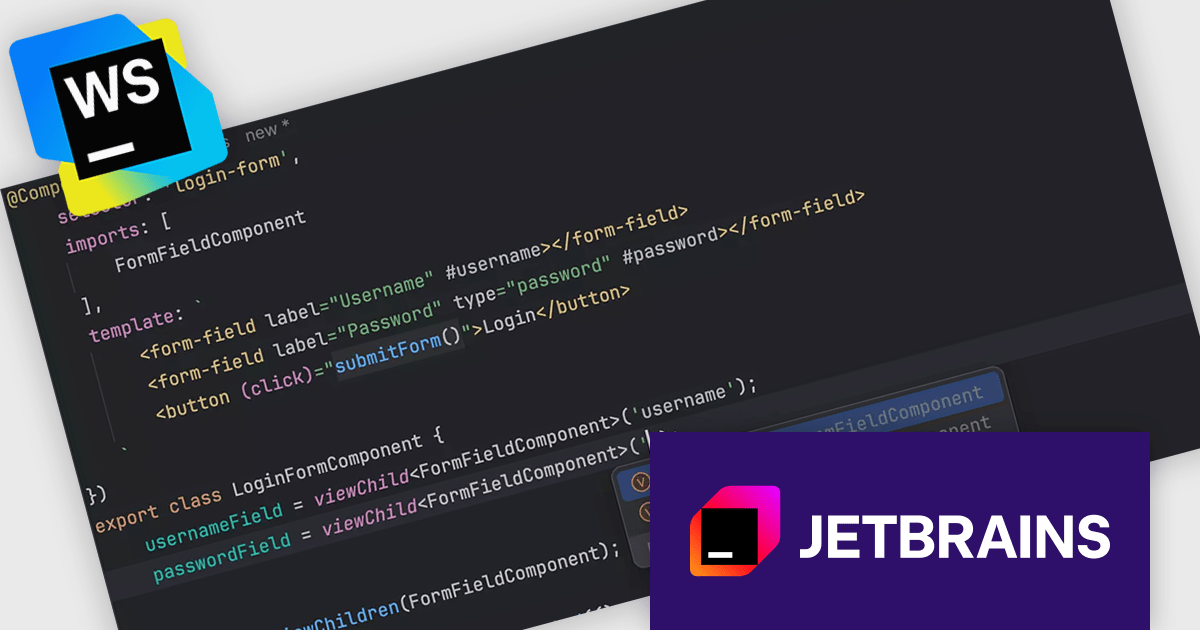
JetBrains WebStorm is a powerful and modern Integrated Development Environment (IDE) specifically designed for web development. It offers a feature-rich environment that supports popular web technologies like JavaScript, HTML, CSS, and Node.js. WebStorm helps you write cleaner, more efficient code with features like syntax highlighting, auto-completion, code refactoring, and built-in testing tools. It integrates with various web frameworks and libraries, making it a versatile choice for both front-end and back-end development.
The latest WebStorm update has introduced support for signal queries added in Angular 17.2. This update brings more accurate type inference and better code completion when working with signal-based expressions. It also improves navigation between signals and their references, making it easier for developers to trace and manage reactive dependencies in Angular applications.
WebStorm is licensed per user, and is available as a commercial annual subscription license. We can supply new subscriptions, subscription renewals, lapsed renewals, and additional user licenses. See our WebStorm licensing page for full details.
WebStorm is available to buy in the following products:
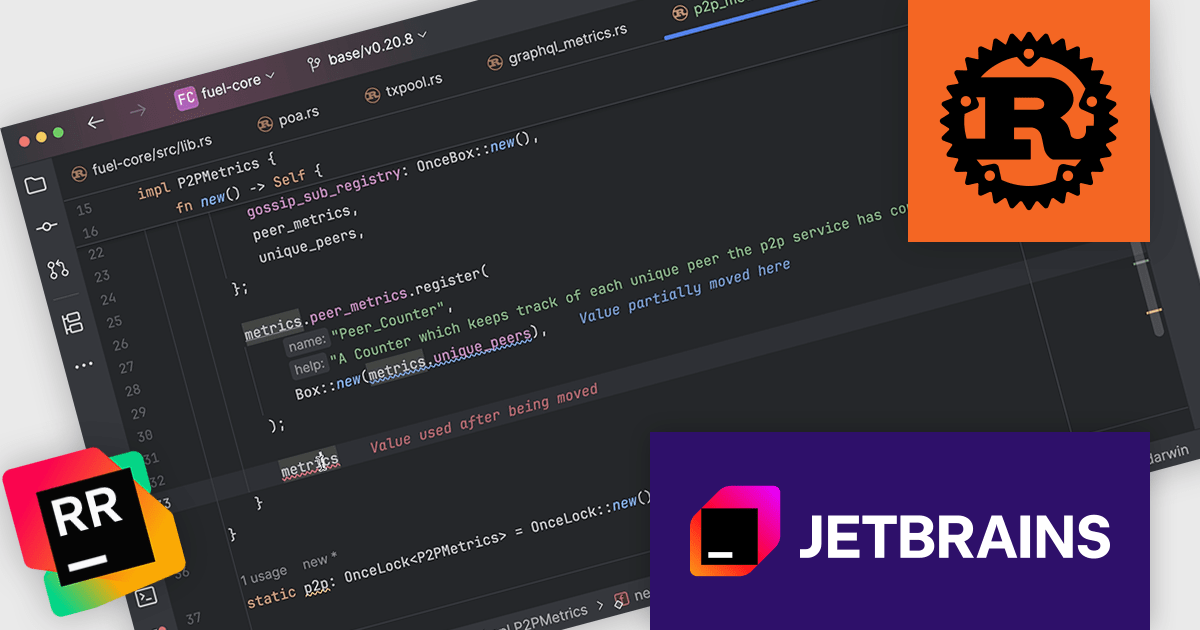
RustRover by JetBrains is a specialized integrated development environment (IDE) designed to support the unique needs of Rust developers. Built on JetBrains' IntelliJ platform, it combines deep language understanding with tools that enhance productivity, such as intelligent code completion, advanced code analysis, and robust refactoring capabilities. RustRover also integrates seamlessly with Cargo, Rust's package manager, and includes built-in support for testing and debugging to streamline the entire development workflow. By focusing on the requirements of performance-critical and memory-safe applications, RustRover helps developers write efficient, reliable, and maintainable Rust code with ease.
JetBrains has added a valuable update to RustRover with the introduction of color-coded inlay error descriptions. This feature adds concise error explanations directly in the code editor whenever the caret is positioned within an error's range. What sets this apart is the use of consistent color schemes that reflect different levels of severity, enabling developers to quickly distinguish between warnings, errors, and other diagnostics. This visual feedback simplifies error identification and supports faster debugging and code correction.
RustRover is licensed per user, and is available as a commercial annual subscription license. We can supply new subscriptions, subscription renewals, lapsed renewals, and additional user licenses. See our RustRover licensing page for full details.
RustRover is available to buy in the following products:





Tel: (888) 850 9911
Fax: +1 770 250 6199


