








Official Supplier
As official and authorized distributors, we supply you with legitimate licenses directly from 200+ software publishers.
See all our Brands.
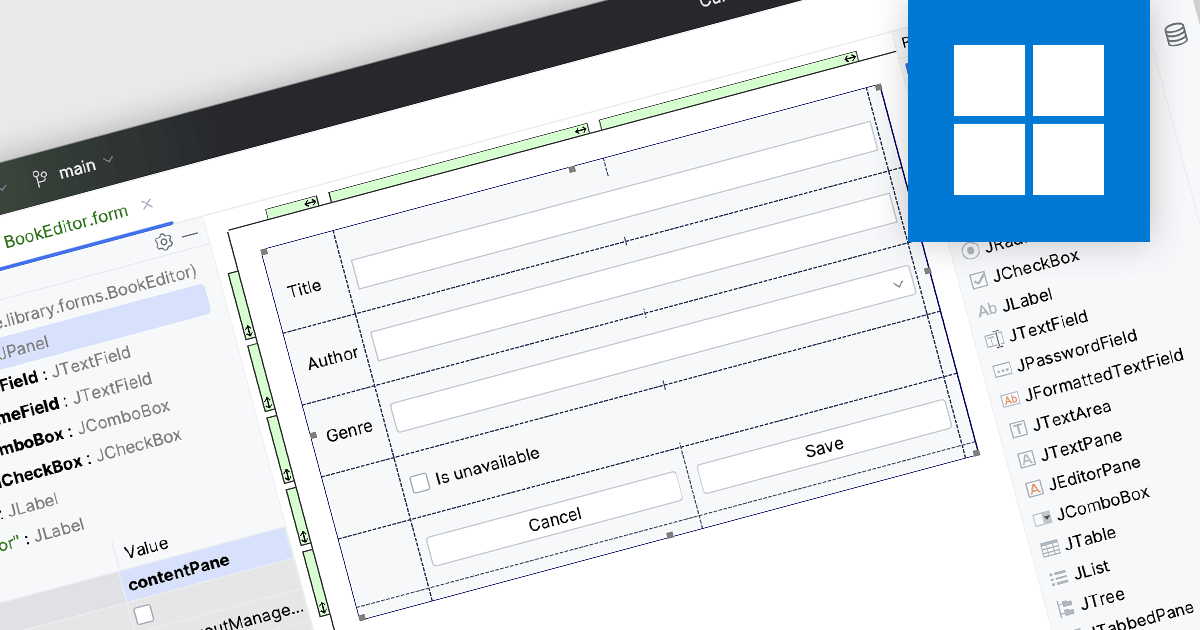
Integrated Development Environments (IDEs) with visual editing allow developers to manipulate and arrange graphical elements and code components using a user-friendly, often drag-and-drop, interface. This capability enhances the development process by providing real-time visual feedback, reducing the need to manually write extensive code for UI layouts and other visual elements. The benefits include increased efficiency, as developers can quickly iterate and refine designs, improved accuracy through immediate visual validation of changes, and a more intuitive development experience that bridges the gap between design and implementation, ultimately leading to faster project completion and higher quality software products.
Several IDEs offer visual editing including:
For an in-depth analysis of features and price, visit our comparison of IDEs.
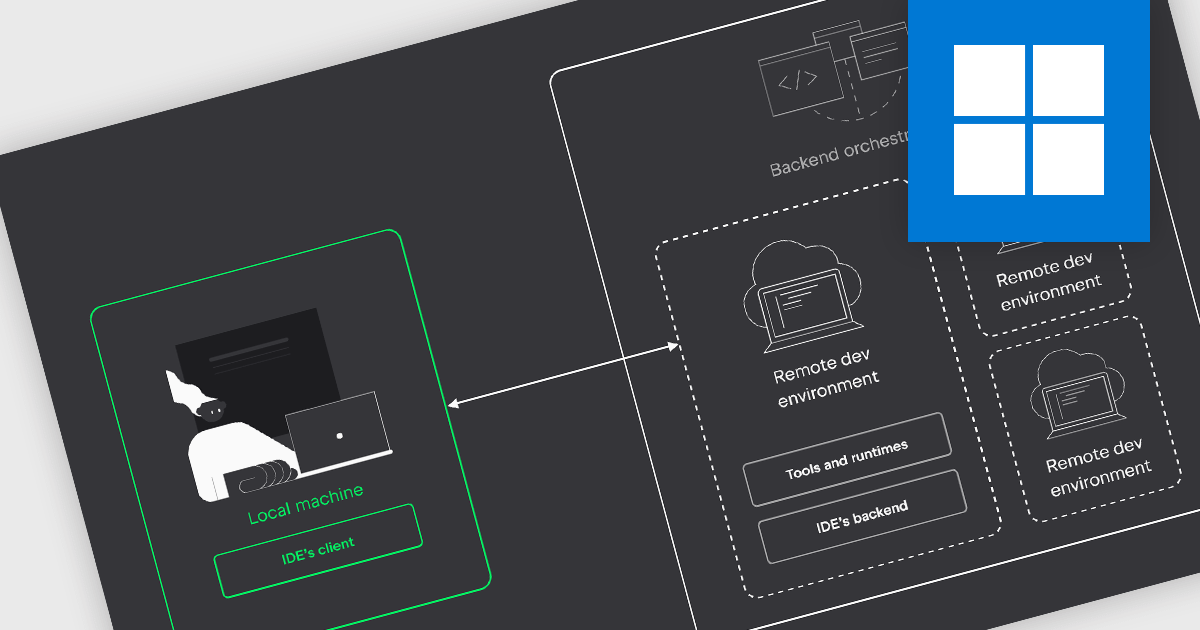
IDEs with remote development capabilities enable developers to utilize a powerful remote machine for coding while enjoying the familiarity and features of their preferred IDE on a local device. This unlocks benefits like building and debugging on robust servers, collaborating on projects in geographically dispersed teams, and working from less powerful machines, all while maintaining a smooth development experience.
Several IDEs offer support for remote development including:
For an in-depth analysis of features and price, visit our IDEs comparison.
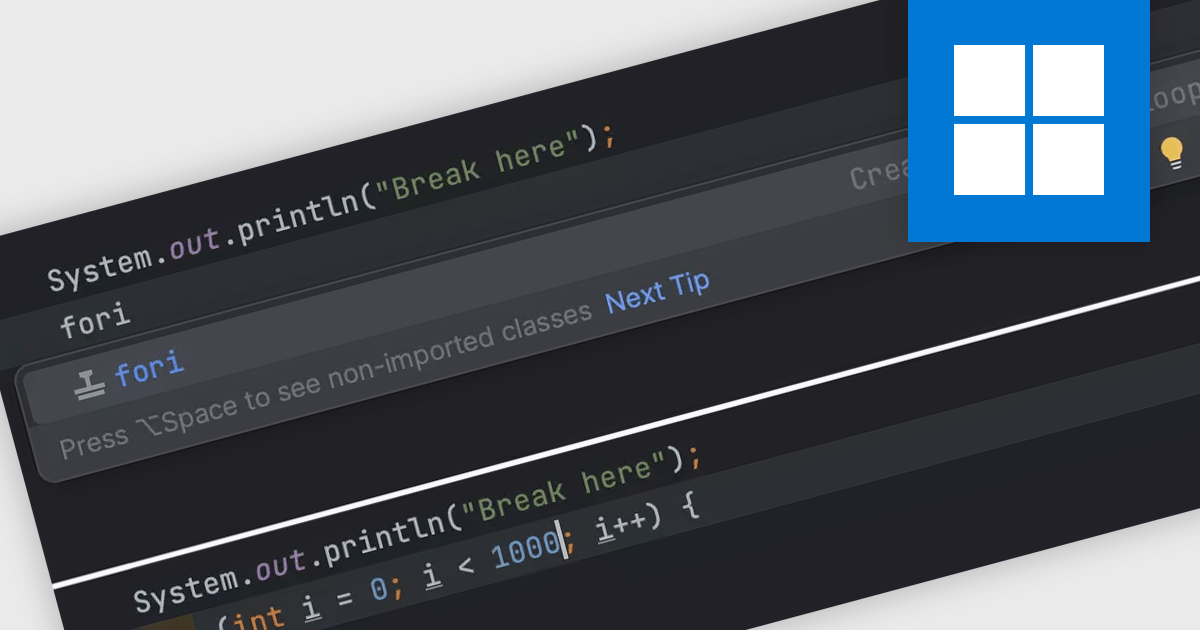
Integrated Development Environments (IDEs) commonly offer code templates, pre-written snippets that expedite coding. These templates can be for common code constructs (like loops or conditional statements) or entire files (like new classes). By leveraging code templates, developers can improve their coding efficiency, reduce errors from repetitive typing, and enforce coding standards by incorporating best practices into the templates themselves. This is particularly useful for frequently used elements or adhering to project-specific coding styles.
Several IDEs offer support for code templates including:
For an in-depth analysis of features and price, visit our IDEs comparison.
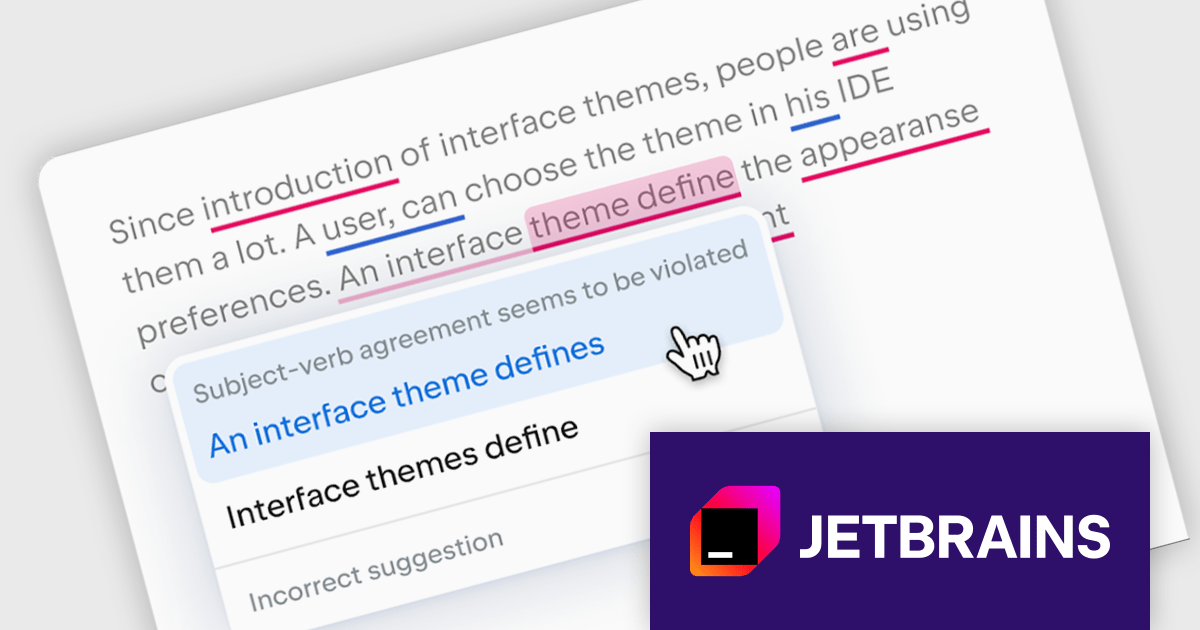
JetBrains AI Assistant is a plugin for their IDEs that uses large language models to enhance your coding experience. It can answer your questions about code, suggest completions and refactorings, and even help you write documentation and commit messages. It analyzes the context of your project to provide the most relevant suggestions, and you can chat with it directly within the IDE. It's a powerful tool for programmers looking to boost their productivity.
The latest JetBrains AI Assistant update introduces Grazie, an AI-powered writing companion that elevates your workflow. Grazie provides real-time proofreading, completes sentences, and even translates between languages, saving you time. Leverage its AI chat to brainstorm and explore ideas, whether you're generating new concepts, drafting documents, or simply seeking alternative perspectives. Grazie's context-aware functionality ensures clear, well-articulated text throughout your process.
JetBrains AI Assistant requires that you already own a JetBrains IDE product with an active commercial subscription license and is licensed per user as a commercial annual subscription. We can supply new subscriptions, subscription renewals, lapsed subscription renewals, and additional developer licenses. See our JetBrains AI Assistant licensing page for full details.
For more information, visit our JetBrains AI Assistant product page.
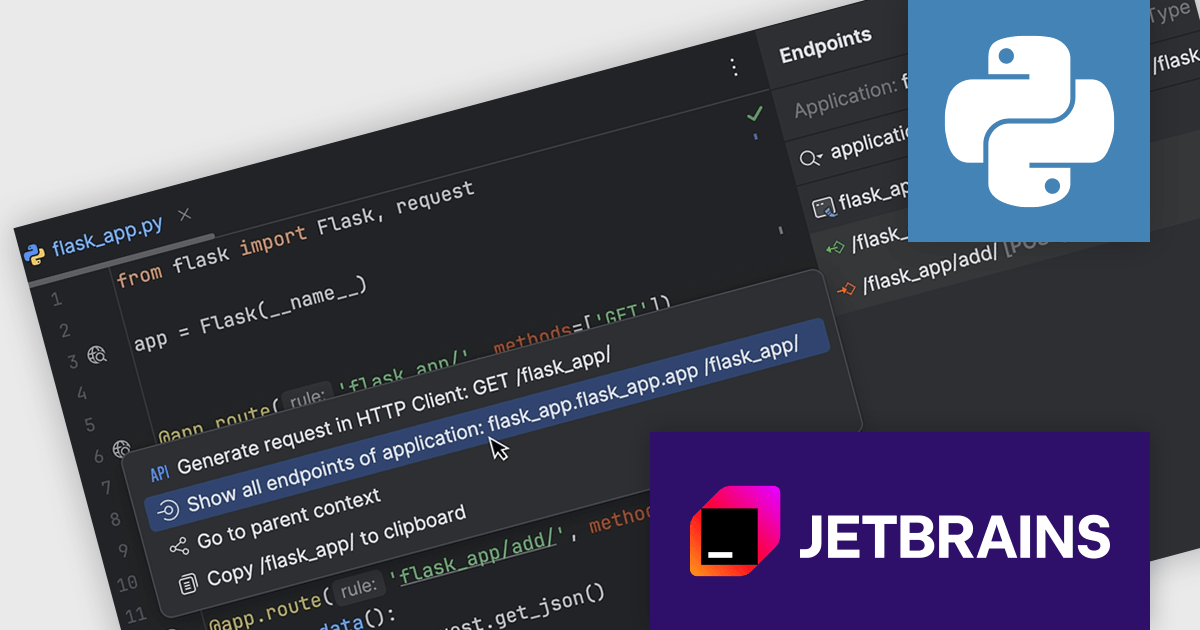
PyCharm by JetBrains is a comprehensive Integrated Development Environment (IDE) specifically designed for Python programming. It offers a range of features to enhance productivity, including code analysis for error detection, a visual debugger for troubleshooting, integrated unit testing for code verification, and support for version control systems to manage code changes. PyCharm also caters to web development using frameworks like Django, making it a powerful tool for both experienced developers and beginners in the Python world.
PyCharm 2024.1.4 introduces a powerful new feature for developers working with Flask, FastAPI, and Django projects: gutter actions and inlay hints for URLs. These new functionalities streamline URL management within your code. With just a click on the gutter icon next to a URL, you can easily test the endpoint using the built-in HTTP Client, allowing you to quickly verify its functionality. Additionally, inlay hints provide clear visibility of the URL directly within your code, improving readability. This combined approach saves you time and effort by simplifying the process of managing and testing URLs in your web development projects.
To see a full list of what's new in version 2024.1.4, see our release notes.
PyCharm is licensed per user, and is available as a commercial annual subscription license. We can supply new subscriptions, subscription renewals (including continuity discounts), lapsed renewals, and additional user licenses. See our PyCharm licensing page for full details.
PyCharm is available to buy in the following products:





Tel: (888) 850 9911
Fax: +1 770 250 6199


