








Official Supplier
As official and authorized distributors, we supply you with legitimate licenses directly from 200+ software publishers.
See all our Brands.
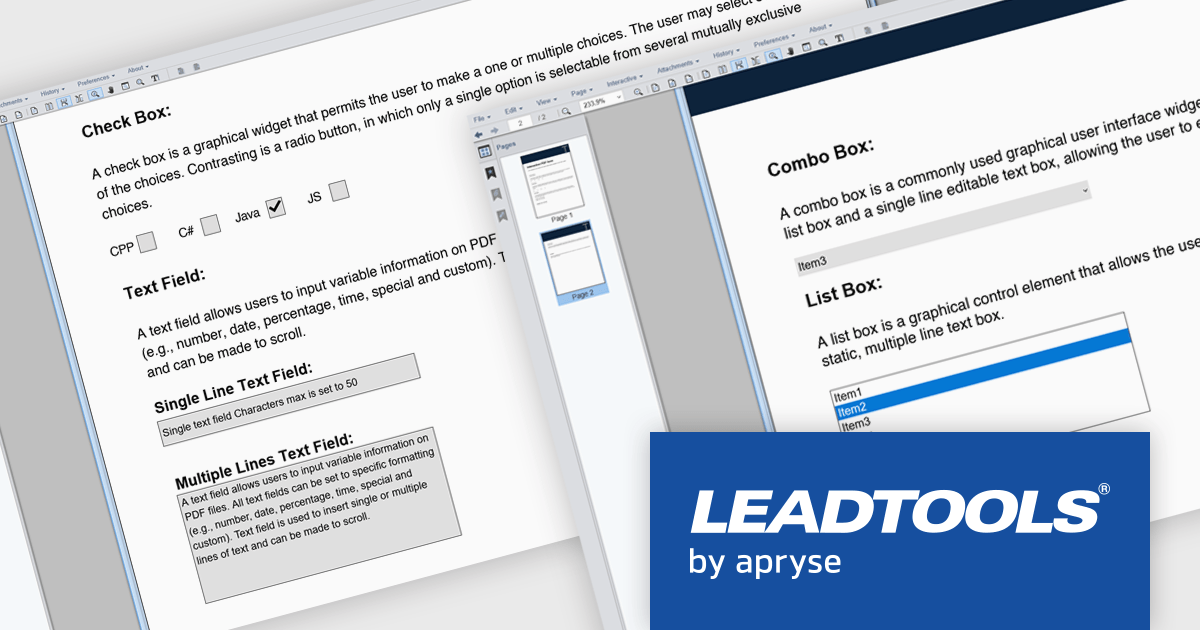
LEADTOOLS PDF presents a comprehensive toolkit for developers seeking to integrate robust PDF functionality into their applications. This solution enables efficient management of PDF files, offering features such as precise text, image, hyperlink, and metadata extraction, alongside complete control over document pages. The inclusion of the LEADTOOLS PDF Optimizer further facilitates web preparation through linearization and compression. Use cases range from document management systems and content processing applications to solutions requiring efficient PDF viewing, editing, and conversion capabilities.
LEADTOOLS PDF provides the ability to incorporate interactive PDF form functionality into software applications, enabling the creation and manipulation of fillable PDF documents. This feature facilitates efficient data collection directly within PDF files, minimizing manual data entry and potential errors. Programmatic access to form fields allows for the automation of data extraction and processing, leading to enhanced application efficiency and an improved user experience for individuals interacting with digital forms. This capability supports diverse use cases, including automated data gathering, digital document signing processes, and the creation of dynamic, user-friendly document interfaces.
LEADTOOLS PDF is licensed per developer and per application, requiring a development license for each programmer using the SDK and a separate license for each application developed. For deployment, a runtime license is needed, with options for desktop, concurrent, or server licenses depending on the application's use. See our LEADTOOLS PDF licensing page for full details.
For more information, visit our LEADTOOLS PDF product page.
PDF components provide developers with a set of tools for programmatically handling Portable Document Format (PDF) files within applications. These components enable both the creation and manipulation of PDF documents, supporting a wide range of document workflows across platforms and industries. By integrating such components, developers can build features for generating reports, rendering documents for viewing, or embedding print-ready files in business applications, often without relying on external software or services.
Common features include:
For an in-depth analysis of features and price, visit our ASP.NET Core PDF components comparison.
XFINIUM.PDF is a comprehensive software library designed to empower developers with robust tools for integrating PDF functionalities into their applications across a wide range of platforms. This library enables the creation, editing, and manipulation of PDF documents with a single codebase. This cross-platform approach eliminates the need for platform-specific development, significantly reducing development time and effort while ensuring consistency in functionality and user experience across devices. Ideal for applications that require advanced document workflows, digital signatures, form handling, or PDF generation, XFINIUM.PDF offers a solution for businesses and developers seeking to deliver PDF capabilities across diverse environments.
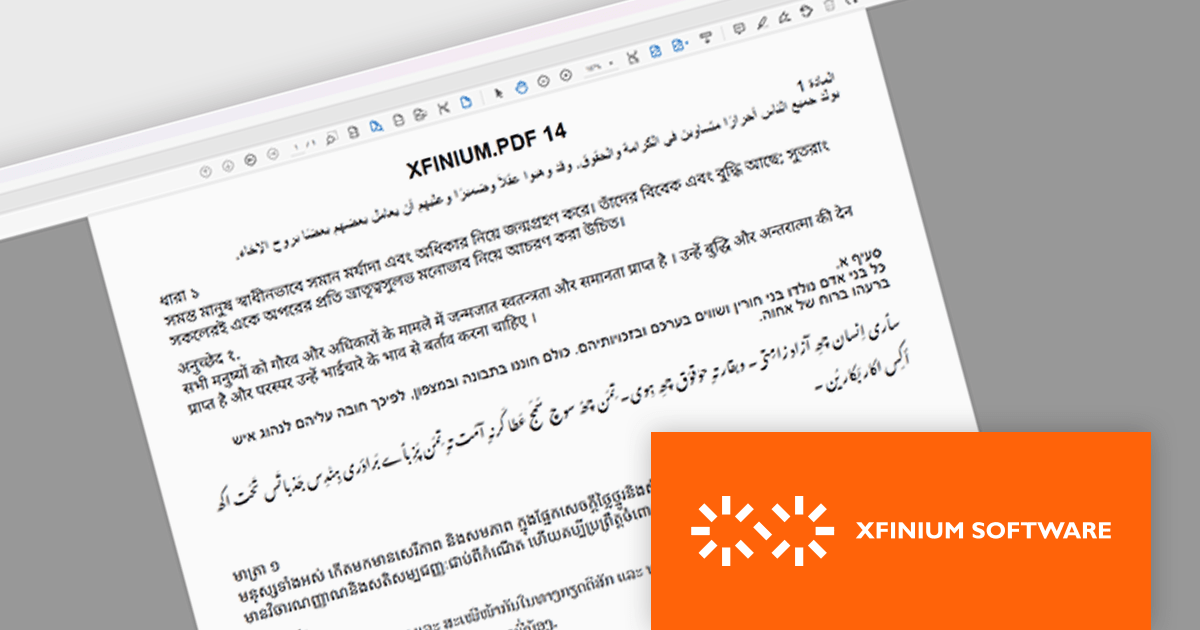
The latest version of XFINIUM.PDF significantly expands its text rendering capabilities by introducing support for complex scripts. This enhancement enables accurate representation of right-to-left and context-sensitive scripts such as Arabic, Hebrew, and more intricate Indic scripts including Bengali, Devanagari, Tamil, Thai, and Khmer. By incorporating these languages, XFINIUM.PDF now offers developers a more versatile and globally inclusive PDF generation toolkit, making it an excellent choice for applications requiring multilingual support and precise typographic control in diverse linguistic contexts.
XFINIUM.PDF is licensed per developer and is run-time royalty free. All licenses include a 12 month subscription which provides all major and minor product updates and technical support. See our XFINIUM.PDF licensing page for full details.
XFINIUM.PDF is available to buy in the following products:
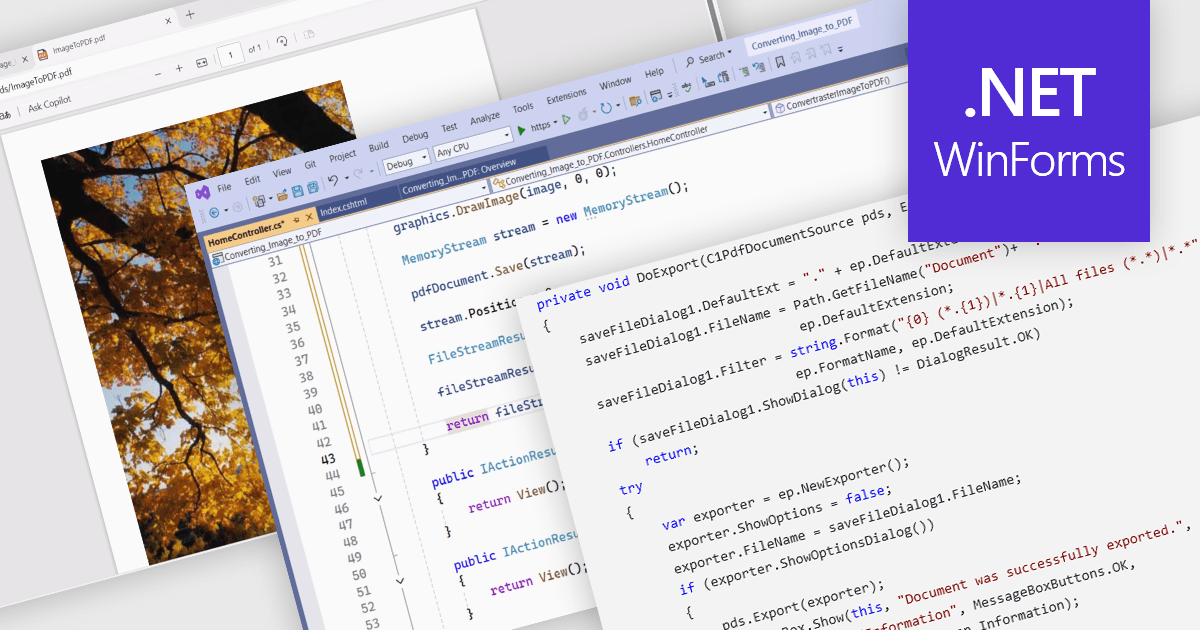
PDF conversion capabilities are a core feature of many PDF components, enabling interoperability between different document formats. These tools are essential where content needs to be shared, archived, or presented in a consistent and platform-independent way. Whether integrating into enterprise applications or powering document automation solutions, PDF conversion features allow developers to manipulate and repurpose content while preserving layout fidelity and document integrity across varied formats.
Common features include:
For an in-depth analysis of features and price, visit our WinForms PDF components comparison.
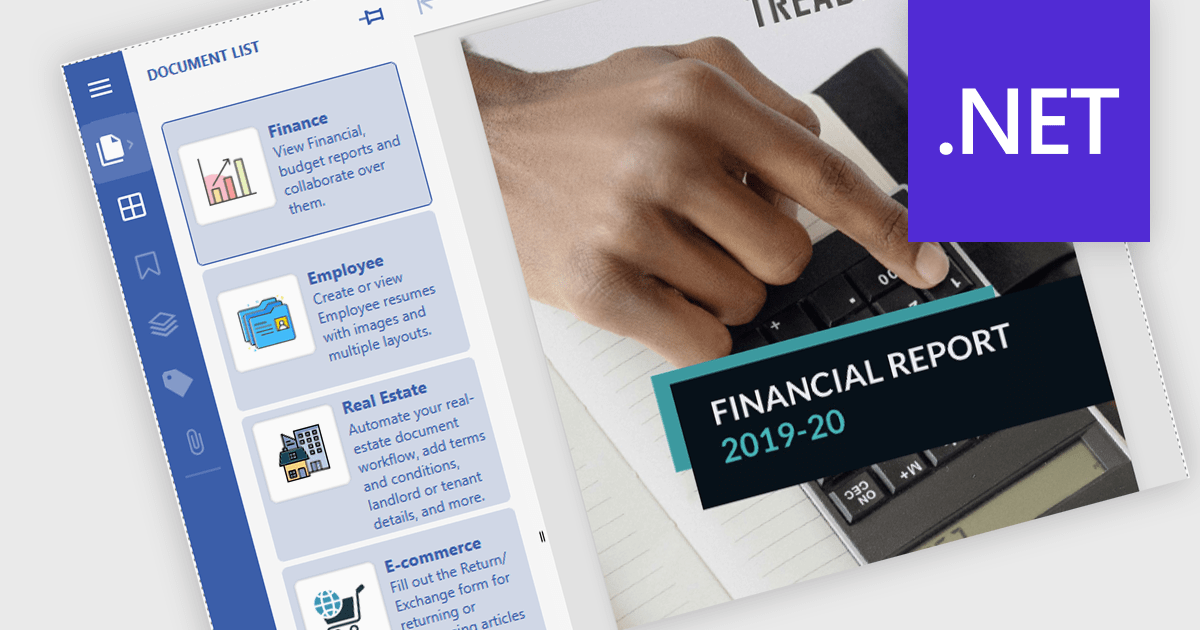
Launch Actions in a .NET PDF Viewer component allow external applications or files to be executed directly from within a PDF document when users interact with elements like links or annotations. This capability increases the interactivity of PDF solutions by enabling users to open related documents, access relevant tools, or initiate custom processes seamlessly, without leaving the viewer. By incorporating Launch Actions, .NET PDF Viewer components enhance the user experience, minimize context switching, and support document-driven automation across enterprise and application environments.
Several .NET PDF Viewer Components offer launch actions including:
For an in-depth analysis of features and price, visit our comparison of .NET PDF Viewer Components.





Tel: (888) 850 9911
Fax: +1 770 250 6199


