








Official Supplier
As official and authorized distributors, we supply you with legitimate licenses directly from 200+ software publishers.
See all our Brands.
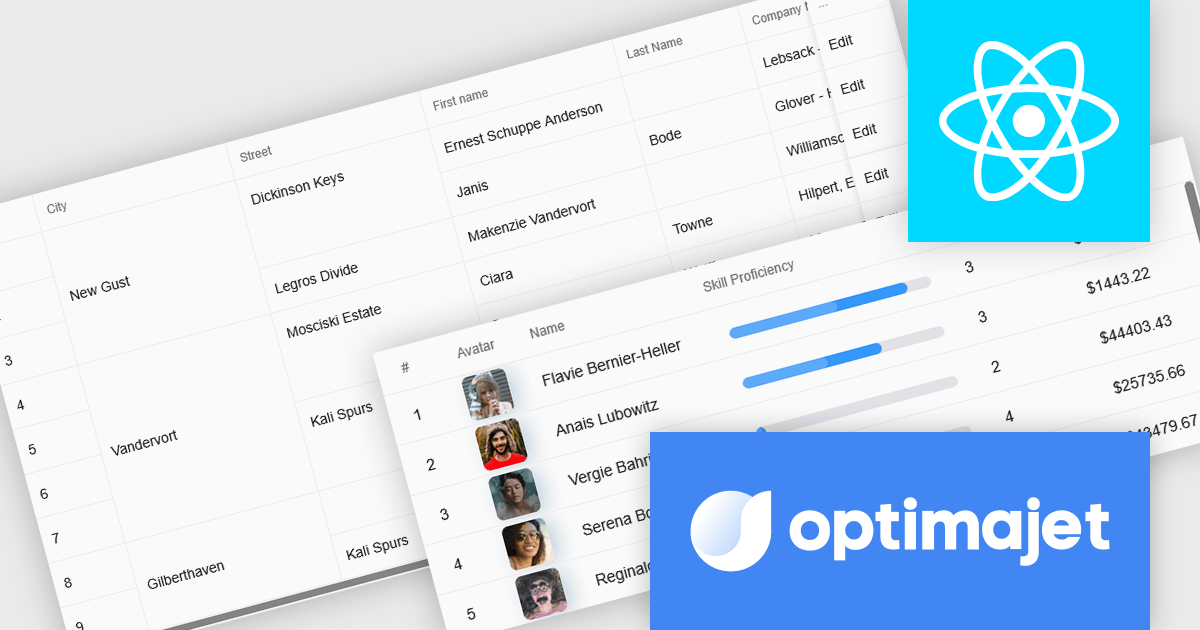
Optimajet FormEngine is a drag-and-drop React form builder that lets teams create, manage, and render complex web forms without writing frontend code. It allows developers and business users to visually design forms, store them as JSON, and render them at runtime. As a React JS library, it easily integrates into existing applications while giving developers full control over form logic, structure, and data flow, making it well suited for complex data collection.
The Optimajet FormEngine v7.3.0 update introduces a new Table component that allows developers to structure form inputs in organized rows and columns, making it easier to handle multi-row or repeatable data within a single form. This addition enables cleaner data modeling, improves usability for scenarios that require tabular entry, and integrates with existing FormEngine features such as validation, conditional logic, and JSON-based configuration.
To see a full list of what's new in version v7.3.0, see our release notes.
Optimajet FormEngine is licensed based on usage type (internal commercial use, public web/SaaS, or OEM embedding), number of domains for the visual editor, and access to additional ready-made components. Licenses are perpetual and include 6 months or 1 year of updates and support. See our Optimajet FormEngine licensing page for full details.
For more information, visit our Optimajet FormEngine product page.
Infragistics Professional is a comprehensive suite of UI components designed to accelerate the development of high-performance, visually rich applications across several platforms. It provides developers with a vast collection of tools for building data-driven interfaces, including advanced grids, charts, and reporting features for web, desktop, and mobile environments.
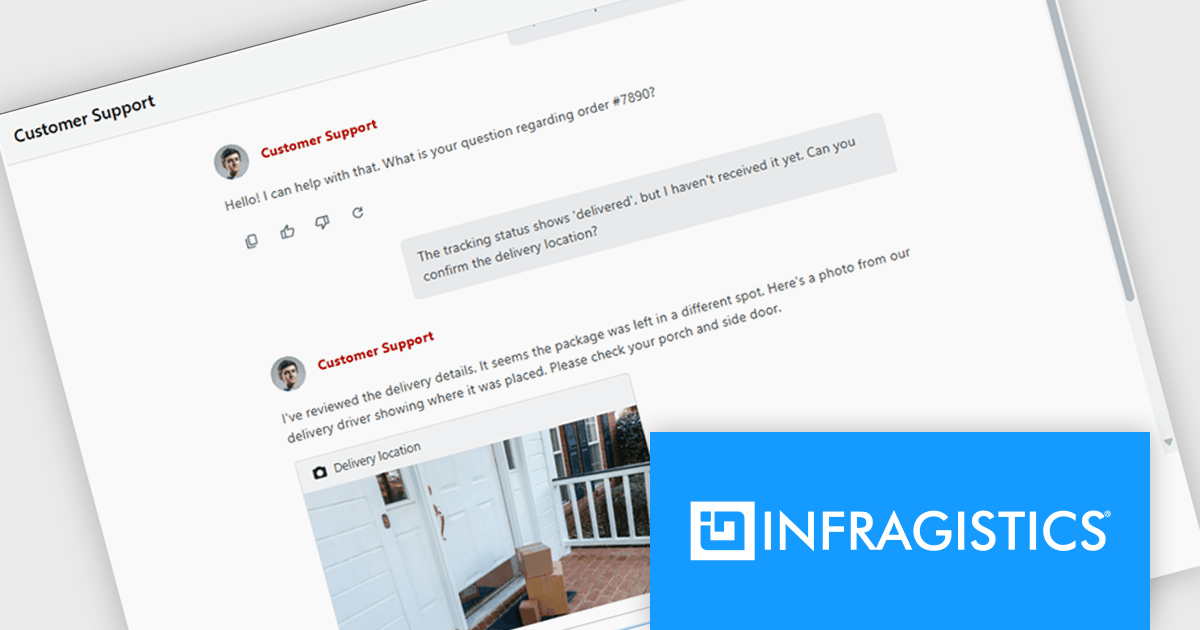
The Infragistics Professional 25.2 release introduces an AI Chat control for React and Web Components. It provides a solid foundation for building responsive, real-time conversational interfaces in your applications. Whether you're creating a customer support tool, a collaborative chat workspace, or an AI assistant, this component includes essential features such as text messaging, file attachments, quick reply suggestions, and typing indicators. Unlike static message lists, it manages input, interaction, and rendering dynamically, ensuring a smooth user experience. The component also offers a robust rendering API that allows full customization of layout and visual elements, giving you control over how your chat interface looks and behaves.
To see a full list of what's new in version 25.2, see our release notes.
Infragistics Professional is licensed per developer and is available as a Perpetual License with a 1, 2 or 3 year support and maintenance subscription. See our Infragistics Professional licensing page for full details.
For more information, visit our Infragistics Professional product page.
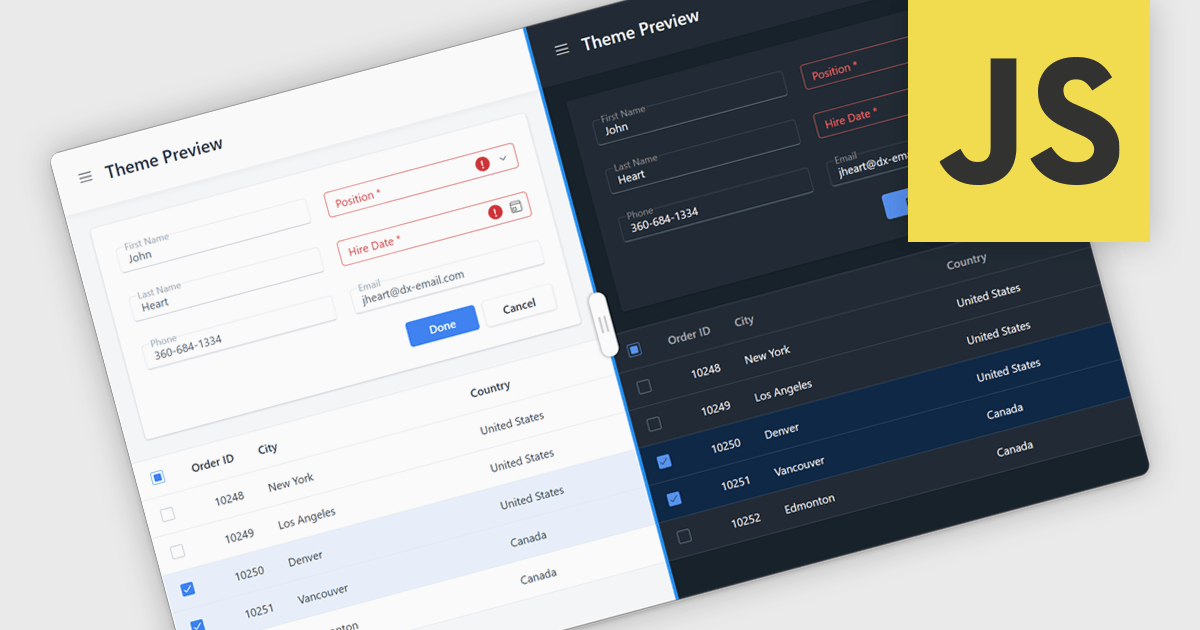
UI suite theming allows developers and designers to define a unified visual style across all components. By controlling colors, typography, spacing, and other design elements from a central configuration, teams can ensure consistency, maintain brand identity, and improve updates. Theming also enables effortless customization, allowing teams to align a product’s look with branding, support light and dark modes, or adapt interfaces for different clients. This approach accelerates development and enhances user experience, making applications feel polished, cohesive, and professional. Common use cases include enterprise dashboards, multi-brand SaaS platforms, and cross-platform applications that require a consistent appearance on web, desktop, and mobile.
Several JavaScript UI suites offer theming support, including:
For an in-depth analysis of features and price, visit our comparison of JavaScript UI suites.
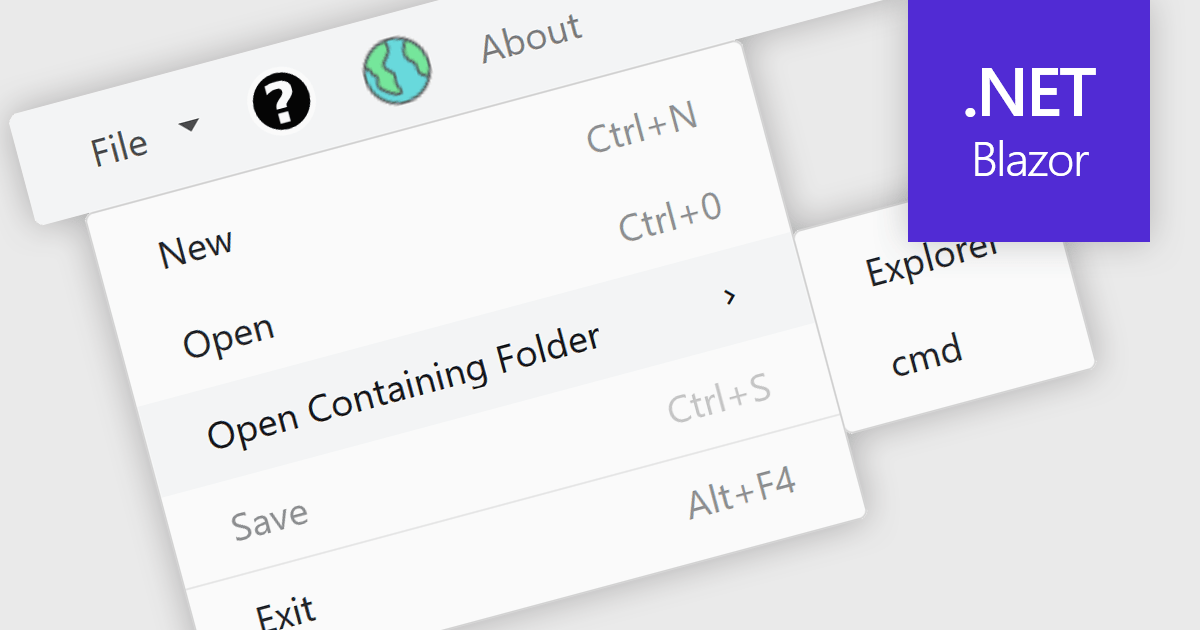
Menu controls in a Blazor UI suite are user interface components that provide structured navigation through an application by organizing links or actions into hierarchical menus. These controls are particularly useful in web applications that require intuitive, accessible, and dynamic navigation elements. In Blazor, menu controls can be rendered either through server-side or WebAssembly-based components, allowing developers to build interactive menus using Razor syntax and C#. They support features like multi-level nesting, icons, templates, and binding to data sources, making them adaptable to a wide range of layouts and user experiences. Menu controls integrate smoothly with routing and layout systems, enabling developers to maintain a consistent navigation experience across the application.
Several Blazor UI suites provide Menu controls, including:
For an in-depth analysis of features and price, visit our comparison of Blazor UI Suites.
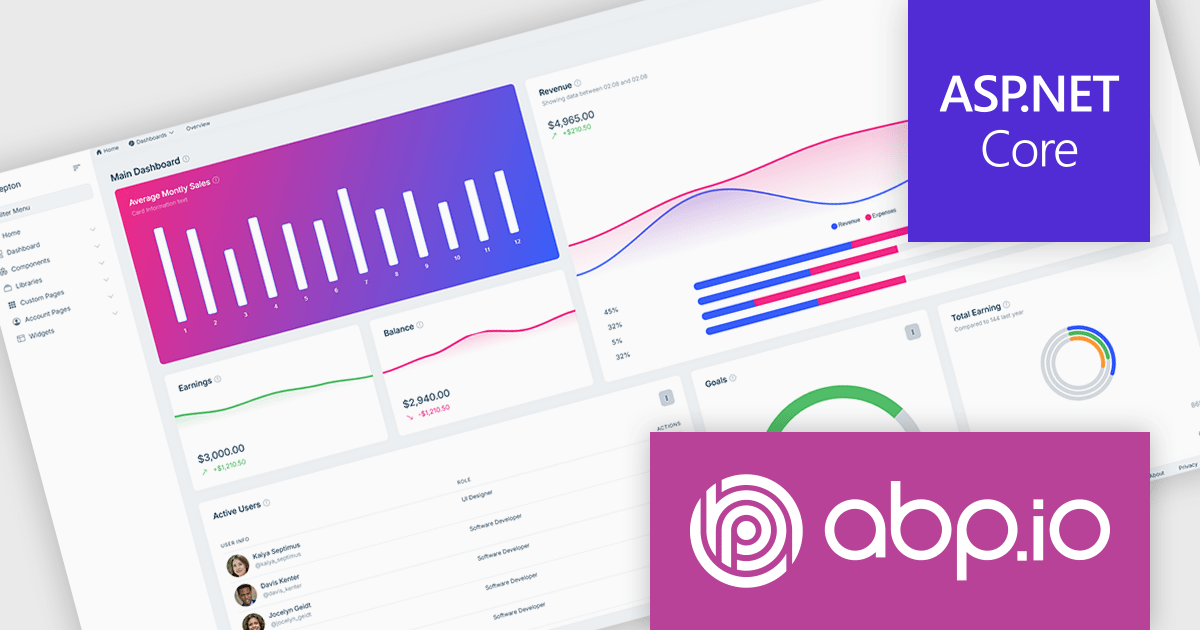
ABP Platform is a comprehensive framework designed to accelerate the development of enterprise software solutions by offering an opinionated architecture built on best practices for .NET and ASP.NET Core. It equips developers with the essential infrastructure, production-ready startup templates, pre-built application modules, and modern UI themes needed to build robust, scalable, and maintainable applications. With powerful tooling, detailed guides, and extensive documentation, ABP Platform improvs implementation, reduces repetitive tasks, and ensures consistency across projects. Ideal for organizations seeking to enhance productivity and maintain high-quality standards, it enables teams to focus on delivering business value while the platform handles architectural complexity and automation.
The ABP Platform includes a modern UI that focuses on simplicity, flexibility, and usability. It features a menu for effortless navigation, quick access to frequently used pages, and breadcrumb support for switching between sections. Developers can customize the menu layout, adjust content width to suit different screen preferences, and apply brand-specific color schemes for a consistent visual identity. With built-in RTL language support, the interface is fully adaptable to global audiences. Together, these enhancements enable faster workflows, a more intuitive experience, and greater control over design.
The ABP Platform is available as a Team, Business or Enterprise license, which entitles developers to use the platform's Pro features and provides software updates and technical support for 1 year. See our ABP Platform licensing page for full details.
For more information, visit our ABP publisher page.





Tel: (888) 850 9911
Fax: +1 770 250 6199


