








Official Supplier
As official and authorized distributors, we supply you with legitimate licenses directly from 200+ software publishers.
See all our Brands.
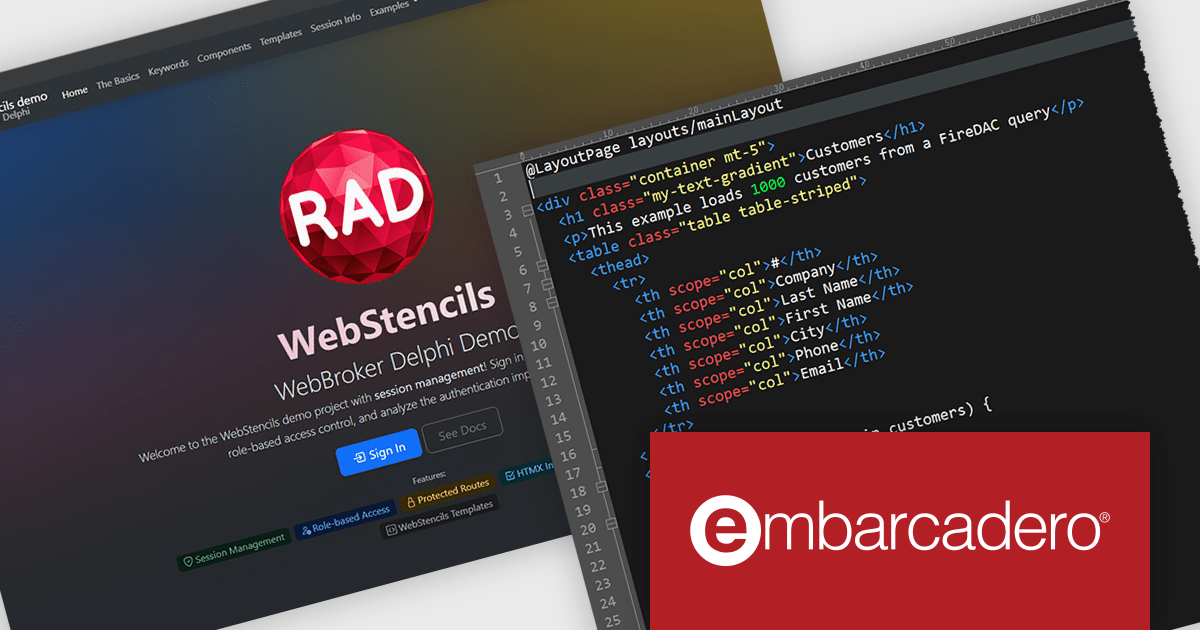
RAD Studio by Embarcadero is a integrated development environment (IDE) used to build applications for various platforms. It allows programmers to create native apps for Windows, macOS, mobile devices (Android and iOS), and more using C++ or Delphi. RAD Studio is known for its rapid application development features and is targeted towards professional developers building data-rich and visually appealing applications.
RAD Studio WebStencils introduces a rapid way to develop dynamic, database-driven web applications using minimal syntax and no dependency on heavy JavaScript frameworks. By integrating with HTMX (A lightweight open-source library that extends HTML to enable interactivity without complex JavaScript), WebStencils enables responsive, interactive pages through simple HTML attributes, removing the complexity of traditional frontend frameworks. Developers can build sophisticated applications using standard HTML and CSS, while backend developers leverage FireDAC datasets for data operations.
A key strength lies in its automatic form generation from database schemas. Developers can change a field or data type in the database and immediately see the reflected change in the browser - no manual adjustments needed. This drastically reduces the effort in maintaining CRUD (Create, Read, Update, Delete) interfaces.
RAD Studio is licensed per Named, Network Named or Concurrent user and is available as a Perpetual License with an Update Subscription that includes support and free upgrades for 1 Year. See our RAD Studio licensing page for full details.
RAD Studio is available to buy in the following products:
Infragistics Professional is a comprehensive suite of UI components designed to accelerate the development of high-performance, visually rich applications across several platforms. It provides developers with a vast collection of tools for building data-driven interfaces, including advanced grids, charts, and reporting features for web, desktop, and mobile environments.
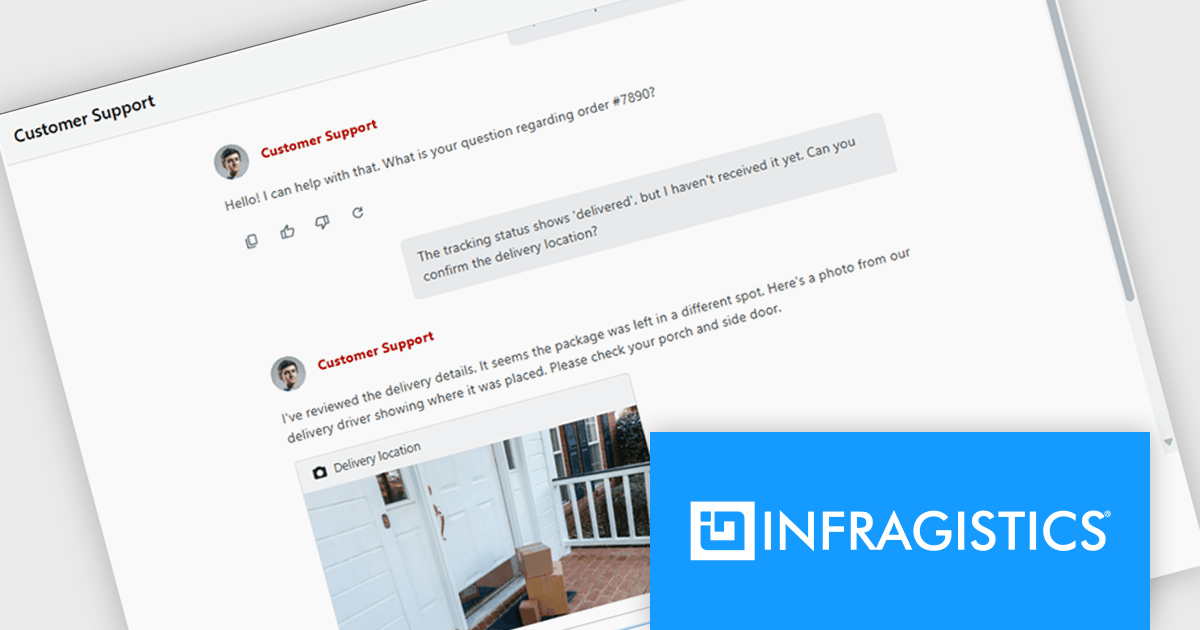
The Infragistics Professional 25.2 release introduces an AI Chat control for React and Web Components. It provides a solid foundation for building responsive, real-time conversational interfaces in your applications. Whether you're creating a customer support tool, a collaborative chat workspace, or an AI assistant, this component includes essential features such as text messaging, file attachments, quick reply suggestions, and typing indicators. Unlike static message lists, it manages input, interaction, and rendering dynamically, ensuring a smooth user experience. The component also offers a robust rendering API that allows full customization of layout and visual elements, giving you control over how your chat interface looks and behaves.
To see a full list of what's new in version 25.2, see our release notes.
Infragistics Professional is licensed per developer and is available as a Perpetual License with a 1, 2 or 3 year support and maintenance subscription. See our Infragistics Professional licensing page for full details.
For more information, visit our Infragistics Professional product page.
Document Solutions for Word is a comprehensive software development toolkit designed to facilitate the creation, manipulation, and management of Microsoft Word documents within various applications. It offers a robust API that provides developers with granular control over document structure, formatting, and content, enabling the integration of Word document functionality into custom applications. Key features include support for advanced formatting options, document automation, and compatibility with various Word document formats.
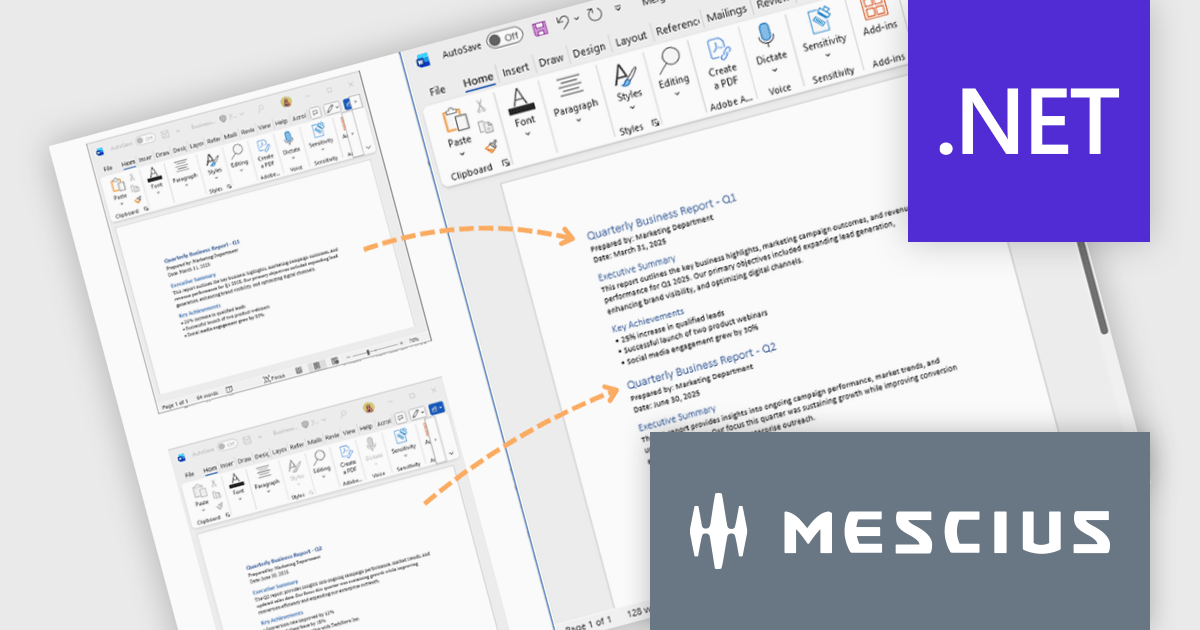
In this blog post, MESCIUS Product Marketing Specialist Mackenzie Albitz demonstrates how to use Document Solutions for Word to split large DOCX files into multiple documents and merge separate Word files into a single, properly formatted output. The steps include:
Detailed source code and examples are included to get you started.
Read the complete blog to learn how to efficiently split and merge Word DOCX files in .NET applications.
Document Solutions for Word is licensed per developer and is available in several license options for differing distribution needs. Team licenses are also available for multiple developers within the same organization. See our Document Solutions for Word licensing page for full details.
Document Solutions for Word is available to buy individually or as part of Document Solutions .NET Bundle.
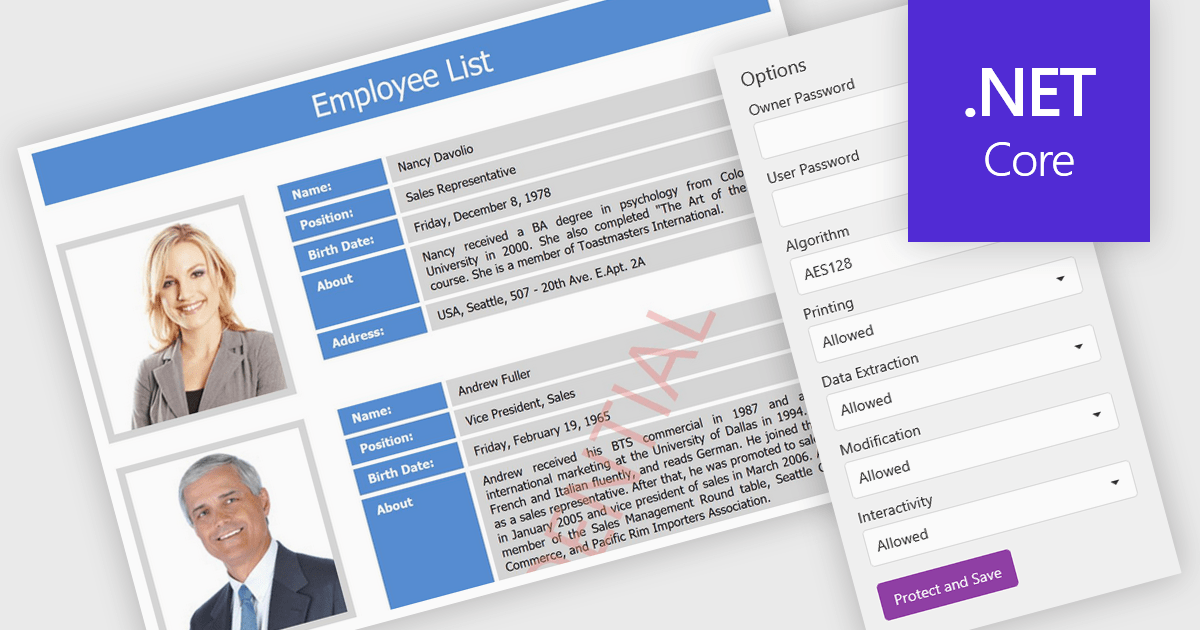
PDF password protection is a security feature that lets users encrypt their PDF documents with a password, ensuring that only authorized individuals can open or modify them. This helps safeguard sensitive information such as financial reports, contracts, and client data from unauthorized access or misuse. Users can also control permissions by preventing printing, copying, or editing to maintain document integrity. The benefits include stronger data privacy, compliance with regulations like GDPR and HIPAA, and greater trust when sharing confidential files within or outside an organization. Common uses include securing legal agreements, financial statements, and proprietary business information.
Several .NET Core PDF components allow you to protect PDFs with passwords, including:
For an in-depth analysis of features and price, visit our .NET Core PDF controls comparison.
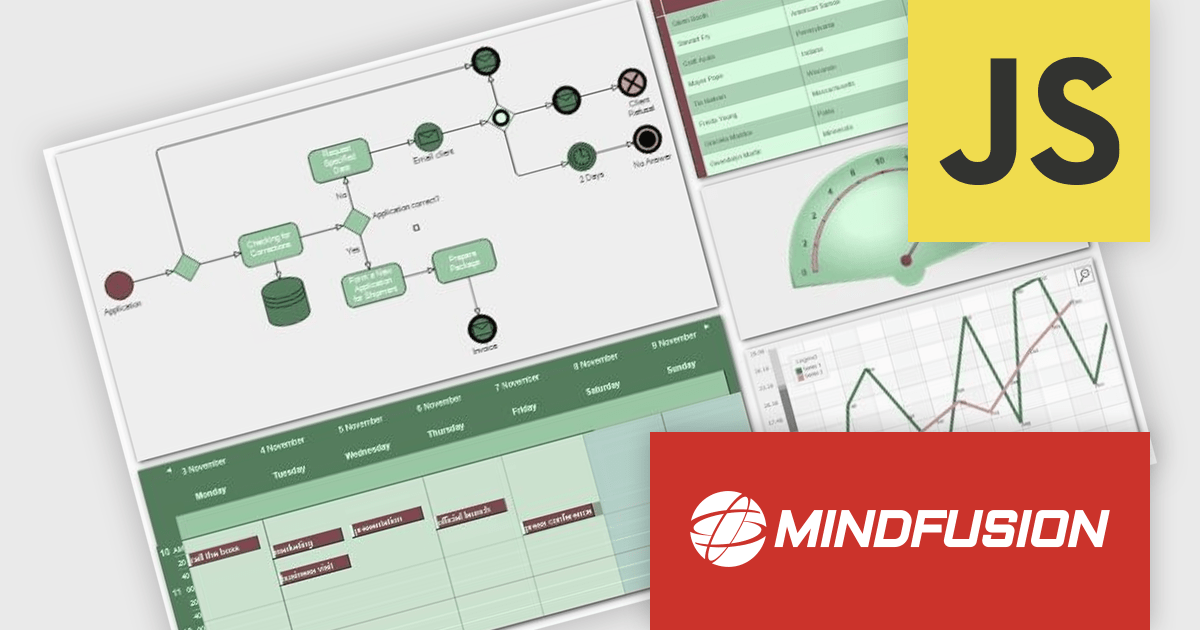
MindFusion JavaScript Pack is a collection of interactive JavaScript libraries that help developers create dynamic and user-friendly web applications. It includes components such as diagrams, charts, grids, calendars, menus, and tree views, all offering easy customization and smooth interactivity. Users can drag and drop nodes, rotate elements, scroll timelines, create appointments, and edit text directly within the interface. With its flexible design and wide range of features, MindFusion JavaScript Pack is ideal for building dashboards, scheduling tools, and data visualizations that enhance user engagement and streamline development.
The MindFusion JavaScript Pack 2025 R2 update introduces Paged Containers to help developers organize complex diagrams more efficiently. This new feature allows related diagram elements to be grouped within separate pages inside a single container, making it easier to manage and navigate large or multi-section diagrams. By structuring content in pages, developers can maintain a clear visual hierarchy, reduce clutter, and improve performance when working with extensive data models. Paged Containers provide a practical way to create scalable, well-organized diagram layouts that enhance both usability and maintainability in advanced web applications.
To see a full list of what's new in version 2025 R2, see our release notes.
MindFusion JavaScript Pack is licensed per developer and is available as a perpetual license with 1 year subscription and support. See our MindFusion JavaScript Pack licensing page for full details.
For more information, visit our MindFusion JavaScript Pack product page.





Tel: (888) 850 9911
Fax: +1 770 250 6199


