








Official Supplier
As official and authorized distributors, we supply you with legitimate licenses directly from 200+ software publishers.
See all our Brands.
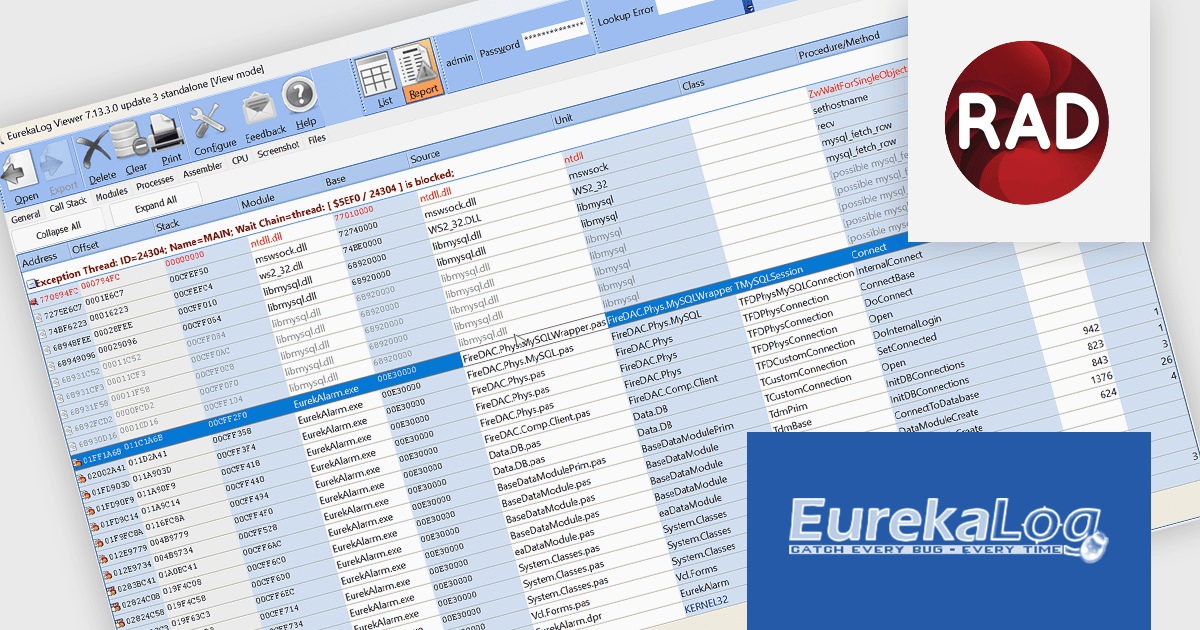
EurekaLog is a powerful Delphi and C++Builder exception tracing tool that helps developers quickly identify and resolve issues in GUI, Console, and Web applications. It automatically detects exceptions, memory leaks, infinite loops, and deadlocks, generating a detailed log with the exact unit, class, method, and line number of each error. Reports are displayed instantly and can be sent via email, web server, or bug tracker. EurekaLog enables faster development, improved stability, and higher code quality across projects.
The EurekaLog v7.14 update adds full support for RAD Studio 13 Florence, ensuring integration with the latest versions of Delphi and C++Builder. This enhancement allows developers to take advantage of the newest compiler, debugger, and language features while maintaining complete compatibility with existing projects. By aligning with the updated RAD Studio environment, EurekaLog v7.14 ensures accurate exception tracking, improved stability, and optimized performance across all supported platforms, enabling developers to confidently upgrade their toolchain without disrupting workflows or sacrificing reliability.
To see a full list of what's new in version 7.14, see our release notes.
EurekaLog is licensed per developer, with options for company-wide or corporate coverage, and includes a one-year maintenance subscription with updates and priority support. See our EurekaLog licensing page for full details.
For more information, visit our EurekaLog product page.

WebSocket internet protocol support in a .NET communications component enables full-duplex communication channels over a single, long-lived TCP connection. This protocol is particularly useful for scenarios requiring real-time data exchange, such as live chat applications, interactive dashboards, or financial trading platforms. Unlike traditional HTTP requests that follow a request-response pattern, WebSockets maintain an open connection, allowing servers to push updates to clients without being explicitly requested. In a .NET context, this support is typically built into libraries like ASP.NET Core or third-party components, offering developers tools to efficiently manage persistent, low-latency connections while reducing overhead compared to polling or long-polling techniques.
Several .NET Comms & Messaging components offer WebSocket including:
For an in-depth analysis of features and price, visit our comparison of .NET Comms & Messaging components.
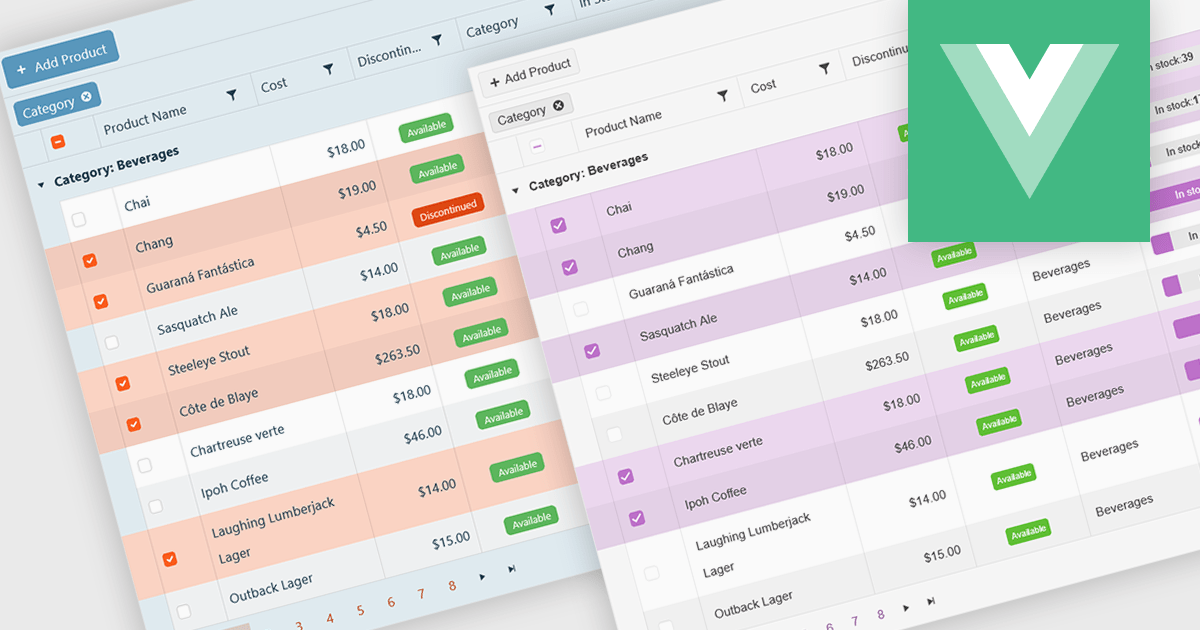
A checkbox cell type in a grid allows users to easily manage Boolean (true or false) data through a simple and visual interface. Instead of typing values manually, users can quickly toggle a checkbox to indicate states such as active or inactive, complete or incomplete, or enabled or disabled. This interaction reduces input errors and enhances data clarity, making it easy to scan and understand information at a glance. Checkbox cells improve productivity by supporting quick edits, bulk selections, and efficient filtering based on checked or unchecked values. Common use cases include task tracking, user permissions, product availability, and feature toggles where a binary choice improves workflow efficiency and usability.
Several Vue.js grid components offers checkbox cell type support, including:
For an in-depth analysis of features and price, visit our comparison of Vue.js grid components.
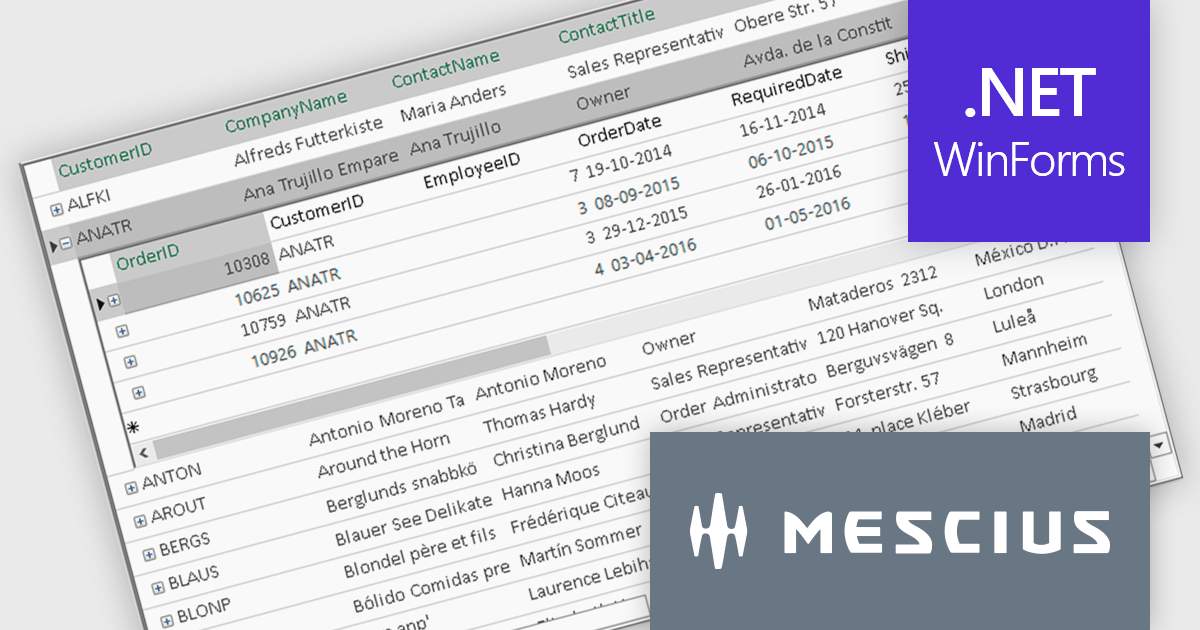
ComponentOne FlexGrid is a powerful Datagrid for your .NET WinForms applications, enabling .NET developers to display, edit, and analyze large data sets within a familiar Excel-like experience. It is optimized for high-performance and flexibility, allowing you to customize every aspect of the control.
On Wednesday, October 15th, at 11:00 AM EDT, MESCIUS (formerly GrapeCity) will be presenting a CodeClinic Live Webinar to demonstrate how you can upgrade your approach to data visualization through performance tuning, customized operations, and advanced data operations while learning practical tips and best practices. Key highlights include:
Register for the Live Webinar today and mark your calendar for October 15.
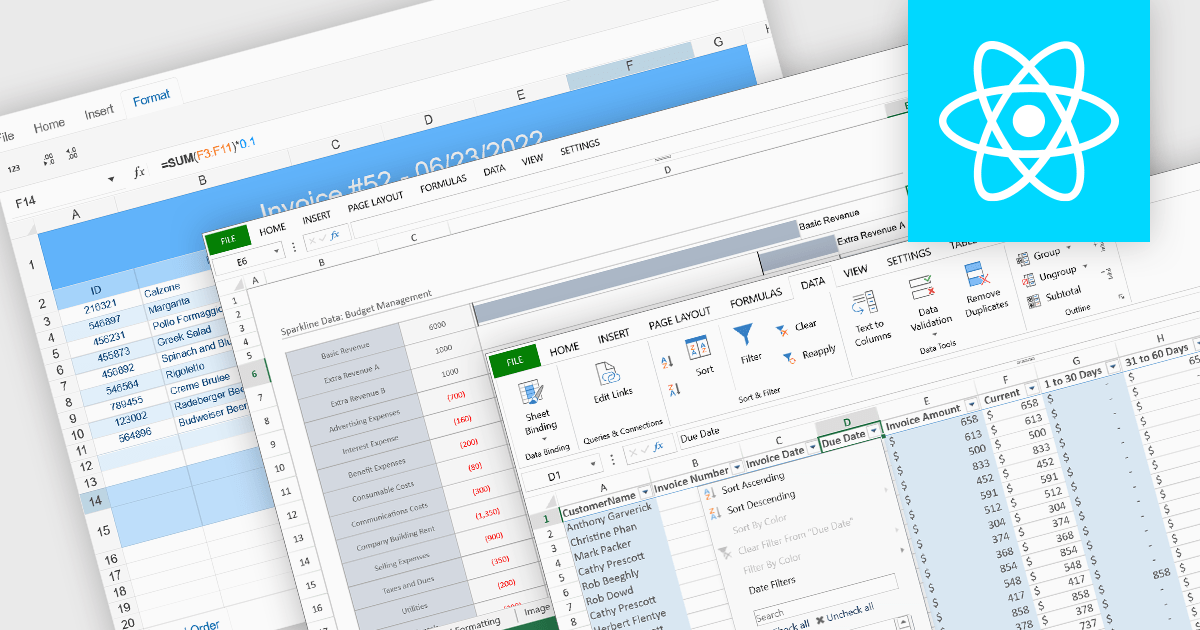
Data organization and analysis features form the backbone of a spreadsheet’s ability to transform raw inputs into meaningful insights. These capabilities go beyond simple data entry, providing the tools necessary to structure, manipulate, and interpret information effectively. By supporting both everyday tasks and complex analytical processes, they enable users to manage datasets of varying scale and complexity while ensuring that information remains accessible and actionable. Well-implemented organization and analysis features allow spreadsheets to serve not only as data storage tools but also as powerful environments for decision-making and reporting.
Common features include:
For an in-depth analysis of features and price, visit our React spreadsheet components comparison.





Tel: (888) 850 9911
Fax: +1 770 250 6199


