








Official Supplier
As official and authorized distributors, we supply you with legitimate licenses directly from 200+ software publishers.
See all our Brands.
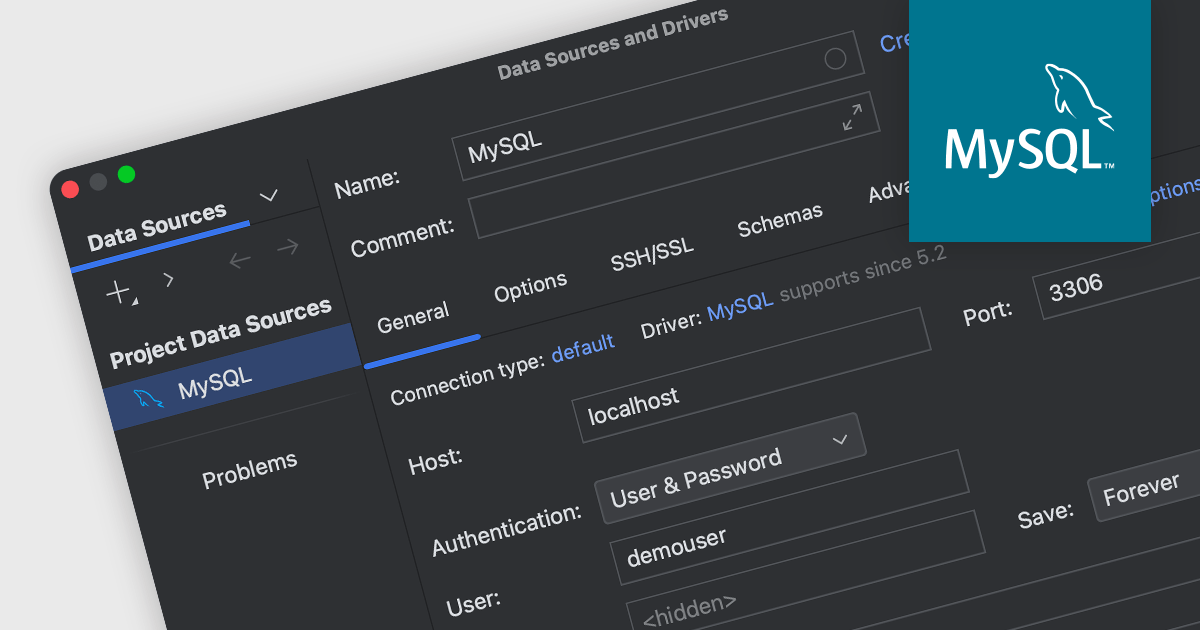
MySQL connectivity in an integrated development environment (IDE) enables developers to connect to MySQL databases from within the IDE, allowing developers to directly interact with MySQL databases through the IDE's interface. This integration simplifies database operations, from querying to schema modification, which is crucial for web development and managing data-driven applications. By eliminating the need to switch between separate database management tools and the IDE, MySQL connectivity significantly improves development efficiency and reduces the risk of errors.
Several IDEs include MySQL connectivity, such as:
For an in-depth analysis of features and price, visit our comparison of integrated development environments.

DNS support within a communications component translates human-readable domain names into machine-readable IP addresses. This functionality simplifies communication by enabling developers to use domain names in their code, which are easier to remember and manage compared to numeric IP addresses. DNS support also facilitates service discovery, especially in dynamic environments where IP addresses can change frequently. By relying on DNS, applications can connect to services using domain names, ensuring uninterrupted communication even when the underlying IP addresses are updated.
Several .NET communications and messaging components offer DNS support including:
For an in-depth analysis of features and price, visit our comparison of .NET Comms & Messaging components.
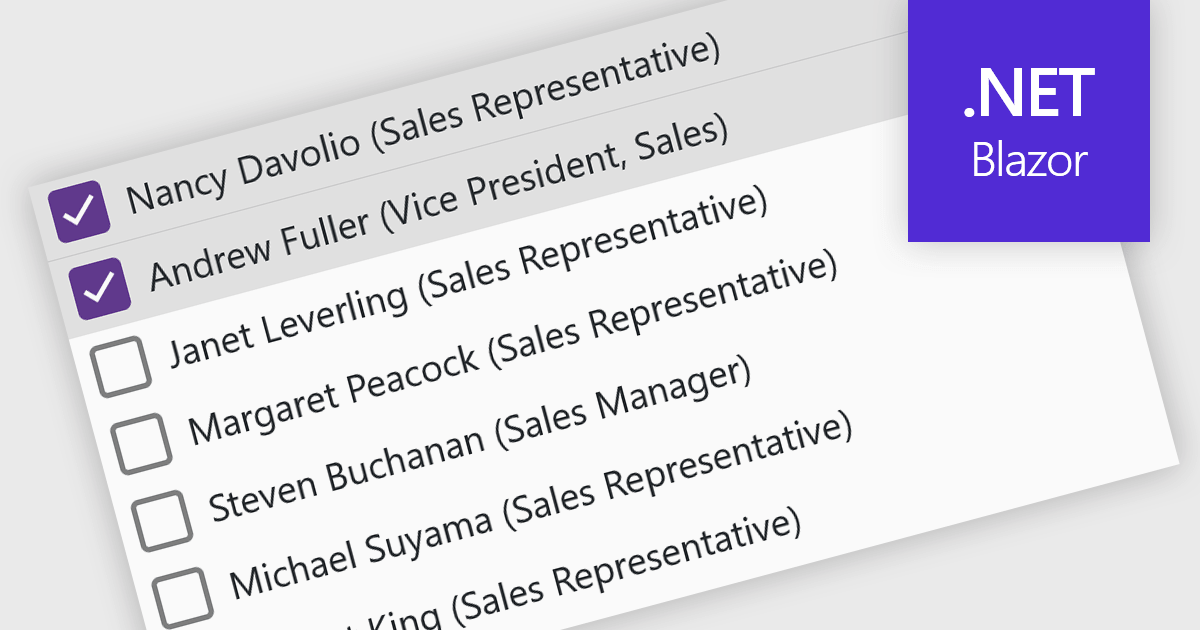
A checked listbox is a graphical user interface element that combines a listbox with checkboxes. It presents a list of options, similar to a standard listbox, but allows users to select multiple items by clicking on an adjacent checkbox for each option. This is useful for scenarios where users need to choose from various choices, but not be limited to a single selection.
Several Blazor data editor collections offer checked listboxes including:
For an in-depth analysis of features and price, visit our Blazor Data Editors comparison.
PyCharm by JetBrains is a comprehensive Integrated Development Environment (IDE) specifically designed for Python programming. It offers a range of features to enhance productivity, including code analysis for error detection, a visual debugger for troubleshooting, integrated unit testing for code verification, and support for version control systems to manage code changes. PyCharm also caters to web development using frameworks like Django, making it a powerful tool for both experienced developers and beginners in the Python world.
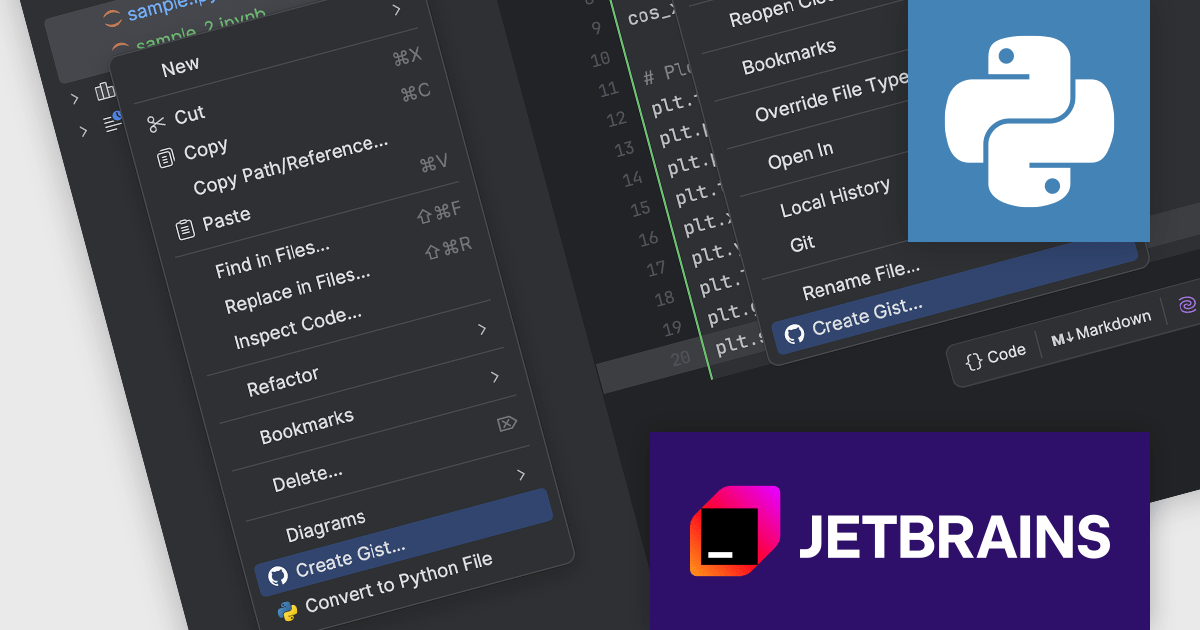
The PyCharm 2024.1.1 release streamlines sharing Jupyter notebooks with GitHub gists. This new functionality allows you to directly create gists from individual notebooks or multiple files within the Project tool window. This simplifies collaboration and code distribution, making it easier to share your Jupyter notebooks with colleagues or the wider developer community.
To see a full list of what's new in version 2024.1.1, see our release notes.
PyCharm is licensed per user, and is available as a commercial annual subscription license. We can supply new subscriptions, subscription renewals (including continuity discounts), lapsed renewals, and additional user licenses. See our PyCharm licensing page for full details.
PyCharm is available to buy in the following products:
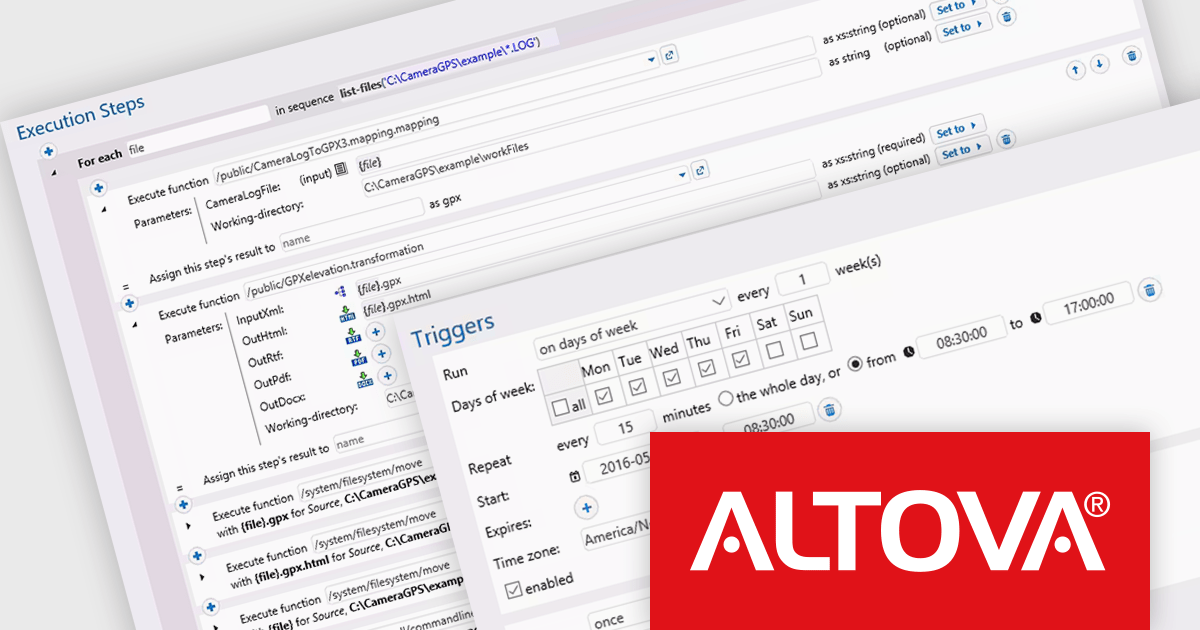
Altova FlowForce Server is a software solution designed to automate complex data integration tasks within businesses. It acts as a workflow engine, allowing users to create and manage automated processes for transforming and exchanging data between various sources, including XML, databases, and web services. FlowForce Server benefits businesses by streamlining data processing, reducing errors, and improving overall efficiency. Common use cases include automating report generation, data migration, and real-time data integration, making it a valuable tool for data architects, analysts, and IT professionals.
The Altova FlowForce Server 2024 Release 2 update adds the ability to specify timeouts, preventing stalled jobs. If a job step gets stuck due to an error or unexpected issue, it will no longer hold up the entire workflow. The timeout will automatically abort the step, preventing wasted resources and unnecessary delays.
To see a full list of what's new in version 2024 Release 2, see our release notes.
Altova FlowForce Server is licensed per year, per server, based on the number of cores available on the machine. See our Altova FlowForce Server licensing page for full details.
For more information, visit our Altova FlowForce Server product page.





Tel: (888) 850 9911
Fax: +1 770 250 6199


