








Official Supplier
As official and authorized distributors, we supply you with legitimate licenses directly from 200+ software publishers.
See all our Brands.
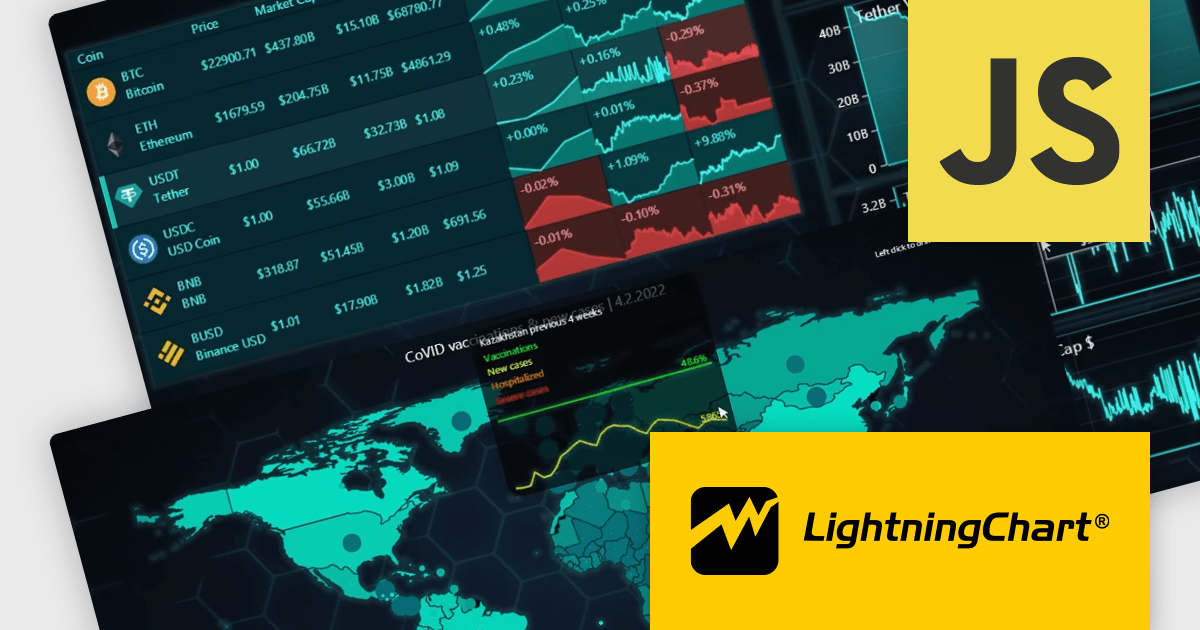
LightningChart JS Trader is a comprehensive charting solution specifically designed for building high-performance financial and trading applications in JavaScript. It equips developers with a rich set of financial charts, over 100 technical indicators for in-depth analysis, and 30+ drawing tools for visual annotations. Additionally, a fully featured datagrid with sparkline support allows for organized data management and display. This combination empowers developers to create interactive and visually engaging trading dashboards, charting tools, and other financial applications with high performance and extensive customization options.
LightningChart JS Trader features include:
LightningChart JS Trader is licensed per developer, per application, per year. The annual license includes technical support and product updates for one year. To continue using the software you will need to renew your license each year. There are three editions to choose from; Basic, Plus and Ultimate which offer different levels of functionality and distribution rights. See our LightningChart JS Trader Licensing page for full details.
For more information, visit our LightningChart JS Trader product page.

Report drill down functionality allows users to explore deeper into summary data and discover detailed information. For a report showing sales by product category, visitors could click on a category to view a breakdown of individual products, and then drill down even further, by brand or model. This interactive capability promotes a greater understanding and discovery of trends within the report. The intuitive data navigation allows users to peel back layers of data to uncover trends, anomalies, and patterns that may not be obvious in summarized representations. Drilling down into data helps consumers make better decisions by giving them the precise insights they need to back up their conclusions.
Several .NET 8 WinForms Reporting components support drill down functionality, including:
For an in-depth analysis of features and price, visit our .NET 8 WinForms Reporting Controls comparison.
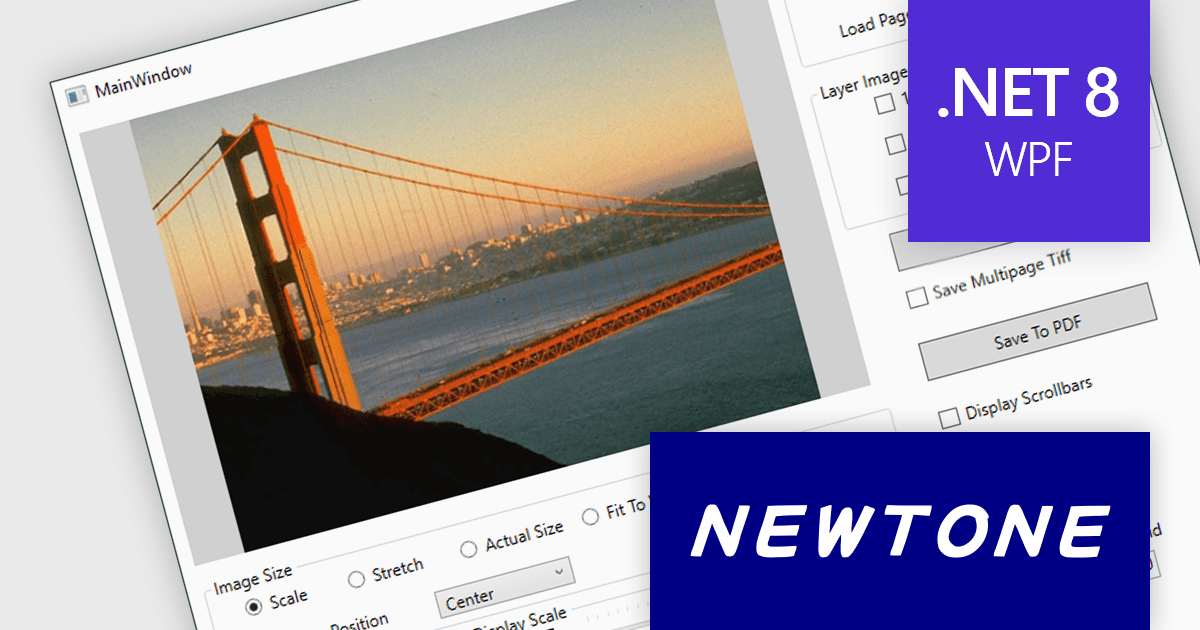
ImageKit WPF X by Newtone is a software component designed to add comprehensive image acquisition and processing capabilities to WPF applications built with .NET 5 and later. It empowers developers to easily integrate Twain scanning, webcam functionality (play, preview, snapshot, and record), and image processing features directly into their user interfaces, streamlining image-centric workflows within their applications.
ImageKit WPF X version 1.1.3.062 adds support for .NET 8.0. This allows users to benefit from the performance boosts, enhanced memory management, and modern development experience of the latest .NET release.
To see a full list of what's new in V1.1.3.062, see our release notes.
ImageKit WPF X offers flexible per-machine licensing, starting with a 1 PC developer license and scaling up to 3, 5, 10, 20, or 50 PC team licenses. A license is required for each individual computer used to develop software with this product. The PC developer license includes a runtime distribution license to distribute executable applications royalty free. Server Runtime Licenses are required if distributing the runtime on a server. See our ImageKit WPF licensing page for full details.
For more information, visit our ImageKit WPF product page.

PyCharm by JetBrains is a comprehensive integrated development environment (IDE) designed specifically for Python developers. It offers a wide range of features that enhance the Python development experience, including code completion, debugging, and version control integration. PyCharm also provides specialized features for web development with Django, including project templates, templates debugging, and server integration.
The PyCharm 2023.3.3 update introduces a visual diff view for Jupyter notebooks that presents changes within the familiar notebook interface. This simplifies conflict resolution and change comprehension, saving valuable time and effort when working collaboratively.
To see a full list of what's new in version 2023.3.3, see our release notes.
PyCharm is licensed per user, and is available as a commercial annual subscription license. We can supply new subscriptions, subscription renewals (including continuity discounts), lapsed subscription renewals, and additional user licenses. See our PyCharm licensing page for full details.
For more information, visit our PyCharm product page.
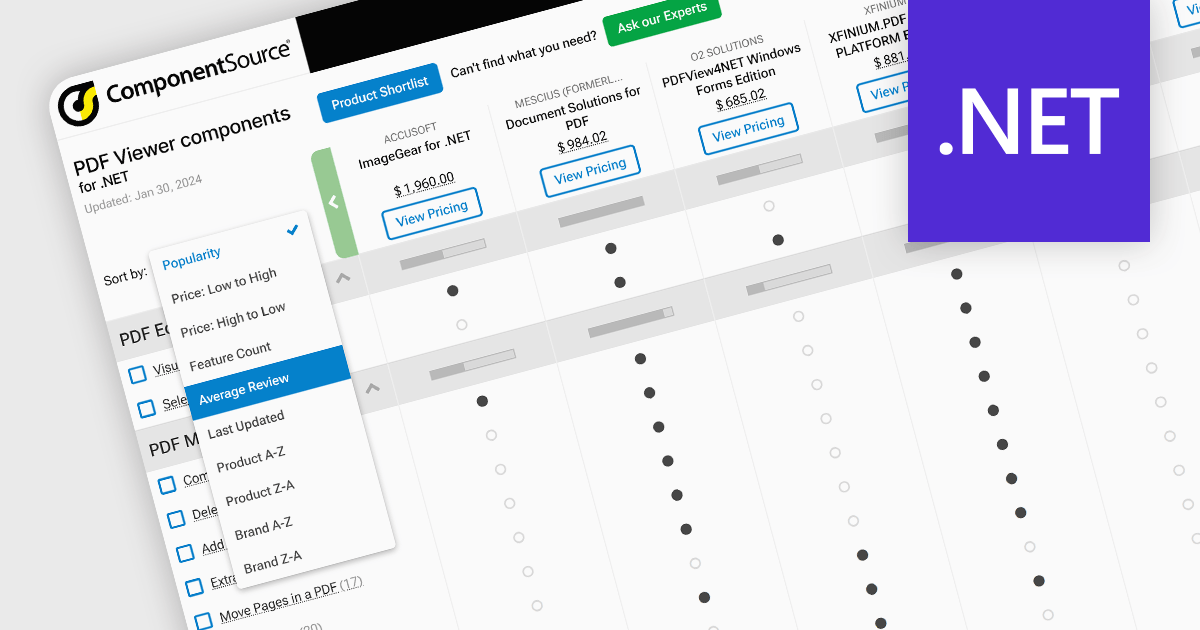
We are pleased to announce our new .NET PDF Viewer Components Comparison. This comprehensive tool is designed help developers and programmers select the most suitable PDF viewer component for their specific requirements.
PDF viewer components seamlessly integrate PDF functionality within your application or website, eliminating the need for users to download separate readers. This enhances convenience, improves workflow efficiency, and grants users direct access to PDF content within various digital contexts.
Our unique comparison lets you easily compare 35+ options, showcasing key features, language support, and framework compatibility in a clear side-by-side format. We've meticulously verified over 125 features and 4,500 data points directly with publishers. Gain an in-depth understanding of each viewer's capabilities, compatibility, and pricing, enabling you to make an informed decision tailored to your project's unique needs and preferences.
Many popular standalone PDF viewer components are available, including:
A number of multi-function product suites also offer PDF viewer components, including:
For an in-depth analysis of features and price, visit our complete comparison.





Tel: (888) 850 9911
Fax: +1 770 250 6199


