








Official Supplier
As official and authorized distributors, we supply you with legitimate licenses directly from 200+ software publishers.
See all our Brands.
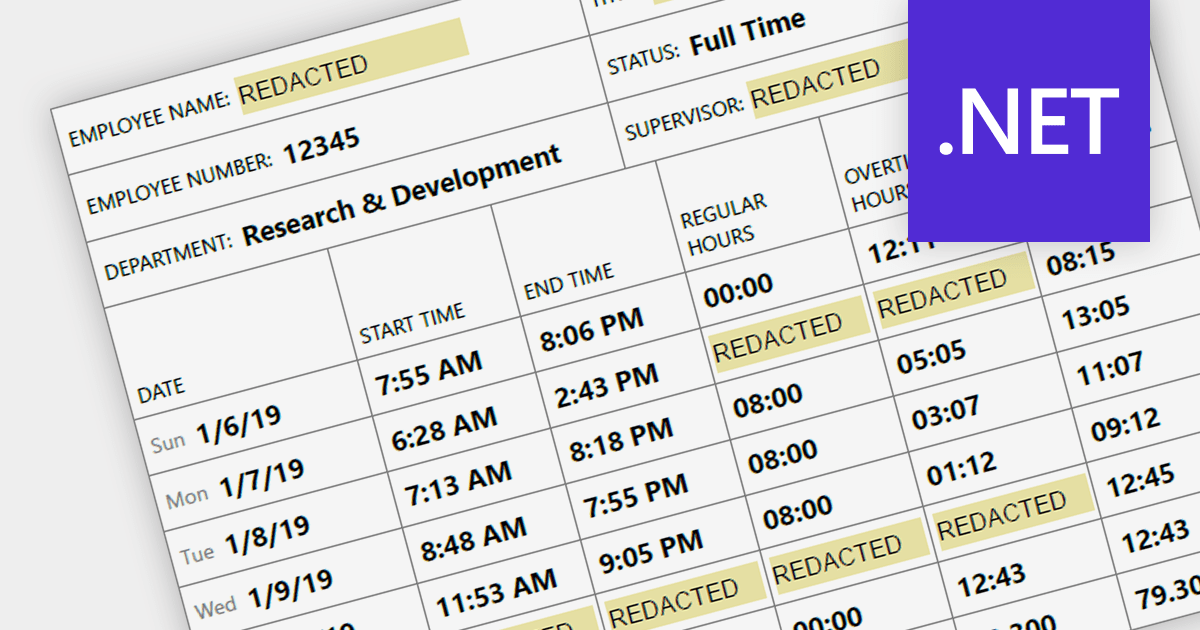
Redaction functionality provides a secure and efficient way to remove sensitive or confidential information from digital documents. This feature is crucial for organizations that handle sensitive data, ensuring compliance with data privacy regulations and safeguarding sensitive information from unauthorized access. By securely redacting sensitive information, organizations can protect against data breaches, maintain data integrity, and meet legal and compliance requirements.
Several .NET PDF components provide redaction support including:
For an in-depth analysis of features and price, visit our .NET PDF component comparison.
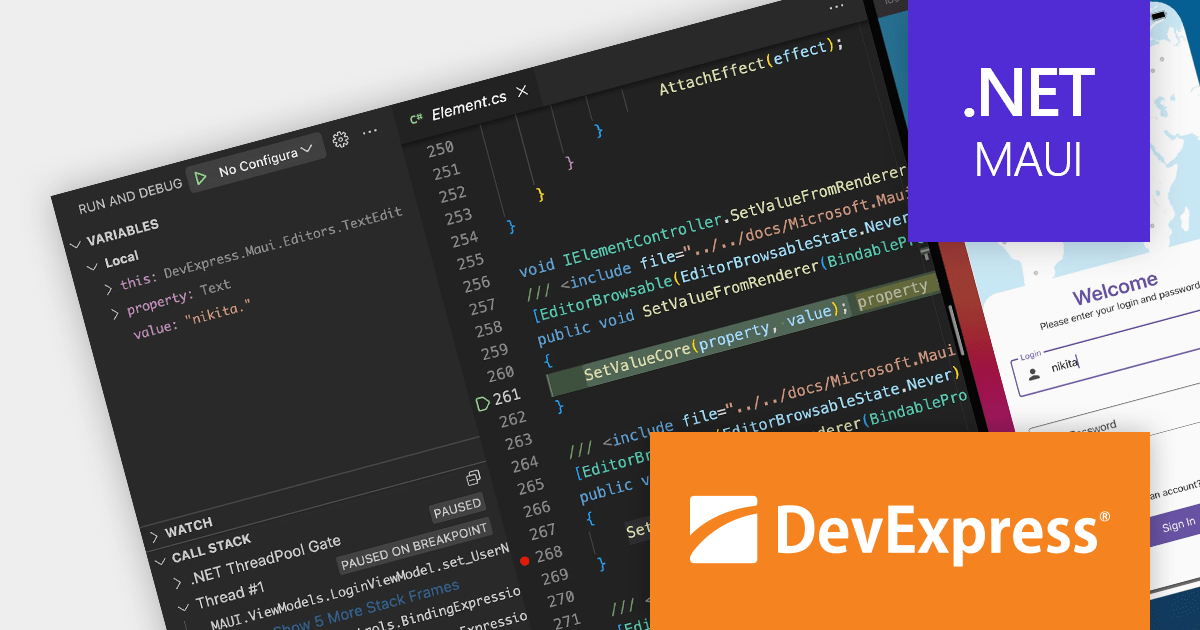
DevExpress .NET MAUI is a suite of high-quality, ready-to-use UI controls designed for building cross-platform mobile applications. It provides a comprehensive collection of UI elements, including data grid, data editors, charts, and many more, to help you create professional-looking and user-friendly mobile apps. The .NET MAUI components are written in Objective-C (iOS) and Java/Kotlin (Android) and integrate seamlessly with the .NET MAUI platform through the use of MAUI 'Handlers'.
In this blog post, DevExpress Paul Usher takes you through the process of how to build application for .NET MAUI on macOS, in light of the retirement of Visual Studio for Mac. Steps include:
Read the complete blog to get started building .NET MAUI applications on your Mac.
Get more information about the DevExpress .NET MAUI UI Component Library.
Technical support for DevExpress .NET MAUI is available as part of DevExpress Universal.
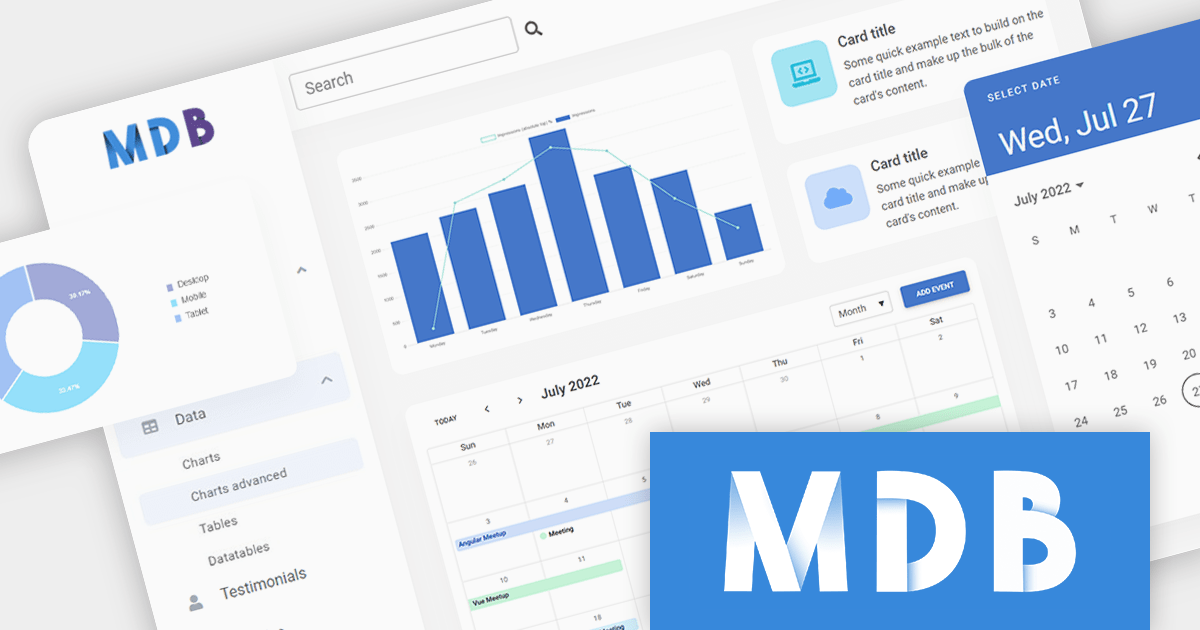
ComponentSource, a leading global provider of software components and development tools, has announced a new partnership with MDBootstrap, a software development company that specializes in Material Design based UI components and templates for responsive JavaScript web apps. This collaboration aims to offer customers a seamless experience by combining ComponentSource's extensive library of software components and developer tools with MDBootstrap's expertise in developing high-quality UI solutions.
MDBootstrap (also known as MDB), is a front-end development framework that combines the features of Bootstrap with Material Design. Available for JavaScript, Bootstrap, Angular, React, and Vue, it provides a comprehensive set of UI components, design blocks, and templates to help developers quickly and easily create modern and responsive web applications. MDBootstrap controls are used by over 3,000,000 developers and designers, including global brands such as Amazon, Samsung, Nike and IKEA.
Through this strategic partnership, ComponentSource enhances its extensive offering of premium software components, further cementing its position as a trusted provider of reliable and efficient solutions for developers, backed by guaranteed support.
For more information, explore the MDBootstrap product range.

PowerShell automation revolutionizes application deployment by transforming manual tasks into orchestrated processes, streamlining the entire lifecycle from importing to testing and distribution. PowerShell scripts seamlessly handle the importation of applications from diverse sources, including network shares, FTP servers, and cloud repositories. They empower the execution of unit tests, integration tests, and system-level tests, ensuring comprehensive application validation.
Here are some of the leading Installation Tools that support automation via Powershell:
For an in-depth analysis of features and price, visit our Installation Tools comparison.
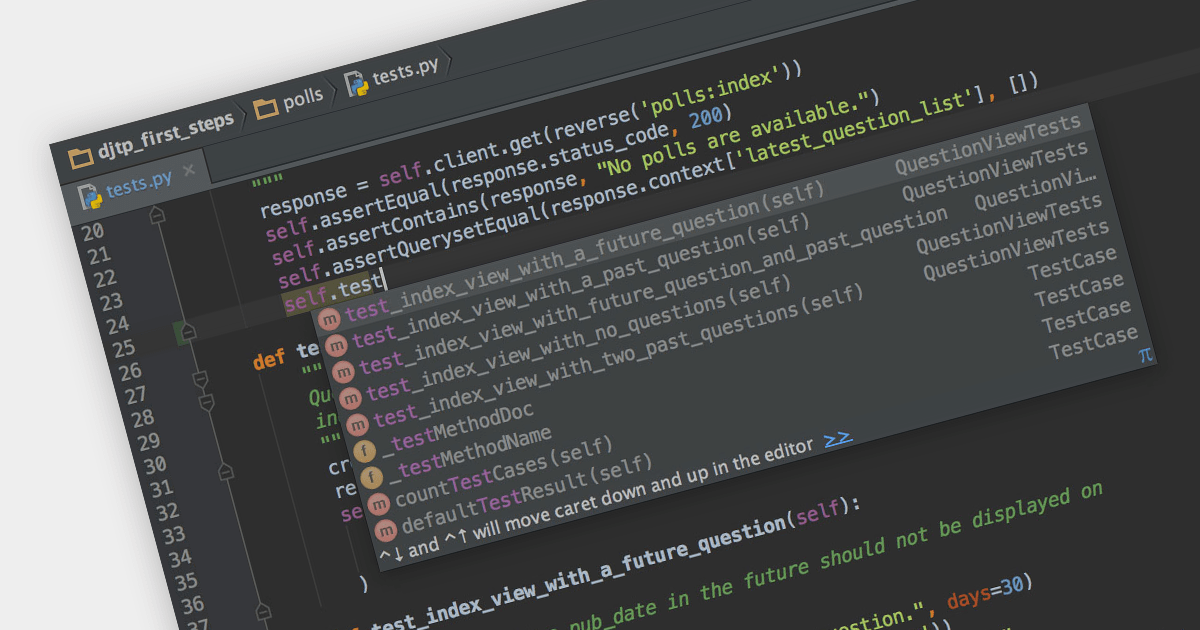
Python is a high-level, general-purpose programming language known for its clear syntax and readability. Many IDEs offer support for the Python language with features such as interactive shells, integration with Python-specific frameworks, and debugging tools. Given Python's extensive use in data science, web development and automation, IDEs with robust Python capabilities are highly valued for their productivity enhancements.
Several IDEs support Python features including:
For an in-depth analysis of features and price, visit our IDEs comparison.





Tel: (888) 850 9911
Fax: +1 770 250 6199


