Category News

Refactor Code Directly Within your IDE

July 27, 2023
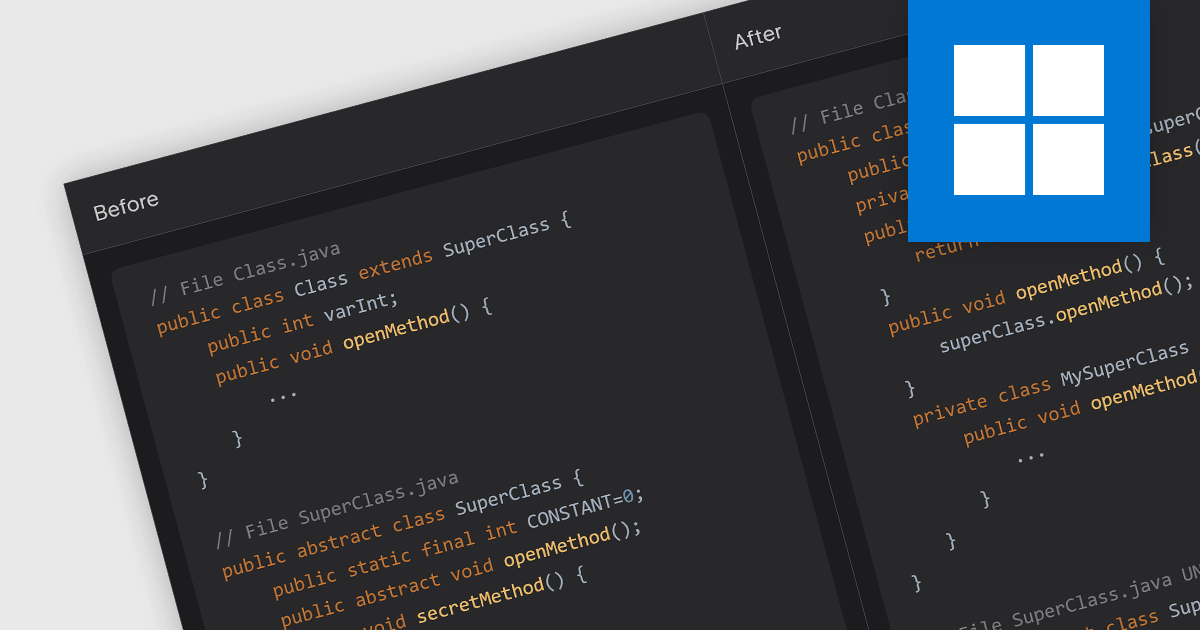
Refactoring enhances code structure, readability, and performance while preserving the software’s original functionality.

Code refactoring is the process of restructuring existing code without changing its external behavior. It typically includes actions such as renaming variables, extracting methods, rearranging code blocks, and optimizing algorithms. Refactoring can improve the readability, design, structure, performance, and/or implementation of the software, without altering its functionality.

Several IDEs offer code refactoring capabilities, including:

  • Delphi Enterprise by Embarcadero provides comprehensive refactoring support, including renaming, extracting methods, and changing method signatures. It allows developers to maintain clean and organized code, improving productivity.
  • EiffelStudio by Eiffel Software caters specifically to Eiffel developers and comes with a range of built-in refactoring options. EiffelStudio assists in restructuring code to improve its quality and readability.
  • Rider by JetBrains provides a powerful set of tools for refactoring code, including the ability to rename, move, and delete symbols throughout the solution.
  • RemObjects Elements offers powerful refactoring tools for developers working with Oxygene, C#, Swift, and other languages. The IDE's refactoring support helps developers maintain code integrity and adhere to best practices.

For an in-depth analysis of features and price, visit our comparison of IDEs.
Compare IDEs

Viewing Reports in React

July 25, 2023
Display, analyze and interact with reports on the Web using a viewer for React.

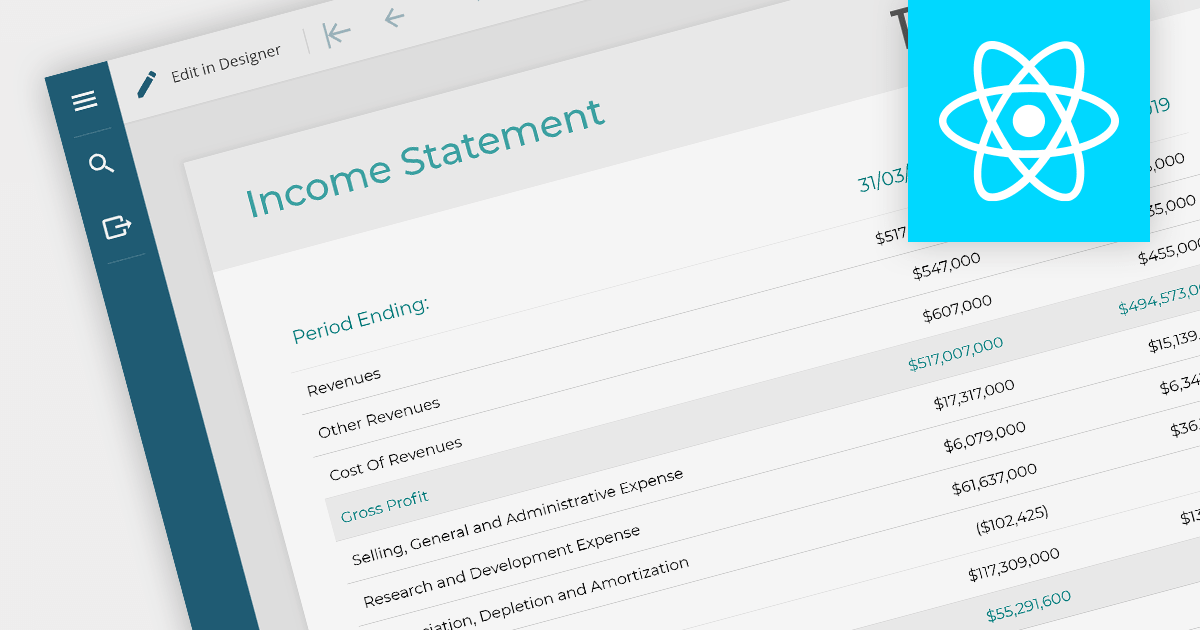
Report viewers for React let users view and interact with various types of reports on the Web. They make it easy to embed reports, display a variety of report types, and customize the look and feel of reports, as well as enabling interactions such as zooming, panning, and filtering. Report viewers let users explore and gain valuable insights from their data directly within the React environment.

Here is a selection of React reporting controls include report viewers:

  • Stimulsoft Reports.JS gives users dynamic report viewing capabilities. Its robust set of features includes charts, pivot tables, and customizable templates, ensuring a seamless user experience for analyzing data within the React environment.
  • ActiveReports.JS by GrapeCity allows you to easily incorporate React report viewers to visualize data in various formats. It offers interactive data visualization tools and export options, enabling users to comprehend complex information more easily.
  • DevExpress Reporting can be used to create interactive and data-rich reports integrated with your React Web applications. The report viewer lets users interact with data through filtering, sorting, and drilling down, ensuring a comprehensive understanding of critical insights.

For an in-depth analysis of features and price, visit our comparison of React reporting controls.
Compare React Reporting Controls

Integrating Tooltips into JavaScript Spreadsheets

July 24, 2023
Enhance spreadsheet data presentation with JavaScript tooltips.

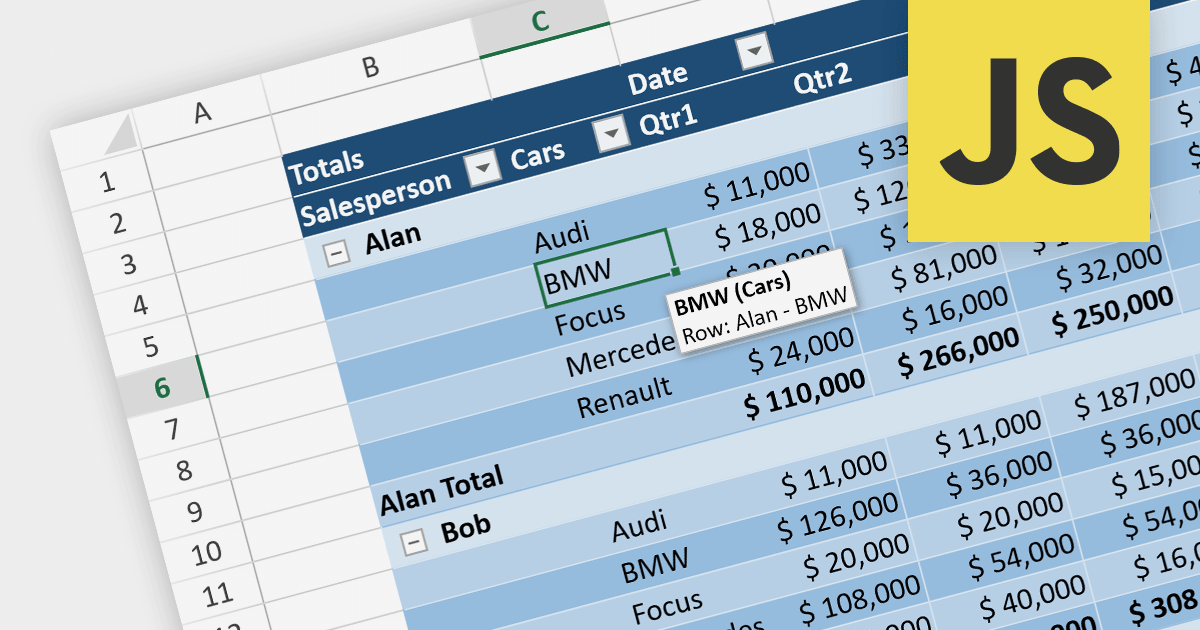
Tooltips are small pop-up or hover boxes that appear when users interact with an element on a Web site or application, typically triggered by hovering over or clicking on an element. They can provide additional information or context about the element, enhancing user experience and clarifying functionality. Tooltips can be used in spreadsheets to give further context, such as the meaning of a formula, the source of a data point, or a description of an image.

Several JavaScript spreadsheet controls offer support for tooltips, including:

  • Infragistics Spreadsheet React (part of Infragistics Ignite UI) provides a comprehensive set of React components, including a spreadsheet component with seamless tooltip integration.
  • SpreadJS by MESCIUS (formerly GrapeCity) is a powerful JavaScript spreadsheet component that allows you to create interactive and feature-rich spreadsheet applications with built-in support for tooltips.
  • Telerik Spreadsheet jQuery (part of Kendo UI) offers a jQuery-based spreadsheet component with tooltip support.

For an in-depth analysis of features and price, visit our comparison of JavaScript spreadsheets.
Compare JavaScript Spreadsheets

Extracting Content from a PDF in .NET

July 21, 2023
Make PDF data more accessible by automating data extraction.

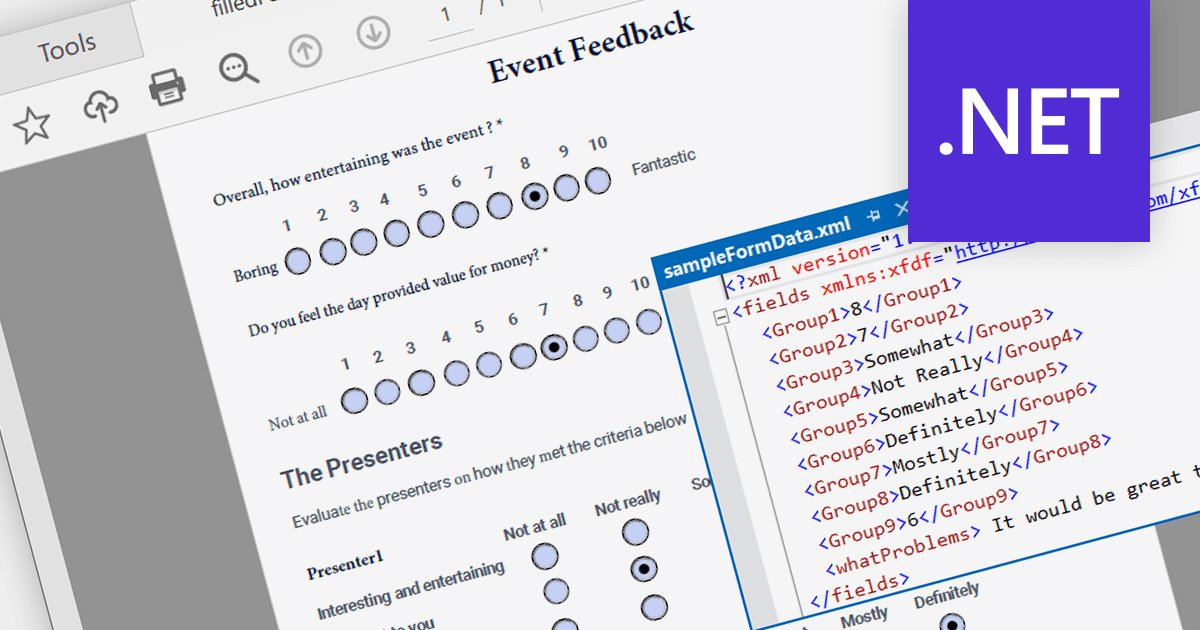
PDF data extraction is the process of programmatically extracting textual and visual information from PDF documents. It enables developers to parse files, extract text, images, and other elements, facilitating tasks like document indexing, and text mining.

Several .NET PDF components provide content extraction capabilities, including:

  • Aspose.PDF for .NET is a comprehensive library that allows extracting text, images, and other elements from PDF files with ease.
  • IronPDF for .NET is a versatile PDF toolset enabling content extraction, conversion, and manipulation for PDF files in .NET applications.
  • LEADTOOLS PDF Pro is an advanced toolkit that allows developers to extract text and metadata from PDFs.
  • GrapeCity Documents for PDF is a feature-rich component for .NET, facilitating content extraction and management from PDF files.
  • XFINIUM.PDF CROSS PLATFORM EDITION is a cross-platform PDF library for .NET, offering efficient content extraction and processing functionalities.

For an in-depth analysis of features and price, visit our comparison of .NET PDF components.
Compare .NET PDF Components

Refactoring XML Files

July 18, 2023
Improve the readability, maintainability, and performance of your XML code with refactoring tools.

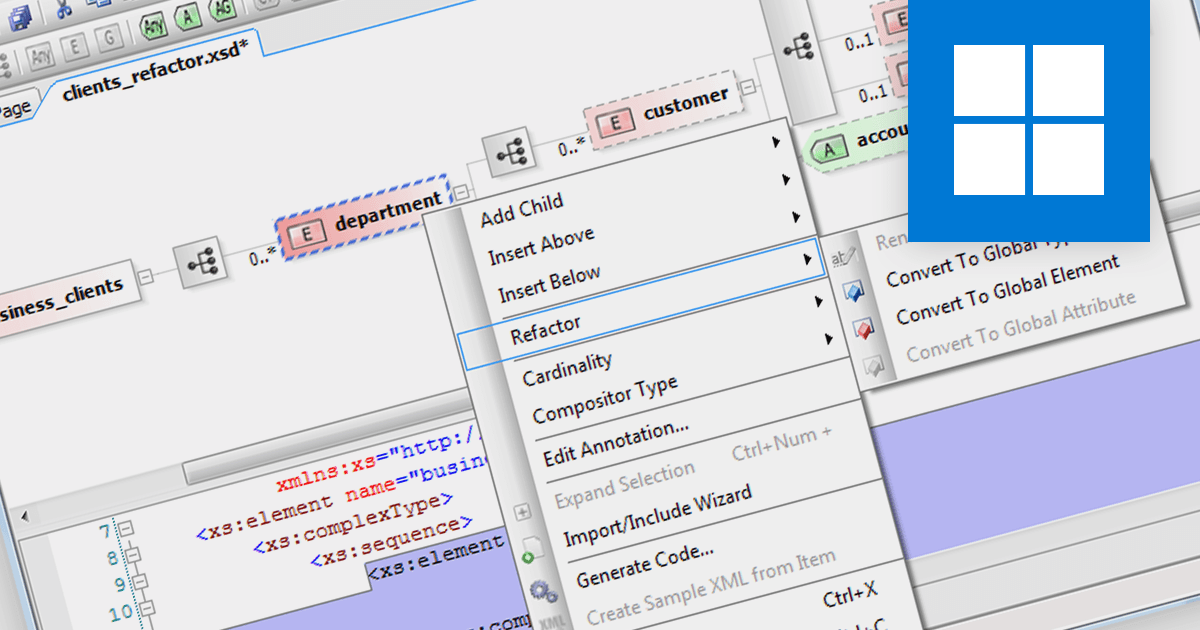
Refactoring XML is the process of restructuring and optimizing XML code to improve readability, maintainability, and performance, while preserving its functionality. It involves changing the layout, element naming, removing redundancies, and reorganizing the document to enhance its overall quality. This can be achieved by using a structured document tool, designed to create, edit, and manage documents.

Several structured document tools support refactoring, including:

  • Oxygen XML Editor Enterprise enables users to restructure and optimize XML documents efficiently. Its comprehensive set of features allows for easy element renaming, removing redundancies, and restructuring large XML files without compromising on functionality.
  • Altova XMLSpy Enterprise XML Editor has a powerful XML refactoring feature set, helping users maintain well-structured and organized XML code, simplifying complex structures while ensuring compliance with XML standards.
  • Liquid Studio XML Editor Edition provides a user-friendly interface with XML refactoring capabilities. Its intuitive features assist in streamlining XML document maintenance and improving overall code quality.
  • Stylus Studio XML Enterprise Suite offers comprehensive XML refactoring capabilities for developers and content authors. Its refactoring tools help optimize XML documents by restructuring and reorganizing elements, enhancing code readability, and ensuring adherence to industry standards.

For an in-depth analysis of features and price, visit our comparison of structured document tools.

Compare Structured Document Tools