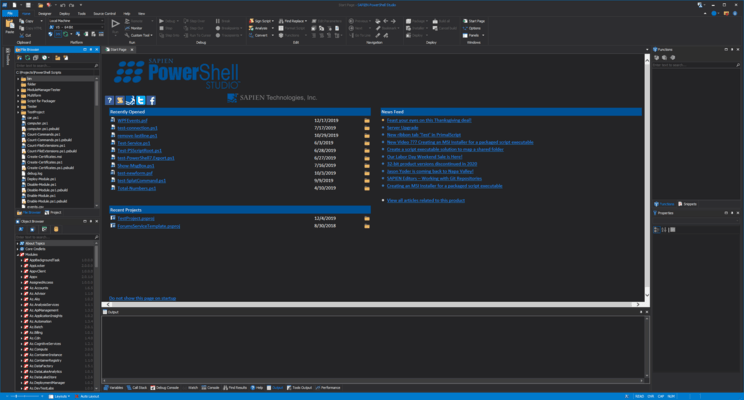
PowerShell Studio Releases
Released: Jul 1, 2016
Updates in 2016 (5.2.124)
Features
- High DPI support
- High DPI Layout support. The application will auto load the high DPI version of a layout (.HighDPI.layout) depending on the current DPI.
- Option to enable/disable the document selector window when cycling through document tabs.
- Generated GUI scripts now scale properly in high DPI environments
- Control Sets now support high DPI scaling.
- Label AutoSize property is now enabled by default when the control is added in the designer.
Fixes
- Productivity Pack applications failed...
Released: Mar 10, 2015
Updates in this release
Updates in 2015
- Function Builder - Easily create advanced functions including cmdlet and parameter attributes and comment-based help. The Function Builder inserts the correct syntax for you.
Released: Apr 7, 2014
Updates in this release
Updates in 2014
- 64-bit Support - PowerShell Studio now comes in 32 and 64-bit editions.
- New UI - Including Ribbon tabs (Designer, Deploy, Tools, Home, Help) and Quick Access Toolbar.
- Form Previews - When you open a folder in Windows Explorer you can now see a preview of your PowerShell Studio Forms.
- New Grid Job Template - Utilize the Job Tracker in order to load information without freezing the form. This template works well for those queries that take a long time to run.


 (3)
(3)