
Telerik UI for UWP
Adaptive UI for building Windows 10 apps with one code base.
Published by Telerik
Distributed by ComponentSource since 2018
Adaptive UI for building Windows 10 apps with one code base.
Published by Telerik
Distributed by ComponentSource since 2018
Please note: Starting December 1, 2023, Telerik UI for UWP will be retired, no new licenses will be sold. Telerik will continue to provide support and critical fixes until December 1, 2024.

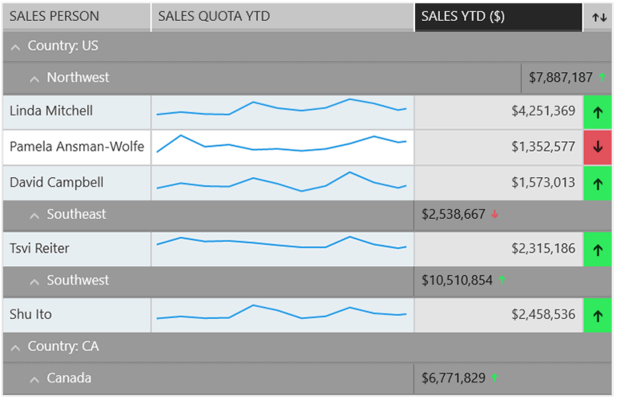
The UWP Grid lets you easily visualize rich data by customizing Grid cells to accommodate images, charts and other rich visuals.
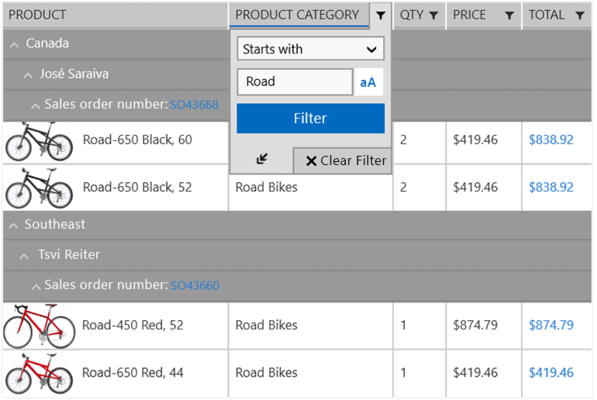
The UWP Grid lets you filter any type of data - string, decimal, Boolean, date and time. The various filtering functions will enable your users to apply any filtering criteria.
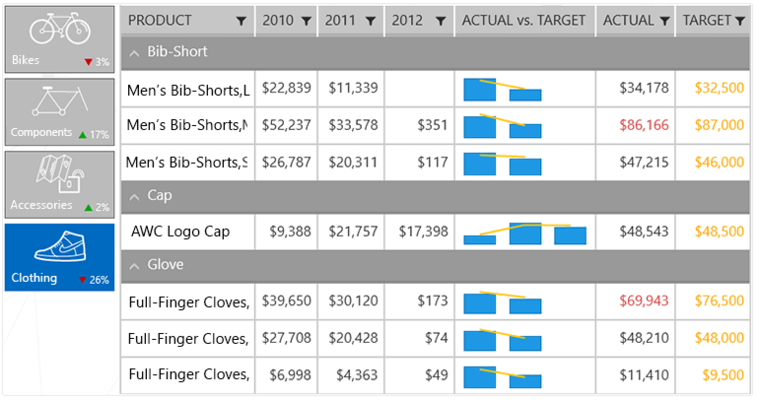
The UWP Grid controls offers all selection modes - cell or row, single or multiple. As with the rest of RadGrid’s features, a specific selection mode can be enabled with a single property.
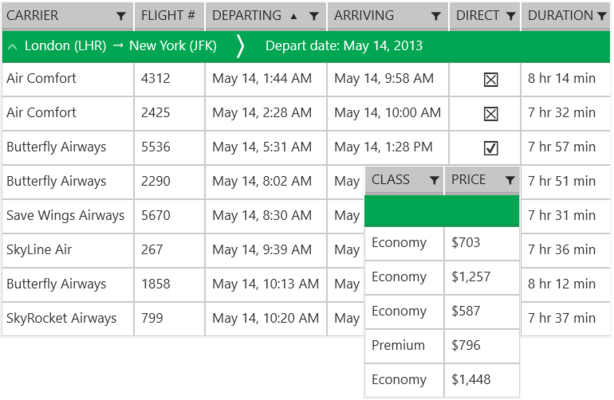
The UWP Grid lets you enable ascending or descending sorting with a single property, and let your users sort data by tapping on column headers.

The UWP HexView is an items control that arranges RadHexHubTile items in a honeycomb pattern.
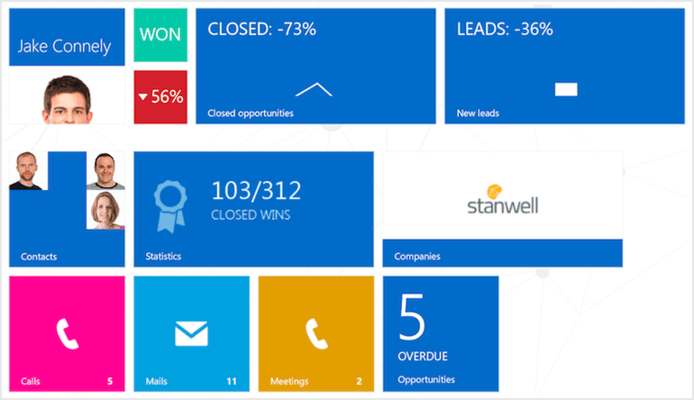
The UWP HubTile is a rectangular UI element designed specifically to update itself dynamically and show the latest up to date information from different services or apps even when they are not running.
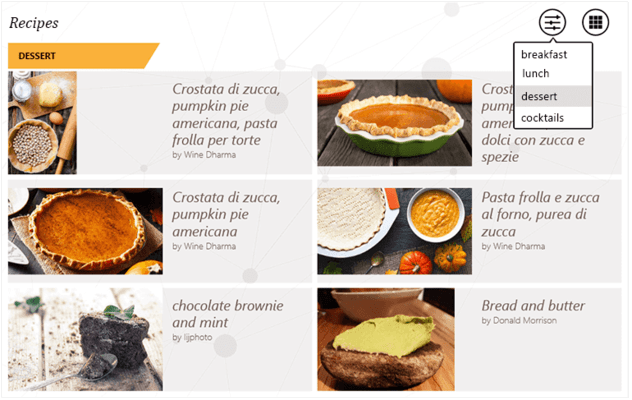
The UWP ListView control supports UI virtualization, pull to refresh, load on demand, item selection, filtering, grouping, sorting, header, footer, layout strategies, per item gestures, item reordering and animations.
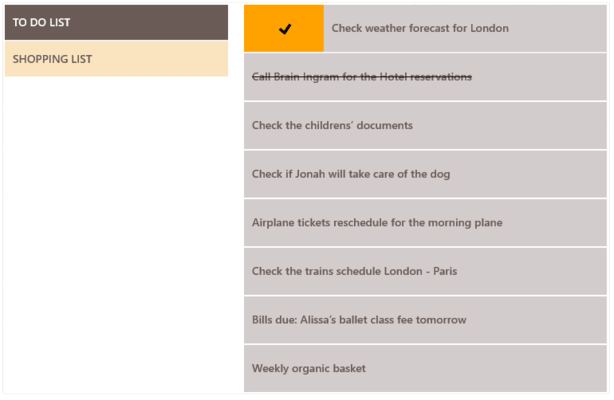
The UWP ListView control allows developers to group their app data by as many criteria as necessary. In addition, the control provides an easy way to visualize and customize the group headers.
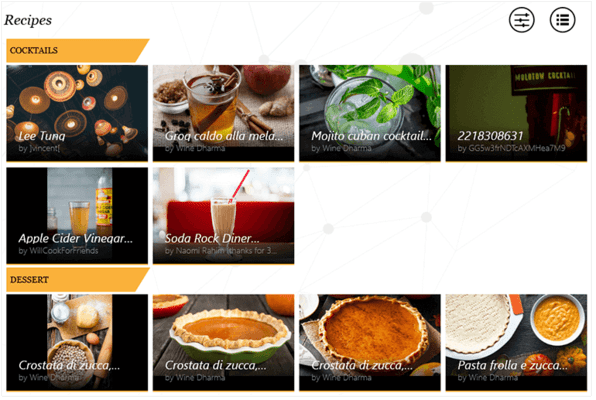
The UWP ListView control offers two built-in layout types. Stack arranges items in a vertical / horizontal scrolling list. Wrap arranges items in a wrapped grid.
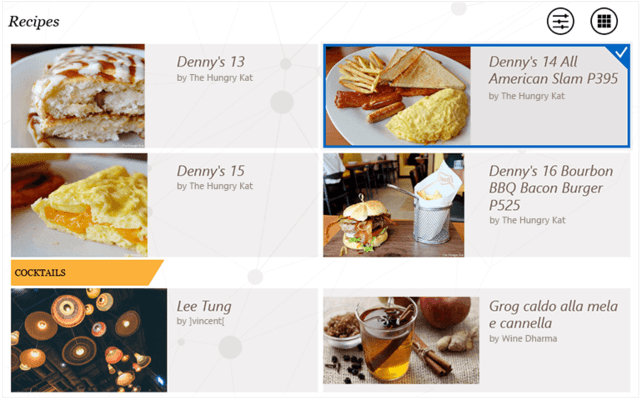
The UWP ListView control supports both single and multiple selection.
Tel: (888) 850 9911
Fax: +1 770 250 6199


