Click for more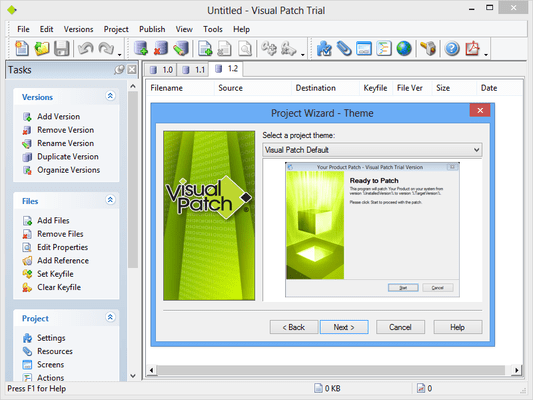
Click for more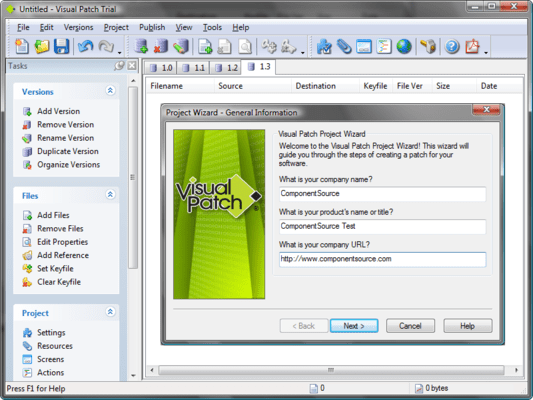
Project Wizard Quick Start
A Project Wizard is included that Walks you through the creation of a professional software patch complete with customized dialogs, multiple methods of version detection and rollback
Click for more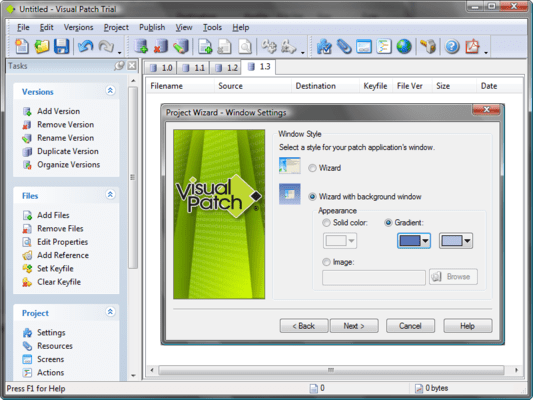
Themes & Skinning System
Choose from dozens of pre-made themes (skins) for your dialogs or make your own. It’s as easy as viewing a live dialog preview and picking your favourite style. Configure everything from fonts and banner images to body/background graphics, control colours and more.
Click for more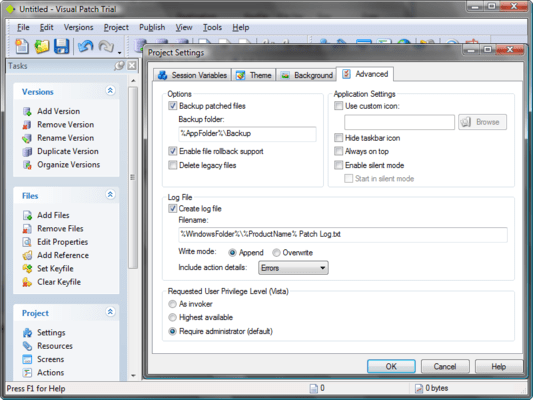
Reports and Logs
Improved HTML-based project reports and text-based install-time log files give you an accurate record of your patch. New options let you control the level of detail being logged, including options for recording errors and script execution details.
Click for more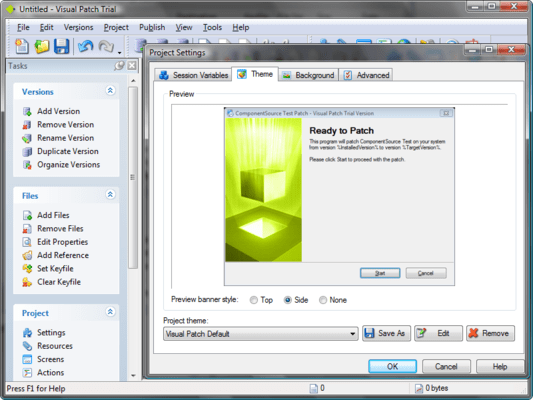
Customizable User Interface
A library of over twenty different screens (plus graphical skinning system) makes it easy to control the user interface of your patches. There are pre-built layouts to handle just about any task you can imagine, and it’s easy to adjust them to fit your needs exactly.


 (1)
(1)