








Official Supplier
As official and authorized distributors, we supply you with legitimate licenses directly from 200+ software publishers.
See all our Brands.
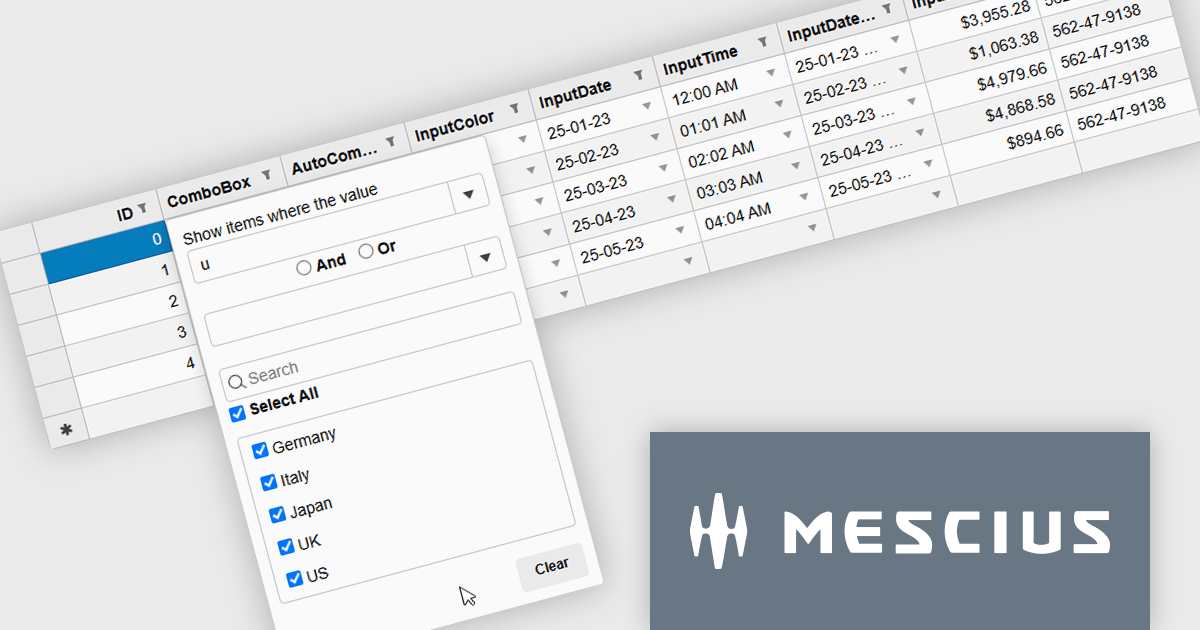
Wijmo by MESCIUS is a comprehensive JavaScript library offering a suite of high-performance UI components and data grids specifically designed to streamline the development of modern enterprise applications. It emphasizes reduced development time and improved maintainability, along with a focus on performance through its efficient design and small module size. Wijmo integrates seamlessly with popular JavaScript frameworks like Angular, React, and Vue.js, and supports cutting-edge technologies like TypeScript, making it a versatile solution for building complex web applications.
The Wijmo 2025 v2 update introduces a new MultiFilter feature in FlexGridFilter, giving developers the ability to apply both conditional and value filters simultaneously. Previously, users were limited to selecting one filter type at a time, which restricted flexibility when building complex data queries. With MultiFilter, developers can now define precise filtering logic that combines conditions and specific values in a single operation, enabling more efficient data exploration and analysis. This enhancement reduces the need for manual filtering steps and provides a more intuitive experience for end users who require granular control over their data views.
To see a full list of what's new in 2025 v2, see our release notes.
Wijmo is licensed per developer. Developer Licenses are perpetual and include 1 year Subscription which provides upgrades, including bug fixes and new features. See our Wijmo licensing page for full details.
Learn more on our Wijmo product page.
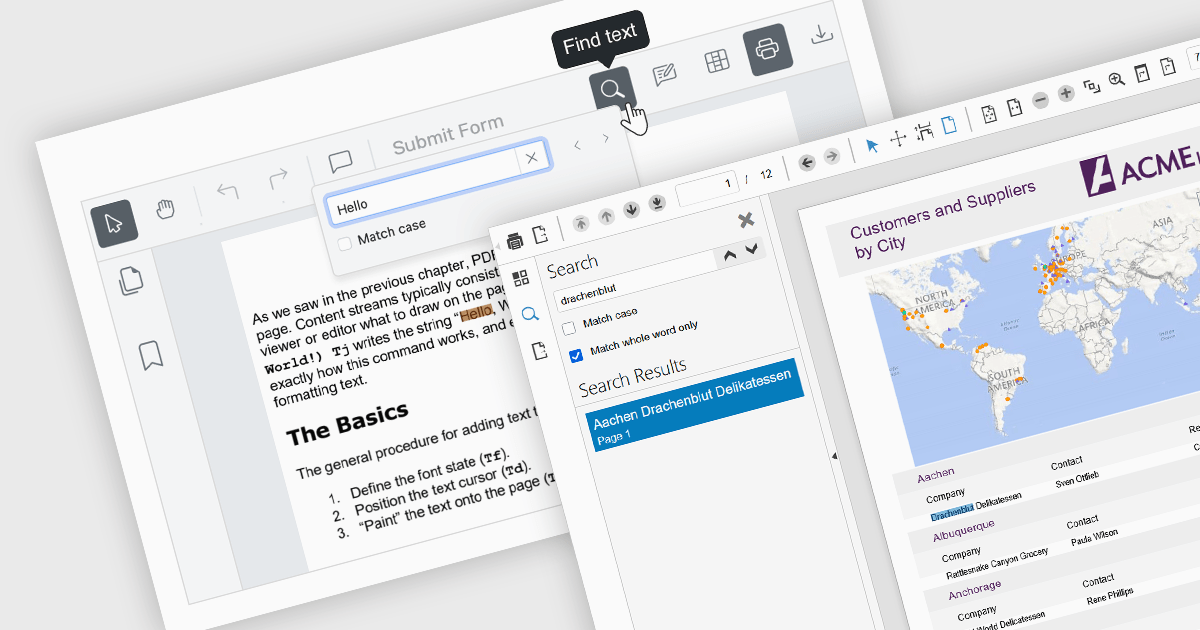
Text searching functionality in a PDF viewer allows users to quickly locate specific words or phrases within a PDF document by entering the keywords into a search field built into the viewer. It works by scanning the text layer of the PDF, highlighting matching results, and enabling fast navigation between the occurrences. Considered as baseline functionality, this very widely used feature provides an important benefit by eliminating the need to manually scroll and read through content, saving a significant amount of time when finding relevant information, especially in lengthy, complex or densely formatted documents.
Several Angular PDF viewer components allow you to search text, including:
For an in-depth analysis of features and price, visit our comparison of Angular PDF viewer components.
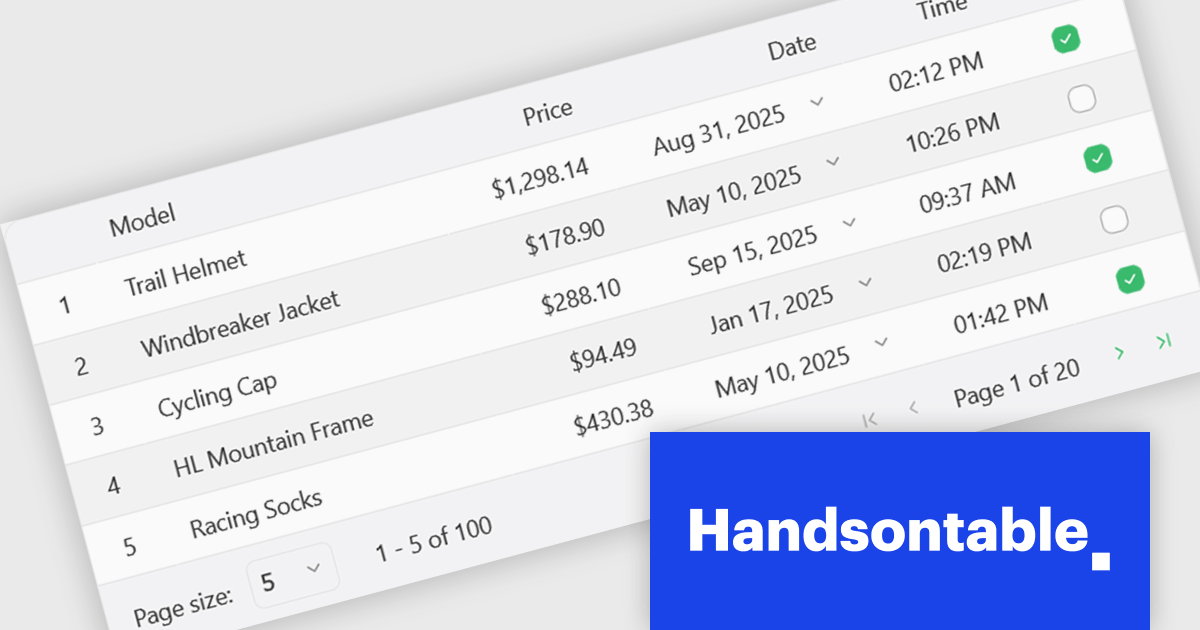
Handsontable is a JavaScript library designed to help developers build interactive data grids into their web applications. Offering a familiar spreadsheet-like interface, it allows users to edit, sort, and filter data with ease. Highly customizable and compatible with popular frameworks like React and Angular, Handsontable empowers developers to build robust data manipulation features into their web applications.
The Handsontable 16.1.0 update brings client-side row pagination, allowing users to divide large tables into smaller, more manageable chunks. This feature is especially beneficial when working with high-volume data, as it improves rendering speed and ensures smoother interaction. By enabling page-based navigation within the grid, developers can maintain a responsive user interface even as datasets scale up significantly.
To see a full list of what's new in version 16.1.0, see our release notes.
Handsontable is licensed per developer and is available as an Annual or Perpetual license with 1 year support and maintenance. See our Handsontable licensing page for full details.
For more information, visit our Handsontable product page.
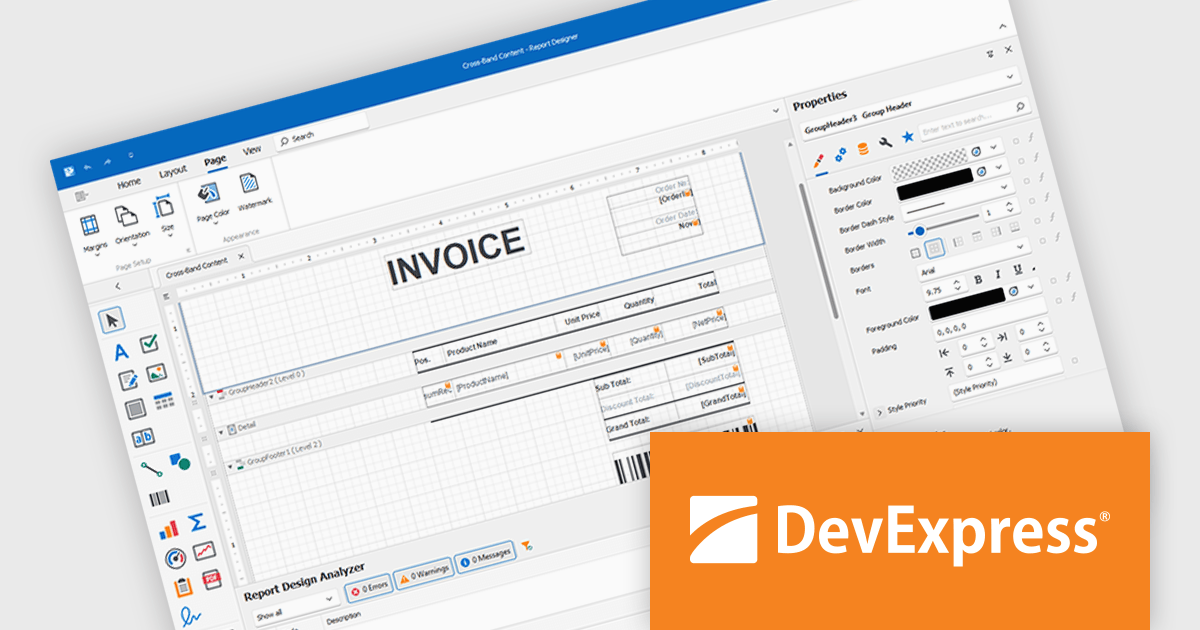
DevExpress Reporting is a comprehensive suite of reporting tools that help developers create visually stunning and highly customizable reports for various applications. With its rich feature set, including data binding, layout design, printing, and exporting capabilities, DevExpress Reporting enables the efficient creation of reports that meet the most demanding business requirements.
DevExpress Reporting lets developers build custom report controls that go beyond the built-in options, making it easier to meet specific project needs. These controls can include unique visual elements or functions that fit naturally into the existing reporting setup, keeping reports consistent in both appearance and behavior. Custom controls also help standardize design, support reusable logic, and handle specialized data presentation that standard controls may not cover, improving maintainability and scalability over time.
DevExpress Reporting is licensed per developer and is available as a Perpetual License with a 12 month support and maintenance subscription. See our DevExpress Reporting licensing page for full details.
DevExpress Reporting is available to buy in the following products:
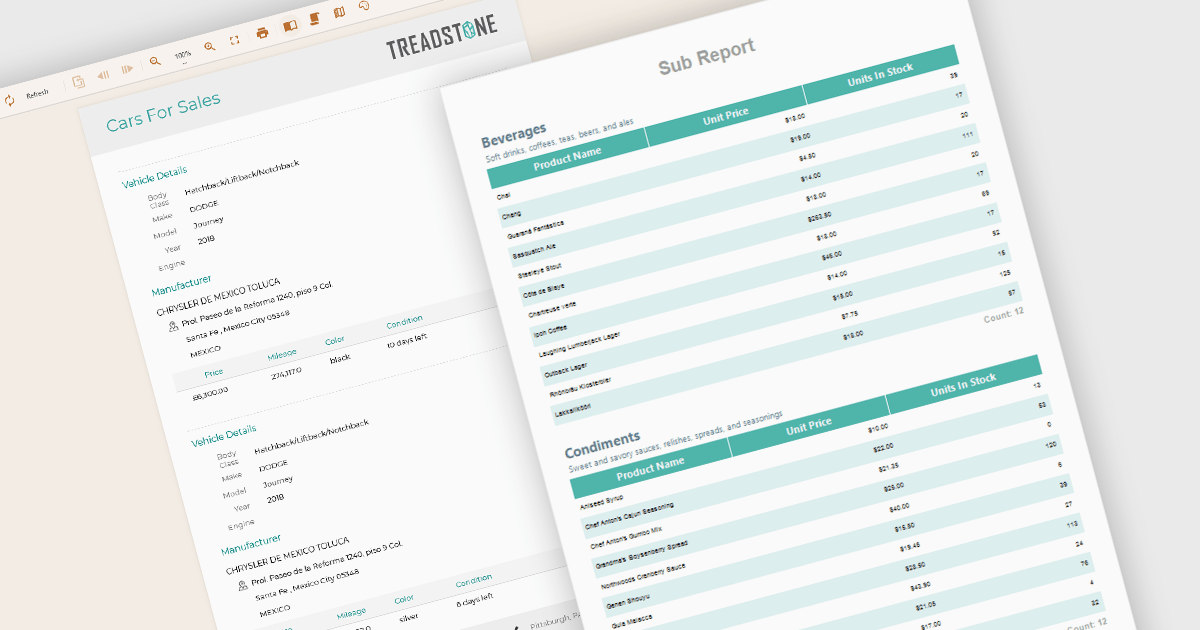
A subreport in a report component is a report embedded within another report, designed to present related or supplementary data that may not fit naturally into the main report’s structure. It is typically used when displaying hierarchical, grouped, or master-detail relationships, such as showing order items within a customer order summary. Subreports can be independently designed and then linked to the main report using parameters or shared data sources. This modular approach improves report organization and reusability, especially when similar data blocks are needed across multiple reports or sections within a complex reporting solution.
Several Angular Reporting controls offer support for subreports including:
For an in-depth analysis of features and price, visit our Angular Reporting controls comparison.





Tel: (888) 850 9911
Fax: +1 770 250 6199


