








Official Supplier
As official and authorized distributors, we supply you with legitimate licenses directly from 200+ software publishers.
See all our Brands.
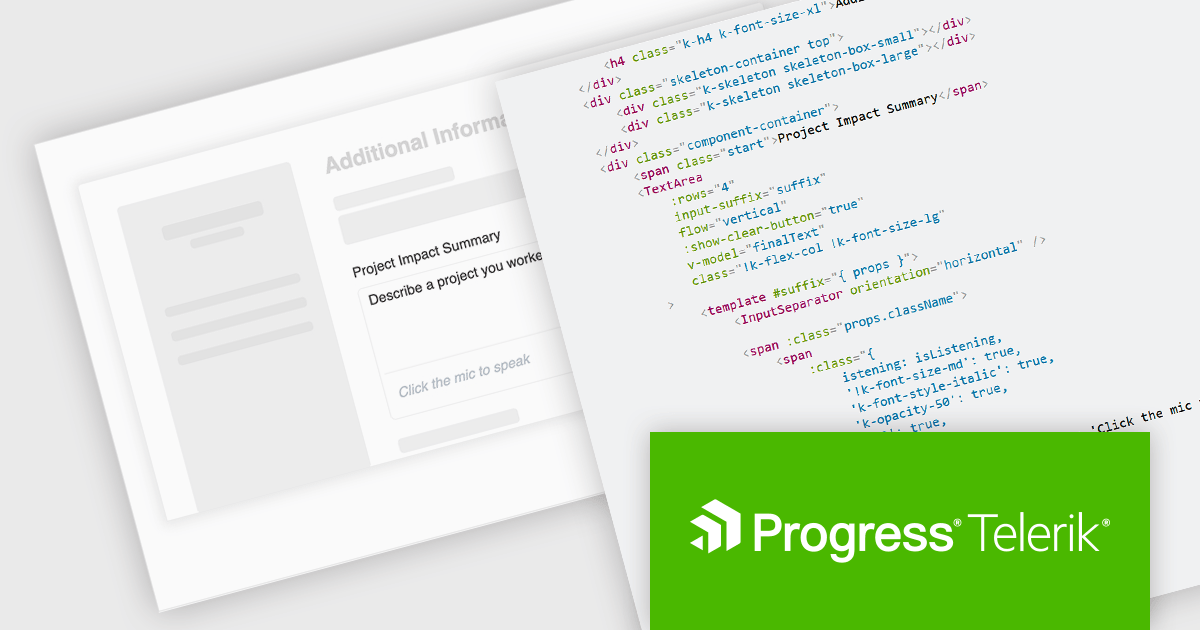
Kendo UI is a comprehensive suite of four JavaScript UI libraries for Angular, React, Vue and jQuery that enables developers to build responsive web applications for desktop, tablet, and mobile platforms with minimal effort. It provides a wide range of customizable components such as data grids, charts, schedulers, and form controls that streamline development and can significantly reduce time to market. With built-in support for theming, accessibility, localization, and state management, Kendo UI is ideal for creating data-driven dashboards, CRM systems, e-commerce portals, and administrative interfaces while maintaining high performance and a consistent user experience.
The Kendo UI 2025 Q3 update adds a speech to text button component to its Angular, React, Vue and jQuery libraries. These ready to use components facilitate voice‑driven text input directly within the application, converting speech into text so, with just a single click, users can speak instead of typing. It uses the browser's native Web Speech API and supports over 100 languages with automatic locale detection. Developers also benefit from full control over visual styling, including icons, colors, sizes, fill modes, rounded corners, and CSS, and integration hooks through built‑in states and events, making it straightforward to provide rich voice‑enabled experiences or connect to external AI services.
To see a full list of what's new in 2025 Q3, see our release notes.
KendoReact and Kendo UI are both licensed per developer and share two licensing models: an annual Subscription License and a Perpetual License. The Subscription license provides access to the latest product updates, technical support, and exclusive benefits for a flat annual fee, and must be renewed to continue using the software. The Perpetual license is a one-time purchase granting access to the current released version and includes a one-year subscription for product updates and technical support. After this initial period, users can choose to renew the subscription element to continue receiving updates and support; otherwise, they may continue using the installed version available during their active subscription term but will forgo future updates and support. See our Kendo UI licensing page for full details.
The React library is available individually as KendoReact, while all four Kendo UI libraries are available in the following products:
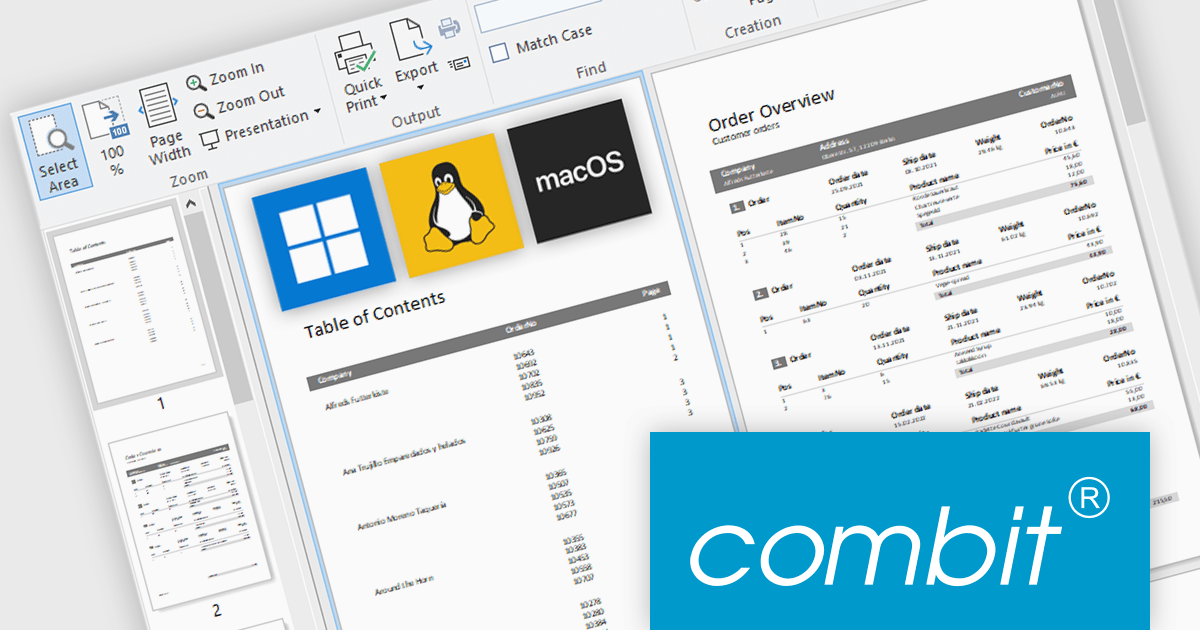
combit have announced an exciting new development for their popular report generator with the introduction of List & Label Cross Platform (LLCP), due for release in October.
This is a significant milestone for combit, as they will now offer a cross-platform reporting solution for Windows, Linux, and macOS. The new powerful print engine is entirely based on the most recent version of .NET, with no native dependencies. For reporting that runs anywhere your app runs.
Features will include:
This cross-platform functionality will only be included as part of the List & Label Enterprise Edition. To help customers benefit from this major advancement, special offers are available until October 9th 2025.
* Subscription terms for free upgrades will not be extended. Special discounted renewal options will be available until October 2026, please contact us for details.
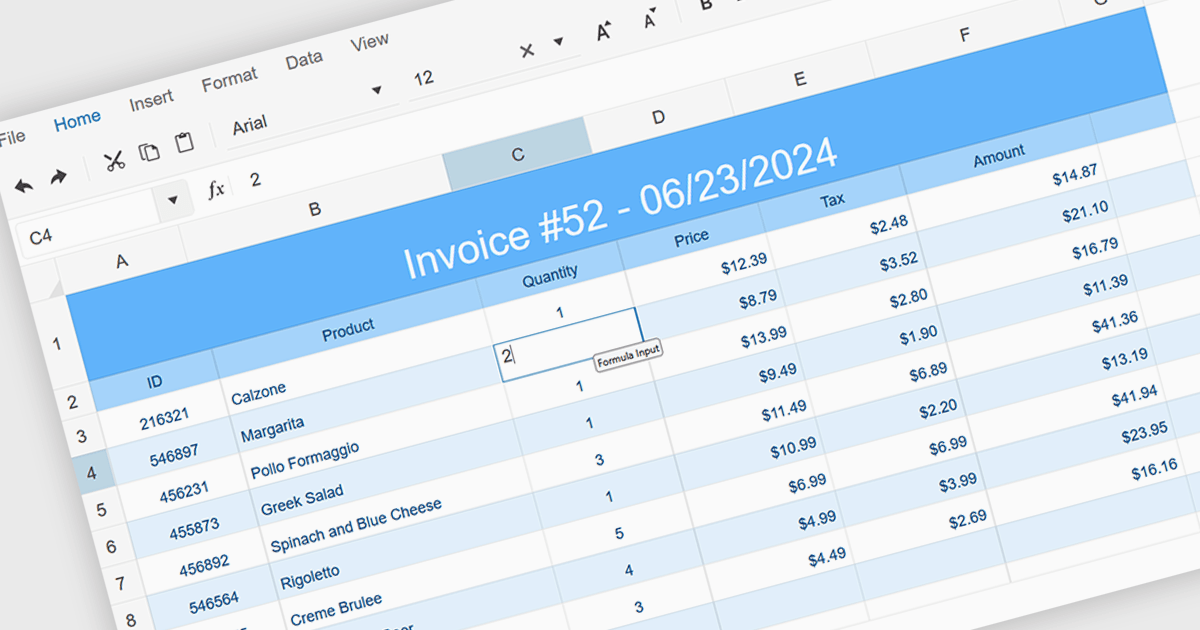
In-cell data editing allows information to be modified directly within a spreadsheet cell rather than through separate forms or dialog boxes. This approach speeds up data entry, provides immediate visual feedback, and makes it easier to spot and correct mistakes in context. It enhances efficiency by reducing interruptions, lowering cognitive effort, and offering a familiar Excel-style experience. Common use cases include updating financial figures, adjusting inventory records, or revising project timelines where quick, accurate edits are essential.
Several JavaScript spreadsheet controls support in-cell data editing including:
For an in-depth analysis of features and price, visit our comparison of JavaScript Spreadsheet Controls.
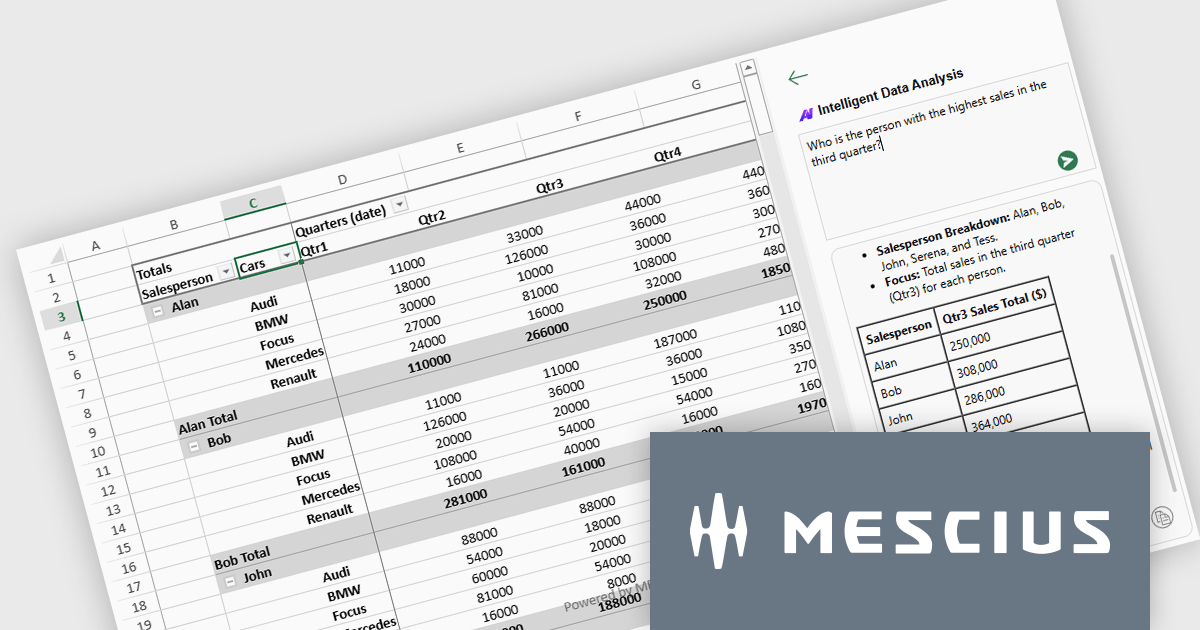
SpreadJS is a complete enterprise JavaScript spreadsheet solution used to create financial reports and dashboards, budgeting and forecasting models, scientific, engineering, healthcare, education, science lab notebooks, and other similar JavaScript business applications. Leverage the high-speed calculation engine with over 500 Excel built-in functions in 19 languages, to deliver true Excel-like spreadsheet experiences with zero dependencies on Excel.
On August 21st, MESCIUS hosted a CodeClinic for the Developer Preview of the SpreadJS AI Add-on. Product Manager Chris Bannon demonstrated how to enhance your JavaScript spreadsheet applications with natural language formula generation, intelligent PivotTable creation, and AI-powered worksheet functions - all integrated directly into the spreadsheet UI.
The webinar includes the following key takeaways:
Watch the Webinar On-Demand and get ready to bring the power of AI to your JavaScript Spreadsheets.
SpreadJS is licensed per developer and includes 1 Year Maintenance (major and minor version releases and unlimited support phone calls). SpreadJS requires an Annual or Perpetual Deployment License. The optional Add-ons are available at an additional cost, and require a SpreadJS license. See our SpreadJS licensing page for full details.
For more information, visit our SpreadJS product page.
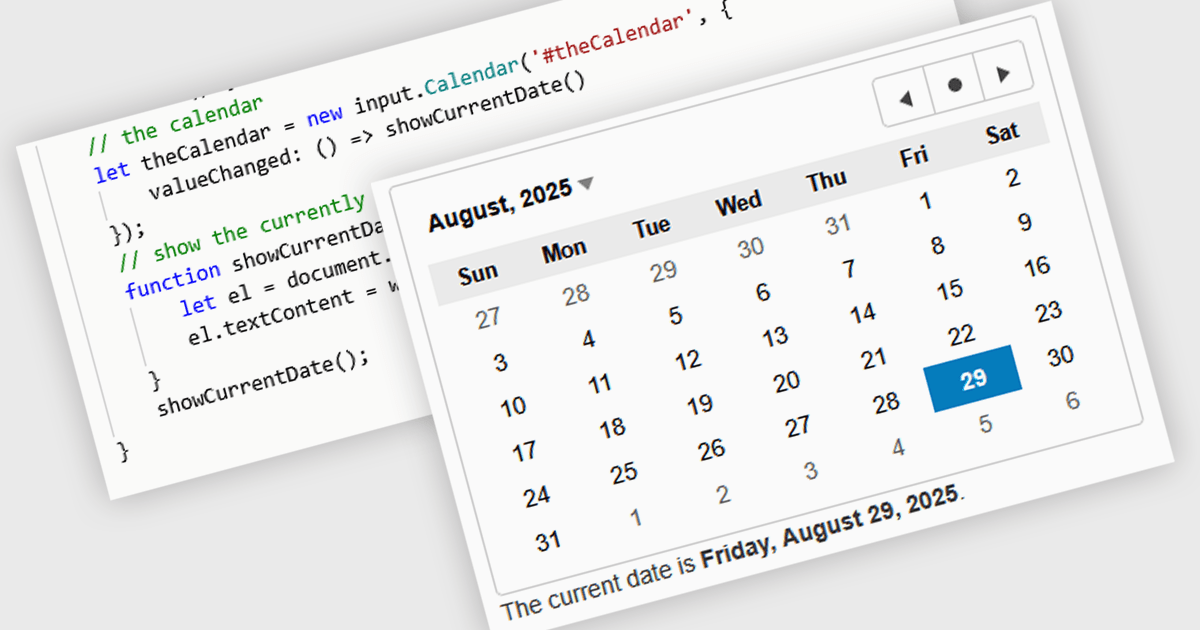
JavaScript calendar controls are user interface components that allow users to select and edit date values directly within data editing environments, such as forms or grids. These controls typically integrate a visual calendar picker, enabling consistent and accurate date input while reducing manual entry errors. For developers, they simplify validation, support localization, and integrate with various data sources, helping ensure a more efficient and user-friendly experience in web applications that require date-related input or filtering.
Several JavaScript data editor collections offer calendar controls including:
For an in-depth analysis of features and price, visit our comparison of JavaScript Data Editors.





Tel: (888) 850 9911
Fax: +1 770 250 6199


