








Official Supplier
As official and authorized distributors, we supply you with legitimate licenses directly from 200+ software publishers.
See all our Brands.
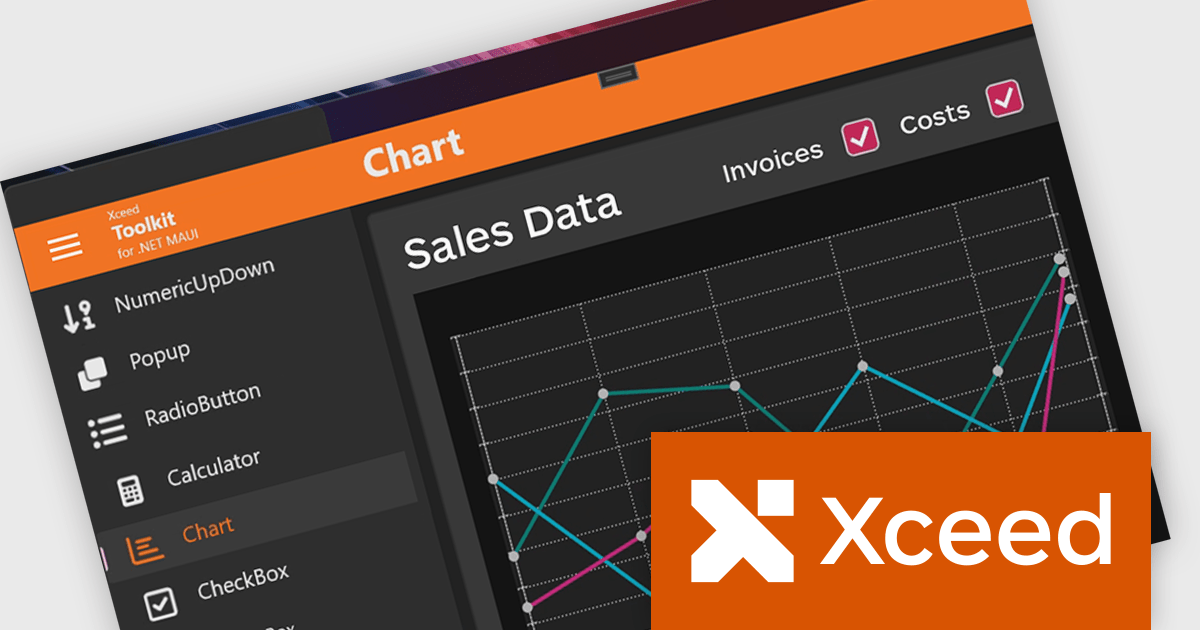
Xceed Toolkit for .NET MAUI is a comprehensive new set of UI controls designed to streamline cross-platform development with .NET MAUI. Developed by Xceed Software, it extends the standard framework with high-performance, pre-built components that enhance both functionality and user experience. With support for iOS, Android, macOS, and Windows, the toolkit provides advanced data visualization, grid controls, and flexible input and layout tools, enabling the creation of polished, feature-rich applications.
By incorporating these ready-to-use components, developers can reduce development time and focus on core application logic. The toolkit’s well-tested controls ensure reliability and performance across platforms, making it an excellent choice for data-driven applications, enterprise tools, and consumer-facing apps. Features like advanced grids for managing data, charting for visualization, and specialized input controls enhance usability, allowing developers to deliver more sophisticated and seamless .NET MAUI experiences.
Xceed Toolkit for .NET MAUI is licensed per developer and is available as a perpetual license with 1 year of updates and support. See our Xceed Toolkit for .NET MAUI licensing page for full details.
Xceed Toolkit for .NET MAUI is available individually or as part of Xceed Ultimate Suite.
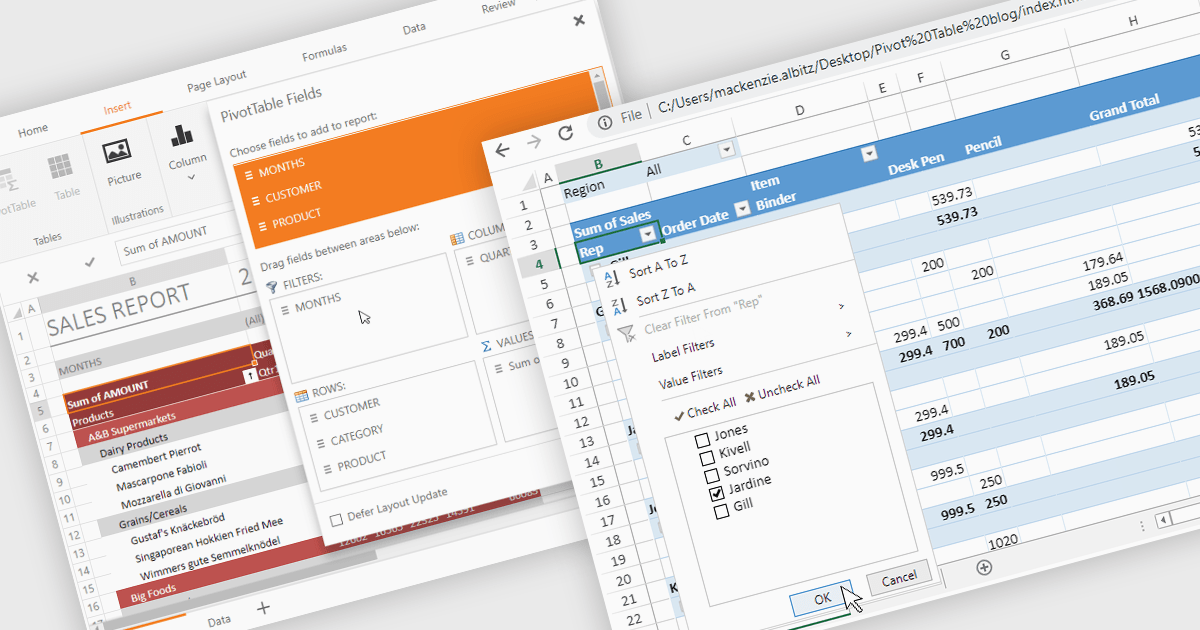
Pivot tables provide a powerful way to analyze and summarize large datasets while preserving the original data. With advanced filtering, sorting, customizable views, and seamless chart integration, they streamline data analysis with ease. By organizing and visualizing information dynamically, pivot tables transform raw data into structured, interactive reports making it easier to uncover valuable insights and drive informed decisions.
Several .NET spreadsheet controls support pivot tables including:
For an in-depth analysis of features and price, visit our .NET spreadsheet controls comparison.
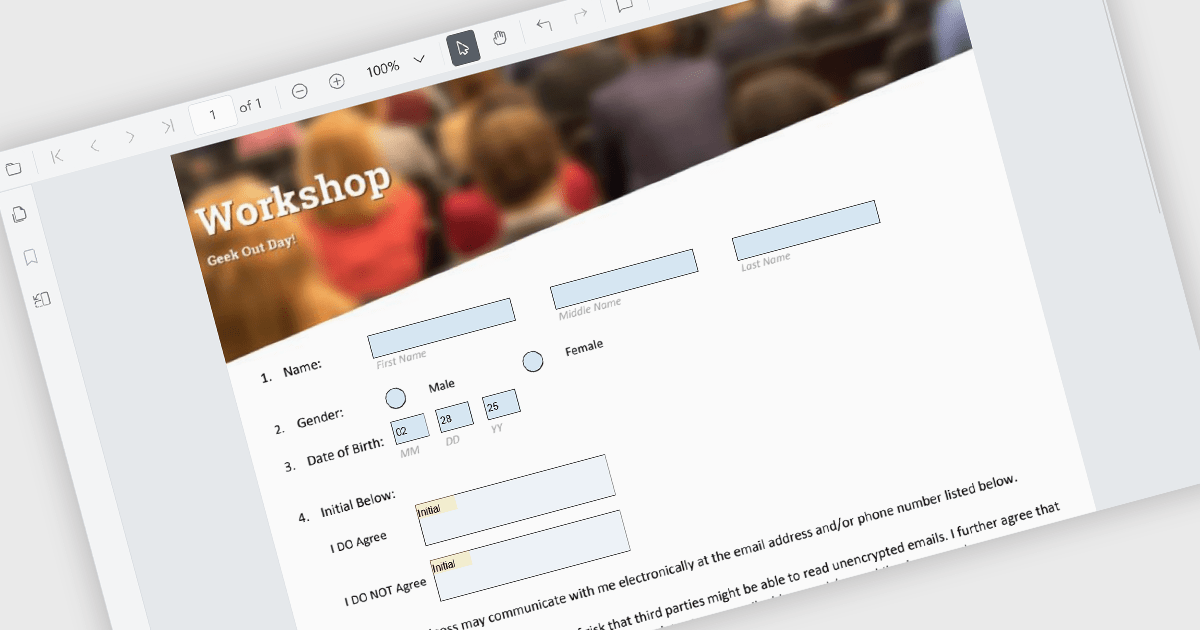
Creating, loading, and saving PDF forms in PDF Viewer components allow users to interact with dynamic documents directly within web applications. This feature enables developers to present fillable forms, capture user inputs, and store the data securely, all while maintaining the visual integrity of the original PDF. It is particularly useful for applications requiring digital form submissions, such as surveys, contracts, or registration forms.
Several ASP.NET Core PDF viewer controls support PDF forms including:
For an in-depth analysis of features and price, visit our ASP.NET Core PDF viewer comparison.
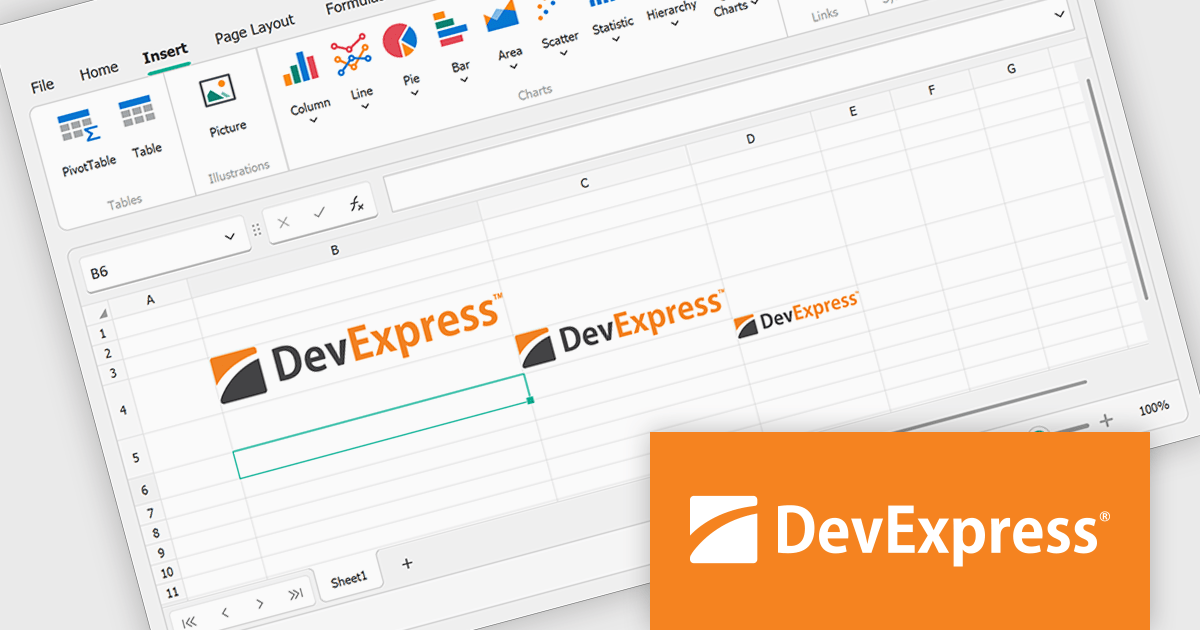
The DevExpress Office File API is a robust library designed to simplify the creation, editing, and processing of popular office document formats, including Word, Excel, PowerPoint, and PDF. It allows developers to integrate advanced document management features into their applications without relying on external software like Microsoft Office. Key features include document generation, data import/export, template customization, and seamless integration with modern platforms. The API supports advanced formatting, encryption, and digital signatures, ensuring secure and professional-grade output. Ideal for enterprise applications, it streamlines workflows for reporting, data analysis, and document automation, saving time and enhancing productivity for developers and end-users alike.
The DevExpress Office File API v24.2 update introduces the ability to embed images directly into worksheet cells, giving users enhanced control over spreadsheet design and functionality. This feature integrates with Microsoft Excel's "Place in Cell" option, allowing documents with embedded images to be imported, exported, printed, and saved without content loss. Supported programmatically through new APIs, it enables users to insert, retrieve, and manage images as cell values while accessing properties like format and bytes. This update simplifies the creation of Excel-compatible spreadsheets for modern applications.
To see a full list of what's new in version 24.2, see our release notes.
DevExpress Office File API is licensed per developer and is available as a Perpetual License with a 12 month support and maintenance subscription. See our DevExpress Office File API licensing page for full details.
DevExpress Office File API is available individually or as part of DevExpress Universal.
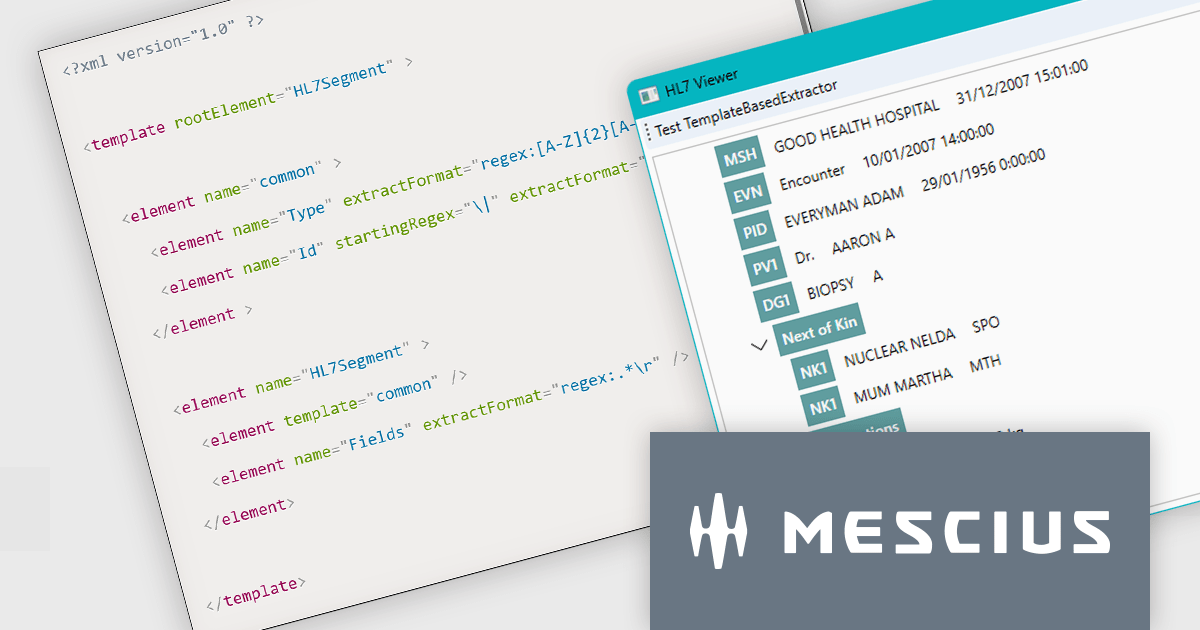
ComponentOne Studio Enterprise by MESCIUS is a powerful suite of UI controls for .NET and JavaScript, enabling developers to build modern, high-performance applications across desktop, web, and mobile platforms. With rich data visualization, reporting, and data management tools, it streamlines development for WinForms, WPF, Blazor, and ASP.NET Core, helping create responsive, feature-rich applications with ease. ComponentOne Studio Enterprise includes the latest components, new releases, updates, and upgrades, plus email and online support for one full year from the date of purchase.
The HL7 data format is widely used by healthcare providers worldwide to exchange data. While it primarily consists of long ASCII strings rather than standardized formats like JSON or XML, its structure is designed for efficient data transmission within healthcare systems. Working with HL7 data often requires specialized tools or parsing techniques to improve readability and integration with modern applications.
In this blog post, ComponentOne UI Controls Product Manager Greg Lutz demonstrates how to parse a file in the HL7 version 2 (V2) format and show its contents in a user-friendly TreeView. Steps include:
Detailed source code is included and you can even download the demo project to save time.
Read the full blog to get started reading and interpreting Health Level Seven data in your applications.
ComponentOne Studio products are licensed per developer on a perpetual basis and include a 12 month subscription. Priority Support is also available. See our ComponentOne Studio Enterprise licensing page for full details.
Learn more on our ComponentOne Studio Enterprise product page.





Tel: (888) 850 9911
Fax: +1 770 250 6199


