








Official Supplier
As official and authorized distributors, we supply you with legitimate licenses directly from 200+ software publishers.
See all our Brands.
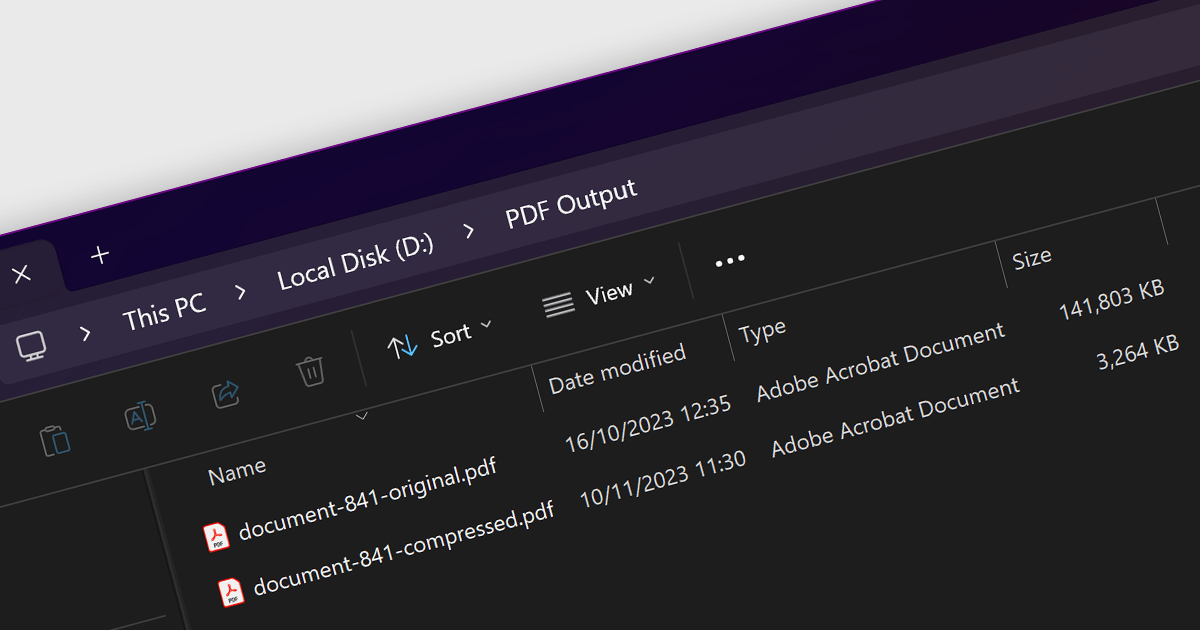
PDF compression is the process of reducing the file size of a PDF document without losing quality. Compressing PDFs has many benefits, including saving storage space, faster file transfer, and reduced bandwidth usage. It is a great way to optimize your PDFs for a variety of uses, such as sharing large documents over email, uploading PDFs to websites, and storing PDFs on cloud storage.
Several .NET 7 PDF components provide compression capabilities, including:
For an in-depth analysis of features and price, visit our comparison of .NET 7 PDF components.
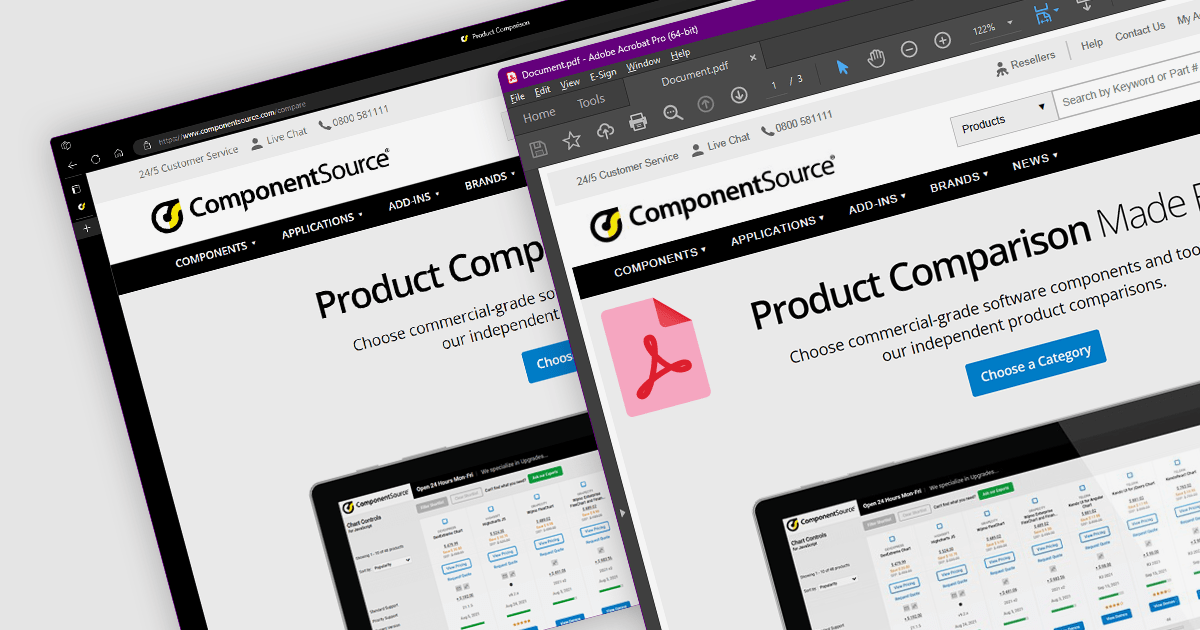
Converting HTML to PDF is a versatile and convenient way to create, share, and archive documents. It preserves the original formatting and layout of an HTML document and the converted PDF can be viewed on any device with a PDF reader.
Several .NET 7 PDF components provide HTML to PDF conversion, including:
For an in-depth analysis of features and price, visit our comparison of .NET PDF components.
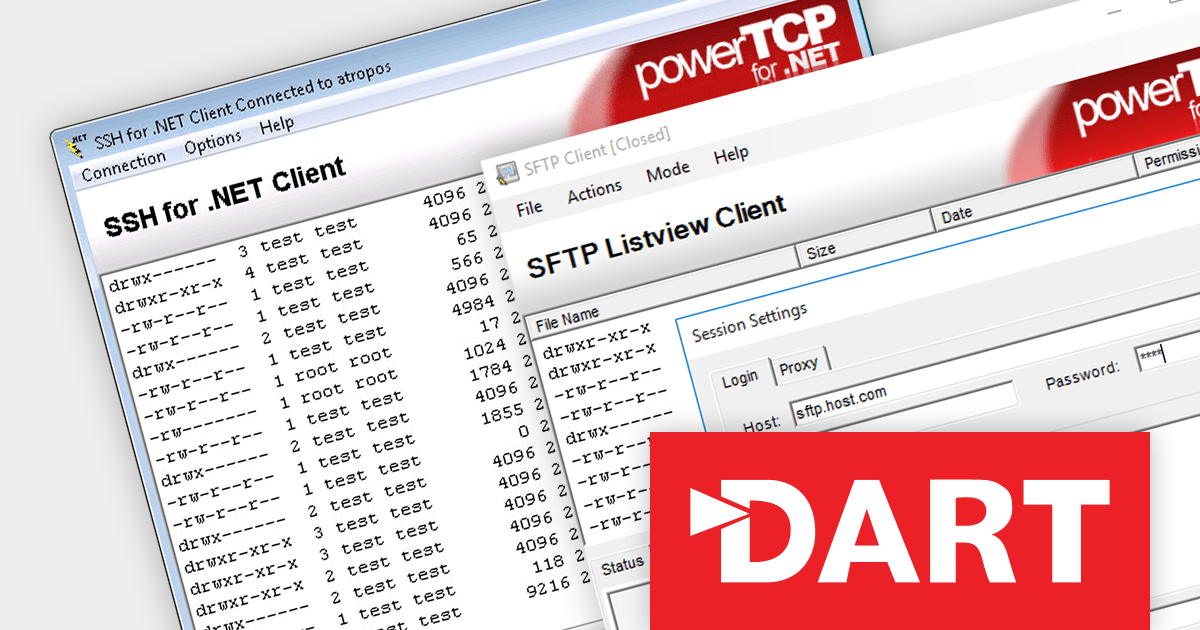
PowerTCP SSH and SFTP for .NET by Dart Communications is a comprehensive suite of SSH-2 and SFTPv3 components for the .NET Framework, providing developers with the tools they need to add secure remote access and file transfer capabilities to their applications.
The 7.0.0.3 release bolsters server security with support for RSA-SHA2-256, RSA-SHA2-384, and RSA-SHA2-512 host key algorithms. This technology offers stronger protection against cryptographic attacks compared with the previously used RSA-SHA1. By employing these enhanced algorithms, you can effectively safeguard your servers from a range of sophisticated attacks, including collision, preimage, and second preimage attacks.
To see a full list of what's new in version 7.0.0.3, see our release notes.
For more information, visit our PowerTCP SSH and SFTP for .NET product page.
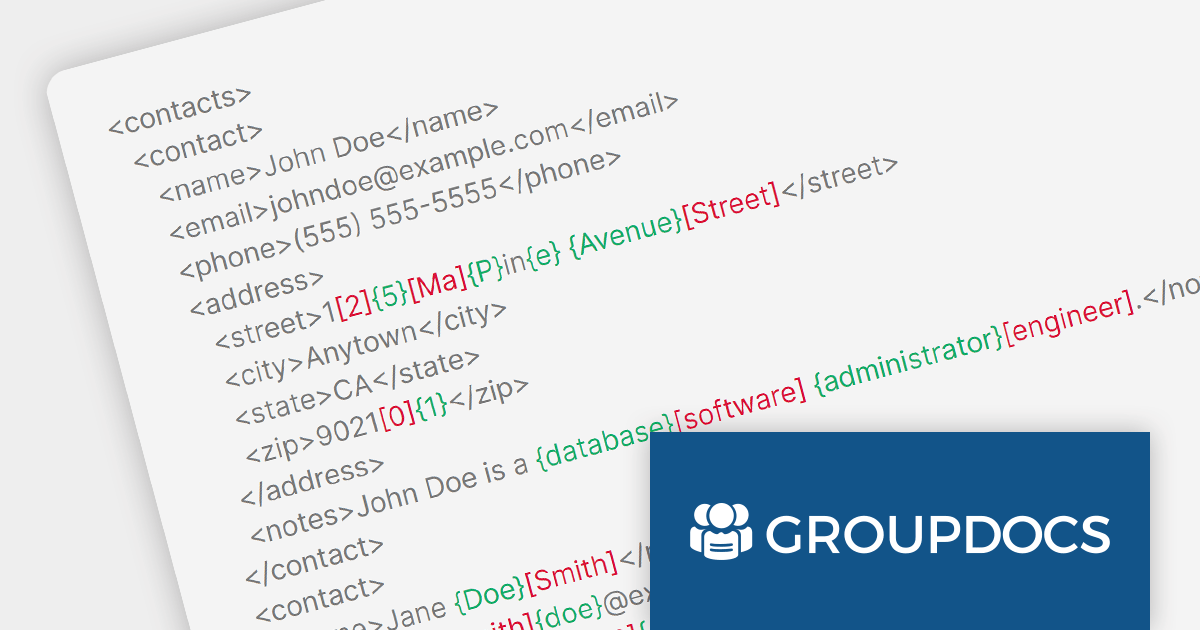
GroupDocs.Comparison for .NET is a comprehensive document comparison library that enables developers to seamlessly compare and merge various document formats within their .NET applications. It provides a rich set of features to effectively detect and highlight differences between documents.
GroupDocs.Comparison for .NET 23.10 adds the ability to compare and merge XML documents. It can detect changes at the word, element, and attribute levels, making it easy to identify and resolve differences between two XML files. Comparing XML files is an essential task in various domains including software development, data management, and document processing. It can help organizations maintain data integrity, ensure consistency, identify discrepancies, and resolve conflicts, ultimately contributing to the overall quality, efficiency, and reliability of their operations.
To see a full list of what's new in version 23.10, see our release notes.
For more information, visit our GroupDocs.Comparison for .NET product page.
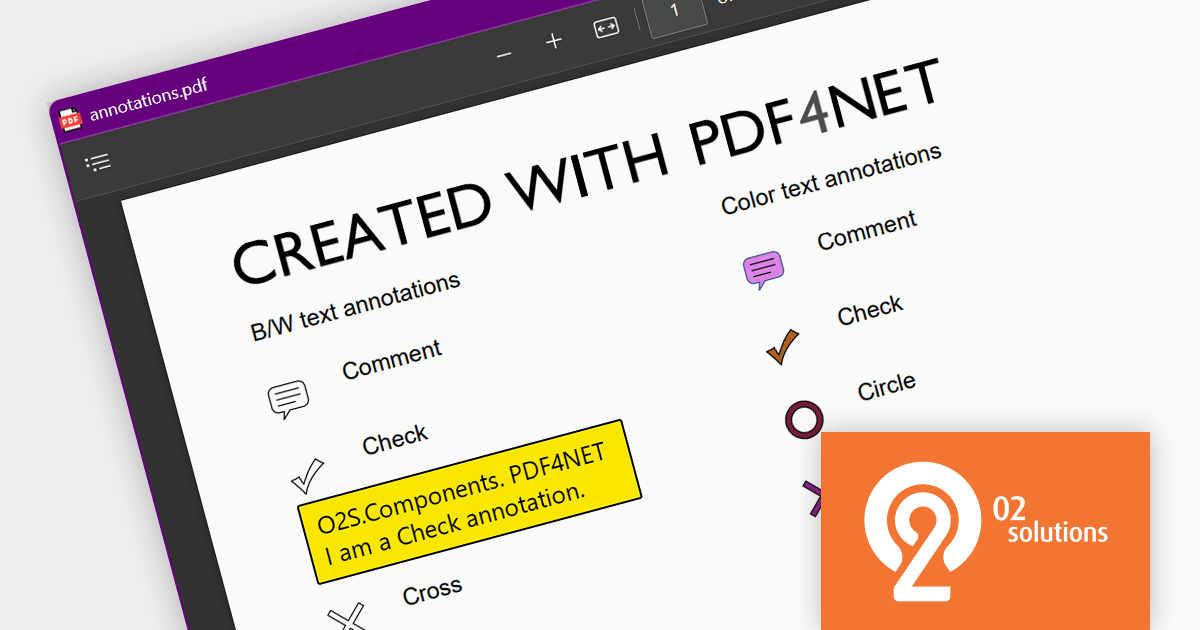
PDF4NET is a .NET library for generating, importing, and manipulating PDF documents on the fly from any .NET application. It does not rely on any Adobe products for creating or importing PDF files. PDF4NET hides the complex structure of PDF files behind a simple object model that allows creation of complex PDF files with a few lines of code.
PDF4NET 13.2.0 adds the ability to export and import annotations in both FDF and XFDF format, making it easier for developers to create collaborative and data-portable PDF documents. These file formats are specifically designed for storing and exchanging PDF annotations, and are XML-based, which makes them easy to programmatically read and write.
To see a full list of what's new in version 13.2.0, see our release notes.
For more information, visit our PDF4NET product page.





Tel: (888) 850 9911
Fax: +1 770 250 6199


