.NET News

Visualize Geographic Data in Blazor Apps

April 17, 2024
Harness the power of clear location-based information with interactive map components to inform and empower your users.

Map component extend your Blazor app's functionality by facilitating the display of geographic information. This allows you to visualize data with real-world location context, enhancing user understanding and engagement. Blazor map components often integrate with popular map providers and support features such as markers, layers, and customization, allowing you to create interactive and informative map experiences within your web application.

Several Blazor UI suites feature map components including:

  • Telerik UI for Blazor provides a feature-rich Blazor map component for visualizing geospatial information with various layer options and extensive customization.
  • Infragistics Ignite UI offers an interactive map component empowers visualization of geographic data from view models or shapefiles on customizable imagery maps.
  • Syncfusion Essential Studio Enterprise includes a Blazor map that utilizes OpenStreetMap, Google Maps, or Bing Maps, and supports custom shapes and bubbles.

For an in-depth analysis of features and price, visit our Blazor UI Suites comparison.
Compare Blazor UI Suites

Edit WPF Spreadsheet Data Directly in the Cell

April 16, 2024
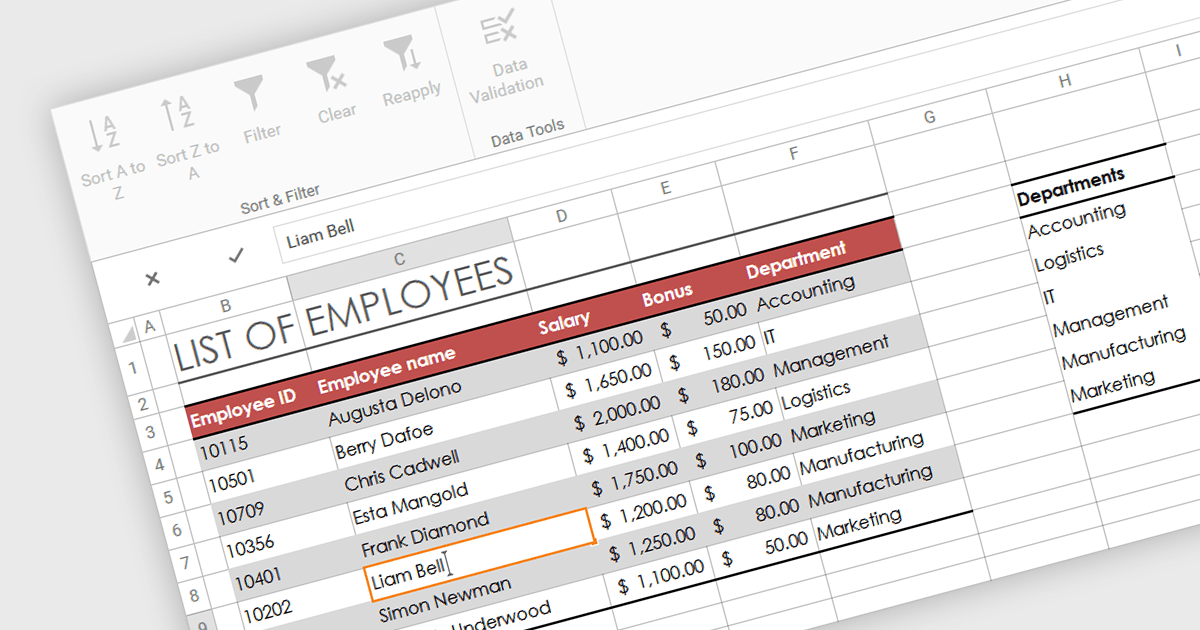
In-cell editing makes data entry and modification quicker and more intuitive by eliminating the need for separate data entry fields.

In-cell data editing refers to the functionality within spreadsheet software that allows users to directly click on and modify the contents of a cell without the need for separate data entry forms or pop-up dialogs. This feature allows for quicker and more direct changes to the data displayed on the screen, enhancing productivity by reducing the steps required for data manipulation.

Several .NET 8 WPF spreadsheet controls support in-cell data editing including:

  • DevExpress WPF Spreadsheet (part of DevExpress WPF), lets you directly edit cell data with robust validation and conditional formatting options in the WPF environment.
  • Spread WPF (part of Spread.NET by MESCIUS) facilitates seamless in-cell data manipulation and real-time calculation updates, enhancing productivity for WPF applications.
  • Telerik WPF Spreadsheet (part of Telerik UI for WPF), enables efficient data entry and editing within cells, complete with support for formulas and data formats in WPF.
  • MindFusion.Spreadsheet for WPF allows users to easily modify and manage cell content interactively, supporting complex data types and customization in WPF.

For an in-depth analysis of features and price, visit our comparison of .NET 8 WPF Spreadsheet Controls.
Compare .NET 8 WPF Spreadsheet Controls

Add PDF Form Editing to Your .NET Application

April 15, 2024
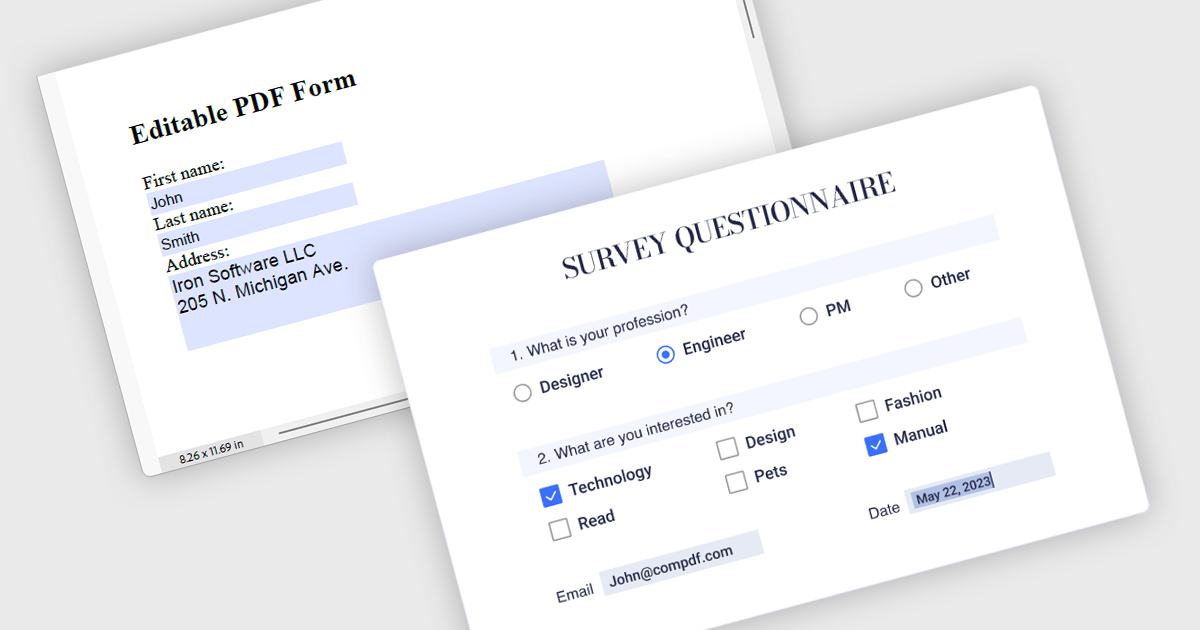
PDF components with form read/write support enable users to complete PDF forms directly in your application without additional software.

Leverage the power of PDF components to enhance your .NET application with user-friendly PDF form filling capabilities. These libraries offer programmatic access to manipulate existing PDF forms, allowing you to easily integrate data entry fields and streamline user interaction. This functionality improves data collection efficiency and simplifies the process of working with fillable PDFs directly from your application. Components with PDF Form Read/Write functionality allow your app to retrieve existing data from form fields and populate them with new data programmatically.

Several .NET PDF components offer PDF Form functionality including:

  • DevExpress PDF Document API empower your applications to seamlessly create, edit, and form-fill PDF documents.
  • Document Solutions for PDF by MESCIUS simplifies PDF development in .NET with robust features for generating, manipulating, and working with PDF forms.
  • Aspose PDF for .NET offers a a powerful .NET library to programmatically manipulate PDFs, including creating, filling, and flattening forms.
  • IronPDF for .NET lets you build interactive .NET applications with the ability to generate, modify, and interact with PDF form data.
  • ComPDFKit PDF SDK for Windows enhances your application development with tools to programmatically generate, read, and manipulate PDF forms.
  • XFINIUM PDF WINDOWS/MAC EDITION unifies PDF development with a comprehensive toolkit for creating, processing, and form-filling PDFs.

For an in-depth analysis of features and price, visit our comparison of .NET PDF Components.
Compare .NET PDF Components

Empower Users to Manage Remote Files via FTP

April 15, 2024
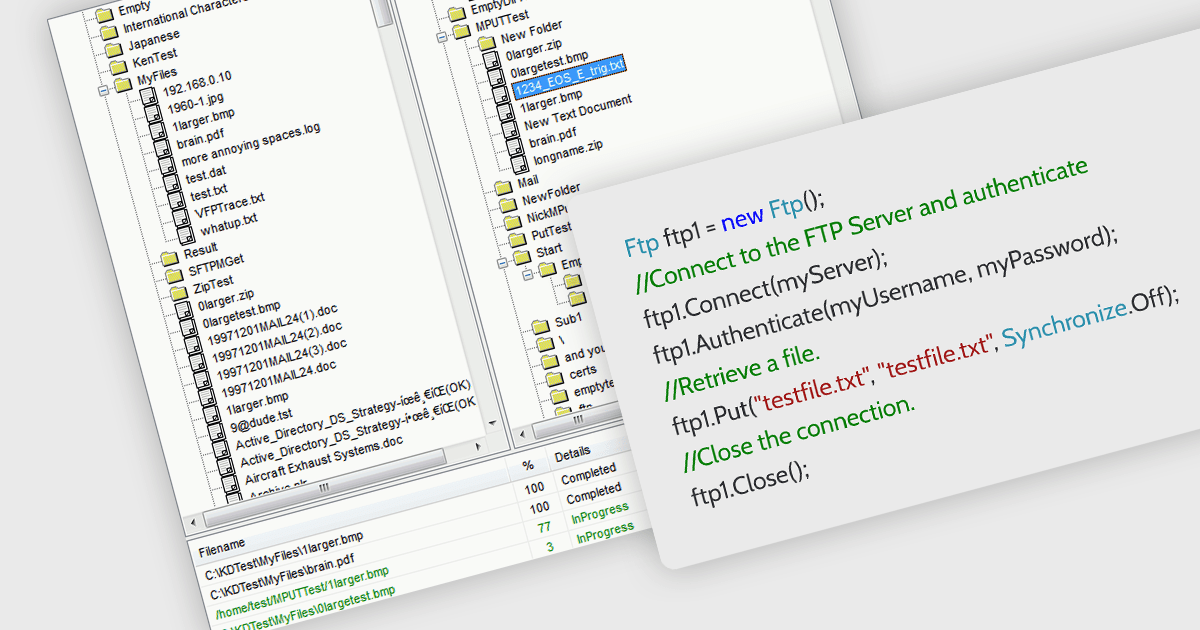
Simplify file transfers in your .NET applications with direct FTP integration, removing the need for third-party tools or cumbersome workarounds.

.NET communications components with FTP support allow your application to directly interact with FTP servers. , allowing seamless uploading, downloading, and remote file management. Many libraries provide features like secure connections (FTPS), progress monitoring, directory operations, and wildcards for bulk transfers. They often include high-level functions for ease of use alongside lower-level controls for customization, making them suitable for both rapid development and complex scenarios. With an FTP-enabled .NET component, you can streamline file transfer operations and keep your code focused on core functionalities.

Several .NET communications and messaging components support FTP, including:

  • IPWorks .NET Edition by /n software includes a full-featured FTP client component that simplifies adding FTP file transfer capabilities to .NET applications.
  • PowerTCP FTP for .NET by Dart Communications offers a comprehensive set of features for secure and reliable file transfers over FTP in .NET environments.
  • Rebex FTP/SSL for .NET enables developers to easily integrate secure and efficient FTP functionality into their .NET applications.
  • Xceed FTP for .NET provides a .NET component for building FTP applications with features like file transfer, directory listing, and progress monitoring.

For an in-depth analysis of features and price, visit our comparison of .NET communications and messaging components.
Compare .NET Comms & Messaging components

Empower Users with File Uploads in Your Apps

April 12, 2024
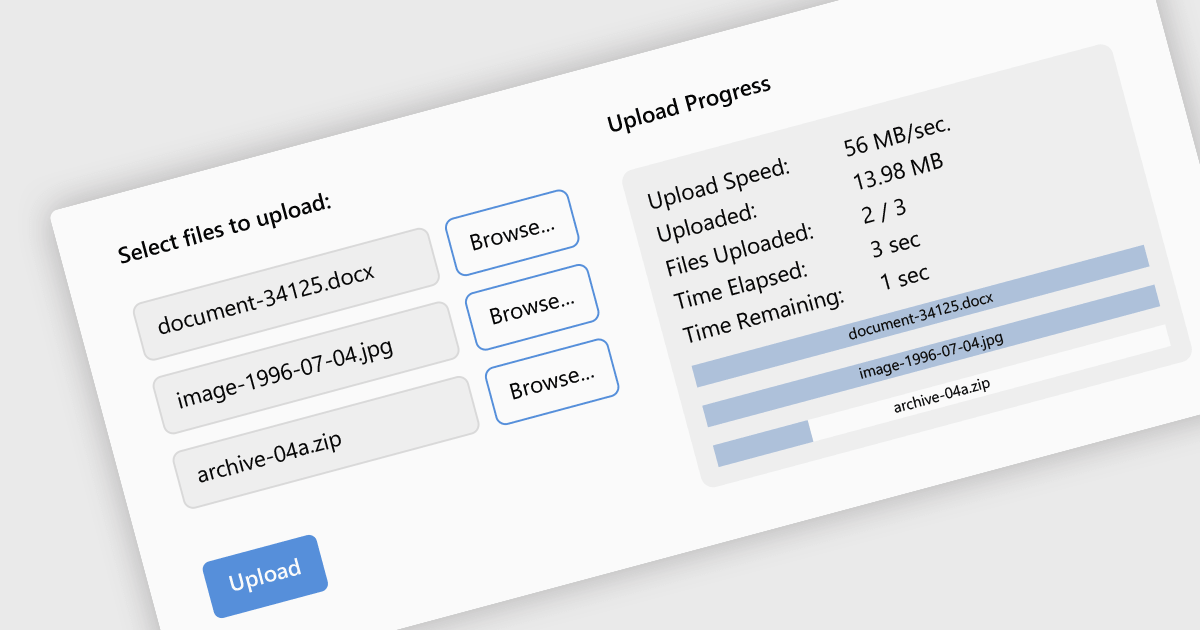
Incorporating file upload functionality allows your users to easily submit files to a server, enhancing user interaction.

Leveraging a communications component for file uploads in your .NET application streamlines development and enhances maintainability. These pre-built components handle the complexities of file transfer protocols and boundary conditions, allowing you to focus on core application logic. Additionally, they often provide features like progress tracking and error handling, improving the user experience and simplifying debugging. By enabling file uploads, your application can collect user-generated content, facilitate document sharing, or streamline data ingestion, enriching the overall user experience and potential use cases for your app.

Several .NET communications and messaging components support the upload of files to web servers, including:

  • IPWorks SSL .NET Edition by /n software is a suite of .NET components that are TLS enabled for secure file transfer and internet communication. It includes WebUpload with encryption for safe file transfers across networks.
  • Rebex HTTPS for .NET is an HTTP and HTTPS library that offers .NET applications secure web upload capabilities for transferring files with SSL/TLS encryption.
  • PowerWEB File Upload for ASP.NET by Dart Communications allows developers to add file upload functionality to their ASP.NET applications.

For an in-depth analysis of features and price, visit our comparison of .NET comms & messaging components.

Compare .NET Comms & Messaging components