








Official Supplier
As official and authorized distributors, we supply you with legitimate licenses directly from 200+ software publishers.
See all our Brands.
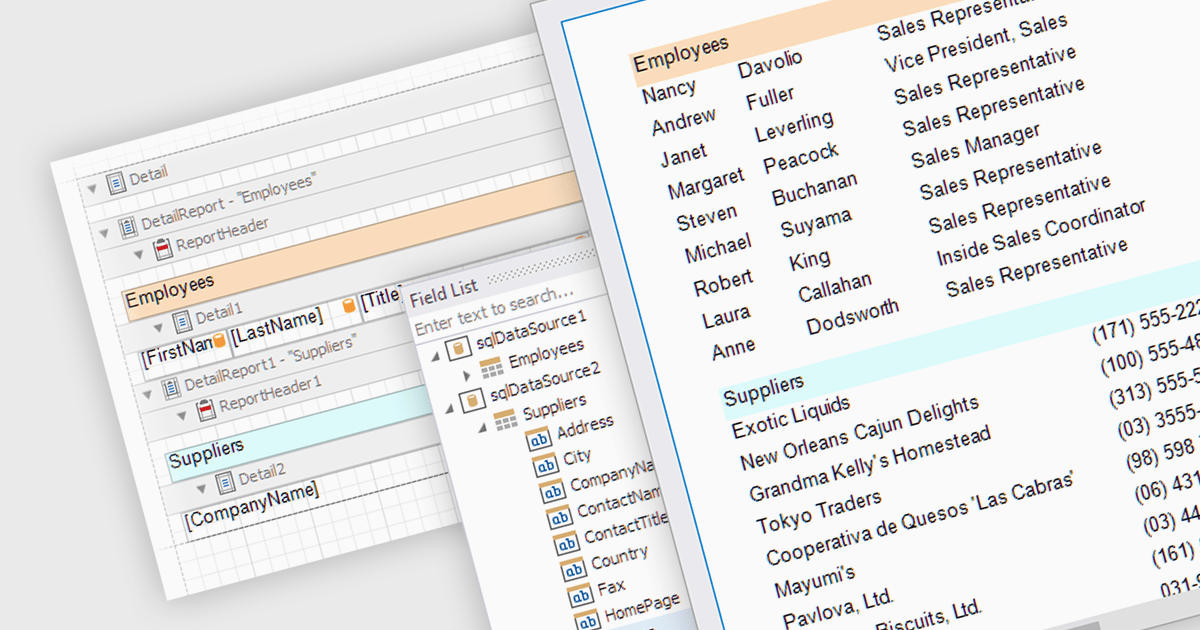
The ability to combine multiple data sources when creating a report is a critical aspect of modern data analytics and business intelligence. It allows for the creation of a holistic view by bringing together information from various databases, spreadsheets, or applications. Developers who integrate this into their reporting application enable their users to design reports that can be used to derive more accurate insights, make informed decisions, and identify trends or patterns that might not be evident when examining isolated data sets.
Several ASP.NET MVC report components allow you to combine multiple data sources, including:
For an in-depth analysis of features and price, visit our comparison of ASP.NET MVC report components.
Syncfusion Essential Studio .NET MAUI, available as part of Syncfusion Essential Studio Enterprise, empowers developers with a comprehensive suite of native UI controls, data visualization tools, and performance optimizations for building modern, cross-platform mobile and desktop applications. This professional-grade toolkit leverages the power of C# and XAML, enabling rapid development of stunning and responsive experiences across diverse platforms.
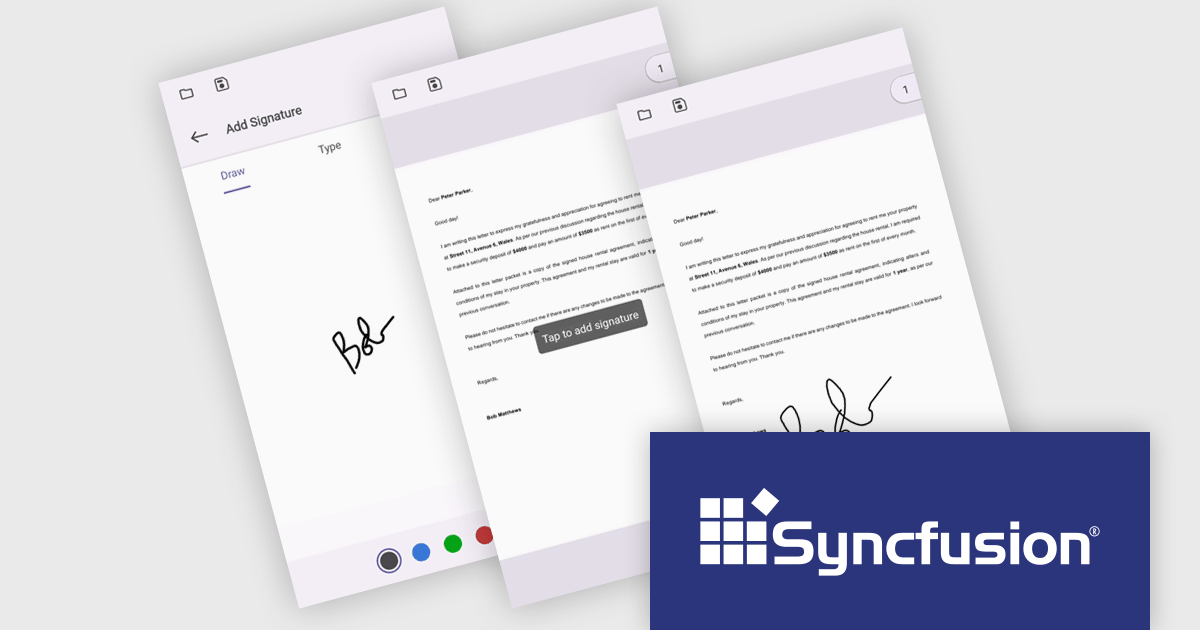
The Syncfusion Essential Studio .NET MAUI 2024 Volume 1 (25.1.35) release introduces streamlined digital document signing capabilities. Users can now add, remove, and modify various signature types, including freehand drawings, text, and images, directly within PDF files. This eliminates the need for physical signatures, simplifying the process of signing contracts and agreements.
To see a full list of what's new in version 2024 Volume 1 (25.1.35), see our release notes.
Syncfusion Essential Studio .NET MAUI is available as part of Syncfusion Essential Studio Enterprise which is licensed per developer starting with a Team License of up to five developers. It is available as a 12 Month Timed Subscription License which includes support and maintenance. See our Syncfusion Essential Studio Enterprise licensing page for full details.
For more information, visit our Syncfusion Essential Studio .NET MAUI product page.
Syncfusion Essential Studio ASP.NET Core, available as part of Syncfusion Essential Studio Enterprise, empowers developers with a comprehensive suite of over 80 enterprise-grade UI components specifically designed for building modern and highly functional web applications. Leveraging the latest advancements in ASP.NET Core, it offers exceptional performance and scalability, streamlining development by eliminating the need for extensive custom coding. From data visualization tools like interactive charts and grids to sophisticated navigation elements and responsive layouts, Essential Studio equips developers with the building blocks to create rich user experiences, improve application efficiency, and accelerate time-to-market.
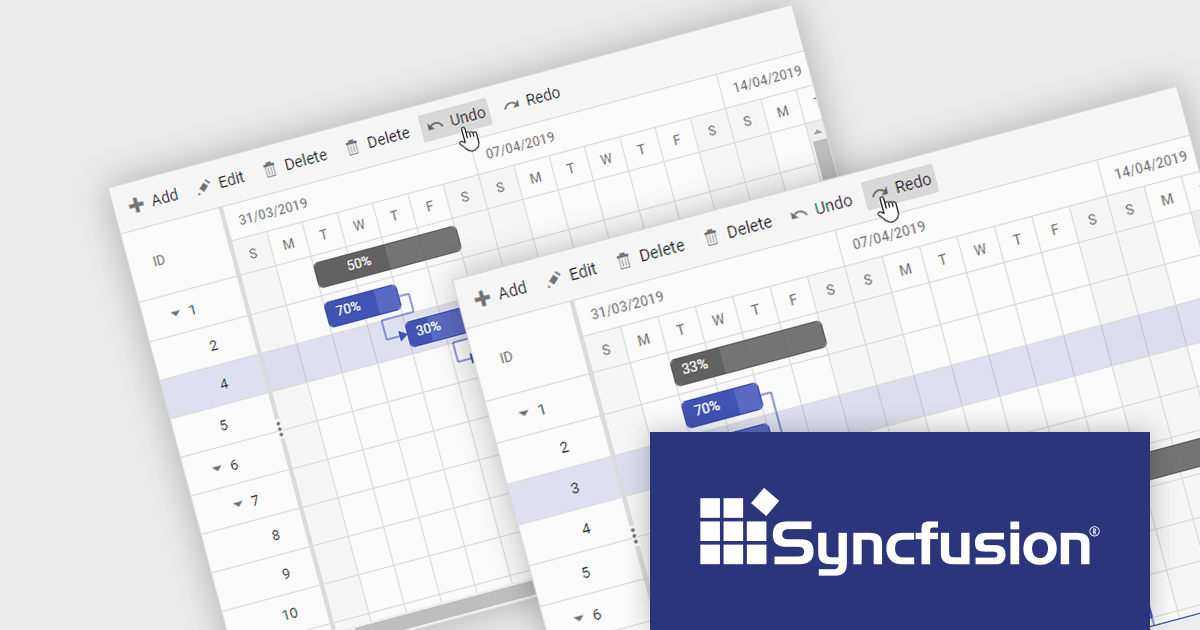
The Syncfusion Essential Studio ASP.NET Core 2024 Volume 1 (25.1.35) release adds undo and redo functionality to the Gantt chart component, making it easy for users to revert or reapply changes. Modifications in task scheduling, resource allocation, and other changes will be tracked, allowing for quick correction of mistakes and refinement of project plans.
To see a full list of what's new in version 2024 Volume 1 (25.1.35), see our release notes.
Syncfusion Essential Studio ASP.NET Core is available as part of Syncfusion Essential Studio Enterprise which is licensed per developer starting with a Team License of up to five developers. It is available as a 12 Month Timed Subscription License which includes support and maintenance. See our Syncfusion Essential Studio Enterprise licensing page for full details.
For more information, visit our Syncfusion Essential Studio ASP.NET Core product page.
GroupDocs.Viewer for .NET gives developers the ability to create or enhance .NET applications for web and desktop with the ability to view and render documents to PDF, HTML or images, without installing any external software. This document viewer API supports detailed HTML output customization, rendering of complex documents and programming code, conversion to PDF, and secure viewing of password-protected documents with an adjustable caching system. Working across multiple operating systems, platforms, frameworks, and development environments, it facilitates the rendering of such formats as PDF, Word, Excel, PowerPoint, RTF, OpenDocument, Visio, and HTML within document viewing apps.
GroupDocs.Viewer for .NET V24.3 adds support for Microsoft .NET 8, aligning it with the latest advancements in the .NET ecosystem. Now developers can build document viewer applications in .NET 8, which brings improved security, faster performance and a more streamlined development process.
To see a full list of what's new in GroupDocs.Viewer for .NET, see our release notes.
GroupDocs.Viewer for .NET is offered as Developer Small Business, Developer OEM, Site Small Business, and Site OEM licenses catering to a range of business needs. Licenses are perpetual, and include 1 year of support and maintenance. Subscription renewals are also available. See our GroupDocs.Viewer for .NET licensing page for full details.
GroupDocs.Viewer for .NET is available in the following products:
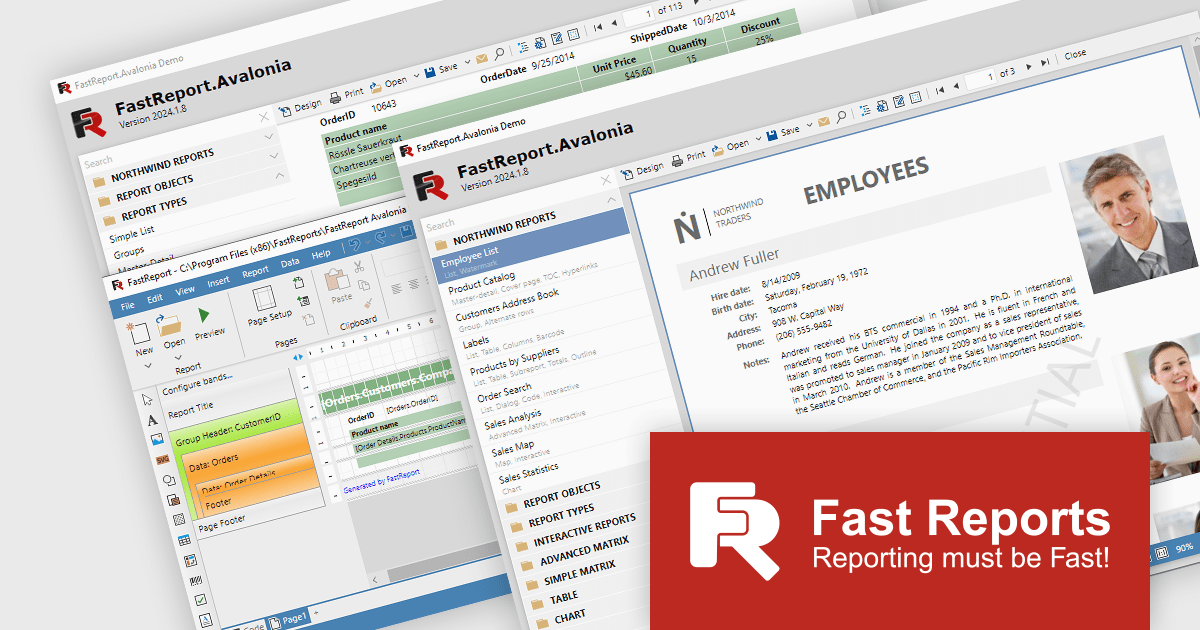
FastReport Avalonia empowers developers to design and generate informative reports within their Avalonia UI applications. This powerful tool offers a familiar visual editor for crafting reports like invoices and financial statements. It seamlessly integrates data processing and exports reports to various formats, including PDF and Excel. Notably, FastReport Avalonia maintains consistent functionality across multiple operating systems, ensuring a unified user experience for your application.
As the latest innovation from Fast Reports, FastReport Avalonia simplifies cross-platform report generation. This versatile component integrates effortlessly within your Avalonia UI application. Developers can create and export reports in various formats across Windows, macOS, and Linux, all from a single codebase. FastReport Avalonia boasts broad compatibility, supporting x64, x86, and even arm64 processor architectures, alongside .NET 6 and later versions. This flexibility empowers developers to leverage a single reporting solution across diverse development environments.
FastReport Avalonia is licensed per named user and is available as a Single Named, Team and Site License. See our FastReport Avalonia licensing page for full details.
Learn more on our FastReport Avalonia product page.





Tel: (888) 850 9911
Fax: +1 770 250 6199


