








Official Supplier
As official and authorized distributors, we supply you with legitimate licenses directly from 200+ software publishers.
See all our Brands.
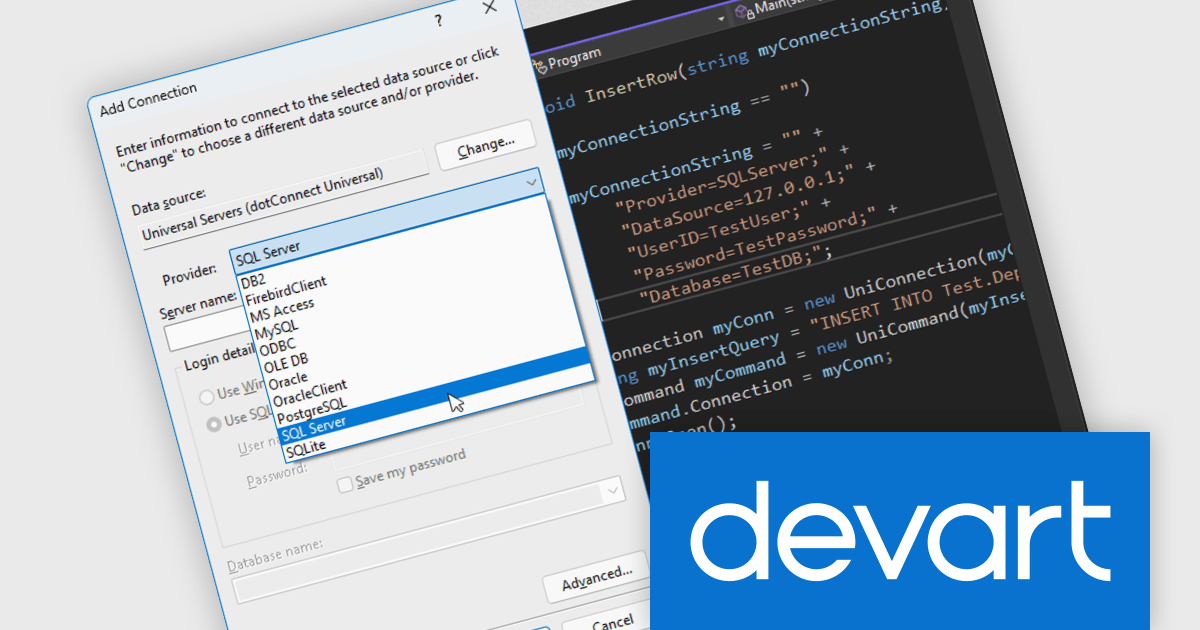
Devart dotConnect is a range of high-performance ADO.NET data providers for various databases and cloud applications, enabling efficient data connectivity for building web and mobile applications. It provides high-performance connectors for databases such as SQL Server and Oracle, as well as Cloud services such as Salesforce and QuickBooks Online.
The Devart dotConnect ADO.NET data providers now support .NET 10. By embracing the latest version of Microsoft's popular framework, developers gain access to the most up-to-date language features, performance enhancements, and improved tooling provided by .NET 10.
The dotConnect ADO.NET Data Providers are licensed per developer and are available as a Perpetual License with a 12 month support and maintenance subscription. See our dotConnect licensing pages for Adobe Commerce, BigCommerce, DB2, Dynamics 365, FreshBooks, Mailchimp, MySQL, Oracle, PostgreSQL, QuickBooks Online, Salesforce, Salesforce Marketing Cloud, SQL Server, SQLite, SugarCRM, Zoho Books, Zoho CRM, Zoho Desk, and Universal.
Devart dotConnect ADO.NET data providers are available for the following databases and Cloud services:
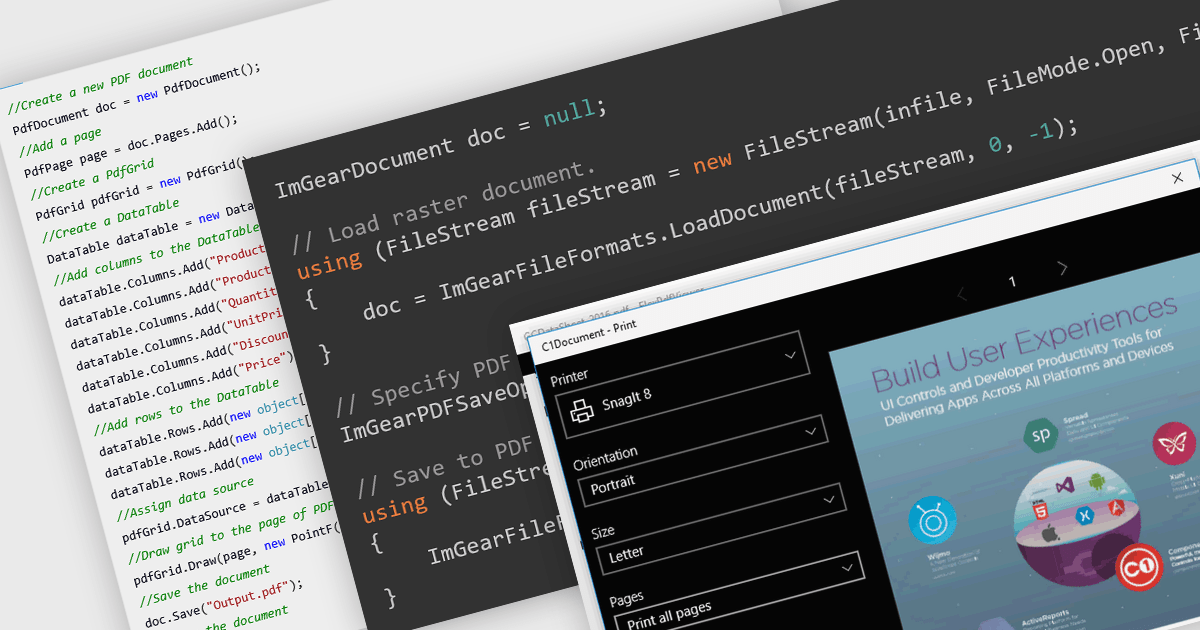
PDF reading and writing features form a core part of modern PDF components, allowing applications to view, generate, edit, and share PDF documents consistently across platforms. These capabilities cover common tasks such as displaying and searching documents, as well as creating and exporting PDFs programmatically with reliable rendering and standards compliance.
Common features include:
For an in-depth analysis of features and price, visit our WinForms PDF components comparison.
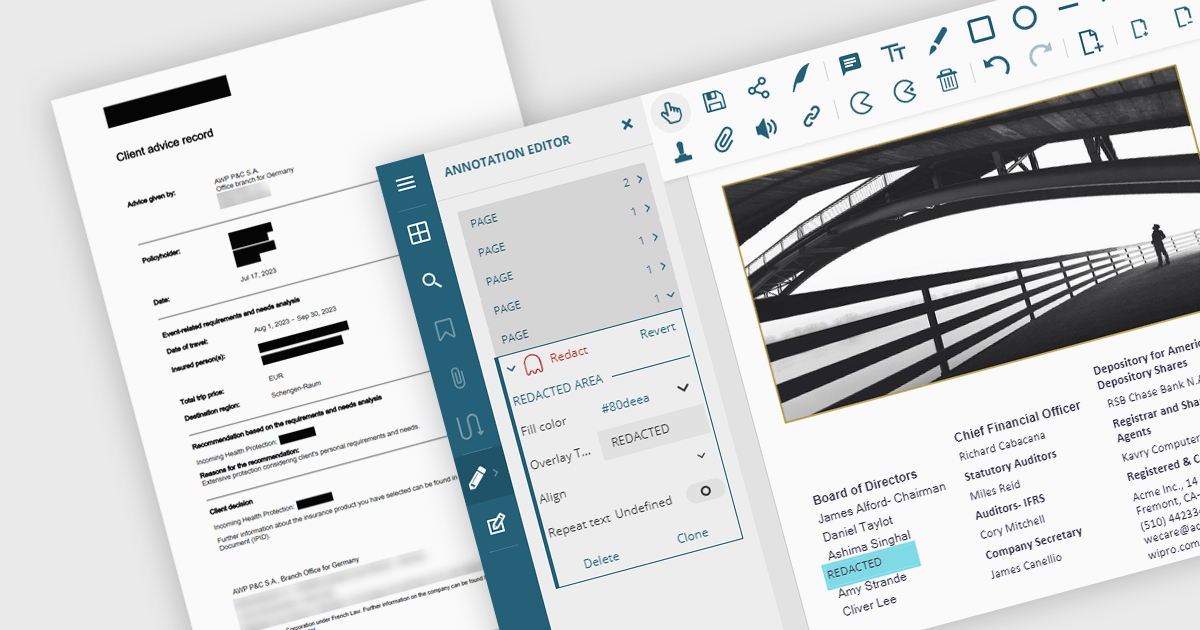
PDF redaction is the process of permanently removing sensitive or confidential content from PDF documents, ensuring that the information cannot be recovered or exposed after the file is shared. This feature is essential in legal, financial, medical, and corporate environments where data privacy and compliance with regulations such as GDPR or HIPAA are critical. Redaction can include the deletion of text, images, annotations, or metadata, and often involves replacing the removed content with black bars or blank spaces to indicate intentional removal.
Several .NET PDF viewer components allow you to redact PDF content, including:
For an in-depth analysis of features and price, visit our comparison of .NET PDF viewer components.
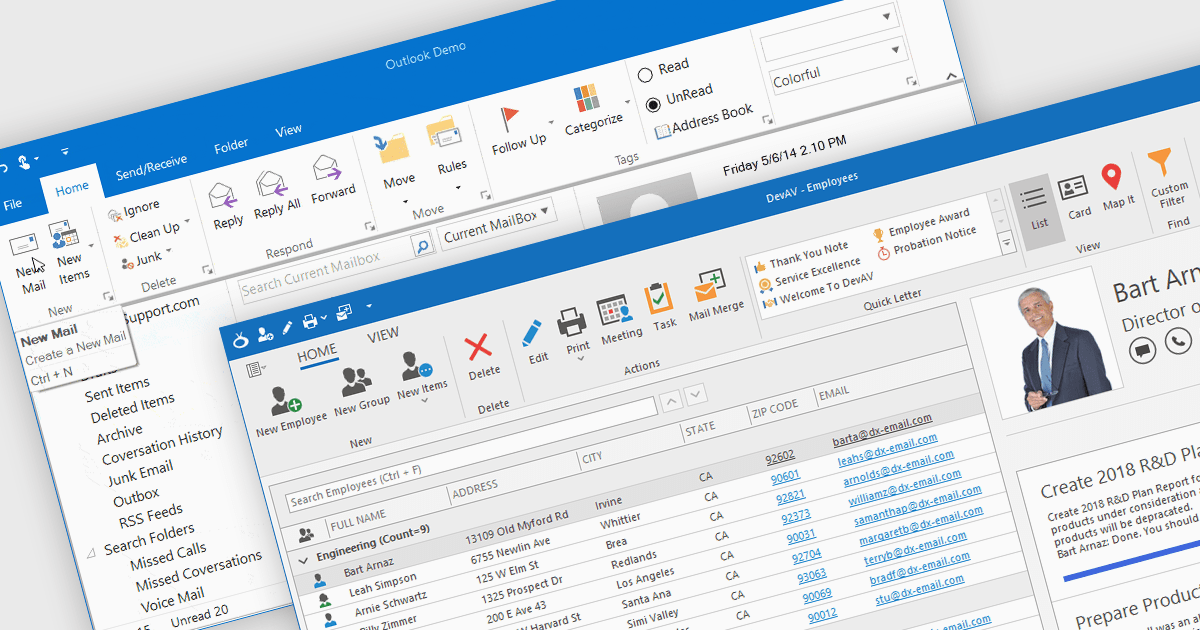
Ribbons provide a structured, visual command interface that organizes application features into clearly labeled tabs and groups, improving discoverability, efficiency, and usability. By surfacing frequently used and context-aware commands, ribbons reduce navigation time and deliver a familiar, professional user experience. Commonly used in productivity software, data-driven applications, design tools, and enterprise systems, ribbon interfaces are ideal for applications with rich functionality where users need quick, intuitive access to a wide range of tools.
Several .NET WinForms UI suites offer ribbon control including:
For an in-depth analysis of features and price, visit our comparison of .NET WinForms UI suites.
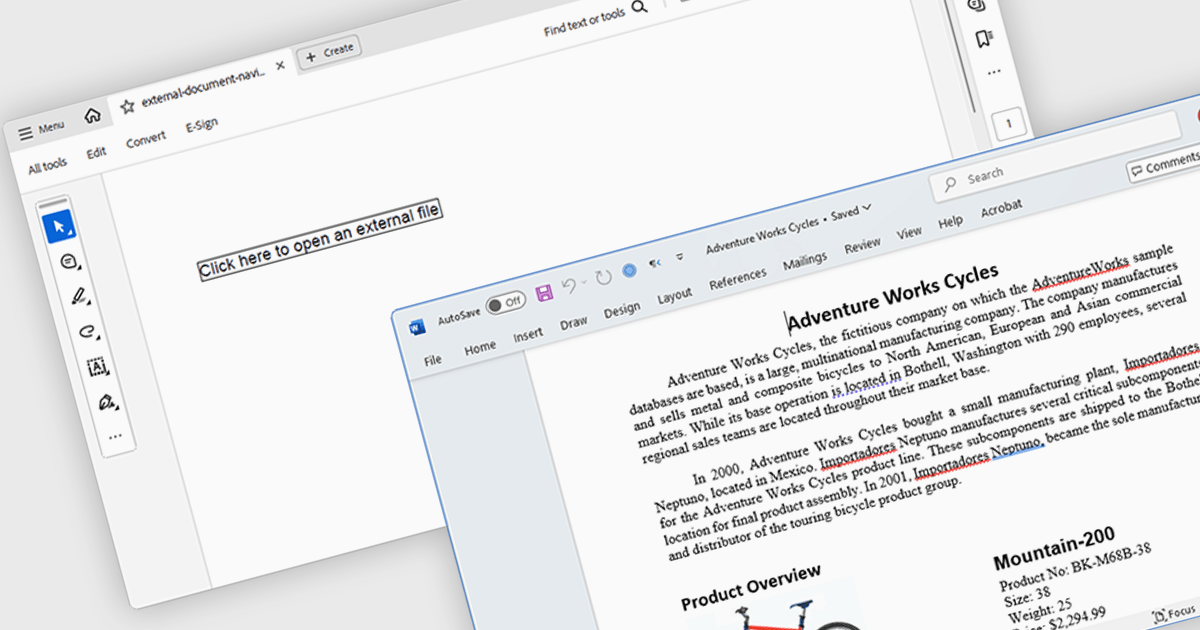
Hyperlink navigation in a PDF component allows users to interact with clickable links embedded within a document, enabling transitions to other pages, external URLs or specific document sections. For software developers integrating PDF functionality, this capability enhances the user experience by supporting intuitive document navigation, reducing the need for manual scrolling or searching. It is particularly useful in technical documentation, forms or reports where references to related content are common, allowing for faster access to relevant information and improved usability in both web and desktop applications.
Several .NET PDF components offer hyperlink navigation including:
For an in-depth analysis of features and price, visit our comparison of .NET PDF components.





Tel: (888) 850 9911
Fax: +1 770 250 6199


