








Official Supplier
As official and authorized distributors, we supply you with legitimate licenses directly from 200+ software publishers.
See all our Brands.
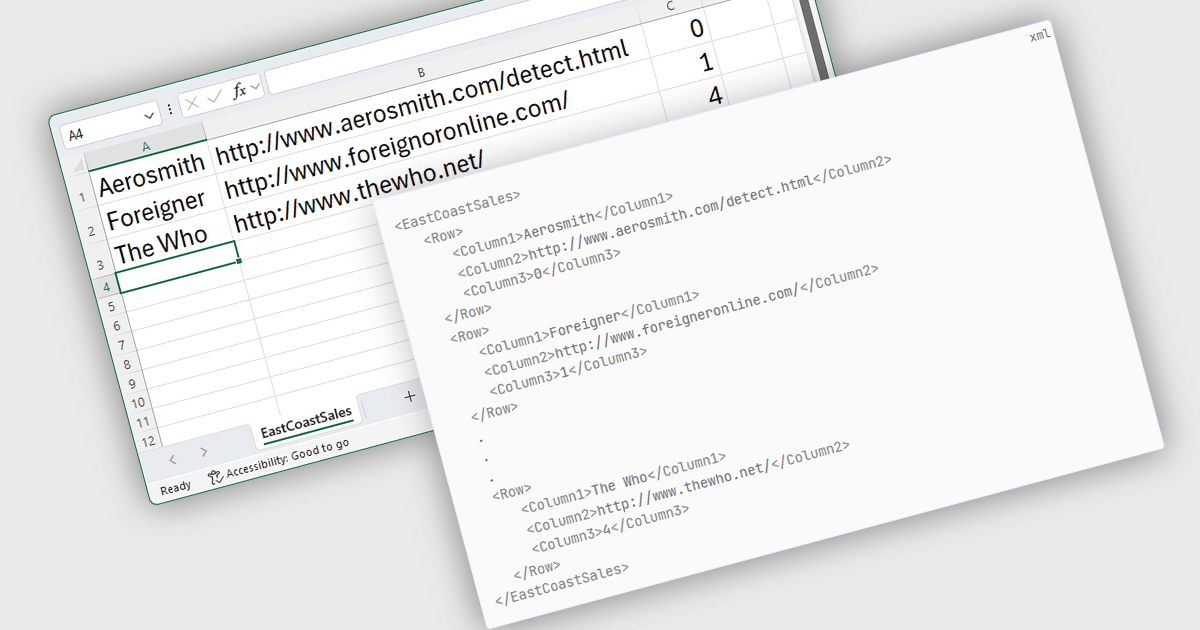
Export to XML in a .NET WinForms Spreadsheet control allows developers to convert and save spreadsheet data into an XML (Extensible Markup Language) format, preserving the structure, content, and metadata of the spreadsheet in a standardized and portable form. This capability is particularly useful for integrating spreadsheet data with other systems, enabling data exchange, storage, or transformation. By using XML, the exported data can be consumed by a wide range of applications and platforms, making it easier to support interoperability and maintain consistency across different environments.
Several .NET 9 WinForms Spreadsheet controls offer Export to XML including:
For an in-depth analysis of features and price, visit our comparison of .NET 9 WinForms Spreadsheet Controls.
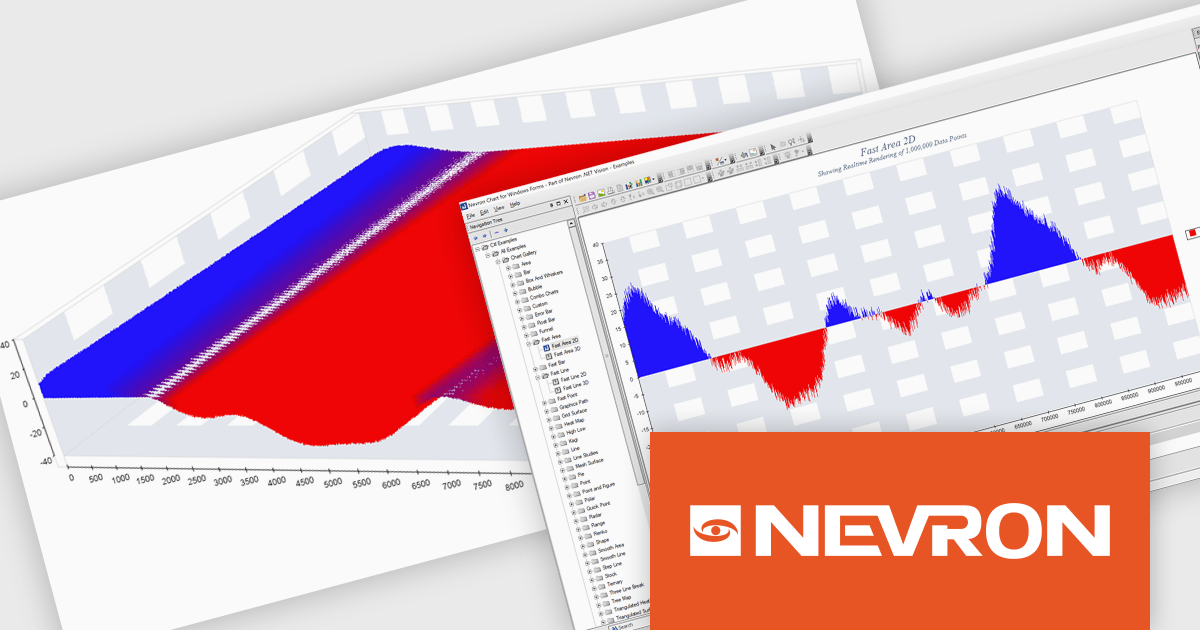
Nevron Chart for .NET is an advanced component suite designed for developers to add rich charting functionality to WinForms, WPF, ASP.NET and MVC applications. Covering any data visualization requirements it is an ideal solution for developing charting enabled presentation, business, scientific or financial applications. It boasts hardware acceleration for optimal performance, a flexible API for customization, and advanced interactivity features like zooming, panning, and tooltips to enhance user engagement with your data.
The Nevron Chart for .NET 2025.1 update introduces the new 'NFastAreaSeries', enabling real-time rendering of millions of data points using GPU acceleration. This addition significantly enhances performance for area charts, making it well-suited for high-volume data visualization scenarios. It complements existing fast-rendering series and includes optimizations that improve rendering efficiency across both imperial and metric units. Combined with automatic culture-based unit selection, the update ensures a responsive and localized user experience for developers building advanced data visualization applications.
To see a full list of what's new in 2025.1, see our release notes.
Nevron Chart for .NET is licensed per developer machine and is available as a perpetual license with 1 year subscription and support. See our Nevron Chart for .NET licensing page for full details.
Nevron Chart for .NET is available to buy in the following products:
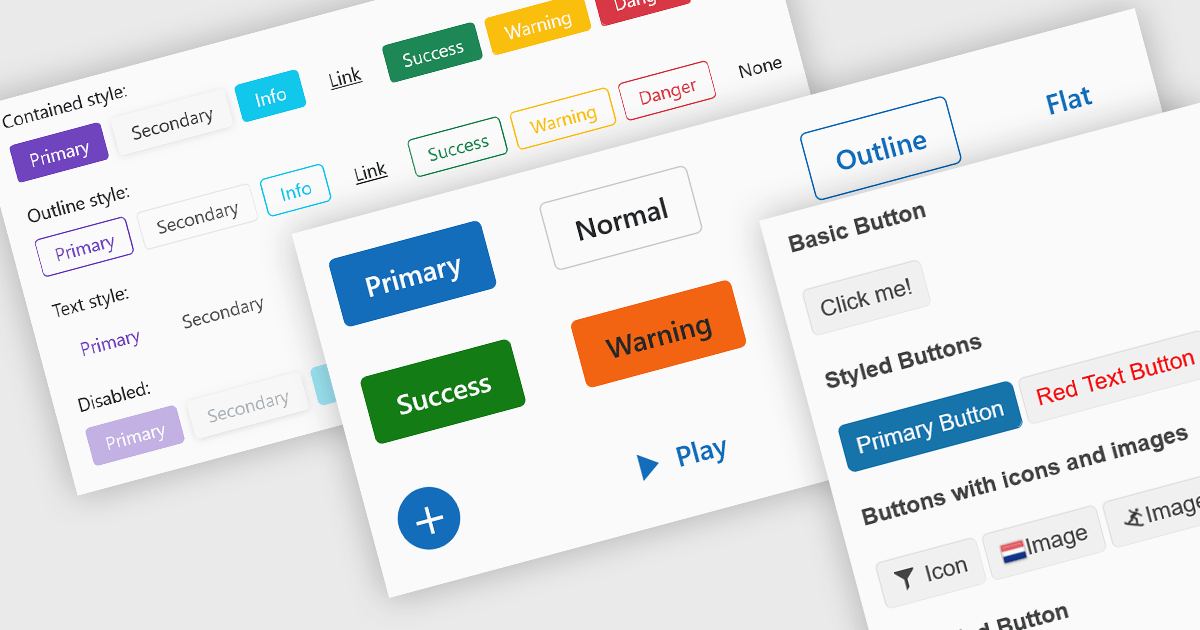
Buttons embedded in data editors enhance user interactions by providing inline command triggers such as clearing input, opening dropdowns, or submitting data. These buttons can be integrated directly into form fields or data grids, enabling more intuitive and compact interfaces. Developers benefit from customization options like icons, styles, behaviors, and events, allowing button functionality to be tailored to application-specific workflows. The inclusion of command buttons in editors simplifies interactions without the need for external UI elements.
Several Blazor data editor collections offer button editor components including:
For an in-depth analysis of features and price, visit our Blazor data editors comparison.
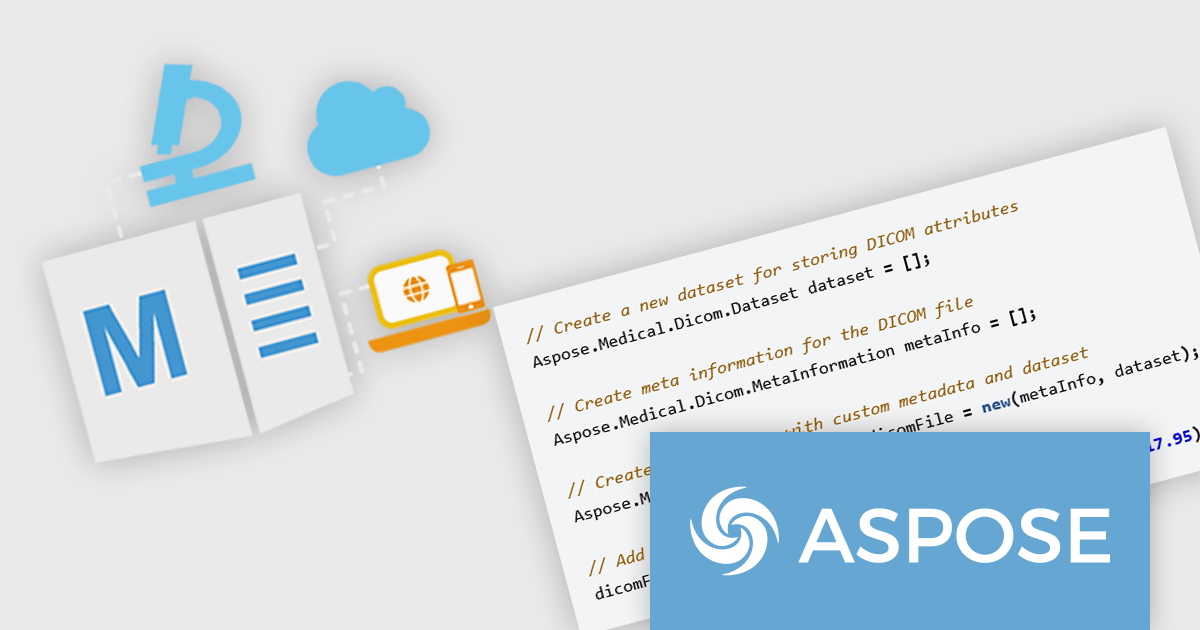
Aspose.Medical for .NET is a specialized, cross-platform class library designed for .NET developers. It offers full support for the DICOM (Digital Imaging and Communications in Medicine) standard and other medical imaging formats, allowing applications to open, read, modify, and save medical files without relying on external software. The API features a clear object model for accessing DICOM elements and pixel data, along with robust tools for metadata handling, format conversion (including DICOM, JPEG, PNG, XML, JSON, and NIfTI), image transcoding, and anonymization.
By integrating Aspose.Medical into healthcare and medical imaging projects, developers gain key advantages in efficiency and compliance. It enables batch processing of large imaging datasets, metadata extraction for reporting or analytics, and image enhancement techniques like noise reduction and contrast adjustment—all without custom DICOM viewers. Its built-in anonymization supports privacy regulations such as HIPAA and GDPR, ensuring sensitive patient data is handled correctly. The library’s platform independence, running on Windows, Linux, and macOS, combined with optimized memory handling and multithreading support, makes it suitable for both desktop and server-side medical applications. Common use cases include building PACS (Picture Archiving and Communication Systems), integrating with EMR (Electronic Medical Records), converting formats for analytics pipelines, and developing DICOM image viewers or web services with minimal effort.
Aspose.Medical for .NET is offered as Developer Small Business, Developer OEM, Developer SDK, Site Small Business, Site OEM and Site SDK licenses catering to a range of business needs. Licenses are perpetual, and include 1 year of support and maintenance. Subscription renewals are also available. See our Aspose.Medical for .NET licensing page for full details.
Aspose.Medical for .NET is available individually or as part of the following products:
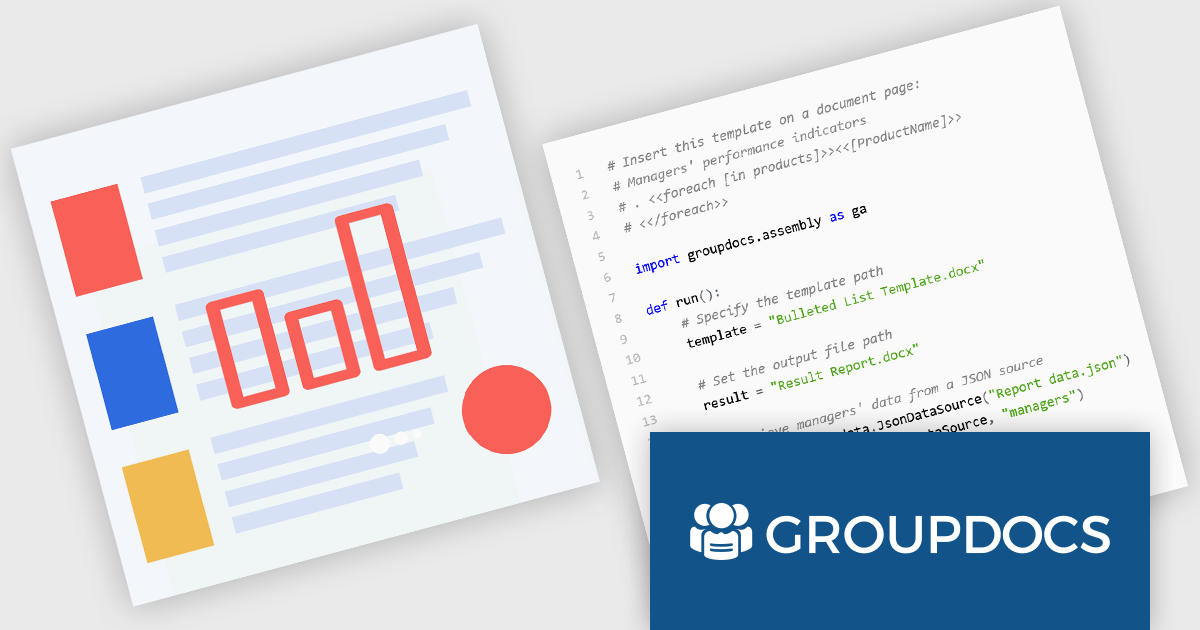
GroupDocs.Assembly for Python via .NET is a powerful document automation library designed to facilitate the dynamic creation of documents from templates. Built on the robust GroupDocs.Assembly engine, this Python-compatible solution leverages the .NET framework to enable developers to programmatically populate documents such as Word, PDF, Excel, and PowerPoint files using structured data sources. By integrating with popular file formats and maintaining high fidelity in output, it supports a wide range of document automation scenarios within Python applications.
The product is particularly useful in environments where large-scale, data-driven document generation is essential. Common use cases include producing customized reports, invoices, contracts, and legal documents by binding templates to data from databases, XML, JSON, or custom objects. GroupDocs.Assembly for Python via .NET enhances productivity by eliminating manual document preparation and ensuring consistency across outputs. Its ability to handle conditional logic, loops, and data merging within templates provides flexibility for developers building enterprise-level automation workflows in Python while leveraging the .NET ecosystem.
GroupDocs.Assembly for Python via .NET is offered as Developer Small Business, Developer OEM, Site Small Business, and Site OEM licenses catering to a range of business needs. Licenses are perpetual, and include 1 year of support and maintenance. Subscription renewals are also available. See our GroupDocs.Assembly for Python via .NET licensing page for full details.
GroupDocs.Assembly for Python via .NET is available individually or as part of the following products:





Tel: (888) 850 9911
Fax: +1 770 250 6199


