








Official Supplier
As official and authorized distributors, we supply you with legitimate licenses directly from 200+ software publishers.
See all our Brands.
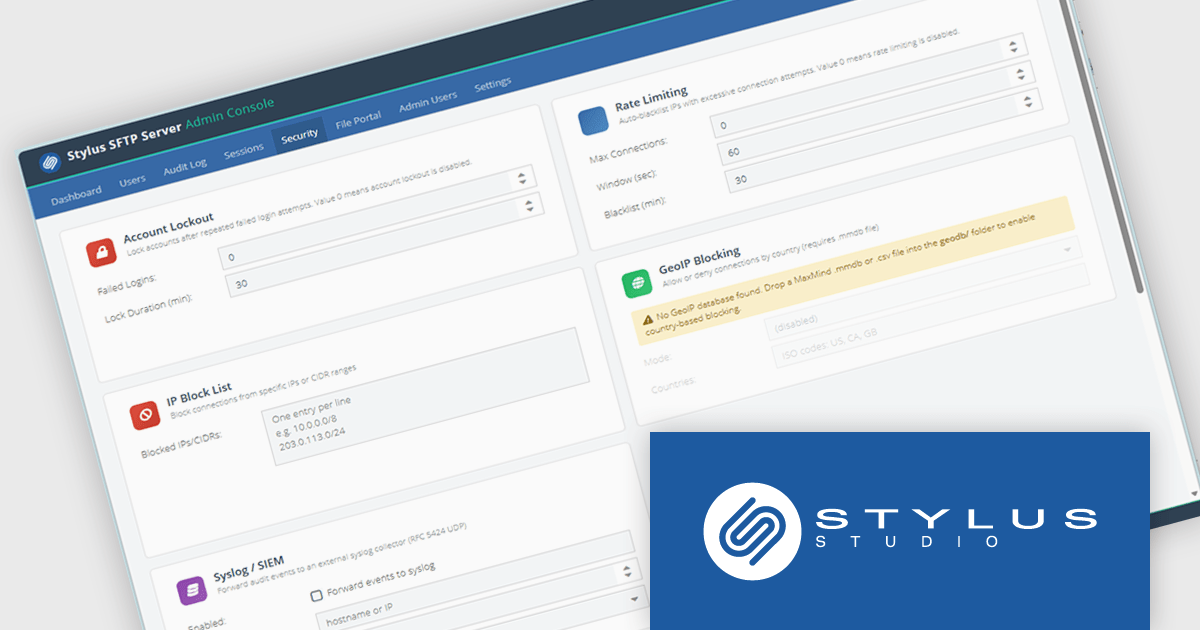
Stylus SFTP Server is a self-hosted file transfer server that provides SFTP alongside FTP, FTPS, WebDAV, and a browser-based file portal from a single service. It is designed for organizations that need to manage file exchange internally rather than relying on a cloud service. The server supports integration with Active Directory, LDAP, and SQL databases for authentication, and includes features such as SSH public-key authentication, Time-based One-Time Password (TOTP) multi-factor authentication, per-user quotas, audit logging, and role-based access controls.
From a developer and systems perspective, one of its more unusual features is a database-backed filesystem, where files can be stored directly in databases such as PostgreSQL, MySQL, SQL Server, or the bundled H2 database instead of on disk. The product also exposes REST APIs, webhooks, syslog integration, and command-line administration tools, making it suitable for automation and integration with existing operational processes. It runs on both Windows and Linux, ships with a bundled Java runtime, and is intended to provide a centralized platform for secure file transfer, auditing, and compliance requirements.
Stylus SFTP Server is licensed per server on a 1 year subscription basis. Subscription licenses require that you renew your license each year to continue to use the software. See our Stylus SFTP Server licensing page for full details.
For more information, see our Stylus SFTP Server product page.

ComponentOne Studio WinForms by MESCIUS is a comprehensive toolkit offering over 120 advanced UI components to improve Windows Forms application development. It helps you to build visually appealing and feature-rich applications with functionalities like data visualization through charts and reports, intuitive data editing with performant grids, and modern UI elements including ribbons and docking for a user-friendly experience.
The ComponentOne Studio WinForms 2026 v1 update introduces the DateRangeEdit control, helping developers improve date-based workflows with an intuitive range selection experience that supports common preset periods such as This Week, Last Week, This Month, and Next Month. With built-in multi-cultural support and flexible customization options for both preset ranges and calendar layouts, developers can create applications that are easier to use, better aligned with business requirements, and accessible to global audiences, while reducing the need for custom date selection implementations.
To see a full list of what's new in 2026 v1, see our release notes.
Dependent on geographic location, ComponentOne Studio WinForms licenses may be available as an Annual (Timed) Subscription License or as a Perpetual License with a 1 Year Support and Update Subscription. See our ComponentOne Studio WinForms licensing page for full details.
ComponentOne Studio WinForms is available individually or as part of ComponentOne Studio Enterprise.
TX Text Control .NET Server for ASP.NET is a server side component for Web applications, or services. It is a fully programmable ASP.NET word processor engine that offers an extensive palette of word processing features. Using TX Text Control .NET Server, programmers can develop server side, end user applications that generate documents on-the-fly, using data from databases, binary files (Microsoft Word DOC and DOCX), ASCII files (XML, RTF, HTML) and image data (JPG, PNG, BMP, TIF, GIF, WMF). Documents can be created, modified and edited in a browser or printed in batch processes.
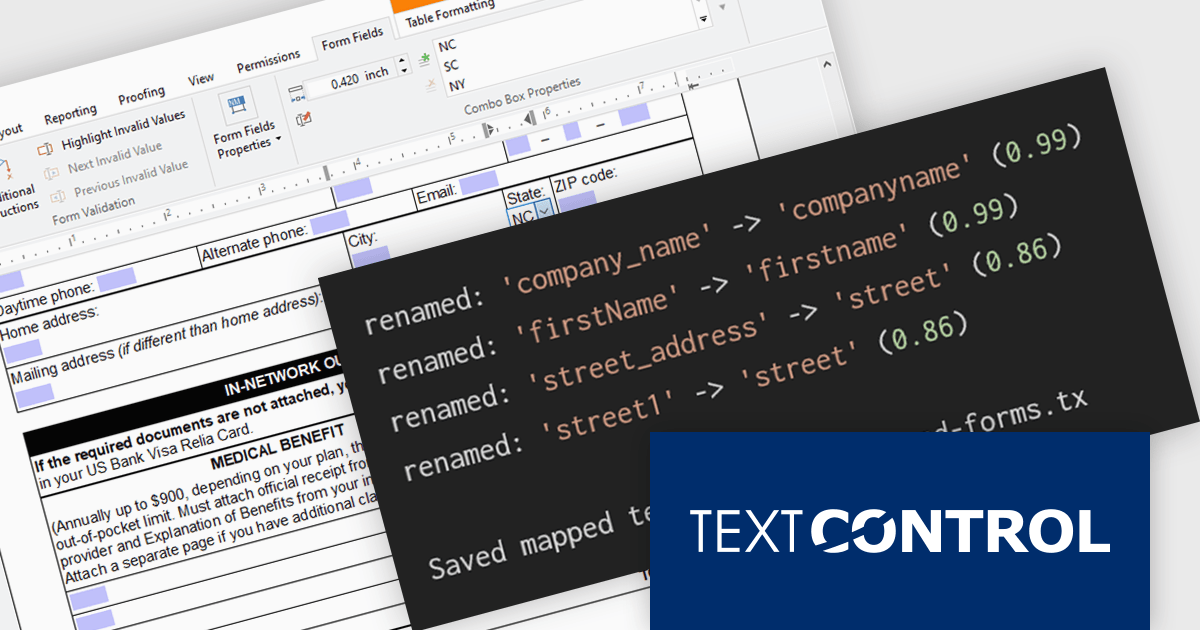
In this blog post from Text Control, Bjoern Meyer demonstrates how to automatically map TX Text Control form fields to JSON data in a .NET C# application, even when the names are not an exact match. It uses fuzzy matching and is especially useful in cases where templates and data sources evolve independently. The included sample project takes you through the following steps:
Read the complete blog and learn how to automatically prepare templates for JSOPN-based document workflows.
TX Text Control .NET Server for ASP.NET is licensed per developer and is available as a Perpetual License with a 12 month support and maintenance subscription. Run time licenses are required for the deployment to production servers. See our TX Text Control .NET Server for ASP.NET licensing page for full details.
For more information, visit our TX Text Control .NET Server for ASP.NET product page.
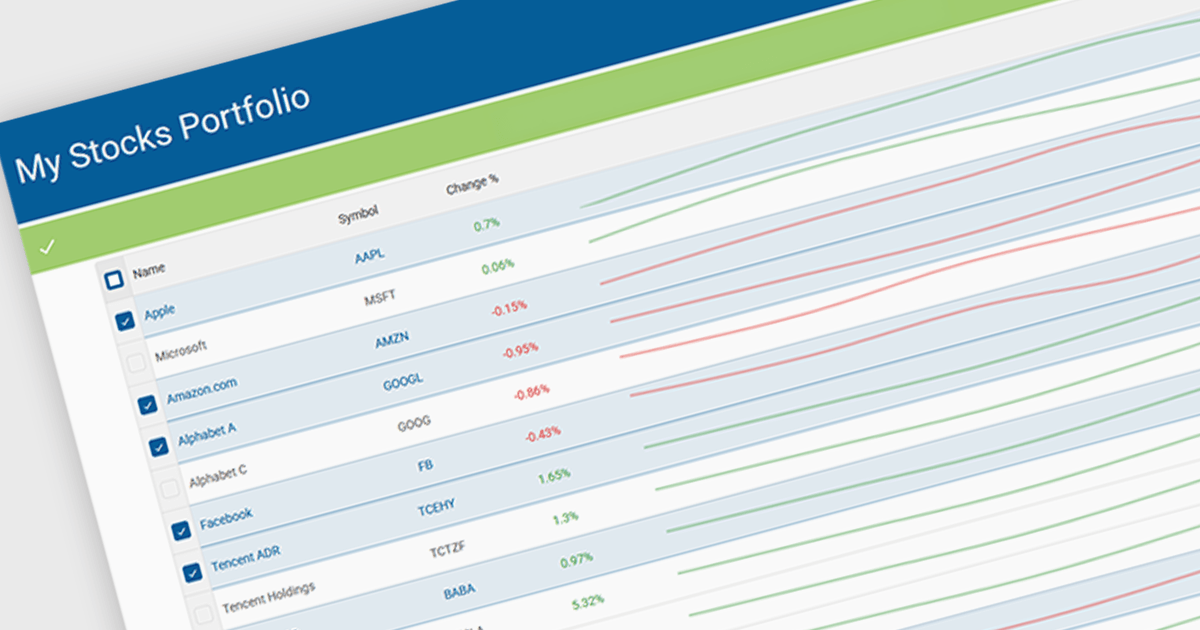
Sparklines in grids display compact visual charts directly inside grid cells, making it easier to identify trends, patterns, and performance without leaving the table view. By transforming raw data into clear visual insights, they help users analyze information faster, reduce dashboard clutter, and make more informed decisions. Common use cases include tracking stock performance in financial applications, monitoring sales and revenue trends in business dashboards, and highlighting operational KPIs in enterprise reporting systems.
Several JavaScript grid controls offer support for sparklines including:
For an in-depth analysis of features and price, visit our JavaScript Grid controls comparison.
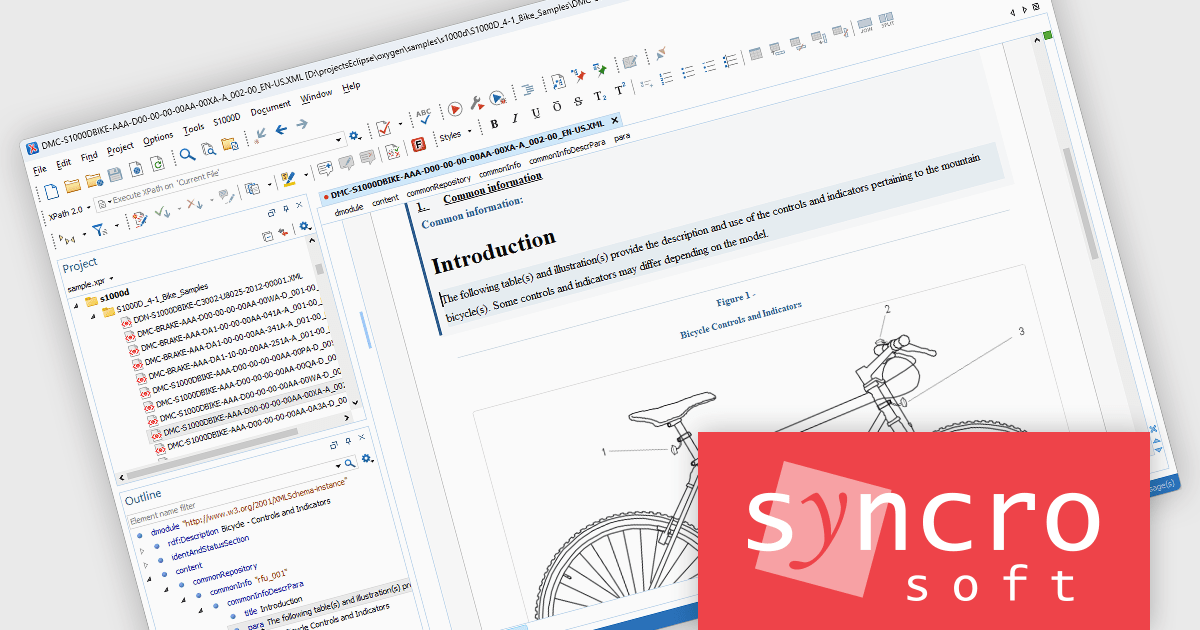
Oxygen XML Editor is a cross-platform XML editor that provides a comprehensive suite of tools for XML authoring and development. It is designed for users of all levels of experience, and includes support for all aspects of XML development, including editing, validating, generating output, debugging, and managing XML projects. Its wide feature set includes XML schema editing, graphical XML document browser, syntax highlighting, context-aware code completion, and powerful search and replace functionality.
The latest Oxygen XML Editor release adds the ability to edit S1000D documents with schema-guided editing, content completion, and validation support. Schema-guided editing and intelligent content completion help authors create compliant documents more efficiently by presenting only valid elements, attributes, and structures as they work. Built-in XML Schema-based validation provides immediate feedback on document correctness, helping to identify issues early in the authoring process. In addition, Oxygen currently supports BREX-based validation through conversion to Schematron, enabling organizations to enforce project-specific business rules and content restrictions alongside standard schema validation. Together, these capabilities help improve content accuracy, reduce manual review effort, and support greater consistency across S1000D documentation projects.
Oxygen XML Editor is licensed per Named or Floating user and is available as a Timed or Perpetual License with support and maintenance subscription. See our Oxygen XML Editor licensing page for full details.
Oxygen XML Editor is available in the following editions:





Tel: (888) 850 9911
Fax: +1 770 250 6199


