








Official Supplier
As official and authorized distributors, we supply you with legitimate licenses directly from 200+ software publishers.
See all our Brands.
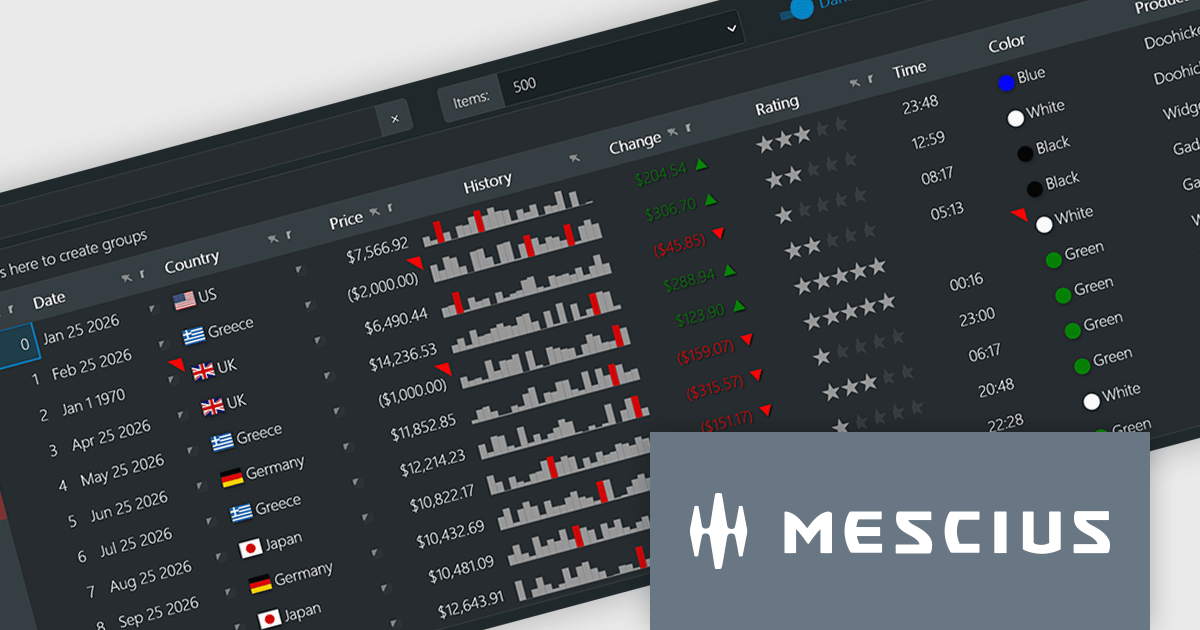
Wijmo by MESCIUS is a comprehensive JavaScript library offering a suite of high-performance UI components and data grids specifically designed to streamline the development of modern enterprise applications. It emphasizes reduced development time and improved maintainability, along with a focus on performance through its efficient design and small module size. Wijmo integrates seamlessly with popular JavaScript frameworks like Angular, React, and Vue.js, and supports cutting-edge technologies like TypeScript, making it a versatile solution for building complex web applications.
The Wijmo 2026 v1 update introduces support for Angular 21, enabling developers to adopt the latest framework capabilities while maintaining full compatibility with Wijmo’s comprehensive component library. This support ensures smoother integration, improved application performance, and alignment with current Angular development standards. Developers can build more responsive and maintainable applications while benefiting from advanced features such as FlexGrid cell templates and a high performance Angular DataGrid, helping deliver modern user experiences more efficiently.
To see a full list of what's new in 2026 v1, see our release notes.
Wijmo is licensed per developer. Developer Licenses are perpetual and include 1 year Subscription which provides upgrades, including bug fixes and new features. See our Wijmo licensing page for full details.
Learn more on our Wijmo product page.
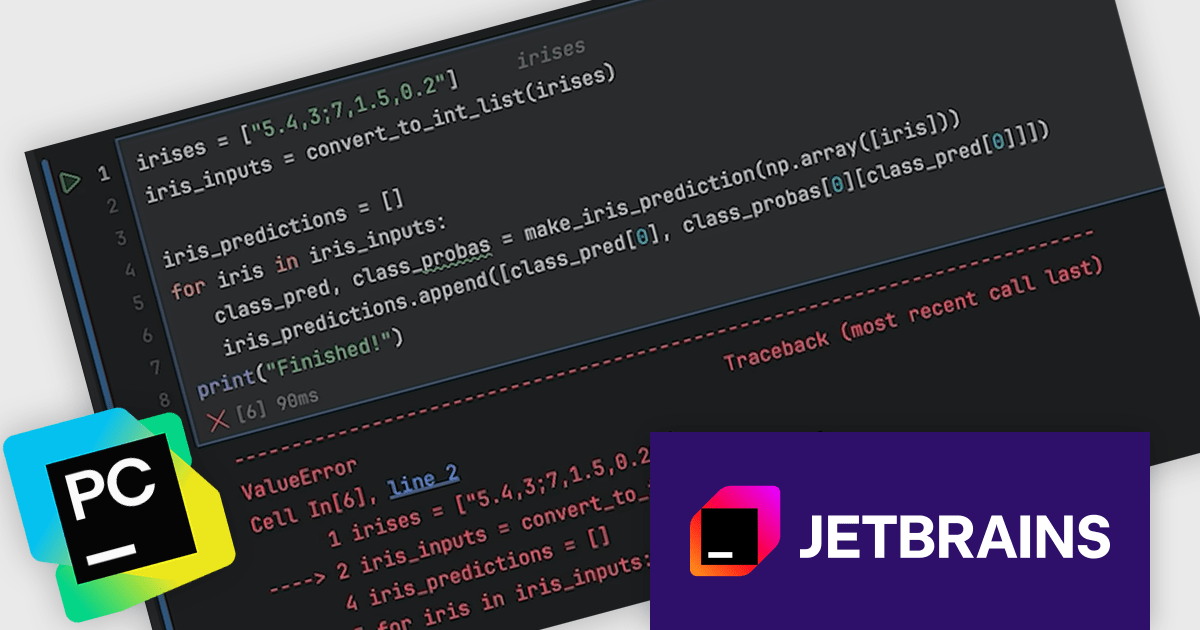
PyCharm by JetBrains is a comprehensive Integrated Development Environment (IDE) specifically designed for Python programming. It offers a range of features to enhance productivity, including code analysis for error detection, a visual debugger for troubleshooting, integrated unit testing for code verification, and support for version control systems to manage code changes. PyCharm also caters to web development using frameworks like Django, making it a powerful tool for both experienced developers and beginners in the Python world.
The PyCharm 2026.1 update introduces a new debugger option for Jupyter notebooks, allowing developers to use the Debug Adapter Protocol (DAP) as the default debugger. This brings greater consistency between notebook and standard Python debugging, helping reduce unexpected behaviour and improving overall stability. By aligning debugging experiences across different project types, it makes it easier to diagnose issues and maintain a smooth development process.
To see a full list of what's new in version 2026.1, see our release notes.
PyCharm is licensed per user, and is available as a commercial annual subscription license. We can supply new subscriptions, subscription renewals, lapsed renewals, and additional user licenses. See our PyCharm licensing page for full details.
PyCharm is available to buy in the following products:
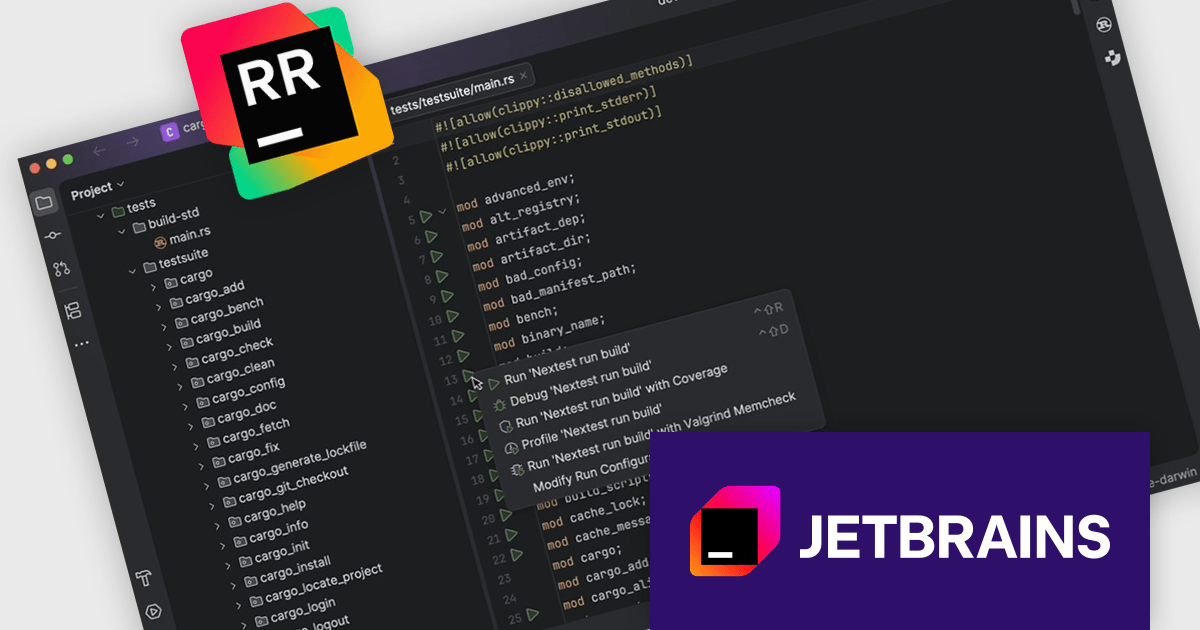
RustRover by JetBrains is a specialized integrated development environment (IDE) designed to support the unique needs of Rust developers. Built on JetBrains' IntelliJ platform, it combines deep language understanding with tools that enhance productivity, such as intelligent code completion, advanced code analysis, and robust refactoring capabilities. RustRover also integrates with Cargo, Rust's package manager, and includes built-in support for testing and debugging to improve the entire development process. By focusing on the requirements of performance-critical and memory-safe applications, RustRover helps developers write efficient, reliable, and maintainable Rust code with ease.
RustRover 2026.1 now integrates cargo-nextest, allowing developers to execute tests more efficiently within large Rust workspaces without relying on the terminal. This addition provides improved performance for test runs while presenting structured results and real-time progress in the IDE’s Test tool window. By keeping everything inside the development environment, it reduces context switching and makes it easier to monitor and act on test outcomes as part of everyday development.
To see a full list of what's new in 2026.1, see our release notes.
RustRover is licensed per user, and is available as a commercial annual subscription license. We can supply new subscriptions, subscription renewals, lapsed renewals, and additional user licenses. See our RustRover licensing page for full details.
RustRover is available to buy in the following products:

ComponentSource and Duende Software have built a strong partnership focused on helping developers access trusted tools for authentication and authorization. Duende provides modern identity and access management solutions based on open standards, enabling secure login, API protection, and user management across web, mobile, and enterprise applications.
At the center of Duende Software is IdentityServer, their flagship product, a flexible and standards compliant OpenID Connect and OAuth 2.1 framework for ASP.NET Core that enables secure access control, single sign on, and scalable identity management across distributed applications for modern enterprise environments.
Through this collaboration, ComponentSource strengthens its portfolio with enterprise grade security solutions, helping differentiate its offering while delivering Duende’s products to developers and organizations worldwide.
Learn more about Duende Software.
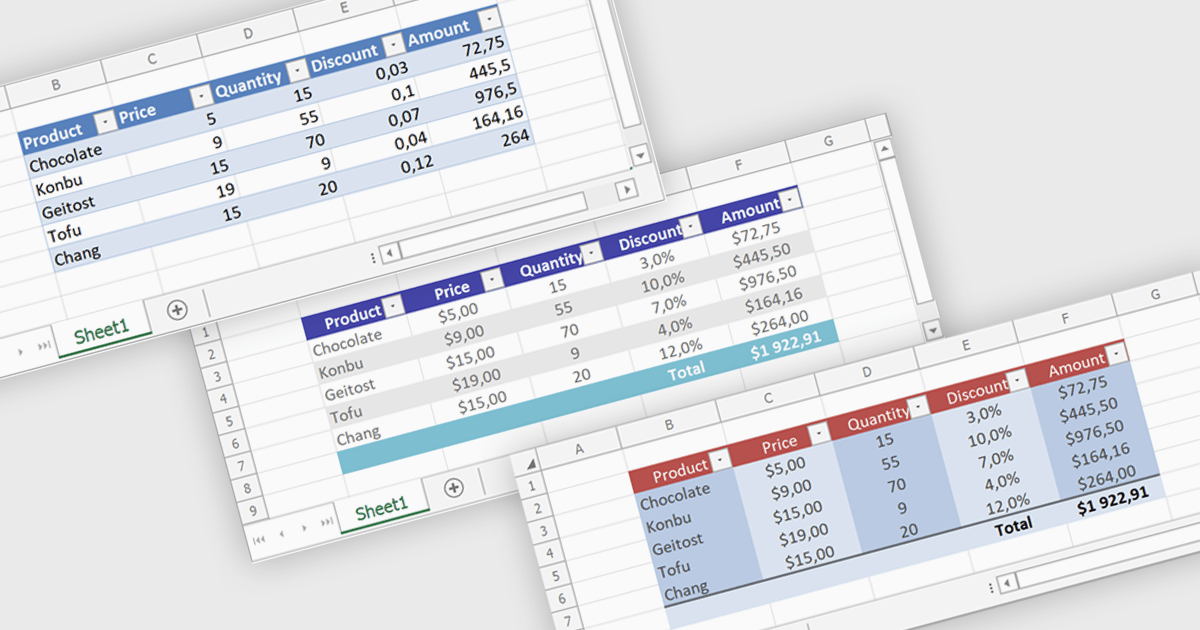
Spreadsheet tables provide a structured way to organize and manage data by grouping related information into defined rows and columns with built in functionality. They enhance usability by enabling automatic sorting and filtering, consistent formula application through calculated columns, and clearer data interpretation with structured references and styling. Tables can also expand dynamically as new data is added, reducing manual updates and errors. Common use cases include managing financial records, analyzing sales performance, tracking inventory, and working with data bound to external sources, making them a powerful tool for both everyday tasks and advanced data analysis.
Several .NET spreadsheet controls offer table support including:
For an in-depth analysis of features and price, visit our .NET spreadsheet controls comparison.





Tel: (888) 850 9911
Fax: +1 770 250 6199


