








Official Supplier
As official and authorized distributors, we supply you with legitimate licenses directly from 200+ software publishers.
See all our Brands.
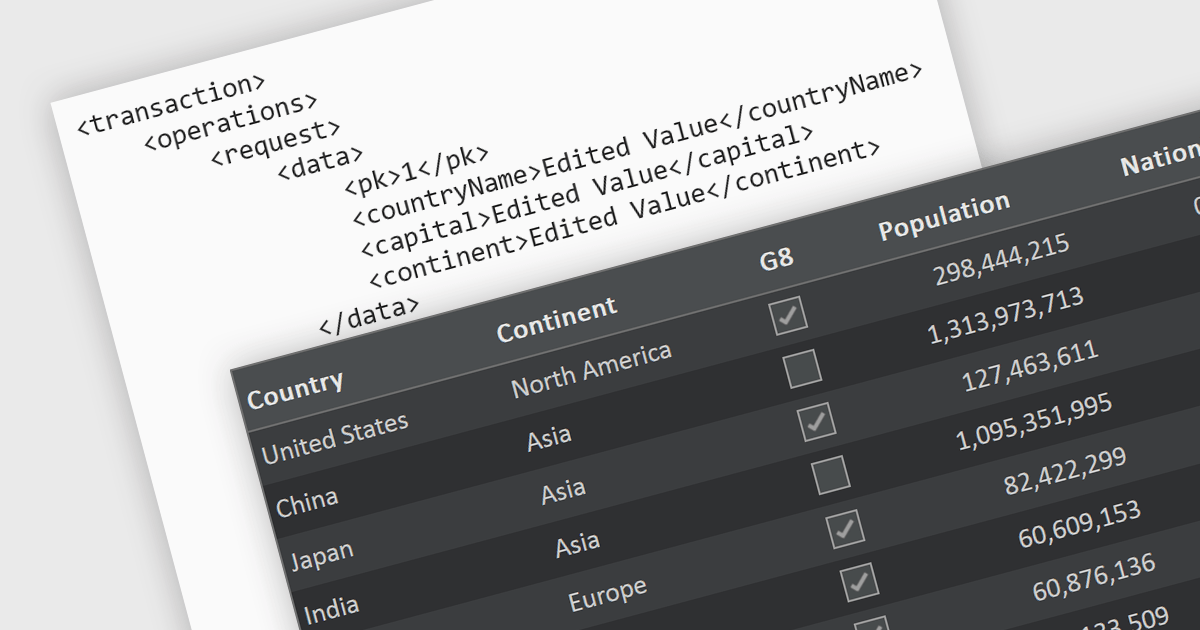
A RESTful API is a standardized interface that facilitates interaction between your application and remote data sources. Built on the principles of Representational State Transfer (REST), it leverages familiar HTTP verbs like GET, POST, PUT, and DELETE to perform CRUD operations (Create, Read, Update, Delete) on resources. This elegant and widely adopted approach ensures predictable communication, simplifies data access and manipulation, and empowers your applications to be dynamic, scalable, and efficient. In essence, RESTful APIs act as secure intermediaries, orchestrating a seamless flow of information between your application and the data it needs.
Several JavaScript grid controls support RESTful as a data source, such as:
For an in-depth analysis of features and price, visit our JavaScript grid comparison.
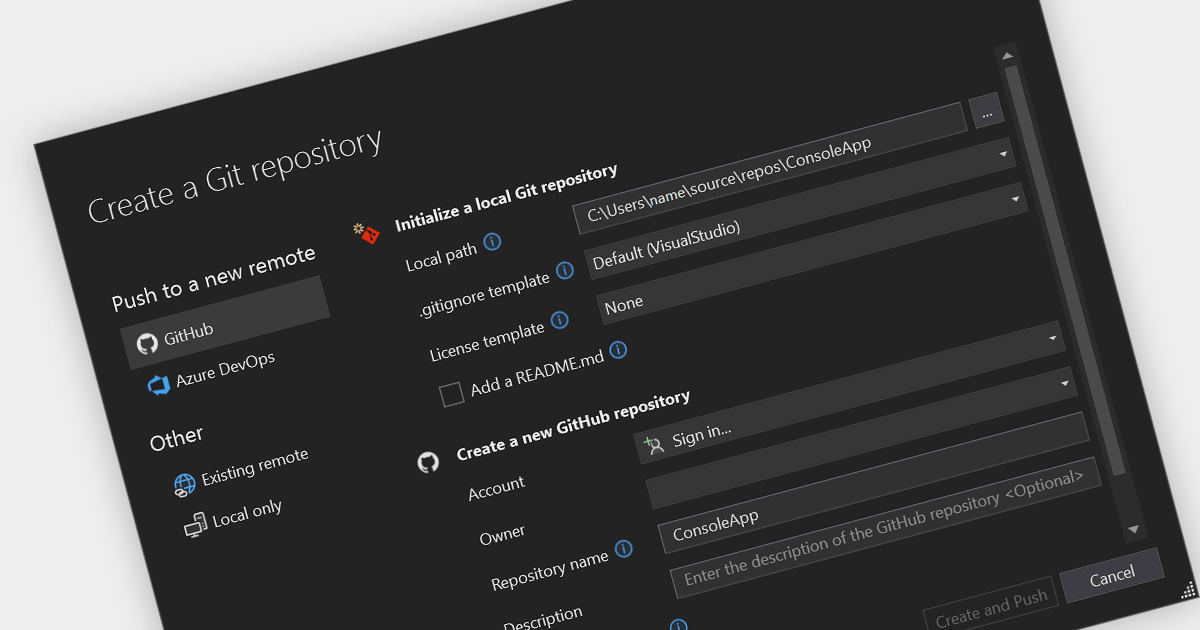
Git is a ubiquitous distributed VCS that empowers software developers with transparency and collaboration. Its efficient local snapshotting and flexible branching models offer developers freedom to experiment and iterate, while its robust conflict resolution and distributed nature facilitate seamless merging and asynchronous teamwork. From solo projects to large-scale enterprise deployments, Git ensures code integrity, tracks history with meticulous detail, and provides a safety net for exploration, making it a professional standard for version control. Git integration in IDEs brings version control tools into the development environment itself. It allows developers to easily track changes, revert to previous states, and collaborate with others, without needing a separate application or process.
Several IDEs offer Git version control support including:
For an in-depth analysis of features and price, visit our IDEs comparison.
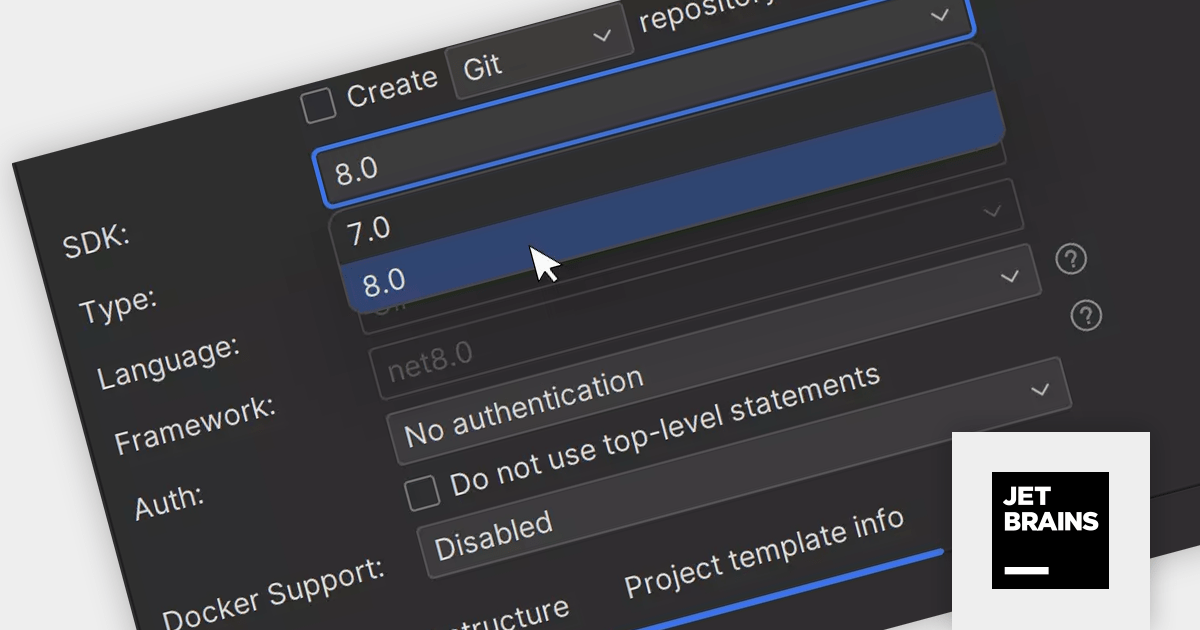
Rider is a professional Integrated Development Environment (IDE) specifically designed for building .NET applications. Developed by JetBrains, Rider combines robust functionality with a sleek interface to offer a superior coding experience. Rider supports C#, F#, JavaScript, and TypeScript, making it a versatile tool for modern .NET development. Powerful features like advanced code completion, integrated unit testing, built-in debugging tools, and seamless cross-platform support (Windows, macOS, Linux) streamline the development process. Rider seamlessly integrates with popular version control systems and databases, enhancing project management and code collaboration.
The Rider 2023.3 release elevates developers' toolkits with comprehensive support for the cutting-edge .NET 8 framework. Fresh project templates facilitate project bootstrapping, while integrated tooling seamlessly navigates updated C# 12 features like primary constructors, interceptors, and flexible type referencing via alias directives. F# development also receives a boost with shorthand lambdas, nested record updates, static interface members, and let bindings streamlining code conciseness and clarity. Rider now empowers developers to effortlessly build secure applications by integrating support for Identity API endpoints, a foundational element for modern authentication workflows.
To see a full list of what's new in version 2023.3, see our release notes.
Rider is licensed per user, and is available as a commercial annual subscription license. We can supply new subscriptions, subscription renewals (including continuity discounts), lapsed renewals, and additional user licenses. See our Rider licensing page for full details.
For more information, visit our Rider product page.
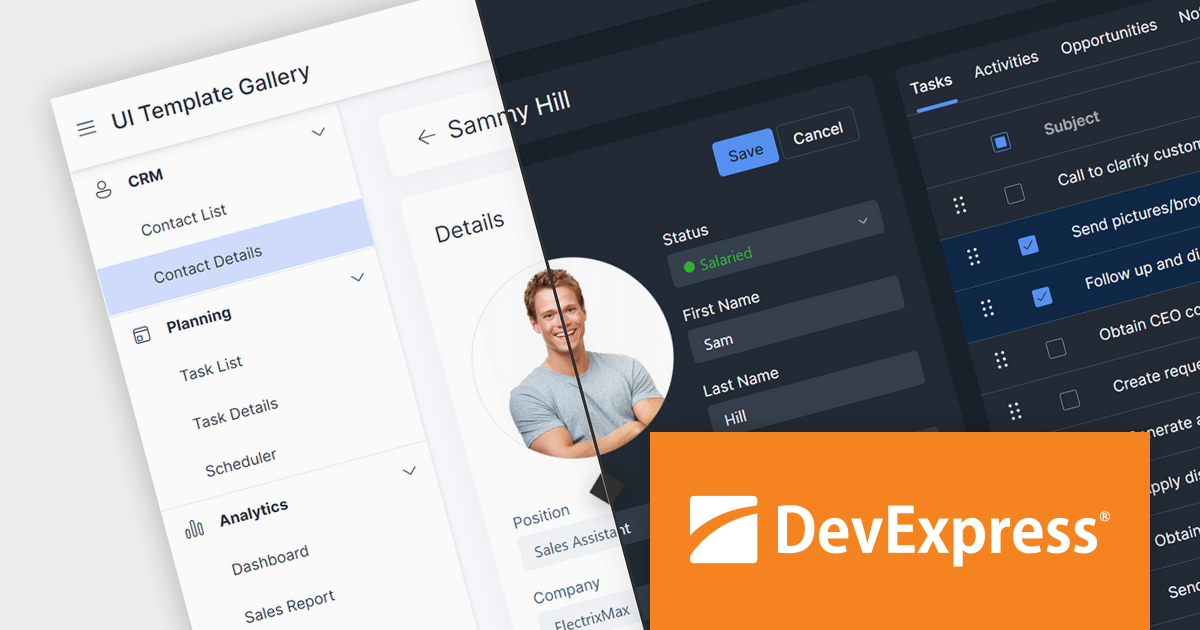
DevExpress ASP.NET Core is a powerful suite of UI components and reporting tools designed to enhance the development of modern, data-driven web applications built with ASP.NET Core. It leverages the flexibility of client-side JavaScript libraries like DevExtreme with the ease of server-side ASP.NET Core Razor syntax and Web APIs. This hybrid approach allows developers to build rich, responsive UIs with features like data grids, editors, schedulers, and charts, while maintaining the productivity and control of server-side development.
Version 23.2 introduces a new theme inspired by Microsoft's Fluent design system. This theme prioritizes accessibility, offering components with robust contrast color support. Users can choose between two distinct color schemes, Classic and Saas, and two size modes, Standard and Compact, to tailor the UI experience to their preferences. Enhancements extend beyond visuals, with the introduction of a dedicated DxFluent icon package that seamlessly integrates with the overall aesthetic. Developers can leverage the power of the ThemeBuilder tool to effortlessly customize and personalize the Fluent theme to match their specific brand identity and application demands.
To see a full list of what's new in version 23.2, see our release notes.
DevExpress ASP.NET and Blazor is licensed per developer and is available as a Perpetual License with a 12 month support and maintenance subscription. See our DevExpress ASP.NET and Blazor licensing page for full details.
DevExpress ASP.NET and Blazor is available to buy in the following products:
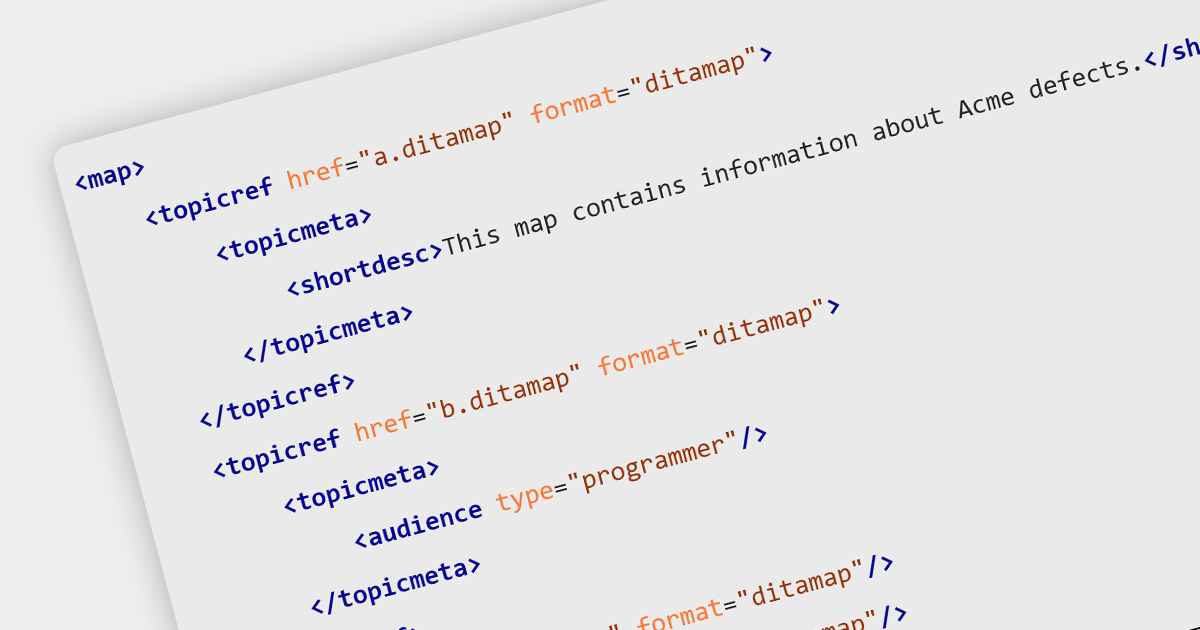
DITA (Darwin Information Typing Architecture) is a powerful XML-based standard for authoring, managing, and delivering technical information. It breaks content into reusable "topics" (think paragraphs, images, or code snippets). These building blocks are then assembled into larger structures like manuals or user guides using "maps". DITA topics can be easily reused across multiple documents, reducing redundancy and saving time. Update the relevant topic once, and it ripples across every document that uses it. Benefit from multi-format publishing to generate stunning PDFs, web-friendly HTML, and even print-ready layouts, all from a single DITA source. DITA can be customized to accommodate different industry standards and content types and is ideal for software documentation, user manuals, API references, online help and training materials.
A number of structured document tools offer DITA support including:
For an in-depth analysis of features and price, visit our Structured Document Tools comparison.





Tel: (888) 850 9911
Fax: +1 770 250 6199


