








Official Supplier
As official and authorized distributors, we supply you with legitimate licenses directly from 200+ software publishers.
See all our Brands.

SmartClient is a comprehensive JavaScript component suite compatible with React, Vue, Angular, and more, that empowers you to craft large-scale, high-productivity Enterprise web applications. Its modern class system fosters clean encapsulation of application modules and screens, resulting in a more maintainable and comprehensible codebase.
In this blog post, Alex Fashakin demonstrates how to use SmartClient's built-in feature to save search preferences on grids. Steps include:
Read the complete blog to learn how to boost productivity with the SmartClient saved search feature.
For more information visit our SmartClient product page.
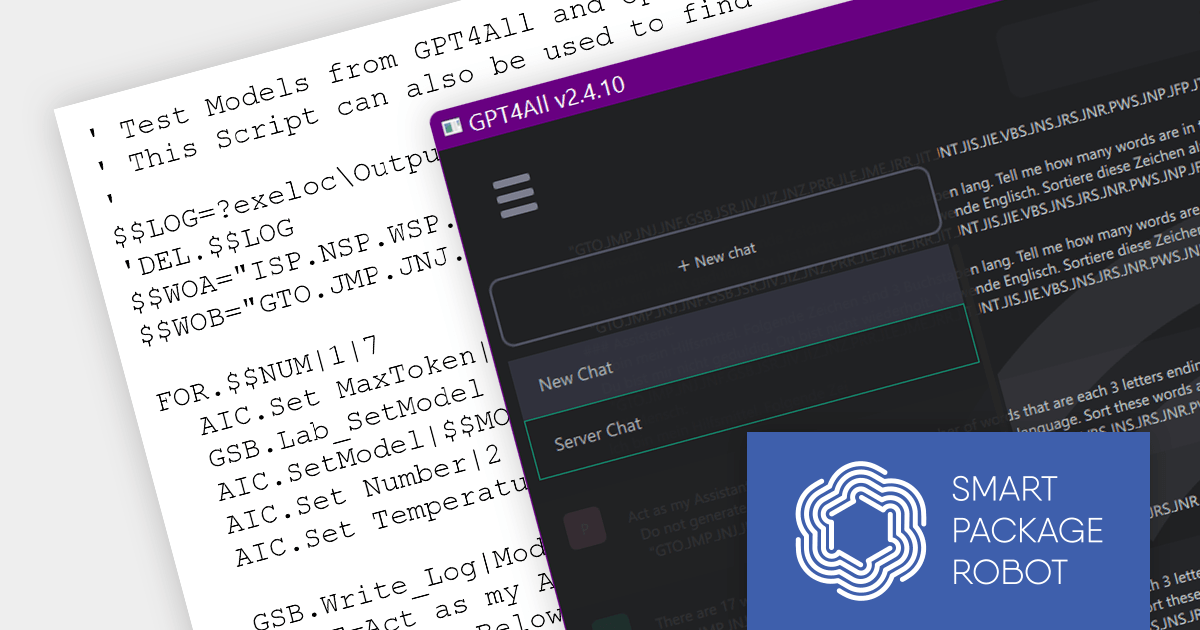
Smart Package Robot is a powerful automation tool that streamlines tasks across various domains, enhancing productivity and efficiency. With over 1000 automated features, it replicates manual actions, freeing up time for more demanding tasks. Smart Package Robot prioritizes data security, employing robust encryption and data transmission protocols to safeguard sensitive information.
Smart Package Robot v3.0 makes it easy to integrate leading AIs into your own products. This new release allows you to benefit from AI-Cloud and AI-Offline systems, including such tools as Vision, TTS, ChatGPT, DALL·E 3 and WHISPER by Open AI, ElevenLabs Text 2 Speech, DeepL Translator, GPT4All and more, all without the need to make any Python scripts. Incorporating these tools can drastically improve your system's accuracy, efficiency and user experience.
To see a full list of what's new in v3.0, see our release notes.
For more information, see our Smart Package Robot product page.
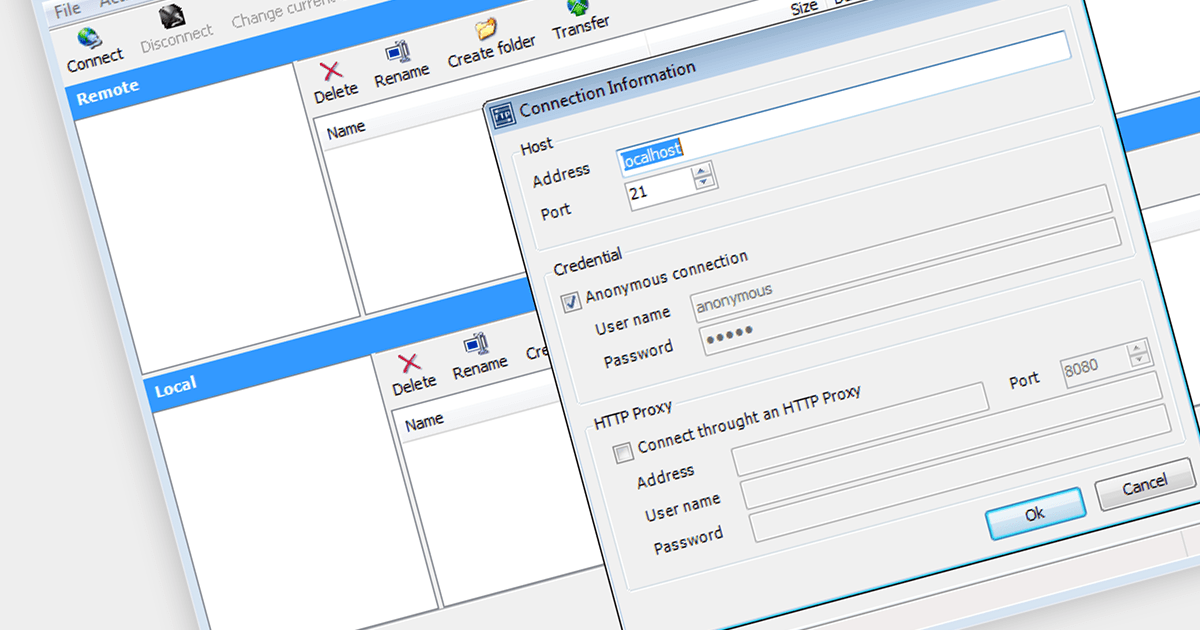
Secure File Transfer Protocol (SFTP) is a communication protocol for transferring files securely. It operates over the Secure Shell (SSH) protocol, providing a protected path for file transfer, access, and management. SFTP is an essential part of communications and messaging in systems where data security is a priority, as it encrypts both commands and data, preventing sensitive information from being exposed to unauthorized entities during the transfer process.
There are a number of .NET Core components that support SFTP including:
For an in-depth analysis of features and price, visit our comparison of .NET Core Comms & Messaging components.
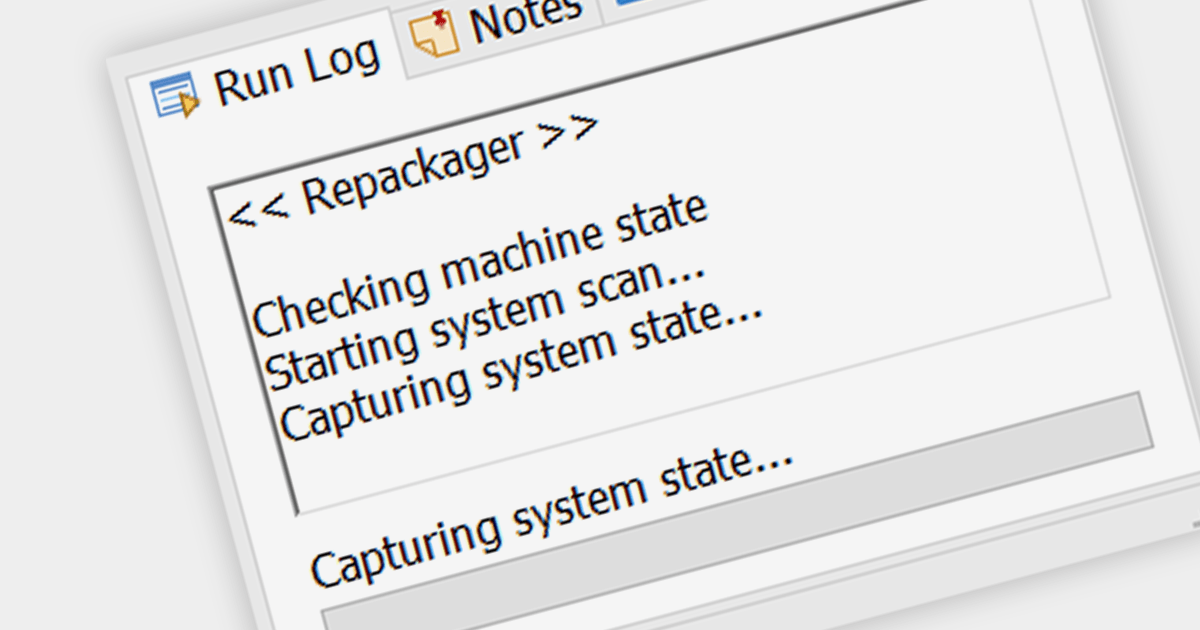
In the context of installation tools, capturing snapshots refers to the capability to record the state of a system before and after software installation. This is crucial for developers and system administrators to understand the changes an installation makes, allowing for a clean uninstallation process and aiding in troubleshooting any issues that arise due to changes in system files or registry settings.
Several Installation Tools support capturing snapshots including:
For an in-depth analysis of features and price, visit our Installation Tools comparison.
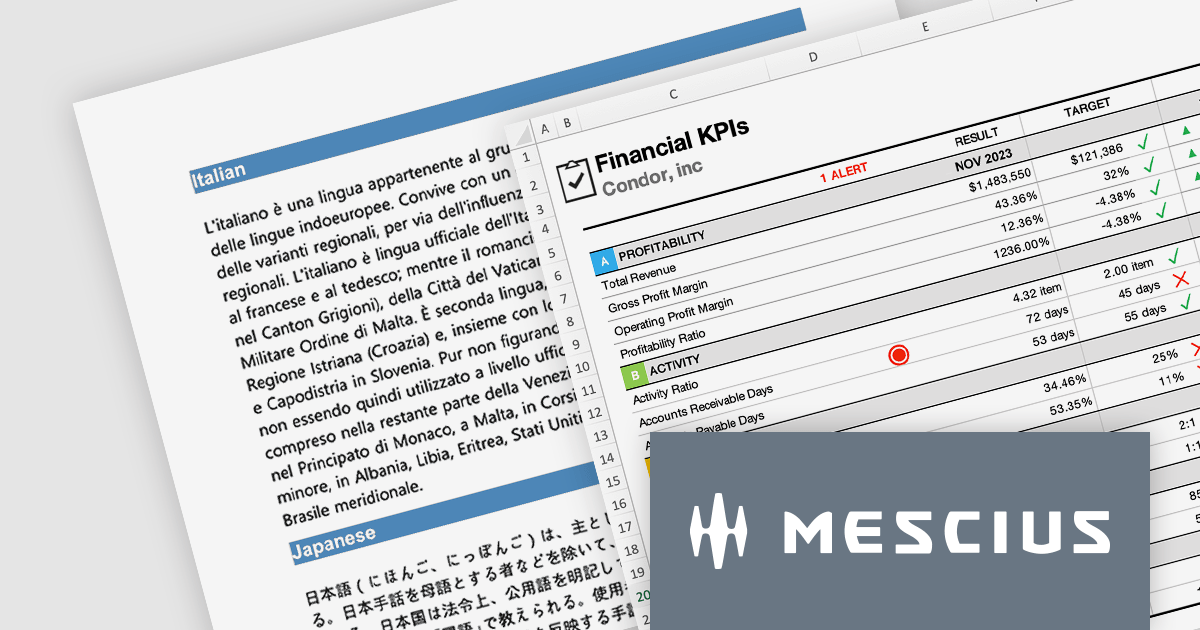
The Document Solutions product line from MESCIUS gives developers the ability to generate, load, edit, and save spreadsheets, PDFs, Images, and DOCX files in any .NET, C#, ASP.NET, and VB.NET applications without any dependency on Microsoft Office or Adobe Acrobat. It even includes Document Solutions for Excel, Java Edition - giving Java developers the same capability with Excel spreadsheets.
In this blog post, MESCIUS Product Manager Shilpa Sharma shows you how document automation can be a powerful tool to accelerate workflows and enhance collaboration within organizations. By leveraging the power of Document APIs, businesses can automate repetitive tasks, reduce errors, and enhance efficiency. Key benefits include:
The Document Solutions product line includes:
Read the complete blog to learn these powerful techniques.





Tel: (888) 850 9911
Fax: +1 770 250 6199


