








Official Supplier
As official and authorized distributors, we supply you with legitimate licenses directly from 200+ software publishers.
See all our Brands.
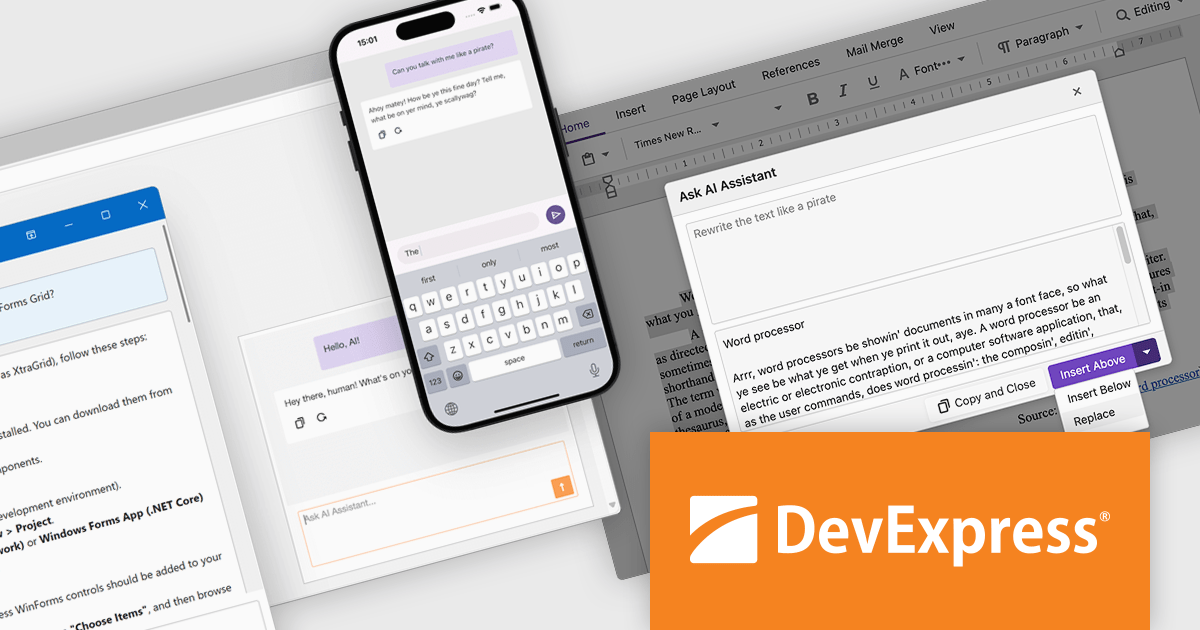
DevExpress offers a robust suite of developer tools designed to streamline application development across platforms, including .NET MAUI for cross-platform mobile and desktop solutions, ASP.NET and Blazor for modern, web-based applications, and WinForms and WPF for rich, desktop-centric experiences. Each product delivers a comprehensive set of features, from high-performance UI components to advanced data management tools, enabling developers to build sophisticated, responsive, and visually compelling applications tailored to diverse user needs. With a focus on efficiency and versatility, these tools empower developers to achieve faster time-to-market while maintaining exceptional quality.
The DevExpress 24.2 update introduces AI-powered extensions that streamline application development with lightweight APIs and pre-built UI elements for Natural Language Processing (NLP) across WinForms, WPF, Blazor, and .NET MAUI. With seamless support for OpenAI, Azure OpenAI, self-hosted models like Ollama, and other AI services via the Semantic Kernel, developers can easily integrate cutting-edge AI functionality into their applications. These enhancements enable advanced document editing, contextual search, and AI chat components, simplifying the adoption of natural language processing and automation. By reducing development complexity and boosting productivity, these tools empower developers to create modern, user-centric solutions across a wide range of platforms.
To see a full list of what's new in version 24.2 , see our release notes.
DevExpress products are offered as Perpetual Licenses with a 12 month subscription for minor and major updates. Subscription Renewals are also available. See our DevExpress Universal licensing page for full details.
For more information, visit our DevExpress product pages:
The JetBrains All Products Pack offers a unified subscription to a complete suite of development tools, including 12 Integrated Development Environments (IDEs), 3 extensions, and 2 profilers, all accessible with a single license. This all-in-one solution is tailored for developers, teams, and organizations seeking flexibility and efficiency, allowing seamless transitions between tools and machines to accommodate diverse projects and workflows. By consolidating licenses, users benefit from streamlined management, significant cost savings - effectively gaining access to 12 IDEs for the price of two - and the ability to explore new tools without additional expense. With unlimited access to JetBrains’ industry-leading software, the All Products Pack empowers high-quality, efficient development across multiple languages and platforms, making it an invaluable resource for advancing skills and productivity.
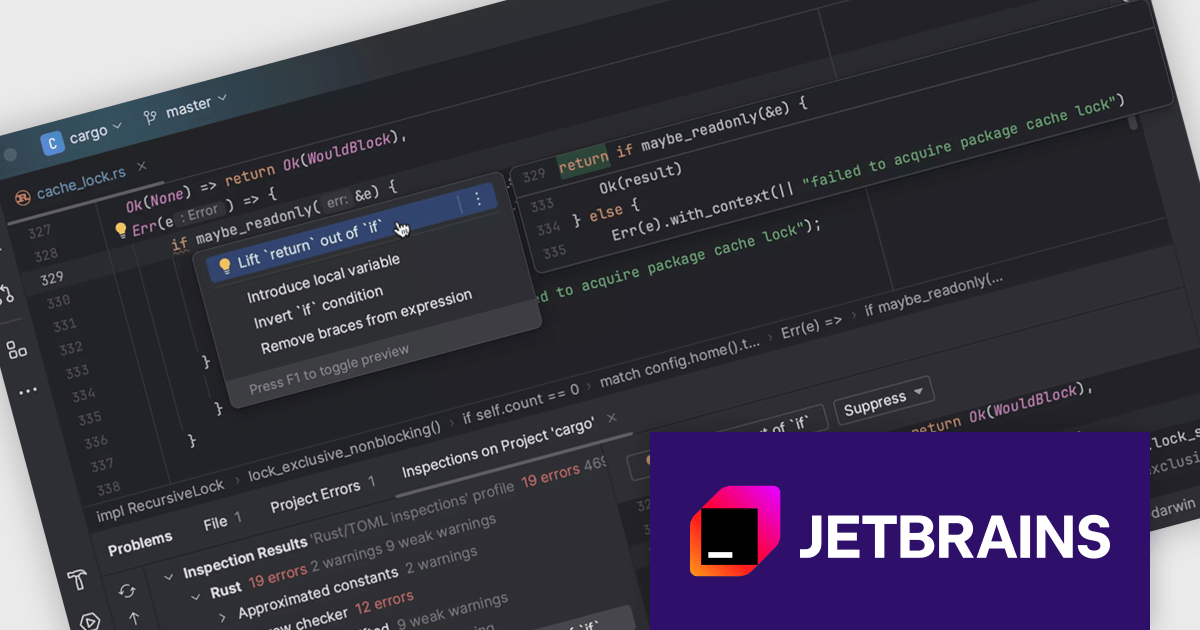
The code editor feature included in the JetBrains All Products Pack delivers advanced code analysis and quick-fix capabilities, enabling developers to identify and resolve issues in real time. With contextual quick-fixes, intelligent refactoring tools, and seamless multi-language support for languages such as Java, Python, Kotlin, JavaScript, PHP, C++, and more, it enhances code quality and streamlines workflows. Designed to integrate with CI/CD pipelines, this feature ensures consistent, high-quality code delivery, making it ideal for maintaining clean, efficient, and reliable codebases across diverse projects.
This code editor is available in the following products, all of which are included in the JetBrains All Products Pack:
The JetBrains All Products Pack is licensed per user as a commercial annual subscription. We can supply New Subscriptions, Subscription Renewals, Lapsed Subscription Renewals, and Additional Developer Licenses. See our JetBrains All Products Pack licensing page for full details.
For more information, see our JetBrains All Products Pack product page.
DataSpell by JetBrains is an Integrated Development Environment (IDE) specifically designed for data analysts and engineers. It allows you to write Python scripts, run SQL queries, analyze data in Jupyter notebooks, manage dbt workflows, and connect to databases, all within one seamless interface. DataSpell empowers you to stay focused on exploring insights and delivering high-quality results by combining rich data analysis tools with features like real-time error checking, code quality analysis, and built-in support for best practices like testing and documentation.
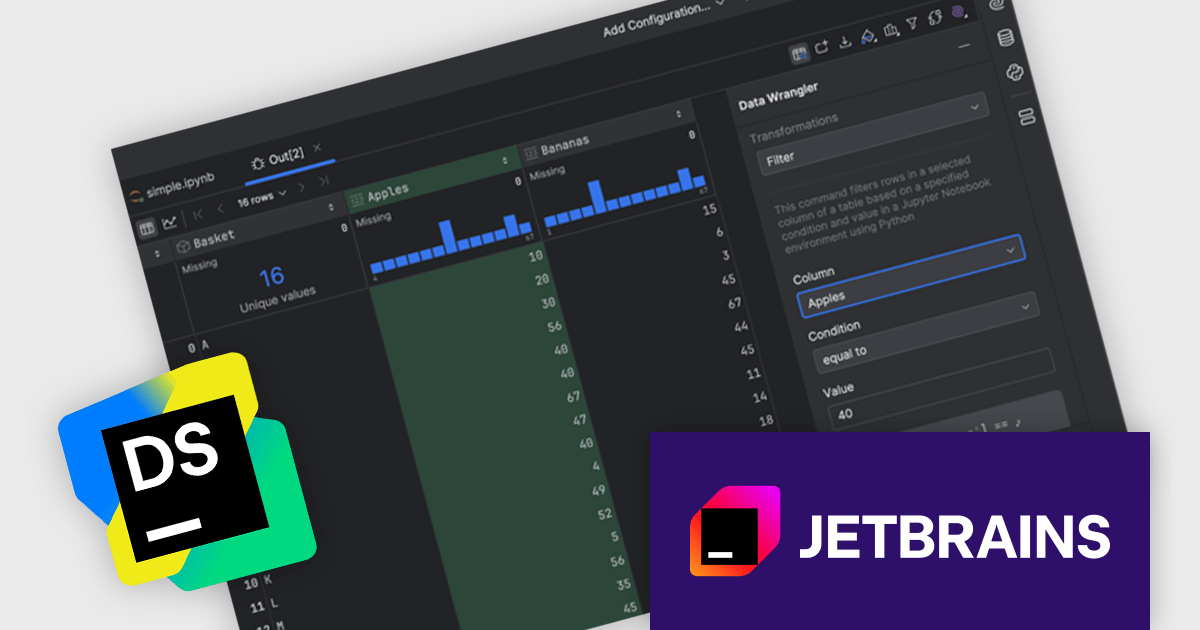
The DataSpell 2024.3 update introduces Data Wrangler, a no-code tool designed to streamline data cleaning and preparation, addressing the significant time investment often required in these processes. Initially focused on tabular data, Data Wrangler offers intuitive actions such as filtering, cleaning, and replacing data, alongside advanced statistical functions like min-max scaling, Z-score normalization, and various methods for outlier detection and skewness reduction. Enhancing productivity, the tool generates code for transformations, allowing users to seamlessly incorporate changes into their workflows or export results in versatile formats. With its guided approach and user-friendly interface, Data Wrangler demonstrates JetBrains' commitment to automate and optimize data manipulation tasks for data professionals.
To see a full list of what's new in version 2024.3, see our release notes.
DataSpell is licensed per user as a commercial annual subscription. See our DataSpell licensing page for full details.
DataSpell is available individually or as part of JetBrains All Products Pack.
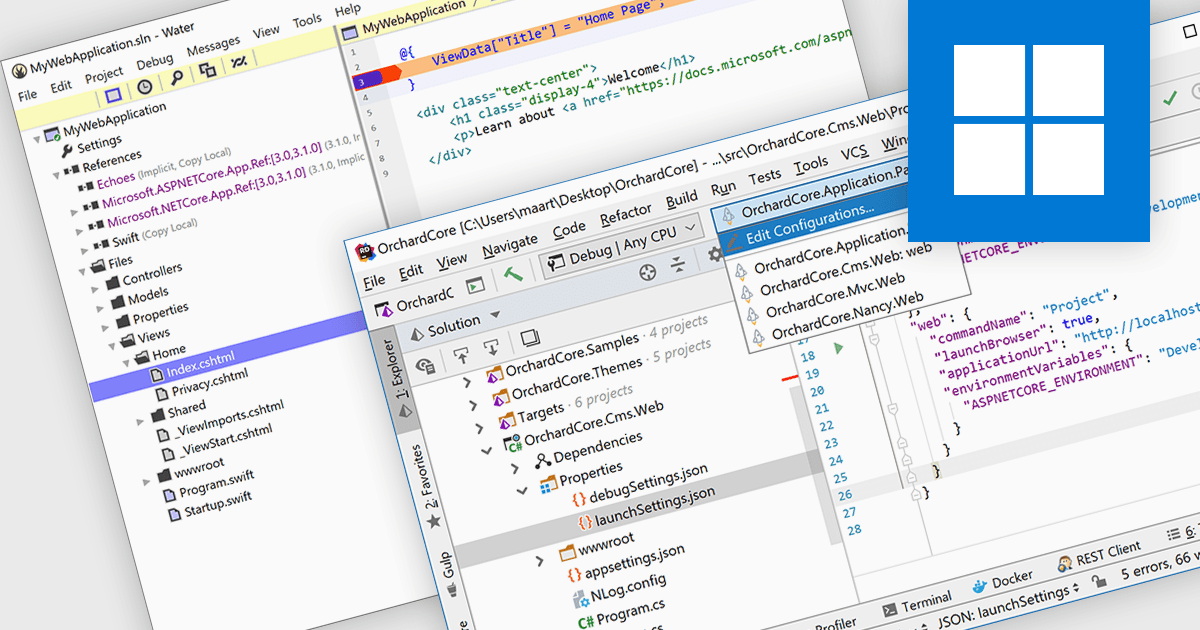
ASP.NET, Microsoft’s framework for building dynamic web applications, is well-supported in modern integrated development environments. These IDEs provide features like syntax highlighting, intelligent code completion, and debugging tools. Many offer project templates designed specifically for ASP.NET applications. This support helps developers automate repetitive tasks and catch issues early with real-time feedback. By improving code quality and simplifying workflows, it enables faster development cycles and enhances overall productivity.
Several IDEs offer support for ASP.NET including:
For an in-depth analysis of features and price, visit our comparison of Integrated Development Environments (IDEs).
RustRover by JetBrains is a specialized integrated development environment (IDE) designed to support the unique needs of Rust developers. Built on JetBrains' IntelliJ platform, it combines deep language understanding with tools that enhance productivity, such as intelligent code completion, advanced code analysis, and robust refactoring capabilities. RustRover also integrates seamlessly with Cargo, Rust's package manager, and includes built-in support for testing and debugging to streamline the entire development workflow. By focusing on the requirements of performance-critical and memory-safe applications, RustRover helps developers write efficient, reliable, and maintainable Rust code with ease.
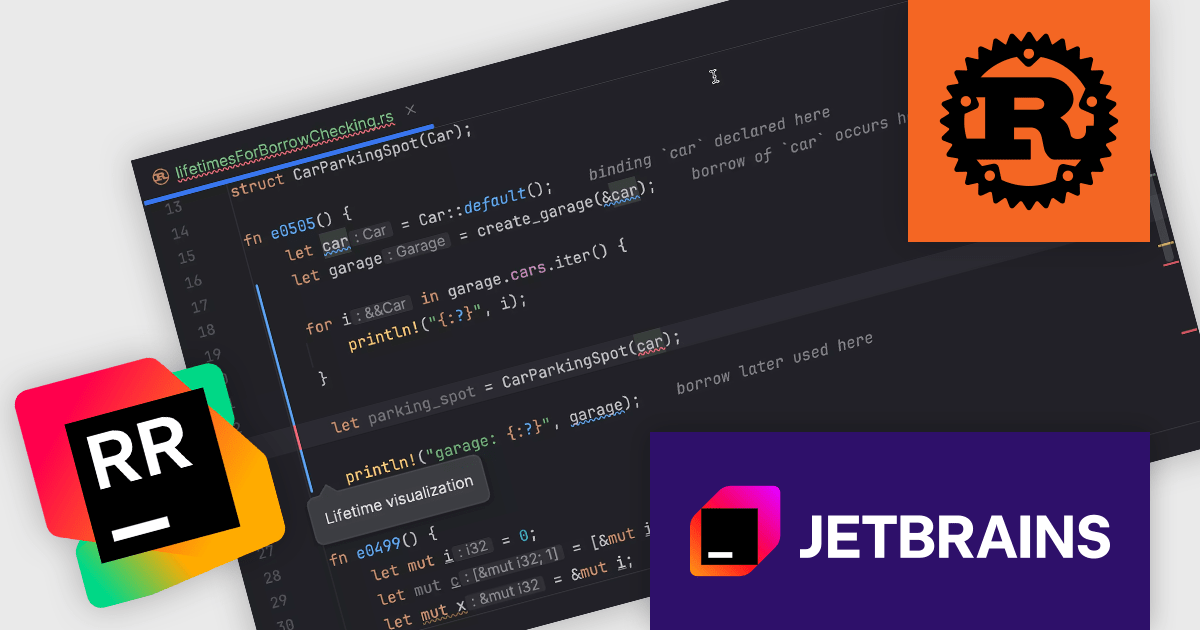
The JetBrains RustRover 2024.3 update introduces visualized variable lifetimes for borrow checker errors, offering developers a more intuitive way to understand and resolve issues related to Rust's ownership and borrowing rules. By providing clear, integrated lifetime visualizations when errors occur, this feature streamlines debugging workflows and eliminates the guesswork often associated with interpreting textual error messages. It enables developers to quickly identify conflicts and overlaps in variable lifetimes, improving productivity and code quality, especially in complex projects. This enhancement, seamlessly integrated with external linters, ensures a smoother and more efficient development experience.
To see a full list of what's new in 2024.3, see our release notes.
RustRover is licensed per user, and is available as a commercial annual subscription license. We can supply new subscriptions, subscription renewals (including continuity discounts), lapsed renewals, and additional user licenses. See our RustRover licensing page for full details.
RustRover is available to buy in the following products:





Tel: (888) 850 9911
Fax: +1 770 250 6199


