








Official Supplier
As official and authorized distributors, we supply you with legitimate licenses directly from 200+ software publishers.
See all our Brands.

Scriptcase is a RAD platform that simplifies PHP web application development. Its drag-and-drop interface, code generation capabilities, and database integration make it a user-friendly tool for both experienced programmers and non-technical users. By streamlining the development process, Scriptcase accelerates the time to market, reduces coding effort, enhances productivity, lowers costs, and improves user experience.
The Scriptcase 9.10.010 update streamlines web application development with the introduction of the new SoftCloud theme. This sleek and intuitive interface empowers you to create user-centric applications that prioritize ease of use and a modern aesthetic. Offered in two sizes, the new theme provides the flexibility to tailor the look and feel to your specific requirements.
To see a full list of what's new in version 9.10.010, see our release notes.
Scriptcase is licensed per developer and is available as an Annual or Perpertual license with 1 year support and maintenance. See our Scriptcase licensing page for full details.
For more information, visit our Scriptcase product page.
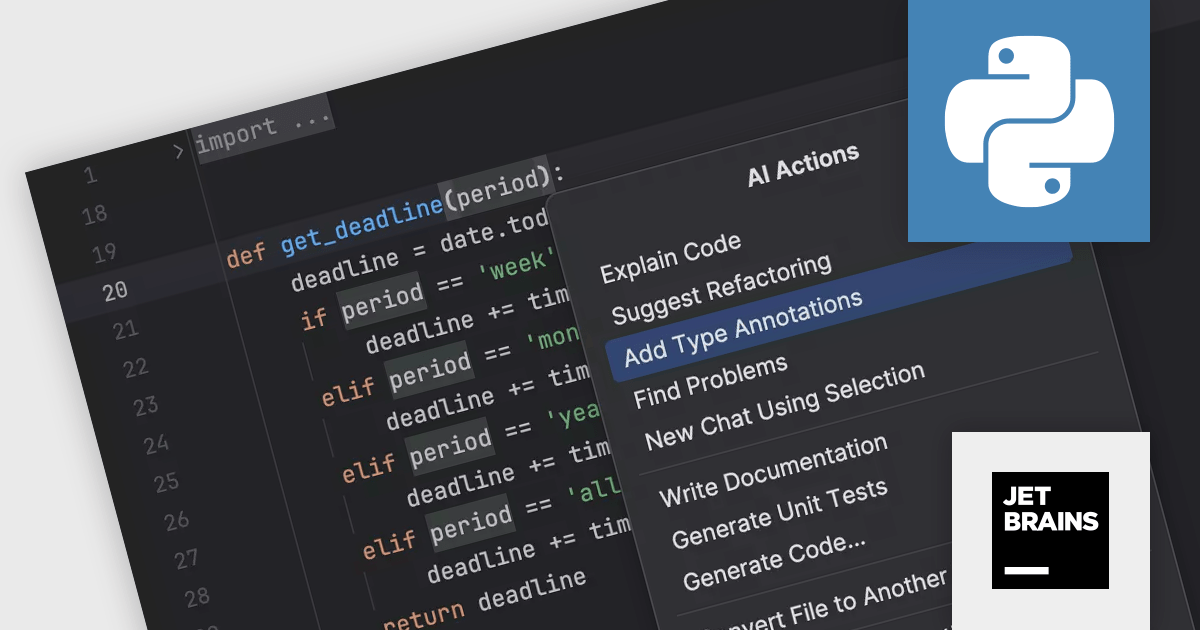
PyCharm by JetBrains is a comprehensive Integrated Development Environment (IDE) specifically designed for Python programming. It offers a range of features to enhance productivity, including code analysis for error detection, a visual debugger for troubleshooting, integrated unit testing for code verification, and support for version control systems to manage code changes. PyCharm also caters to web development using frameworks like Django, making it a powerful tool for both experienced developers and beginners in the Python world.
The PyCharm 2023.3.4 update improves the AI Assistant to help with the tedious task of writing type annotations. It can automatically generate type hints, freeing you to focus on crafting elegant and efficient Python code. This not only saves you time but also improves code readability and maintainability for you and your collaborators.
To see a full list of what's new in version 2023.3.4, see our release notes.
PyCharm is licensed per user, and is available as a commercial annual subscription license. We can supply new subscriptions, subscription renewals (including continuity discounts), lapsed renewals, and additional user licenses. See our PyCharm licensing page for full details.
For more information, visit our PyCharm product page.
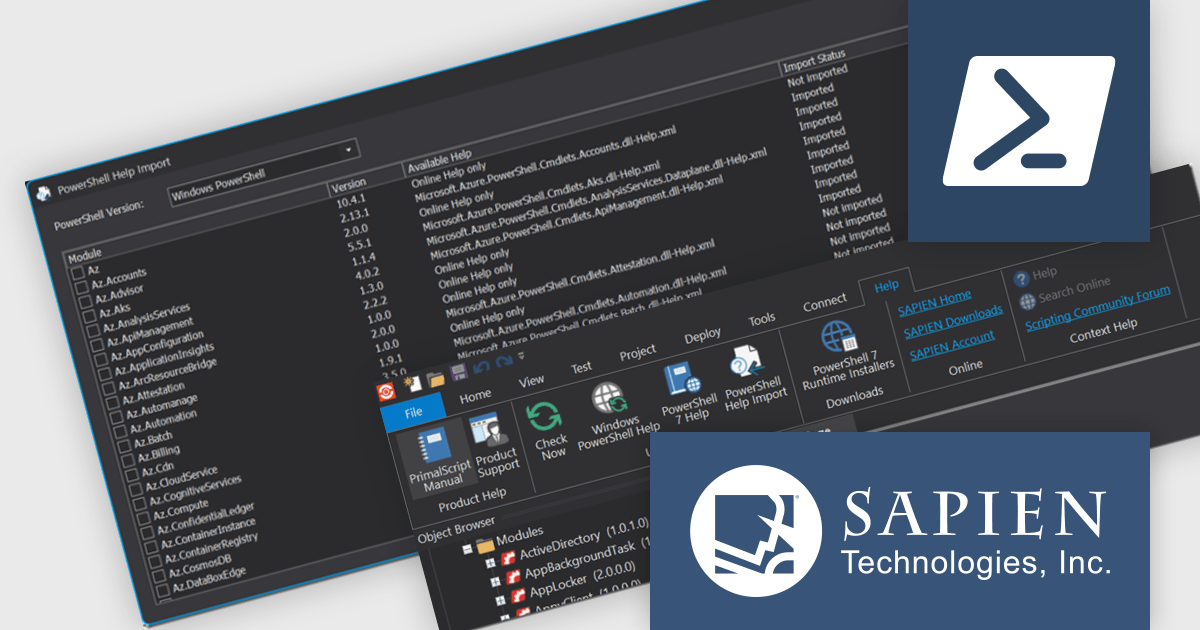
PowerShell Studio by SAPIEN Technologies is an integrated development environment (IDE) specifically designed for working with PowerShell scripts. It offers a robust code editor with features like syntax highlighting and code completion, streamlining script development. It also boasts a visual GUI designer for crafting user interfaces for your scripts without writing extensive code. PowerShell Studio provides functionalities for managing modules, debugging scripts, and integrating with version control systems, all within a single environment.
Version 2024 (5.8.238) adds a new PowerShell Help Import Tool that streamlines managing help files for installed modules. It provides an overview of available modules, their online/offline help status, and lets you import help files for specific modules or use preset options. This is particularly helpful when working offline, as you can import help files beforehand and access them even without internet access.
To see a full list of what's new in version 2024 (5.8.238), see our release notes.
PowerShell Studio is licensed per user and includes 1 year of product updates and support. Annual Premium Support is available and provides 1 Year of access to SAPIEN Technologies direct technical support ticketing system and a guaranteed response within 24 hours. The premium support package must be purchased at the same time as the initial software purchase, subscription renewal, or upgrade, and can be renewed on an annual basis. See our PowerShell Studio licensing page for full details.
PowerShell Studio is available to buy in:
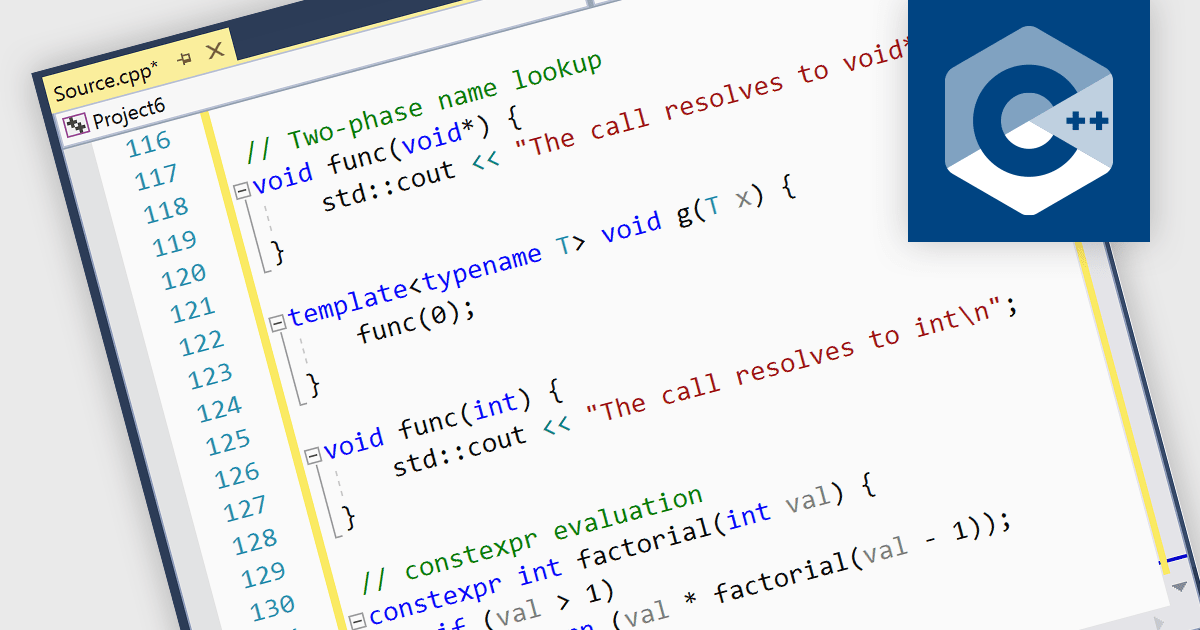
Integrated development environments (IDEs) that support C++ come equipped with functionalities designed to simplify and expedite C++ coding. This includes syntax highlighting for better code readability, intelligent code completion for faster and more accurate coding, integrated debugging to identify and fix errors, refactoring assistance to restructure code safely, and built-in compilation and build systems for seamless project management. These benefits result in increased developer productivity, enhanced code quality, and a smoother overall development experience.
Several IDEs provide C++ support including:
For an in-depth analysis of features and price, visit our IDEs comparison.
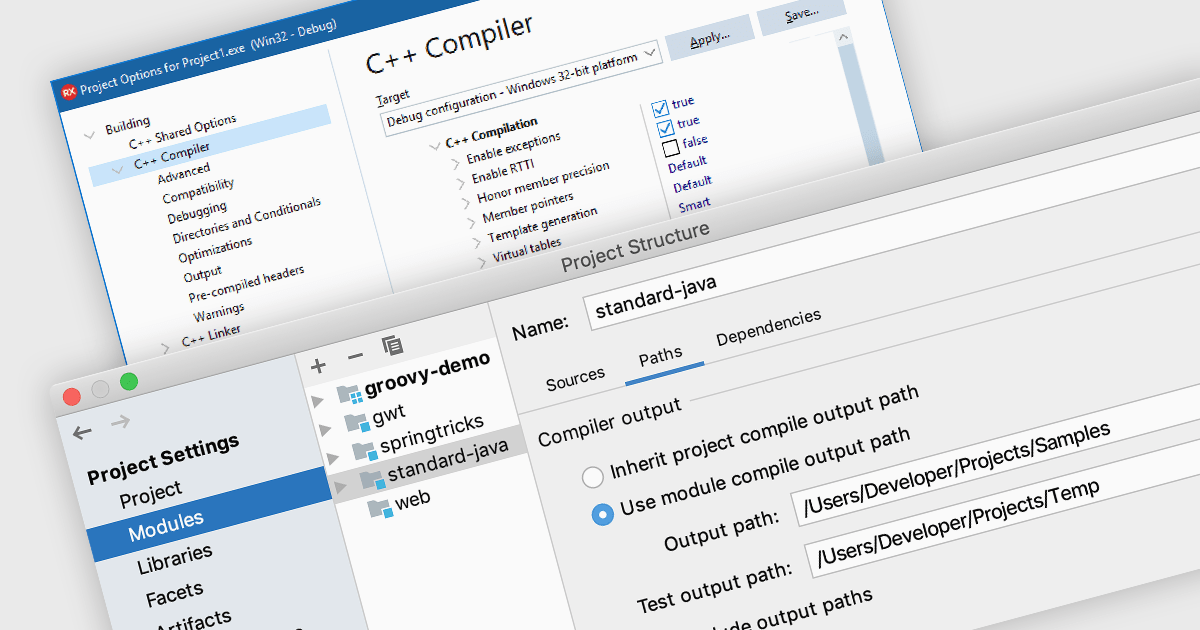
A code compiler transforms source code from high-level programming languages, such as Python or C++, into machine code that the CPU can directly understand. This process involves several steps, including lexical analysis, parsing, semantic analysis, optimization, and code generation. This allows programmers to create complex applications without needing to write directly in machine code, and the resulting program can operate on specific hardware or operating systems.
Several Integrated Development Environments (IDEs) offer a compiler, including:
For an in-depth analysis of features and price, visit our comparison of IDEs.





Tel: (888) 850 9911
Fax: +1 770 250 6199


