








Official Supplier
As official and authorized distributors, we supply you with legitimate licenses directly from 200+ software publishers.
See all our Brands.
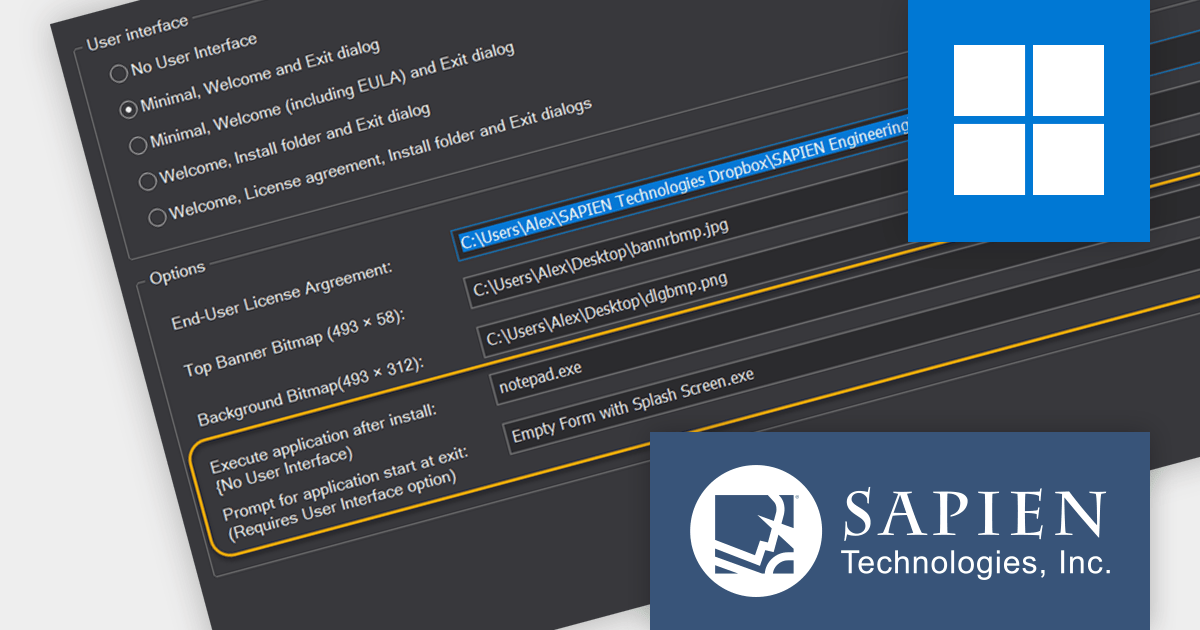
PrimalScript by SAPIEN Technologies is a comprehensive integrated development environment (IDE) designed for scripting and automation tasks. Offering a powerful platform for various scripting languages, PrimalScript streamlines the development process by providing robust editing, debugging, and deployment tools. Its user-friendly interface caters to both novice and experienced developers, fostering efficient script creation. With features like script packagers and advanced debugging capabilities, PrimalScript empowers users to enhance productivity in tasks ranging from small automation scripts to complex software development projects.
The PrimalScript 2024 update answers a frequently asked question from users: "How do I run an application or command after install?". It introduces innovative features to streamline application launch and post-install actions:
To see a full list of what’s new in version 2024, see our release notes.
PrimalScript is licensed per user and includes 1 year of product updates and support. Annual Premium Support is available and provides 1 Year of access to SAPIEN Technologies direct technical support ticketing system and a guaranteed response within 24 hours. The premium support package must be purchased at the same time as the initial software purchase, subscription renewal, or upgrade, and can be renewed on an annual basis. See our PrimalScript licensing page for full details.
For more information, visit our PrimalScript product page.
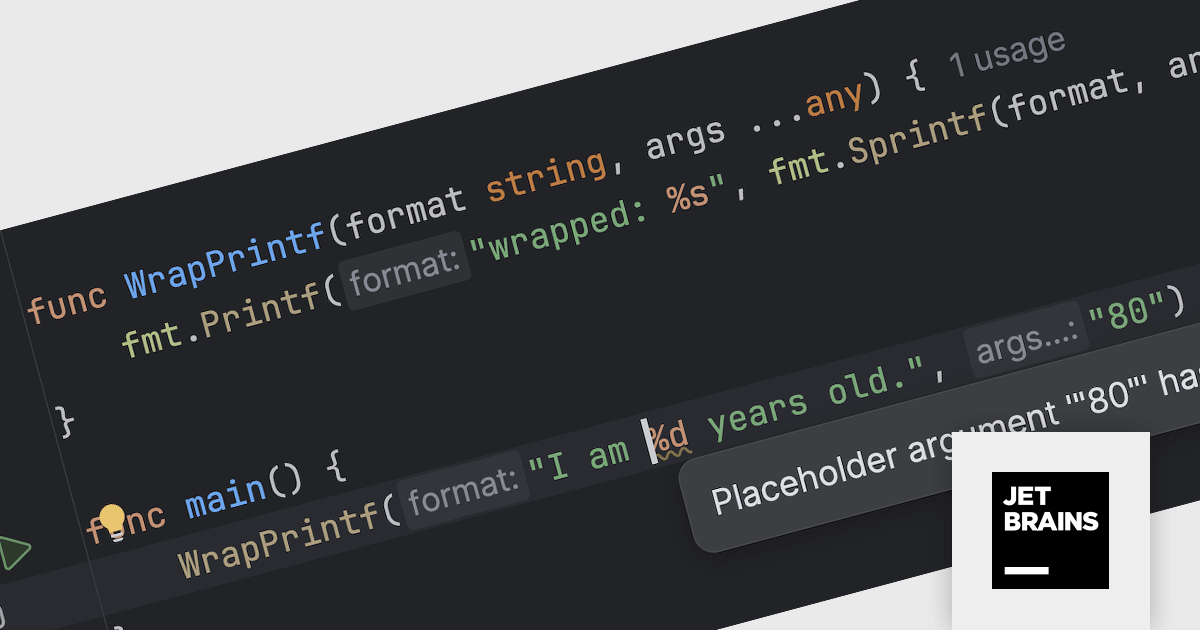
JetBrains GoLand is a dedicated integrated development environment (IDE) designed for Go programmers. It offers comprehensive features like intelligent code completion, advanced debugging tools, built-in testing frameworks, and code navigation aids for both individual and collaborative development. GoLand's focus on efficiency and productivity, along with its seamless integration with other JetBrains tools, makes it a powerful choice for professional Golang development.
The GoLand 2023.3 update empowers developers with code insight for custom printf-like functions, extending the same robust features previously available only for standard functions. This means you can enjoy placeholder highlighting, error detection, code folding, and other valuable tools for your user-defined functions, streamlining development and enhancing code clarity.
To see a full list of what's new in version 2023.3, see our release notes.
GoLand is licensed per user, and is available as a commercial annual subscription license. We can supply new subscriptions, subscription renewals (including continuity discounts), lapsed renewals, and additional user licenses. See our GoLand licensing page for full details.
For more information, visit our GoLand product page.
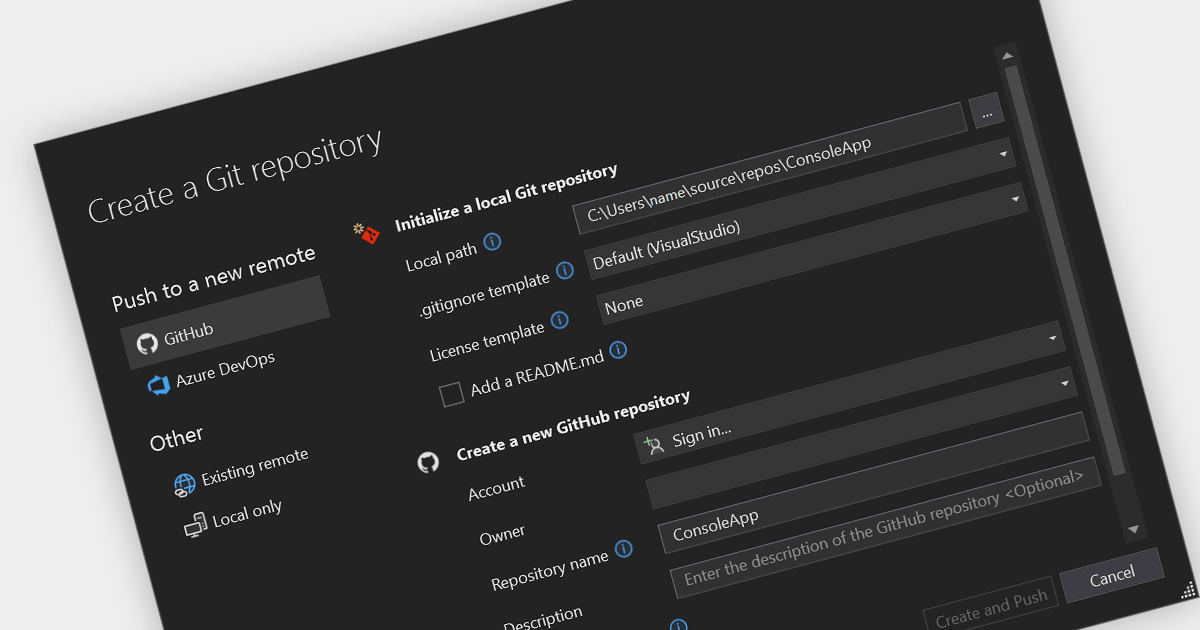
Git is a ubiquitous distributed VCS that empowers software developers with transparency and collaboration. Its efficient local snapshotting and flexible branching models offer developers freedom to experiment and iterate, while its robust conflict resolution and distributed nature facilitate seamless merging and asynchronous teamwork. From solo projects to large-scale enterprise deployments, Git ensures code integrity, tracks history with meticulous detail, and provides a safety net for exploration, making it a professional standard for version control. Git integration in IDEs brings version control tools into the development environment itself. It allows developers to easily track changes, revert to previous states, and collaborate with others, without needing a separate application or process.
Several IDEs offer Git version control support including:
For an in-depth analysis of features and price, visit our IDEs comparison.
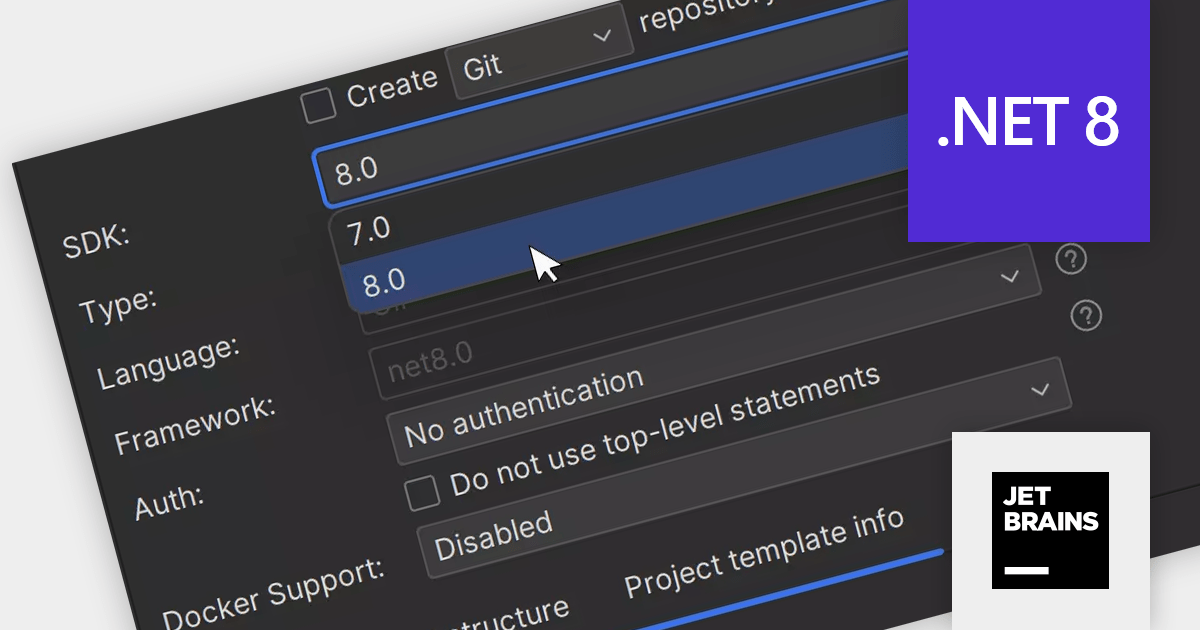
Rider is a professional Integrated Development Environment (IDE) specifically designed for building .NET applications. Developed by JetBrains, Rider combines robust functionality with a sleek interface to offer a superior coding experience. Rider supports C#, F#, JavaScript, and TypeScript, making it a versatile tool for modern .NET development. Powerful features like advanced code completion, integrated unit testing, built-in debugging tools, and seamless cross-platform support (Windows, macOS, Linux) streamline the development process. Rider seamlessly integrates with popular version control systems and databases, enhancing project management and code collaboration.
The Rider 2023.3 release elevates developers' toolkits with comprehensive support for the cutting-edge .NET 8 framework. Fresh project templates facilitate project bootstrapping, while integrated tooling seamlessly navigates updated C# 12 features like primary constructors, interceptors, and flexible type referencing via alias directives. F# development also receives a boost with shorthand lambdas, nested record updates, static interface members, and let bindings streamlining code conciseness and clarity. Rider now empowers developers to effortlessly build secure applications by integrating support for Identity API endpoints, a foundational element for modern authentication workflows.
To see a full list of what's new in version 2023.3, see our release notes.
Rider is licensed per user, and is available as a commercial annual subscription license. We can supply new subscriptions, subscription renewals (including continuity discounts), lapsed renewals, and additional user licenses. See our Rider licensing page for full details.
For more information, visit our Rider product page.

DataSpell by JetBrains is an Integrated Development Environment (IDE) specifically designed for data analysts and engineers. It allows you to write Python scripts, run SQL queries, analyze data in Jupyter notebooks, manage dbt workflows, and connect to various databases, all within one seamless interface. DataSpell empowers you to stay focused on exploring insights and delivering high-quality results by combining rich data analysis tools with features like real-time error checking, code quality analysis, and built-in support for best practices like testing and documentation.
The DataSpell 2023.3 release elevates data transformation with its seamless support for dbt Core, a rising star in the data modeling world. This integration simplifies data workflows, champions best practices like modularity and testing, and fosters well-documented workflows. SQL enthusiasts will appreciate the intuitive interface, while everyone benefits from straightforward project initiation, streamlined run configurations, and intelligent code completion for both SQL and YAML. DataSpell empowers you to build robust, reliable data pipelines with unprecedented ease and confidence.
To see a full list of what's new in version 2023.3, see our release notes.
DataSpell is licensed per user as a commercial annual subscription. See our DataSpell licensing page for full details.
For more information, visit our DataSpell product page.





Tel: (888) 850 9911
Fax: +1 770 250 6199


