








Official Supplier
As official and authorized distributors, we supply you with legitimate licenses directly from 200+ software publishers.
See all our Brands.
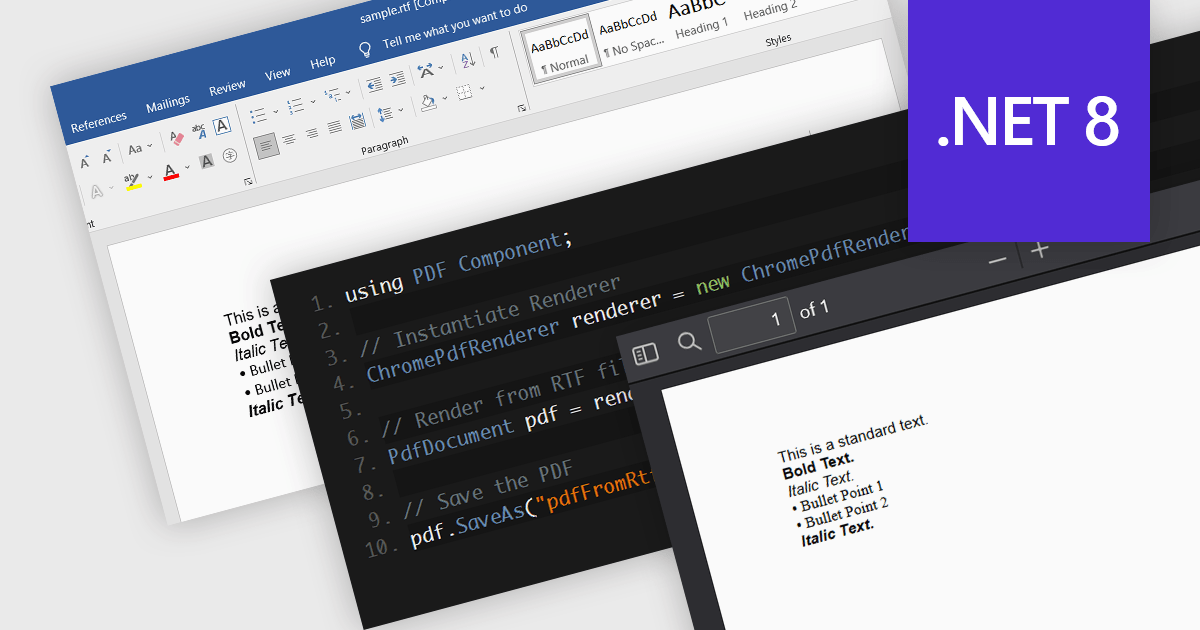
PDF components with RTF to PDF conversion support empower users to transform rich text documents into universally compatible PDFs. This functionality offers significant advantages, including ensuring consistent formatting across different devices and platforms, enhancing document security with features like password protection, and simplifying file sharing with recipients who may not have access to the original RTF editing software. This functionality is valuable for a variety of scenarios, from generating secure and presentable reports to easily sharing formatted text content with collaborators.
Several .NET 8 PDF components allow you to convert RTF to PDF, including:
For an in-depth analysis of features and price, visit our comparison of .NET 8 PDF components.
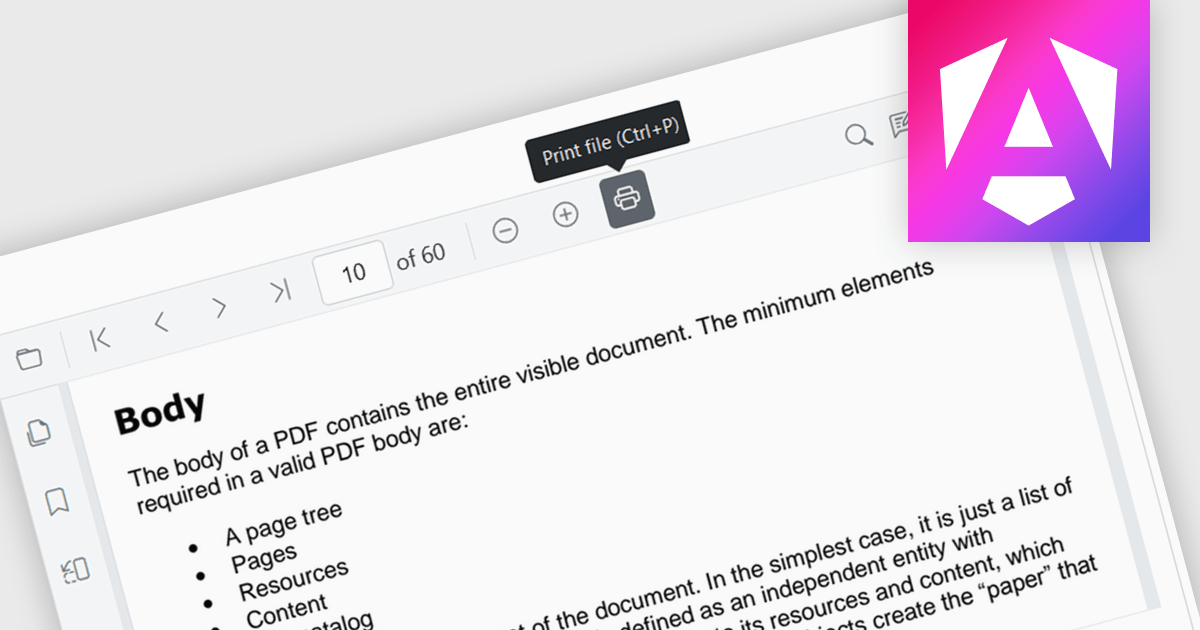
Enhance your Angular application's functionality with PDF viewer components that offer built-in printing support. This popular feature allows users to seamlessly print documents directly from your web app, eliminating the need for external downloads or software. Printing support provides benefits including increased efficiency, improved user experience, and better document control, making it ideal for scenarios where users need to generate physical copies of reports, contracts, or other vital documents.
Several Angular PDF viewer components include support for printing, including:
For an in-depth analysis of features and price, visit our comparison of Angular PDF viewer components.
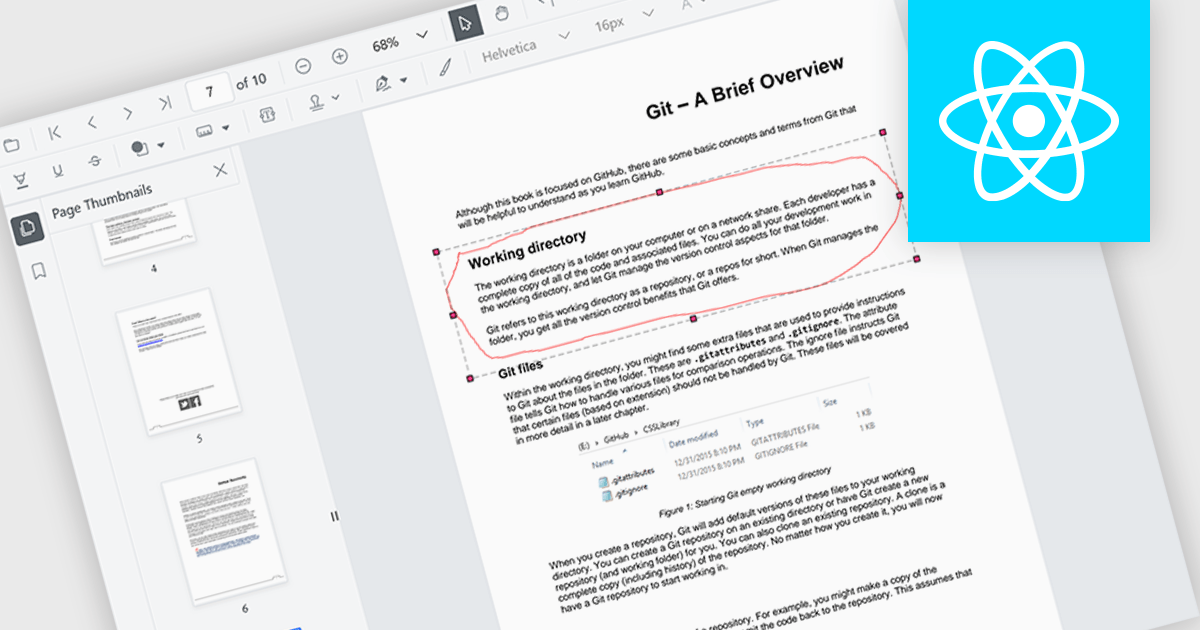
The ability to draw freehand annotations in PDF viewers allows users to directly mark up documents with digital ink, creating visual cues like circles, arrows, or custom shapes that can enhance communication and clarity. This is particularly useful for tasks like highlighting key passages, identifying areas for revision, or providing feedback in a more intuitive way compared to traditional text-based annotations.
Several React PDF viewer components offer the ability to draw freehand annotations including:
For an in-depth analysis of features and price, visit our React PDF viewer components comparison.
Syncfusion Essential Studio WPF, available as part of Syncfusion Essential Studio Enterprise, is a powerful suite of over 95 UI controls, 50+ charts, and document processing libraries designed to boost the development of high-performance line-of-business applications for the Windows Presentation Foundation (WPF) framework. With built-in themes, touch-friendly interfaces, and seamless Visual Studio integration, it empowers developers to craft modern, feature-rich, and cross-platform experiences with ease.
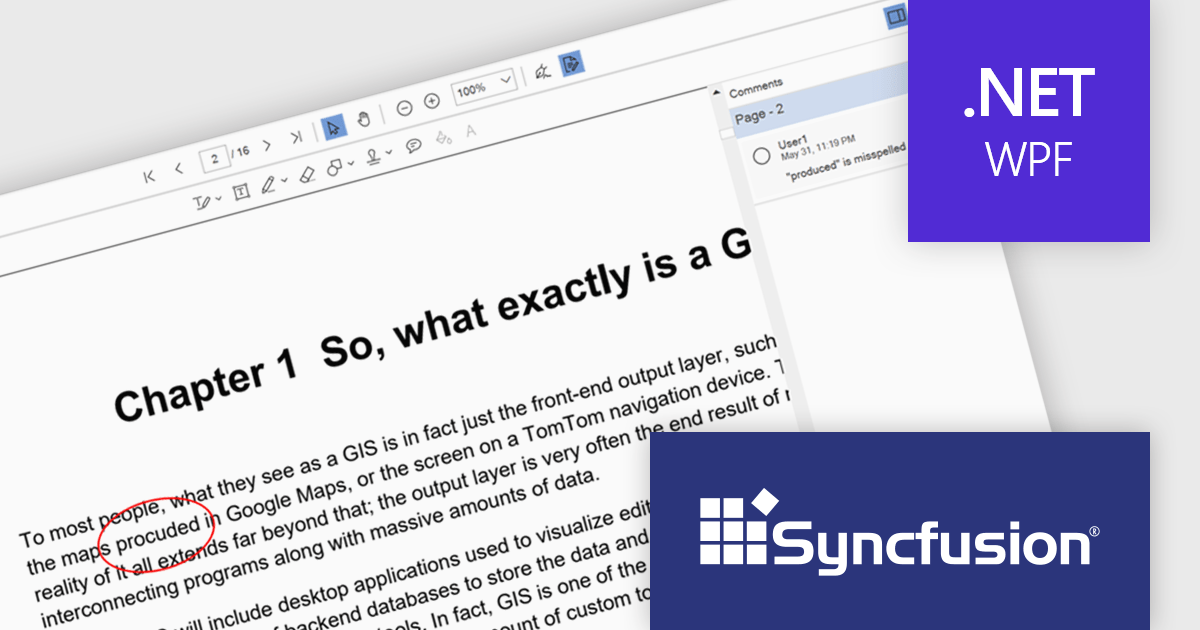
The Syncfusion Essential Studio WPF 2024 Volume 2 (26.1.35) release enhances the PDF Viewer by allowing users to add, edit, and delete comments on annotations within PDF documents. Users can reply to comments and set their status through the comment panel, facilitating dynamic and interactive document review. By enabling replies and status tracking, reviewers can have threaded discussions and ensure all feedback is addressed, improving the overall efficiency and clarity of the review process.
To see a full list of what's new in 2024 Volume 2 (26.1.35), see our release notes.
Syncfusion Essential Studio WPF is available as part of Syncfusion Essential Studio Enterprise which is licensed per developer starting with a Team License of up to five developers. It is available as a 12 Month Timed Subscription License which includes support and maintenance. See our Syncfusion Essential Studio Enterprise licensing page for full details.
Learn more on our Syncfusion Essential Studio WPF product page.
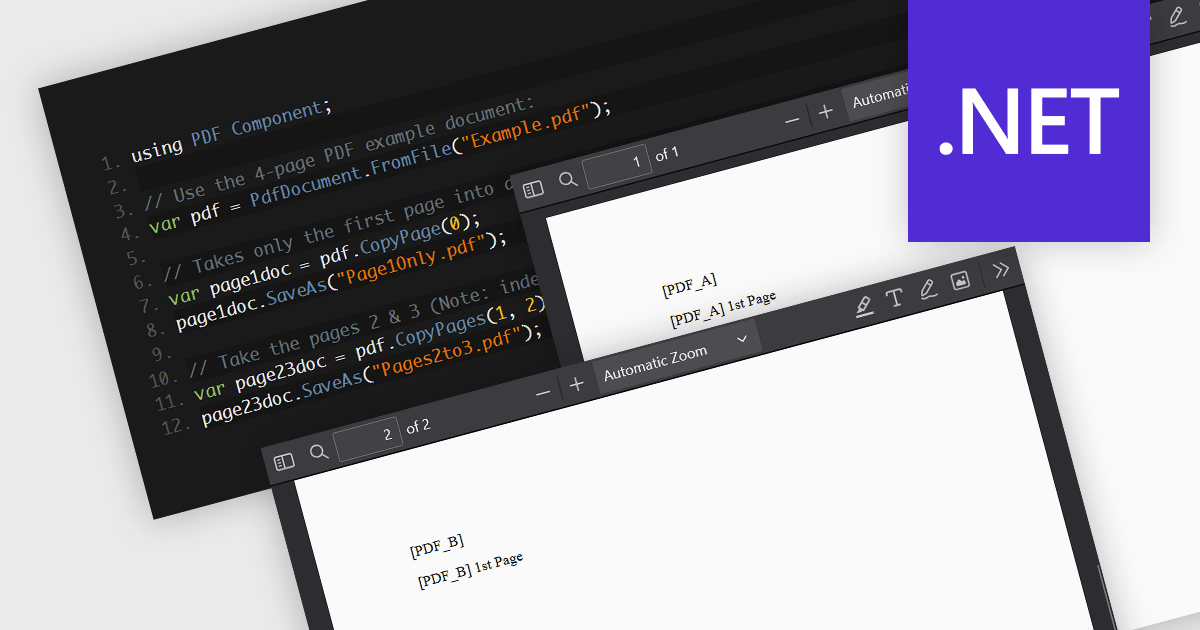
PDF splitting functionality enables users to divide a single PDF document into multiple smaller files, each containing a subset of the original document's pages. This capability is essential for managing large PDFs by breaking them down into more manageable sections, facilitating easier distribution, storage, and retrieval of specific content. The primary benefits of PDF splitting include improved performance due to reduced file size, enhanced organization by isolating relevant information, and increased flexibility in handling and sharing parts of the document without the need to manipulate the entire file. It can also simplify collaboration and review processes, as specific sections can be easily extracted and shared with relevant stakeholders.
Several .NET PDF components allow you to split PDF files, including:
For an in-depth analysis of features and price, visit our comparison of .NET PDF components.





Tel: (888) 850 9911
Fax: +1 770 250 6199


